- 対象年齢4+
- カテゴリ仕事効率化
- 開発元Passpack Inc
- 言語英語
- サイズ56.9 MB
App Storeの公式ページにリンクしています
Download.orgはPasspack Password Managerのファイルを一切ホストしていません。ボタンを押すと、Passpack Incが公開しているApp Storeのアプリページが開きます。ページの最終確認:2026/11/17。
スクリーンショット


概要
開発元はこのテキストをお使いの言語で提供していません。
Passpack brings 20 years of trusted password management to iPhone. Store, organize, and share passwords with end-to-end encryption that means only you can read your data — not us, not anyone else.
ZERO-KNOWLEDGE BY DESIGN
Every password, note, and credential is encrypted on your device before it ever leaves your phone. Passpack uses a layered AES-GCM + RSA-OAEP key hierarchy so the data sitting on our servers is unreadable without your packing key. We can't decrypt it. Our engineers can't decrypt it. An attacker who breaches our infrastructure can't decrypt it. That's the point.
KEY FEATURES
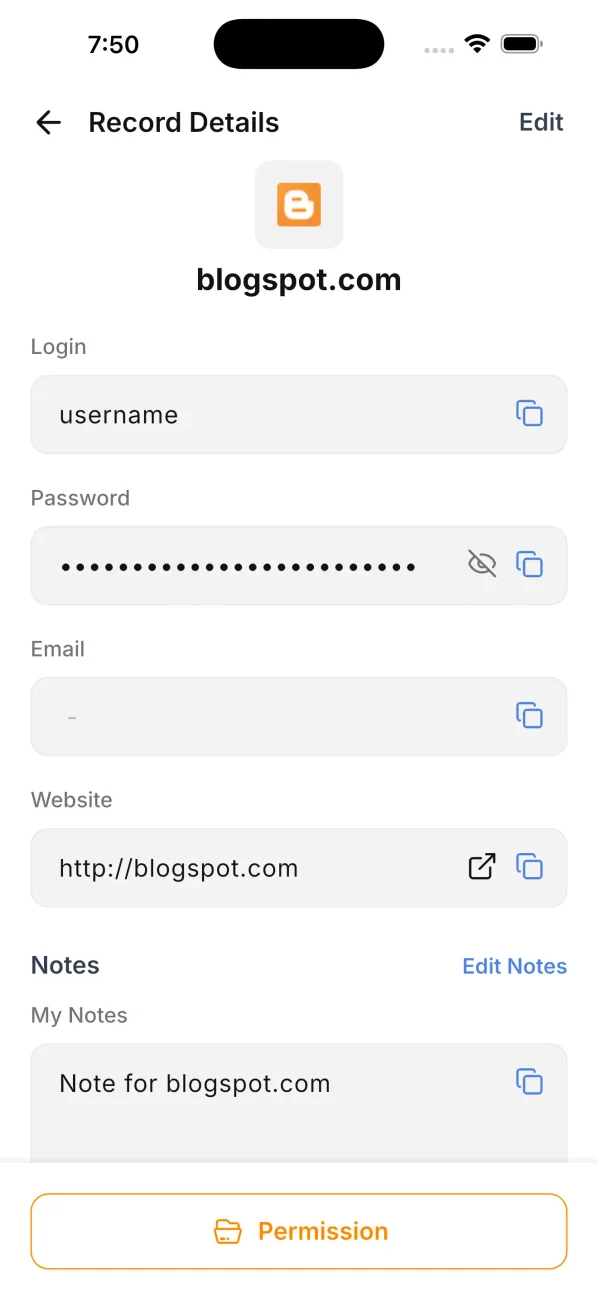
• Encrypted password vaults — store logins, secure notes, and custom fields with AES-256 encryption.
• Built-in 2FA / TOTP — generate time-based one-time codes alongside the credentials they protect.
• Team sharing — share specific passwords with specific teammates via a per-team key system. Revoke access at any time.
• Vaults and tags — organize by department, project, client, or any structure. Color-coded tags make search fast.
• Cross-device sync — use Passpack on iPhone, iPad, the web app, and the browser extension. Your data follows you.
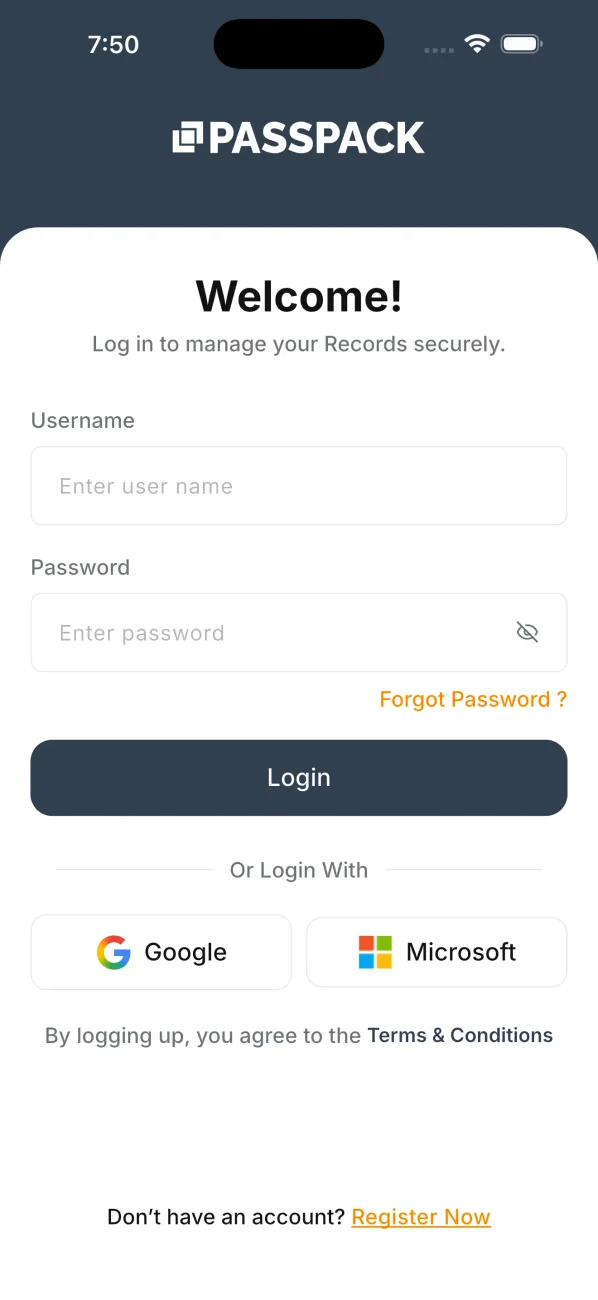
• Single sign-on — log in with email, Google, or Microsoft (Azure). Full MFA / TOTP support.
• Device approval — new device login attempts must be approved from a trusted device. Even with your password, an attacker can't get in.
BUILT FOR TEAMS — NOT JUST INDIVIDUALS
Most password managers treat sharing as an afterthought bolted onto a personal-vault product. Passpack was built around shared credentials from day one. Vaults, teams, and role-based permissions are first-class concepts, not features grafted on later. Whether you're a two-person consultancy or a multi-department company, the same architecture scales without compromising on encryption.
PRIVACY AND SECURITY
The iOS app uses iOS Keychain to store device-level keys and standard, well-vetted cryptographic algorithms — AES-GCM, RSA-OAEP, PBKDF2, SHA-256. The app is classified under EAR ECCN 5D992.c (mass-market encryption software).
Because of zero-knowledge encryption, your packing key is the only way back into your account. Passpack staff cannot reset it for you. We strongly recommend storing it somewhere safe — a recovery sheet, a hardware vault, or a trusted family member.
REQUIRES A PASSPACK ACCOUNT
New to Passpack? Sign up at passpack.com.
Existing customer? Log in with your usual credentials and your vaults sync automatically.
Questions or feedback: contact us at support@passpack.com.
新機能
バージョン 1.0.1 · 2026/8/15
• Record Health: the weak, reused and unchanged records in your vault, scanned on your device and nowhere else. Go to Settings and click on the report.
• The clipboard clears itself 90 seconds after you copy. Passpack never reads it — it only cleans up after itself.
• Passphrases, generated on device: five words from EFF's published list, ~52 bits.
• Auto-lock is now yours to set, from Immediately to 15 minutes.
• Starring a record no longer hides its 2FA code until the next sync. That one was ours.
アプリのプライバシー
このアプリのデータの取り扱いについて、Passpack IncがApp Storeで申告している内容です。
-
ユーザーに関連付けられないデータ
収集される場合がありますが、ユーザーの識別情報には関連付けられません。
- 診断
プライバシーの取り扱いは、ご利用の機能やお客様の年齢などに応じて異なる場合があります。
情報
- 販売元
- Passpack Inc
- カテゴリ
- 仕事効率化
- バージョン
- 1.0.1
- 更新日
- 2026/8/15
- リリース
- 2026/8/10
- サイズ
- 56.9 MB
- 必要条件
- iOS 15.5以降
- 対象年齢
- 4+
- 価格
- 無料
- 言語
- 英語
- 著作権
- © 2026 Passpack, Inc.