
- 対象年齢4+
- カテゴリ仕事効率化
- 開発元Click Studios (SA) Pty Ltd
- サイズ192.2 MB
App Storeの公式ページにリンクしています
Download.orgはPasswordstateのファイルを一切ホストしていません。ボタンを押すと、Click Studios (SA) Pty Ltdが公開しているApp Storeのアプリページが開きます。ページの最終確認:2026/11/23。
スクリーンショット



概要
開発元はこのテキストをお使いの言語で提供していません。
Passwordstate is an on-premise, web-based Enterprise Password Management solution that lets teams store, access and share sensitive credentials securely. The Passwordstate mobile app extends your own installation to iPhone and iPad, so your vault is available wherever work takes you, on-site or out of the office.
Your data stays under your control. The app connects only to your own self-hosted Passwordstate instances, and everything held on the device is protected by your Master Password with full AES-256 encryption and uniquely salted PBKDF2-HMAC-SHA512 key derivation.
KEY FEATURES:
- Pair in minutes. Connect the app to your Passwordstate instance with a pairing code and a quick QR scan.
- Multiple instances. Pair with more than one Passwordstate server and switch between them at sign-in, ideal for managed service providers and multi-site teams.
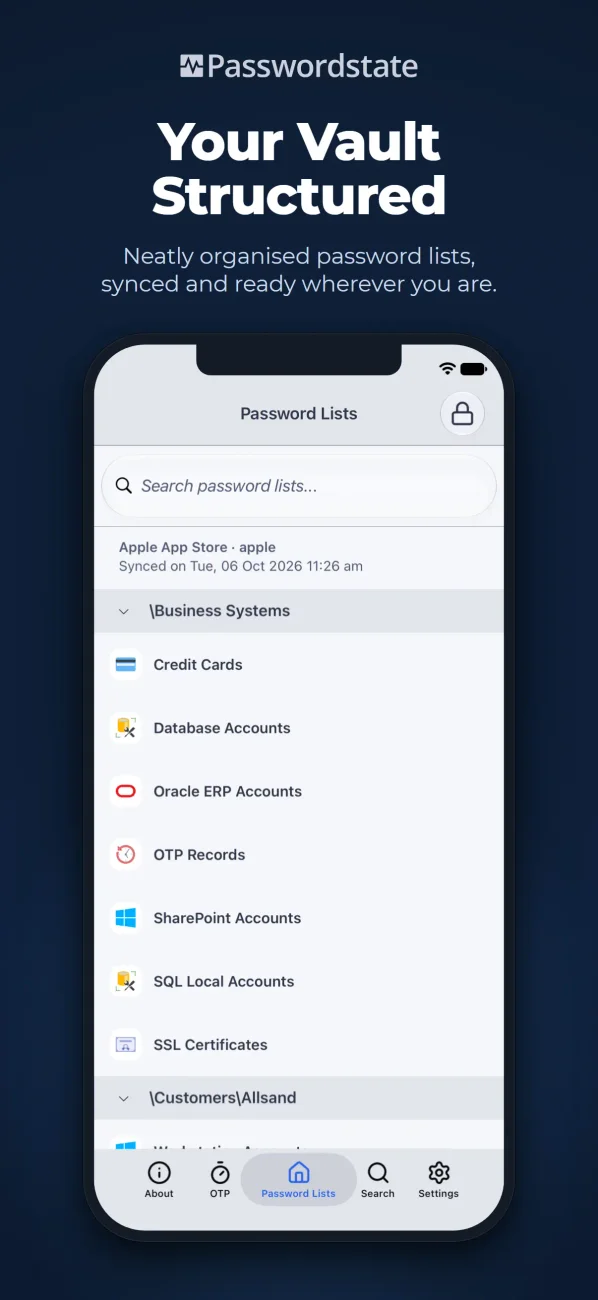
- Your vault, structured. Browse password lists organized into folders, exactly as they appear in Passwordstate.
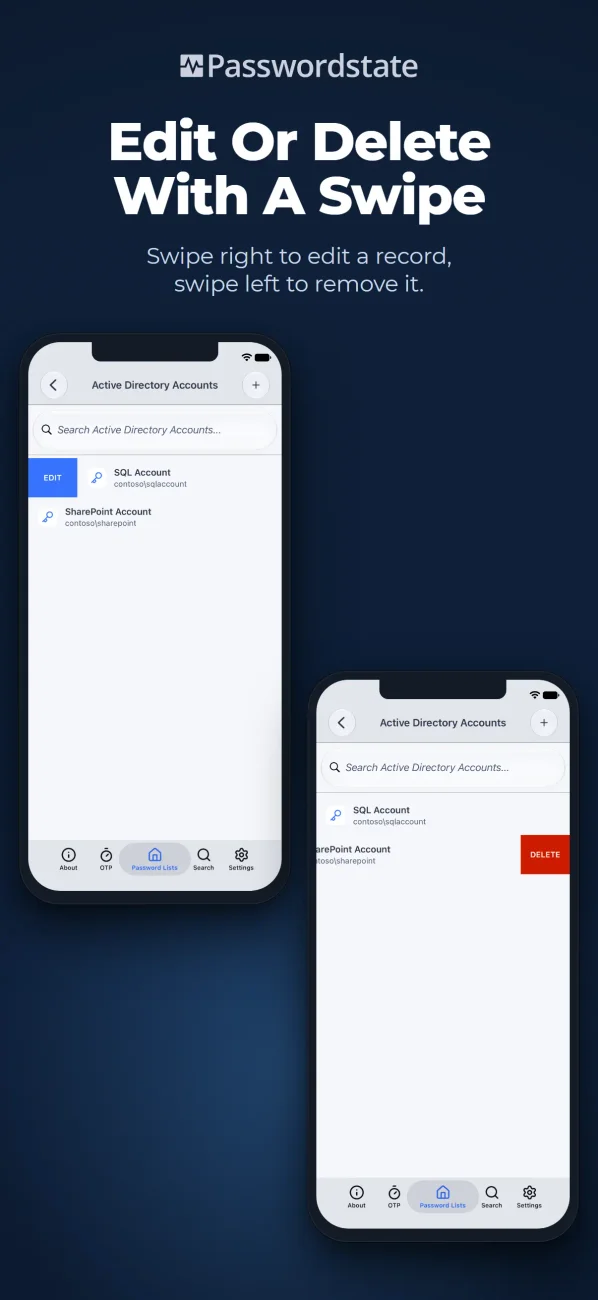
- Full record management. Add, update and delete password records, with swipe gestures for quick edits.
- Two-factor built in. Scan, view and retrieve one-time passwords without a separate authenticator app.
- Work offline. Access your credentials even without a connection to your server.
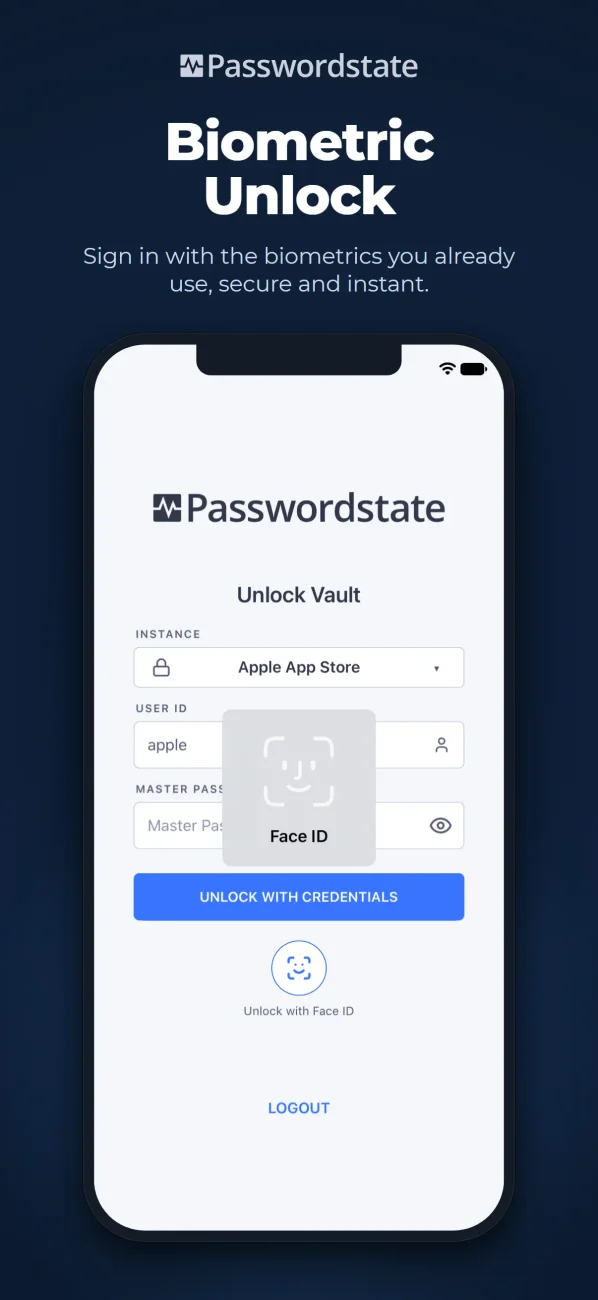
- Biometric unlock. Sign in with Face ID or Touch ID for secure, instant access.
- Password AutoFill. Integrates with the iOS Password AutoFill service to fill credentials.
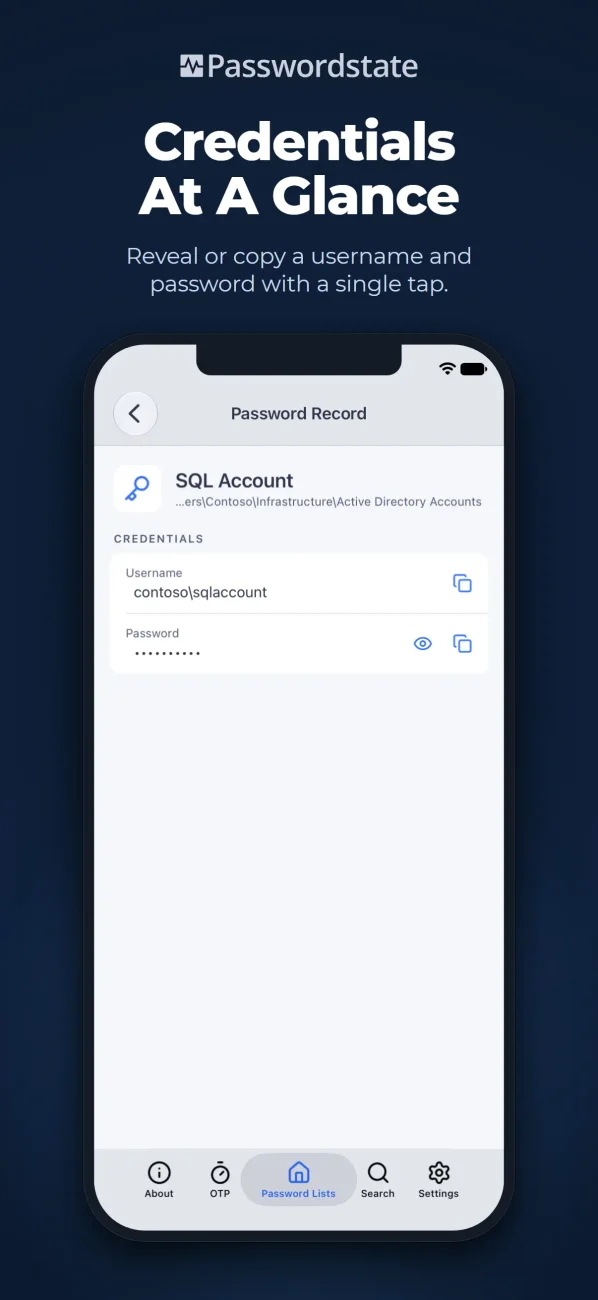
- One-tap copy. Copy any field of a password record to the clipboard.
- Automatic protection. Lock the app and clear the clipboard after a time you choose.
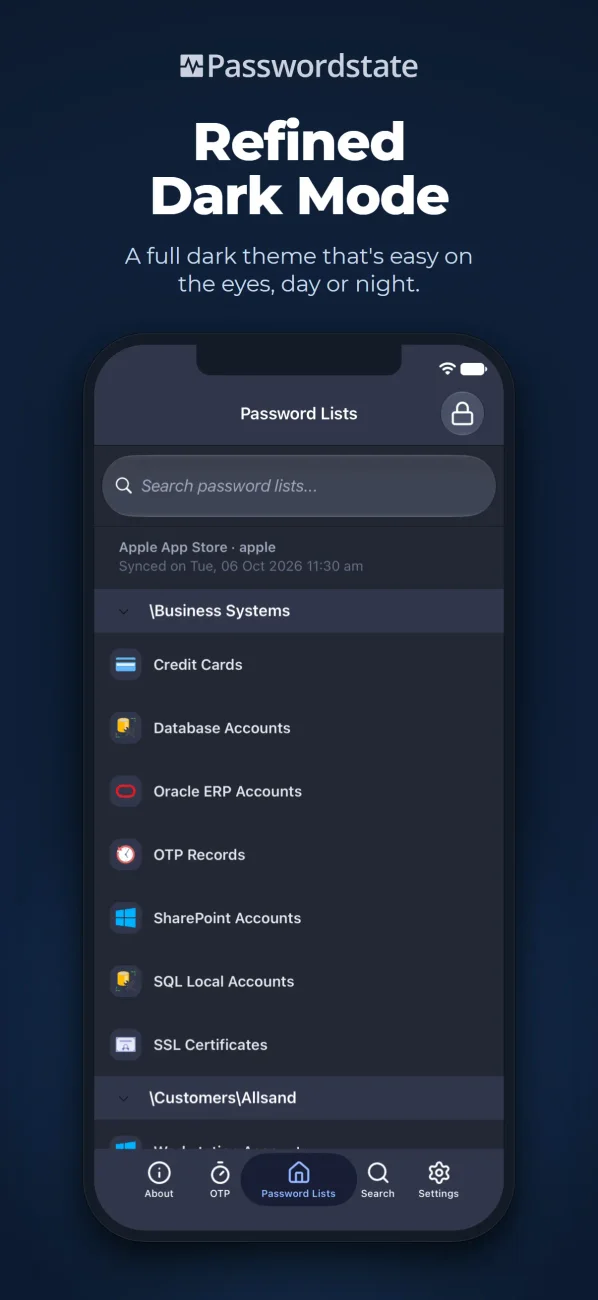
- Light and dark modes. Choose the look that suits you.
BUILT FOR IT TEAMS:
Passwordstate is used by IT and security teams to manage privileged accounts, shared credentials and service passwords across the organization. The mobile app gives those teams the same controlled access on the move, with every action governed by the permissions and auditing of your Passwordstate server.
Passwordstate mobile requires an existing Passwordstate installation. Visit clickstudios.com.au to learn more about Passwordstate for your organization.
新機能
バージョン 2.1.1 · 2026/11/22
- The app now always tries to connect to your Passwordstate server instead of relying on the network status the device reports.
- The sync line now shows when the server can't be reached.
- Fixed an issue where the app could stay offline after signing in if your user ID was typed with different capitalisation.
- The biometric unlock button is larger and further from the login button.
アプリのプライバシー
このアプリのデータの取り扱いについて、Click Studios (SA) Pty LtdがApp Storeで申告している内容です。
-
データの収集なし
開発元はこのアプリからデータを収集しません。
プライバシーの取り扱いは、ご利用の機能やお客様の年齢などに応じて異なる場合があります。
情報
- 販売元
- Click Studios (SA) Pty Ltd
- カテゴリ
- 仕事効率化
- バージョン
- 2.1.1
- 更新日
- 2026/11/22
- リリース
- 2021/3/1
- サイズ
- 192.2 MB
- 必要条件
- iOS 18.0以降
- 対象年齢
- 4+
- 価格
- 無料
- 著作権
- © Click Studios (SA) Pty Ltd
こちらもおすすめ
-
 Keeper パスワード管理セキュリティー, アカウント管理, パスワードマネージャー
-
 Network Toolbox Net security仕事効率化
-
 NordPass パスキー・パスワード管理パスワードを安全かつ簡単に管理
-
 Proton Mail - 暗号化メールアプリ&メアド作成メール受信トレイを安全に広告なしで管理出来るメールアプリ
-
 TeamViewer QuickSupport仕事効率化
-
 Spark Mail: AIメールアシスタントメール受信トレイをスマートに管理
-
 Brain.fm - Focus MusicBrainwave Music, Improve Focus
-
 Microsoft OneNoteCapture Notes, Ideas and Memos
-
 Microsoft OneDriveファイルと写真向けのクラウド ストレージ
-
 Microsoft Excelスプレッドシートとデータ分析