
- Age rating4+
- CategoryProductivity
- DeveloperClick Studios (SA) Pty Ltd
- Size192.2 MB
Links to the official App Store page
Download.org hosts no file of Passwordstate. The button opens its official App Store page, published by Click Studios (SA) Pty Ltd. Listing last checked on Nov 23, 2026.
Screenshots



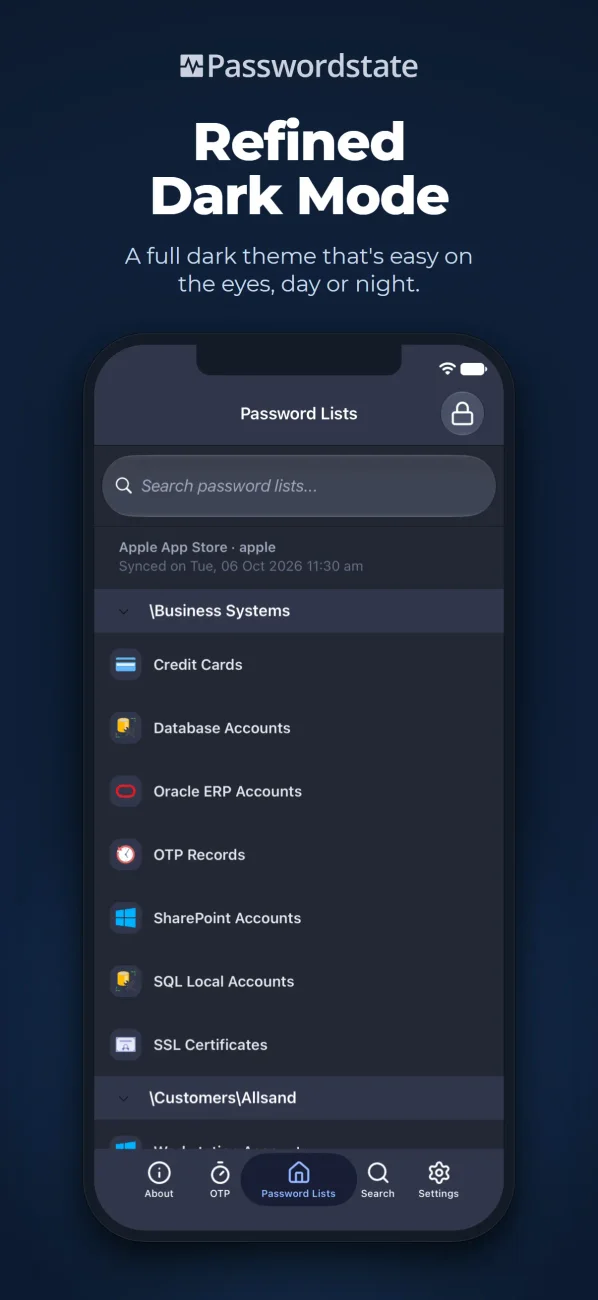
About
Passwordstate is an on-premise, web-based Enterprise Password Management solution that lets teams store, access and share sensitive credentials securely. The Passwordstate mobile app extends your own installation to iPhone and iPad, so your vault is available wherever work takes you, on-site or out of the office.
Your data stays under your control. The app connects only to your own self-hosted Passwordstate instances, and everything held on the device is protected by your Master Password with full AES-256 encryption and uniquely salted PBKDF2-HMAC-SHA512 key derivation.
KEY FEATURES:
- Pair in minutes. Connect the app to your Passwordstate instance with a pairing code and a quick QR scan.
- Multiple instances. Pair with more than one Passwordstate server and switch between them at sign-in, ideal for managed service providers and multi-site teams.
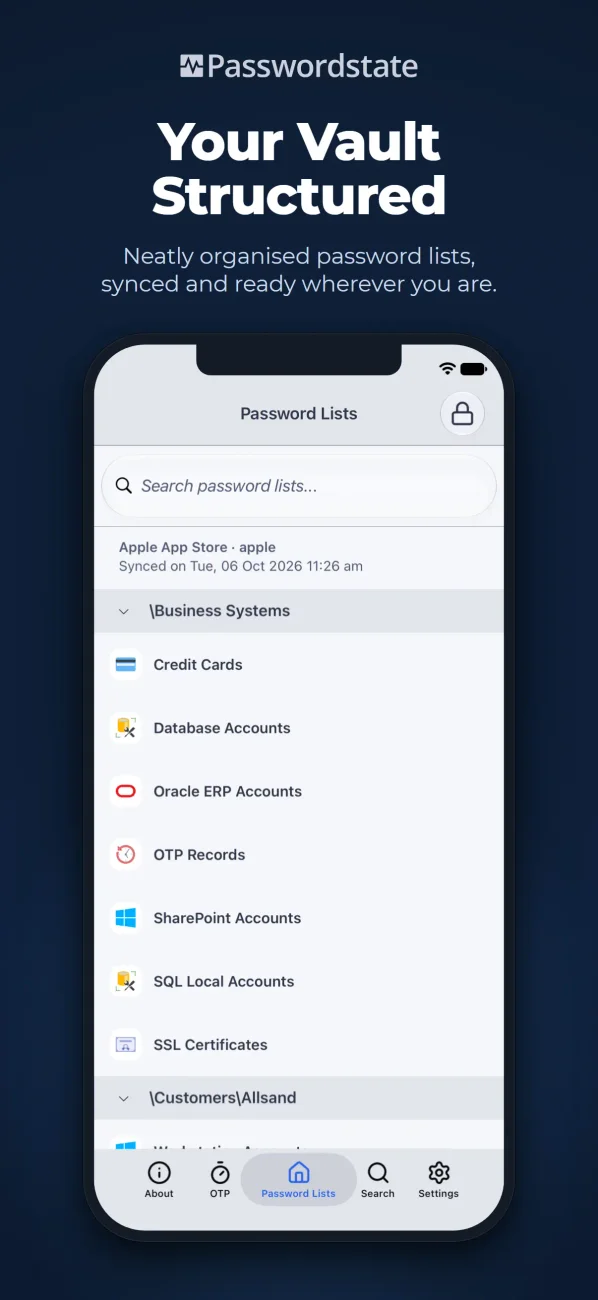
- Your vault, structured. Browse password lists organized into folders, exactly as they appear in Passwordstate.
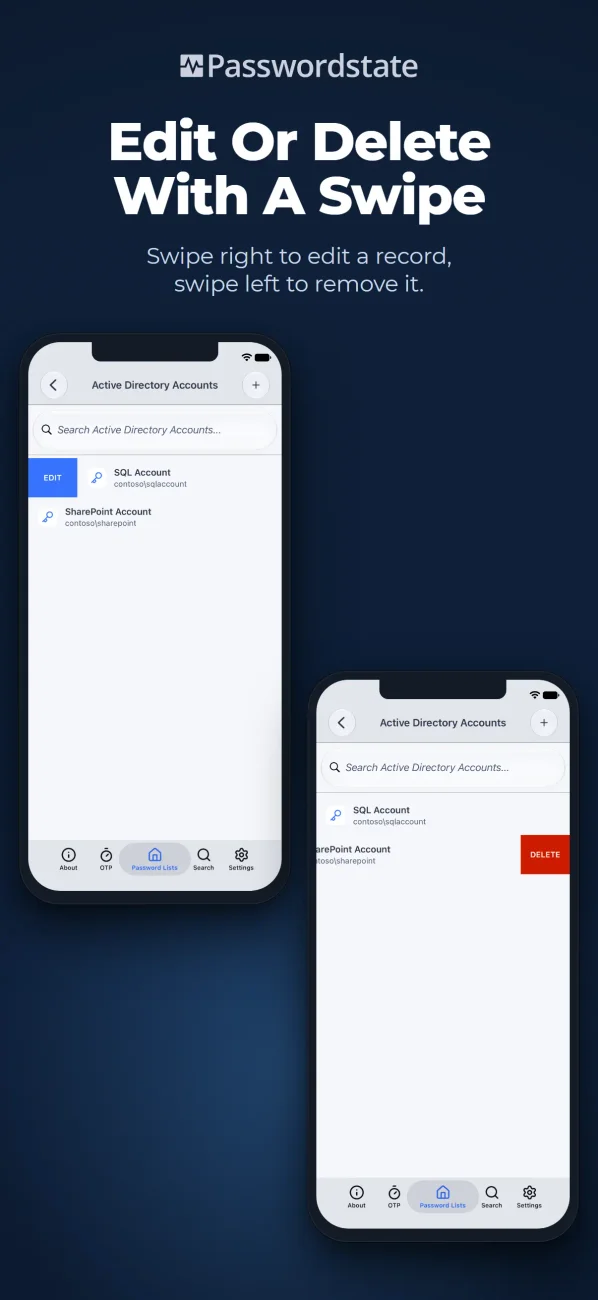
- Full record management. Add, update and delete password records, with swipe gestures for quick edits.
- Two-factor built in. Scan, view and retrieve one-time passwords without a separate authenticator app.
- Work offline. Access your credentials even without a connection to your server.
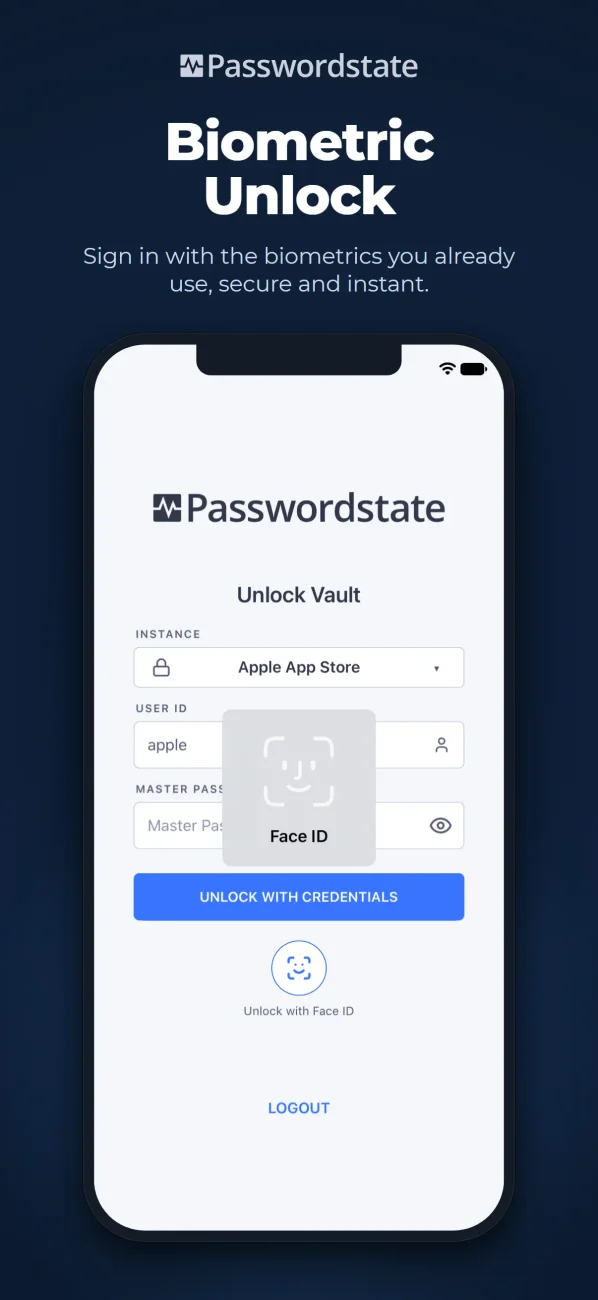
- Biometric unlock. Sign in with Face ID or Touch ID for secure, instant access.
- Password AutoFill. Integrates with the iOS Password AutoFill service to fill credentials.
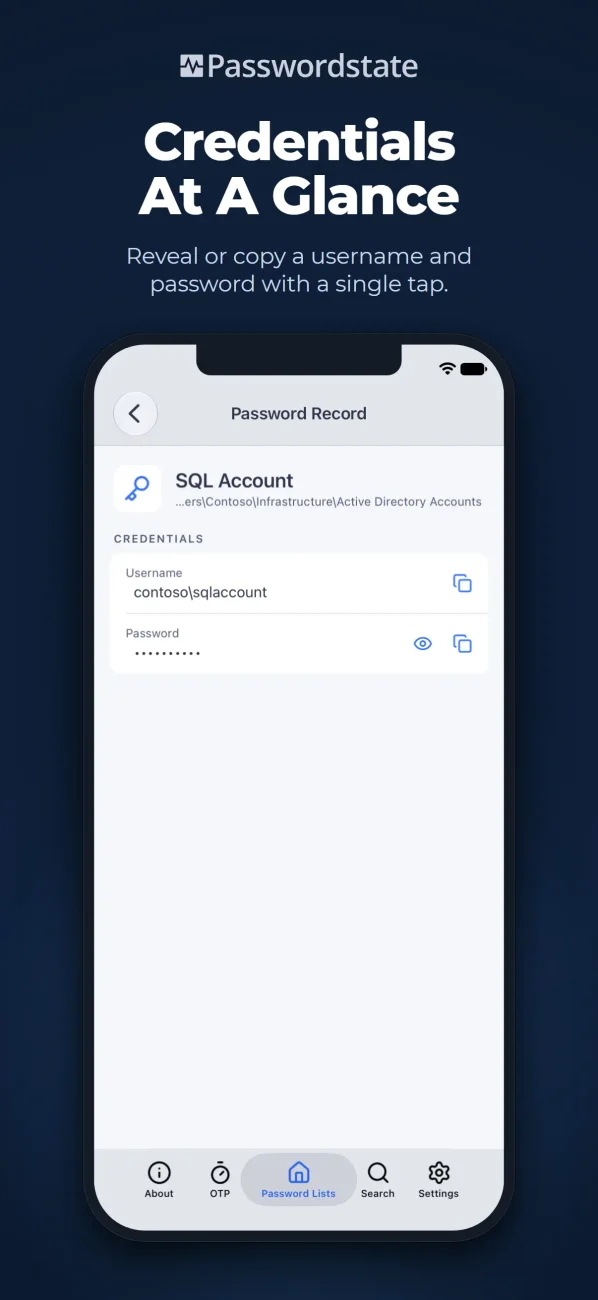
- One-tap copy. Copy any field of a password record to the clipboard.
- Automatic protection. Lock the app and clear the clipboard after a time you choose.
- Light and dark modes. Choose the look that suits you.
BUILT FOR IT TEAMS:
Passwordstate is used by IT and security teams to manage privileged accounts, shared credentials and service passwords across the organization. The mobile app gives those teams the same controlled access on the move, with every action governed by the permissions and auditing of your Passwordstate server.
Passwordstate mobile requires an existing Passwordstate installation. Visit clickstudios.com.au to learn more about Passwordstate for your organization.
What’s new
Version 2.1.1 · Nov 22, 2026
- The app now always tries to connect to your Passwordstate server instead of relying on the network status the device reports.
- The sync line now shows when the server can't be reached.
- Fixed an issue where the app could stay offline after signing in if your user ID was typed with different capitalisation.
- The biometric unlock button is larger and further from the login button.
App privacy
What Click Studios (SA) Pty Ltd declares on the App Store about how this app handles data.
-
Data not collected
The developer does not collect any data from this app.
Privacy practices may vary, for example with the features you use or your age.
Information
- Seller
- Click Studios (SA) Pty Ltd
- Category
- Productivity
- Version
- 2.1.1
- Updated
- Nov 22, 2026
- Released
- Mar 1, 2021
- Size
- 192.2 MB
- Requires
- iOS 18.0 or later
- Age rating
- 4+
- Price
- Free
- Copyright
- © Click Studios (SA) Pty Ltd
You might also like
-
 Keeper Password ManagerSecure Vault: Passkeys & 2FA
-
 Network Toolbox Net securityWiFi Cell LAN scanning tools
-
 NordPass: Password ManagerPasskey keeper & secure vault
-
 Encrypted Email - Proton MailFast, private, secure inbox
-
 TeamViewer QuickSupportScreen sharing
-
 Spark Mail: AI Email AssistantStreamline your email inbox
-
 Brain.fm: Focus & Sleep MusicADHD focus, Insomnia, Anxiety
-
 Microsoft OneNoteCapture Notes, Ideas and Memos
-
 Microsoft OneDriveFile & photo cloud storage
-
 Microsoft ExcelOrganize Your Data and Budget