- 対象年齢17+
- カテゴリビジネス
- 開発元斌 刘
- 言語英語
- サイズ37.2 MB
App Storeの公式ページにリンクしています
Download.orgはPDF Reader - PDF Scannerのファイルを一切ホストしていません。ボタンを押すと、斌 刘が公開しているApp Storeのアプリページが開きます。ページの最終確認:2026/11/13。
スクリーンショット
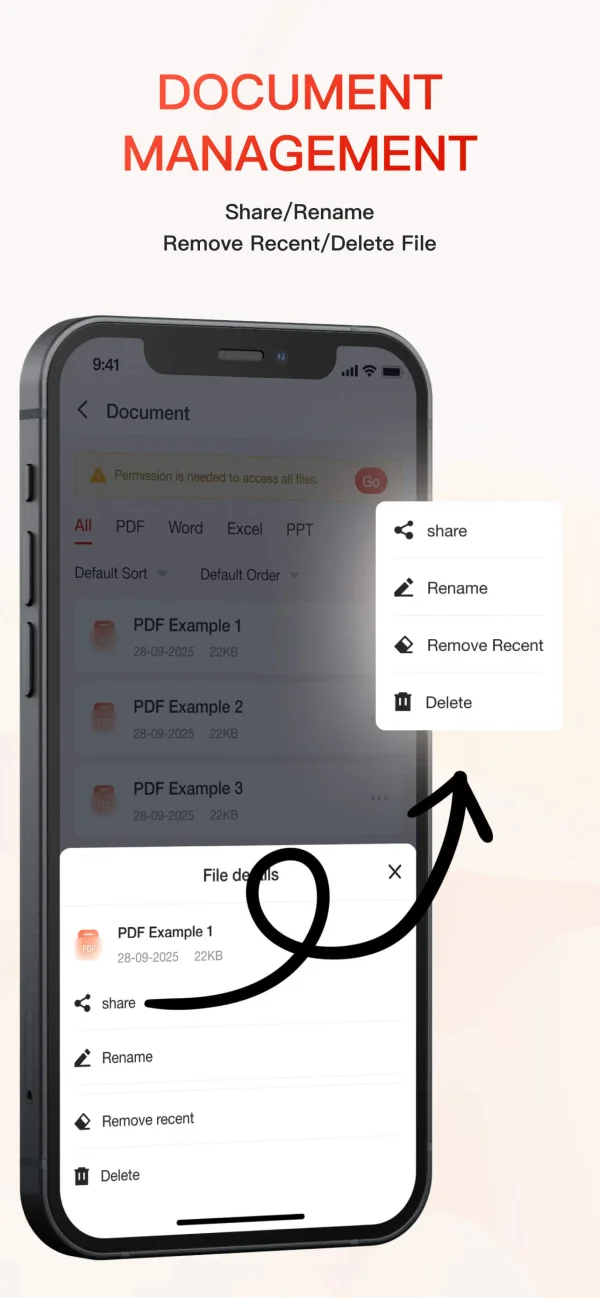
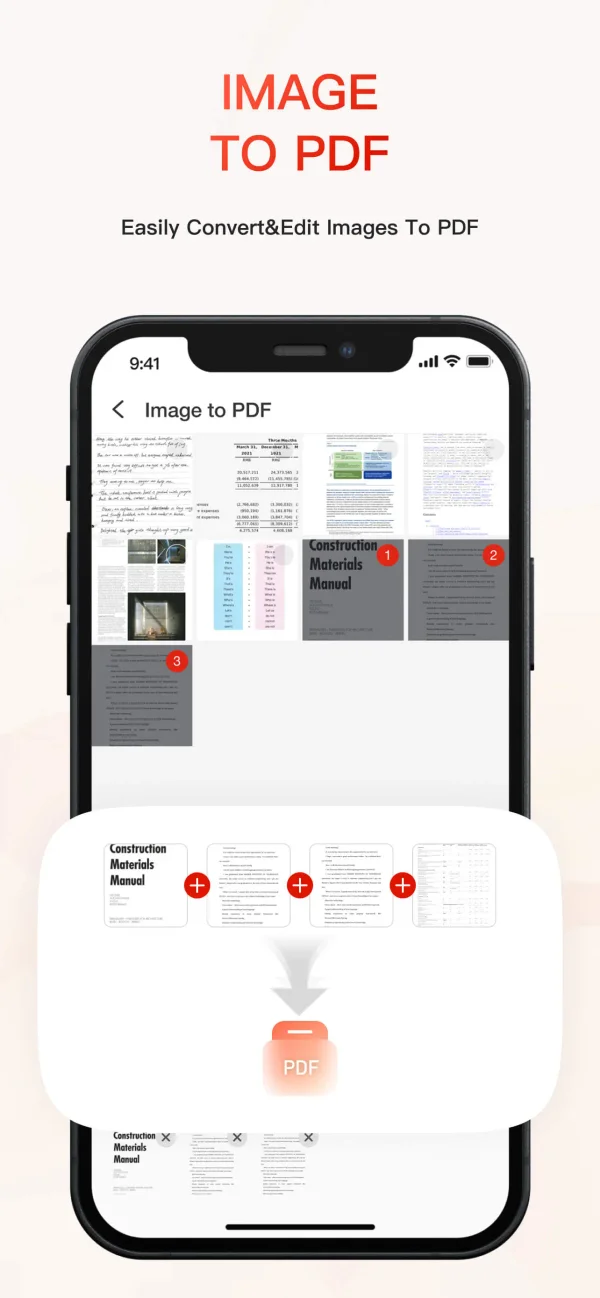
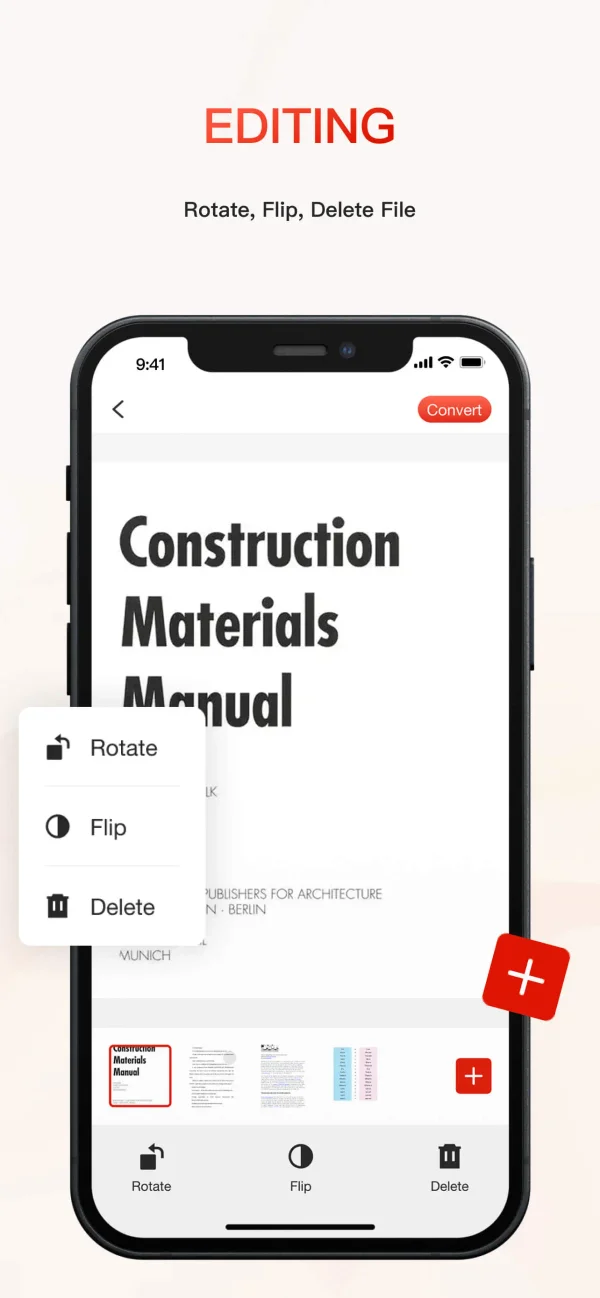
概要
開発元はこのテキストをお使いの言語で提供していません。
PDF Reader – PDF Scanner Your Ultimate Document Viewer & PDF Tool for iOS
Open, view, and convert documents with ease using PDF Reader, the powerful iOS app designed for seamless handling of PDFs, Word, Excel, PowerPoint, and TXT files. Whether you're reading, converting, or editing, PDF Reader provides a smooth and efficient experience for all your document needs.
Key Features
1. Universal Document Viewer
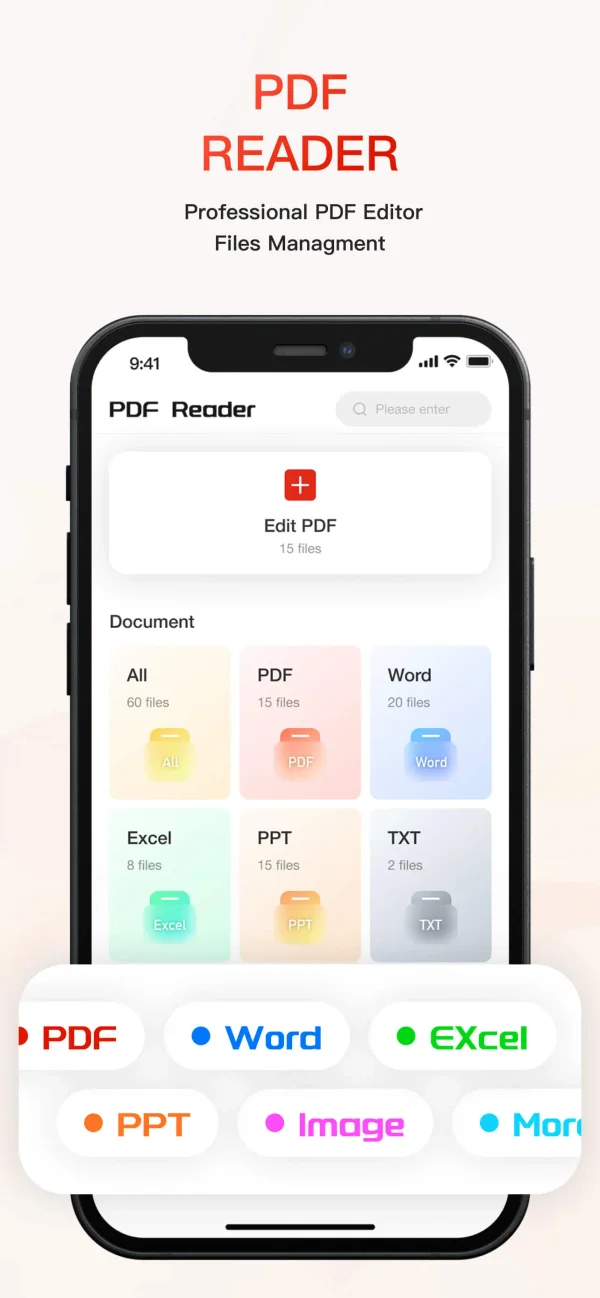
Open and view PDFs, Word, Excel, PowerPoint, and TXT files in a clean, user-friendly interface.
Smooth scrolling, zooming, and adjustable viewing modes for comfortable reading.
Full-text search within documents for quick navigation.
Global File Search: Quickly find any document in your library with powerful search functionality.
Smart Document Sorting: Organize files by name, date, size.
2. Advanced PDF Conversion
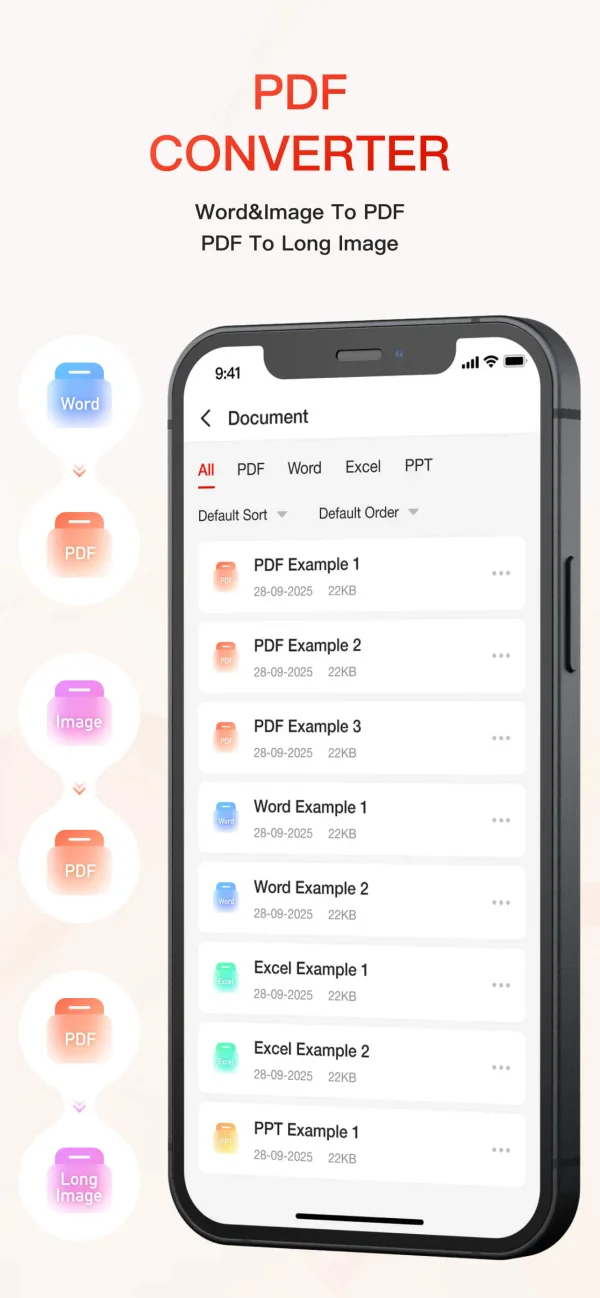
PDF to Image: Convert PDF pages to JPG or PNG format with customizable resolution.
PDF to Long Image: Generate a single, scrollable long image from a multi-page PDF - perfect for sharing reports or presentations.
PDF to TXT: Extract and preserve text formatting when converting PDFs to editable text files.
PDF to Excel: Accurately convert PDF tables into fully editable Excel spreadsheets while maintaining data structure.
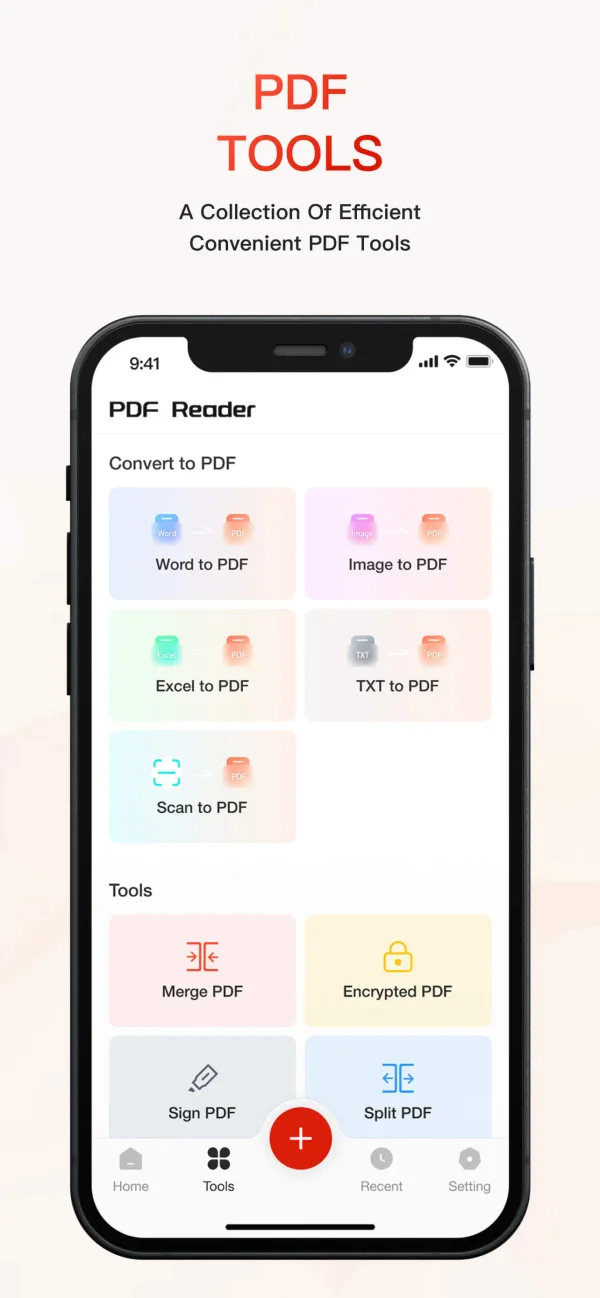
Word to PDF: Create professional-quality PDFs from Word documents with preserved layouts and formatting.
TXT to PDF: Convert plain text files into properly formatted PDF documents.
Excel to PDF: Transform spreadsheets into PDFs while keeping all data, charts, and tables intact.
3. Essential PDF Tools
Merge PDFs: Combine multiple PDF files into one organized document with flexible page ordering.
Split PDFs: Extract specific pages or ranges to create new, focused PDF files.
PDF Signing: Add secure digital signatures or draw handwritten signatures directly on documents.
PDF Encryption: Protect sensitive files with strong password security and permission controls.
4. Scan to PDF
Real-time Document Scanning: Instantly capture documents, receipts, or whiteboards using your camera and convert them to high-quality PDFs.
Multi-page Support: Scan multiple pages and combine them into a single PDF document.
Instant Export: Save your scanned documents as PDF files.
Why Choose PDF Reader?
All-in-One Solution – From viewing to converting, everything you need in one app.
Professional Quality Conversions – Preserve original formatting across all file types.
Lightning Fast Processing – Handle large documents quickly and efficiently.
Secure & Private – All processing done locally on your device for maximum security.
Download PDF Reader today and experience the most comprehensive document solution for your iOS device!
アプリのプライバシー
このアプリのデータの取り扱いについて、斌 刘がApp Storeで申告している内容です。
-
ユーザーのトラッキングに使用されるデータ
他社のアプリやウェブサイトを横断してユーザーをトラッキングする目的で使用される場合があります。
- 診断
-
ユーザーに関連付けられないデータ
収集される場合がありますが、ユーザーの識別情報には関連付けられません。
- 診断
プライバシーの取り扱いは、ご利用の機能やお客様の年齢などに応じて異なる場合があります。
情報
- 販売元
- 斌 刘
- カテゴリ
- ビジネス
- バージョン
- 1.0.0
- 更新日
- 2025/4/8
- リリース
- 2025/4/8
- サイズ
- 37.2 MB
- 必要条件
- iOS 13.0以降
- 対象年齢
- 17+
- 価格
- 無料
- 言語
- 英語
- 著作権
- © bin liu
こちらもおすすめ
-
 Document Reader & PDF View仕事効率化
-
 PDF Studio: PDF Editor & Tools仕事効率化
-
 PDF Reader Pro - Ebook Reader仕事効率化
-
 TurboScanner: PDFスキャナー書類スキャン・写真をPDF変換・OCR
-
 PDF エディター - スキャンと変換PDFファイルをスキャン、編集、署名、変換する
-
 PDF Scanner : Scan Docs仕事効率化
-
 VsisScan:PDFスキャナー・OCR安全なスキャン・OCR・PDF編集
-
 Image to PDF & PDF to Image仕事効率化
-
 Sen Scan: PDF & ID Scanner仕事効率化
-
 Xcelify: Scan Tables to Sheets仕事効率化