PDF Reader - PDF Scanner
PDF Scanner
Được thiết kế cho iPhone, iPod touch
Miễn phí
- Độ tuổi17+
- Danh mụcKinh Doanh
- Nhà phát triển斌 刘
- Ngôn ngữTiếng Anh
- Kích thước37,2 MB
Liên kết đến trang App Store chính thức
Download.org không lưu trữ tệp nào của PDF Reader - PDF Scanner. Nút này mở trang ứng dụng trên App Store, nơi 斌 刘 phát hành ứng dụng. Trang được kiểm tra lần cuối: 13/11/2026.
Ảnh chụp màn hình
Giới thiệu
Nhà phát triển chưa cung cấp nội dung này bằng ngôn ngữ của bạn.
PDF Reader – PDF Scanner Your Ultimate Document Viewer & PDF Tool for iOS
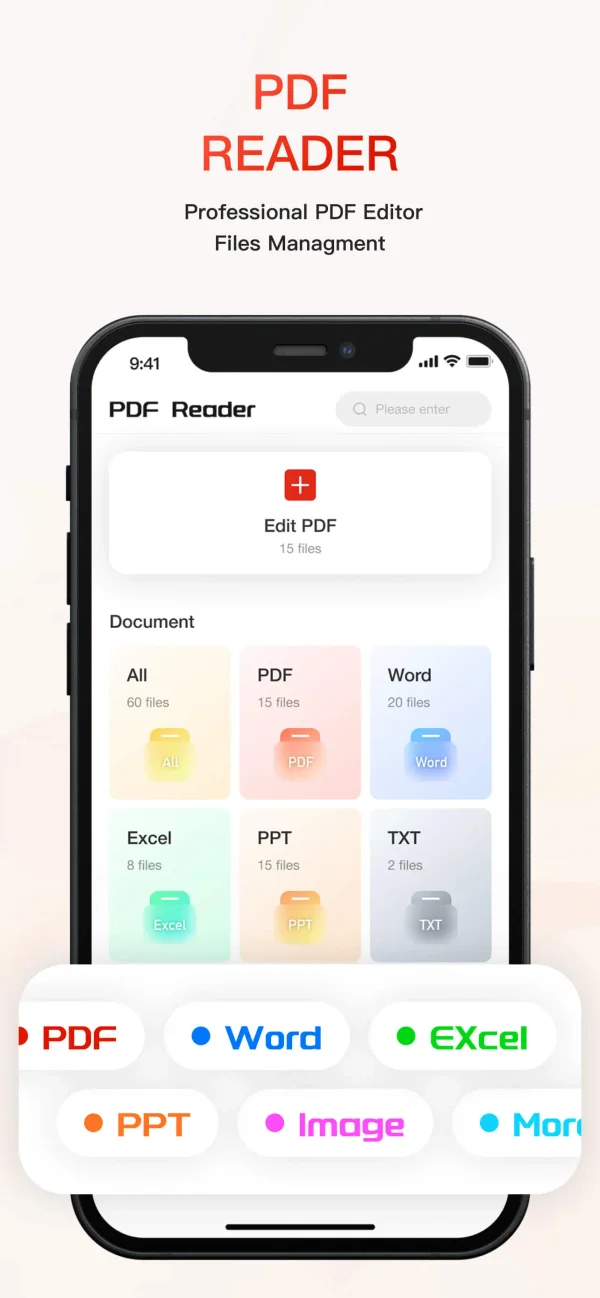
Open, view, and convert documents with ease using PDF Reader, the powerful iOS app designed for seamless handling of PDFs, Word, Excel, PowerPoint, and TXT files. Whether you're reading, converting, or editing, PDF Reader provides a smooth and efficient experience for all your document needs.
Key Features
1. Universal Document Viewer
Open and view PDFs, Word, Excel, PowerPoint, and TXT files in a clean, user-friendly interface.
Smooth scrolling, zooming, and adjustable viewing modes for comfortable reading.
Full-text search within documents for quick navigation.
Global File Search: Quickly find any document in your library with powerful search functionality.
Smart Document Sorting: Organize files by name, date, size.
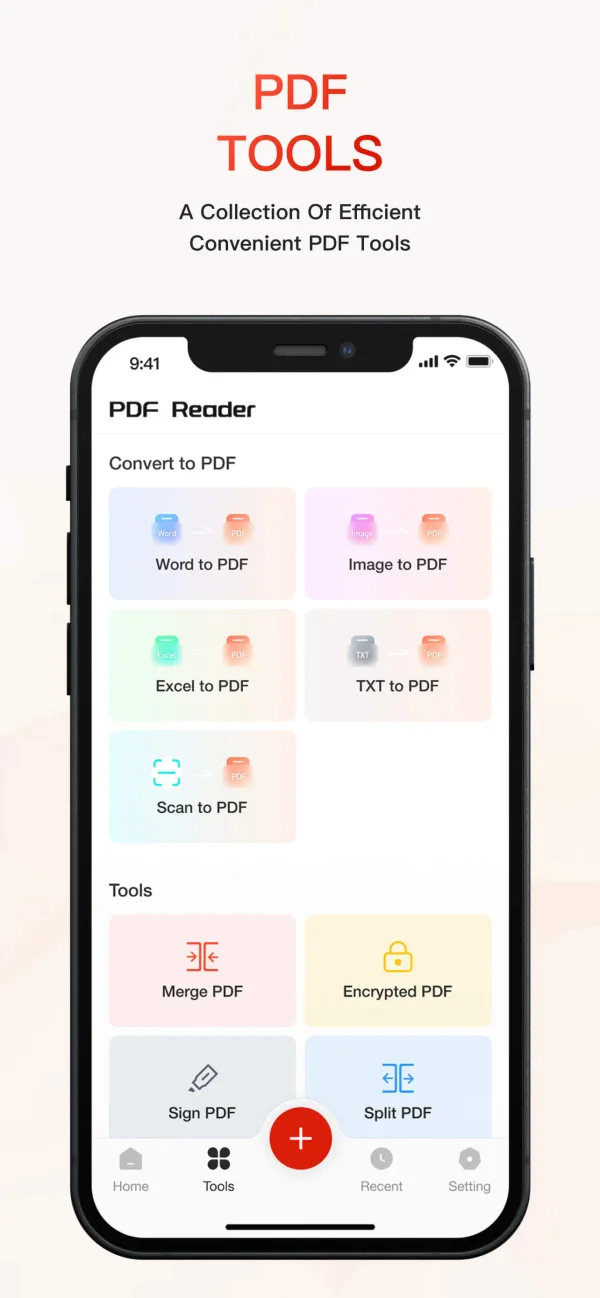
2. Advanced PDF Conversion
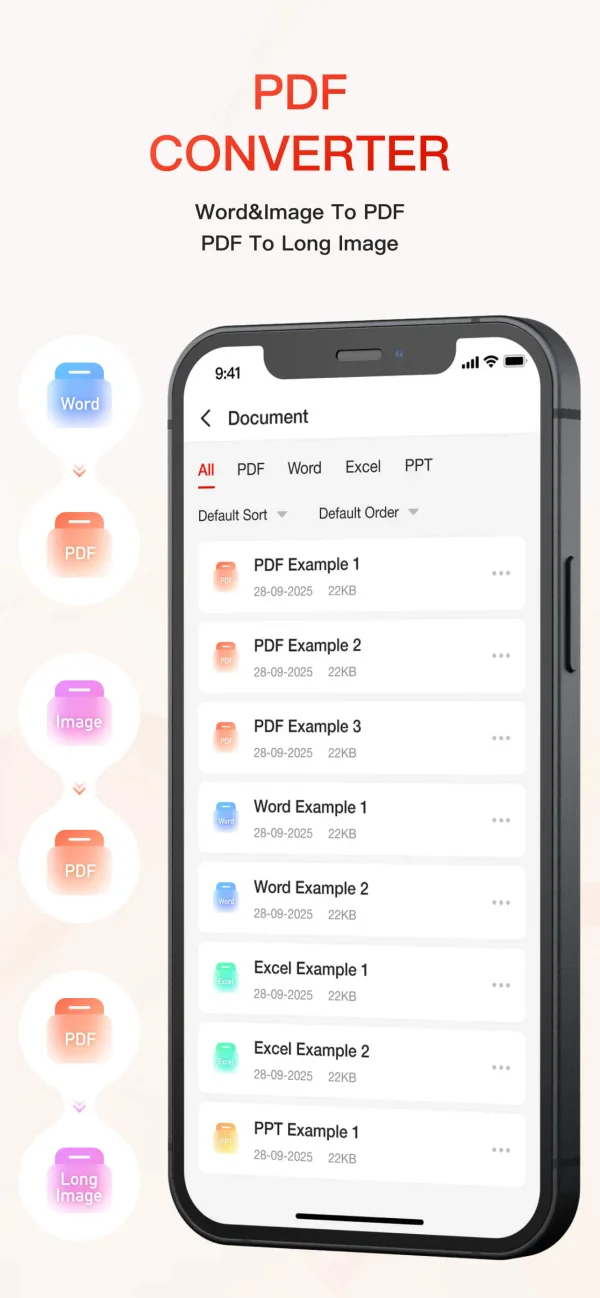
PDF to Image: Convert PDF pages to JPG or PNG format with customizable resolution.
PDF to Long Image: Generate a single, scrollable long image from a multi-page PDF - perfect for sharing reports or presentations.
PDF to TXT: Extract and preserve text formatting when converting PDFs to editable text files.
PDF to Excel: Accurately convert PDF tables into fully editable Excel spreadsheets while maintaining data structure.
Word to PDF: Create professional-quality PDFs from Word documents with preserved layouts and formatting.
TXT to PDF: Convert plain text files into properly formatted PDF documents.
Excel to PDF: Transform spreadsheets into PDFs while keeping all data, charts, and tables intact.
3. Essential PDF Tools
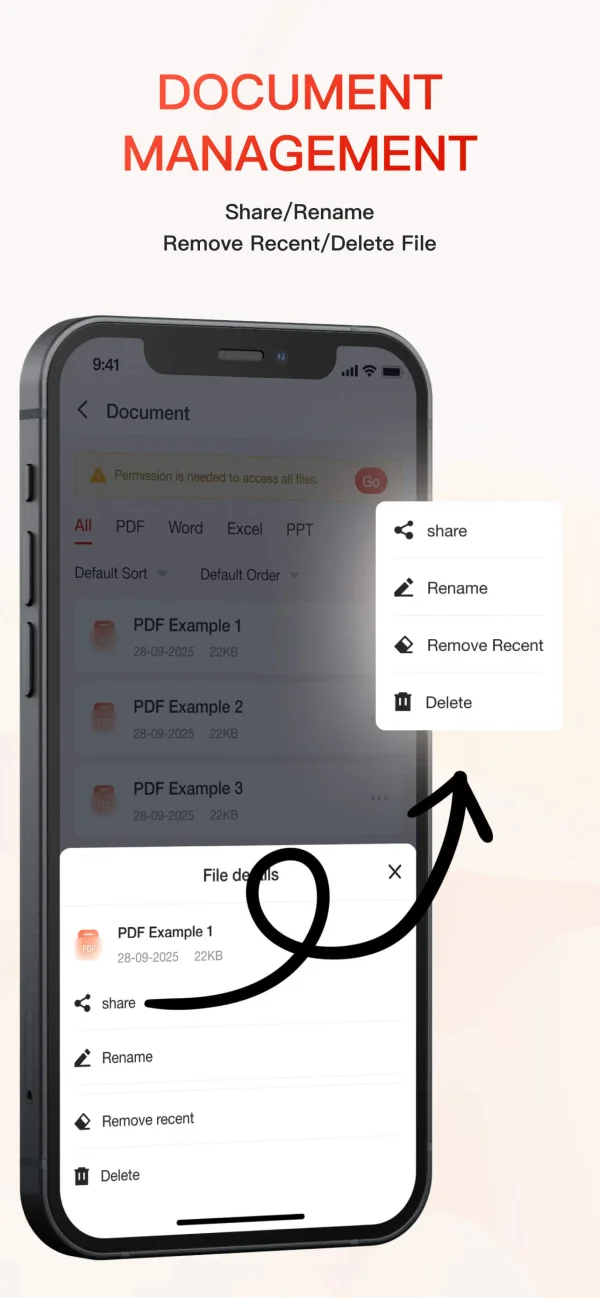
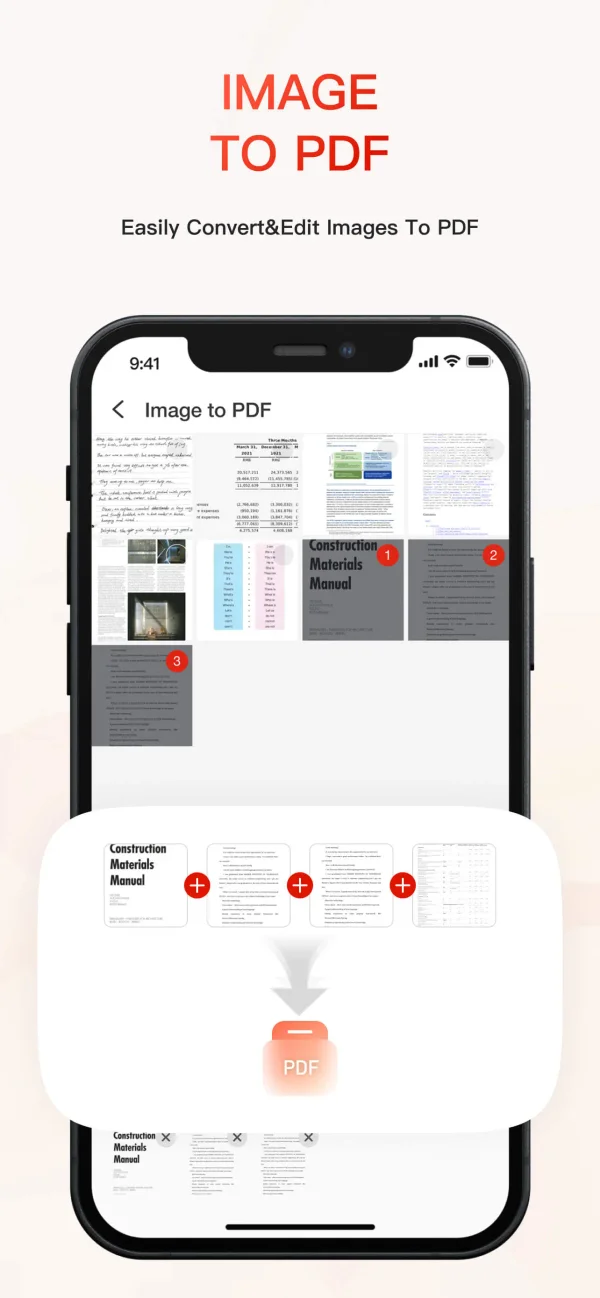
Merge PDFs: Combine multiple PDF files into one organized document with flexible page ordering.
Split PDFs: Extract specific pages or ranges to create new, focused PDF files.
PDF Signing: Add secure digital signatures or draw handwritten signatures directly on documents.
PDF Encryption: Protect sensitive files with strong password security and permission controls.
4. Scan to PDF
Real-time Document Scanning: Instantly capture documents, receipts, or whiteboards using your camera and convert them to high-quality PDFs.
Multi-page Support: Scan multiple pages and combine them into a single PDF document.
Instant Export: Save your scanned documents as PDF files.
Why Choose PDF Reader?
All-in-One Solution – From viewing to converting, everything you need in one app.
Professional Quality Conversions – Preserve original formatting across all file types.
Lightning Fast Processing – Handle large documents quickly and efficiently.
Secure & Private – All processing done locally on your device for maximum security.
Download PDF Reader today and experience the most comprehensive document solution for your iOS device!
Quyền riêng tư của ứng dụng
Những gì 斌 刘 khai báo trên App Store về cách ứng dụng này xử lý dữ liệu.
-
Dữ liệu được sử dụng để theo dõi bạn
Có thể được sử dụng để theo dõi bạn trên các ứng dụng và trang web do công ty khác sở hữu.
- Chẩn đoán
-
Dữ liệu không liên kết với bạn
Có thể được thu thập nhưng không liên kết với danh tính của bạn.
- Chẩn đoán
Phương thức đảm bảo quyền riêng tư có thể khác nhau, chẳng hạn như tuỳ theo các tính năng bạn sử dụng hoặc độ tuổi của bạn.
Thông tin
- Người bán
- 斌 刘
- Danh mục
- Kinh Doanh
- Phiên bản
- 1.0.0
- Cập nhật
- 08/04/2025
- Phát hành
- 08/04/2025
- Kích thước
- 37,2 MB
- Yêu cầu
- iOS 13.0 trở lên
- Độ tuổi
- 17+
- Giá
- Miễn phí
- Ngôn ngữ
- Tiếng Anh
- Bản quyền
- © bin liu
Có thể bạn cũng thích
-
 Document Reader & PDF ViewHiệu Suất
-
 PDF Studio: PDF Editor & ToolsHiệu Suất
-
 PDF Reader Pro - Ebook ReaderHiệu Suất
-
 TurboScanner: Scan PDFQuét tài liệu, scan ảnh & OCR
-
 PDF Editor - Scan & ConvertEdit,sign & convert Files Scan
-
 PDF Scanner : Scan DocsHiệu Suất
-
 VsisScan – Quét tài liệu, OCRQuét PDF riêng tư, OCR, ký tên
-
 Image to PDF & PDF to ImageHiệu Suất
-
 Sen Scan: Quét PDF & CCCDQuét tài liệu, OCR tiếng Việt
-
 Xcelify: Scan Tables to SheetsHiệu Suất