- Classificação etária17+
- CategoriaNegócios
- Desenvolvedor斌 刘
- IdiomasInglês
- Tamanho37,2 MB
Leva à página oficial na App Store
O Download.org não hospeda nenhum arquivo de PDF Reader - PDF Scanner. O botão abre a página do app na App Store, onde 斌 刘 o publica. Página verificada pela última vez em 13/11/2026.
Capturas de tela
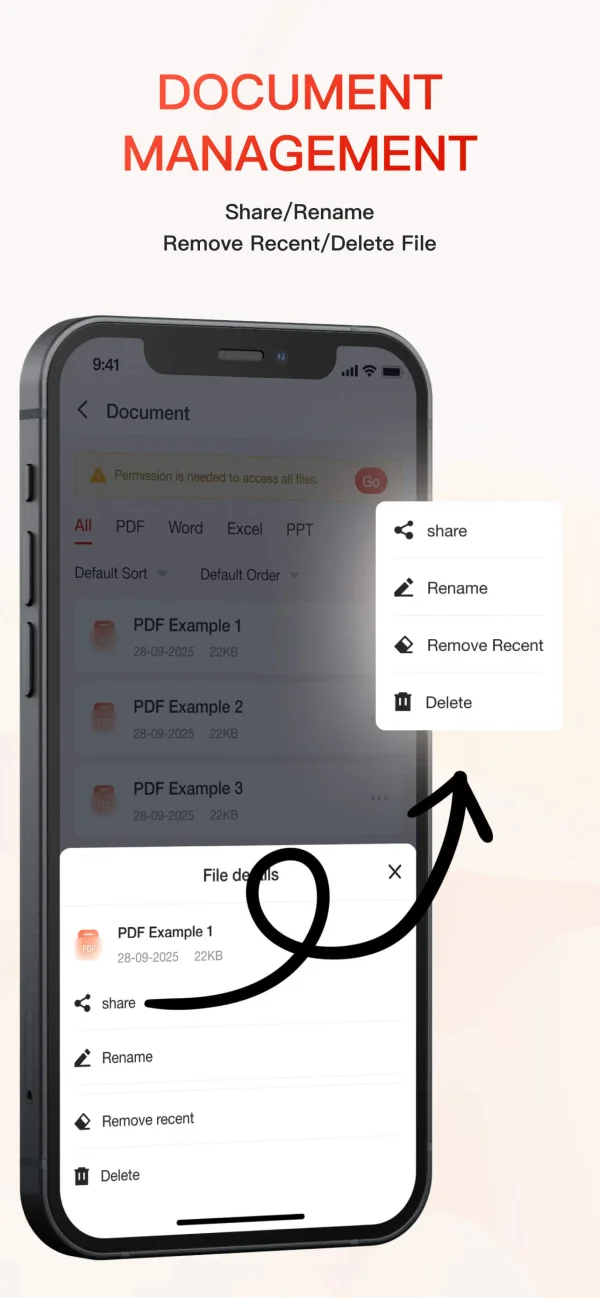
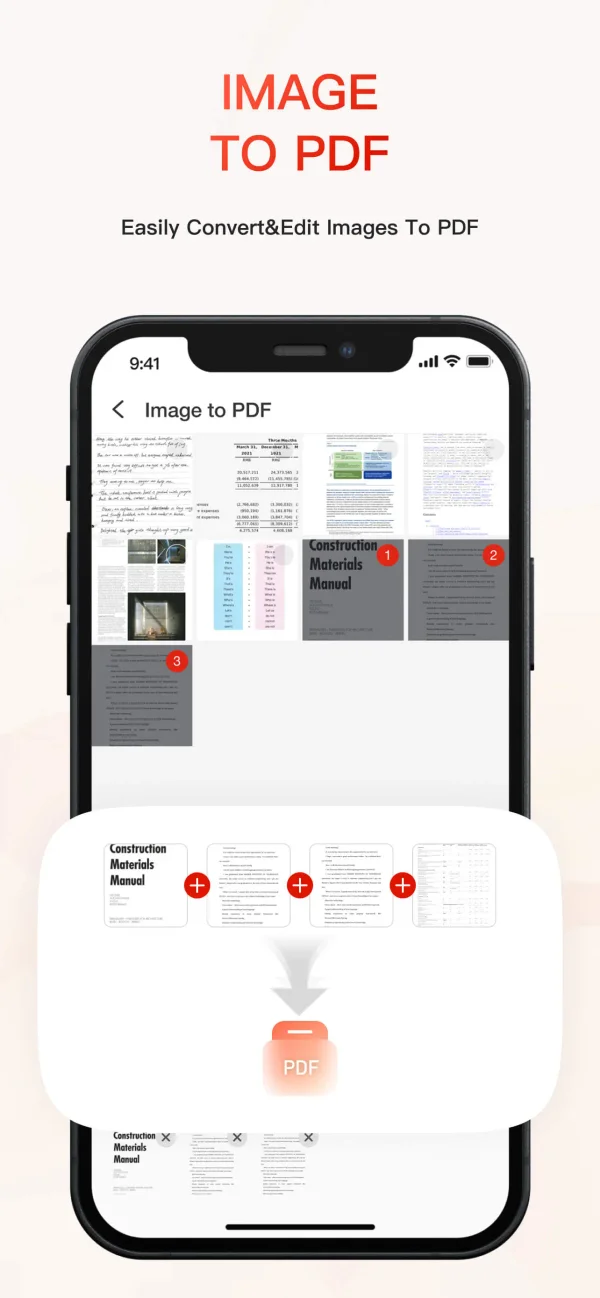
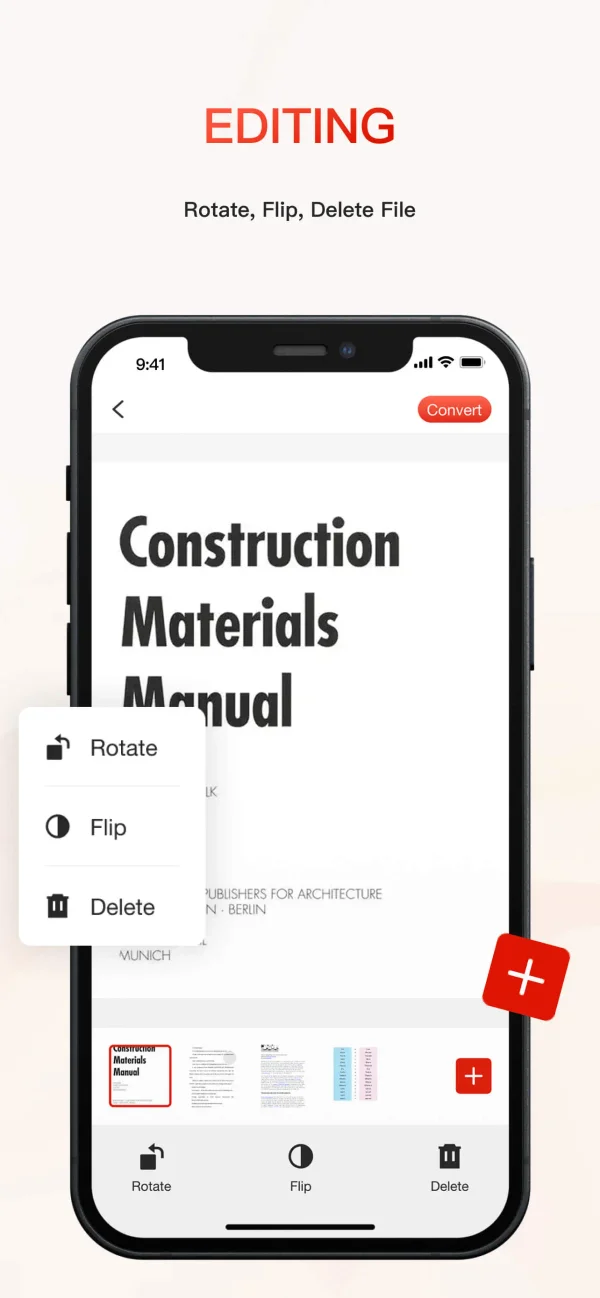
Sobre
O desenvolvedor não forneceu este texto no seu idioma.
PDF Reader – PDF Scanner Your Ultimate Document Viewer & PDF Tool for iOS
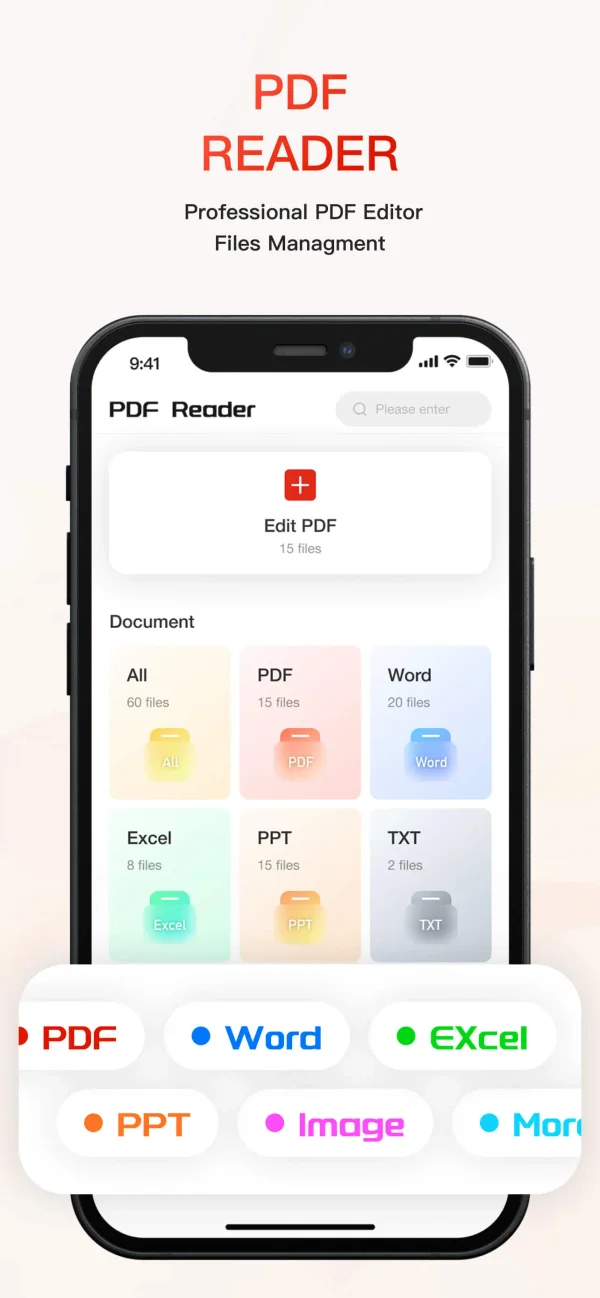
Open, view, and convert documents with ease using PDF Reader, the powerful iOS app designed for seamless handling of PDFs, Word, Excel, PowerPoint, and TXT files. Whether you're reading, converting, or editing, PDF Reader provides a smooth and efficient experience for all your document needs.
Key Features
1. Universal Document Viewer
Open and view PDFs, Word, Excel, PowerPoint, and TXT files in a clean, user-friendly interface.
Smooth scrolling, zooming, and adjustable viewing modes for comfortable reading.
Full-text search within documents for quick navigation.
Global File Search: Quickly find any document in your library with powerful search functionality.
Smart Document Sorting: Organize files by name, date, size.
2. Advanced PDF Conversion
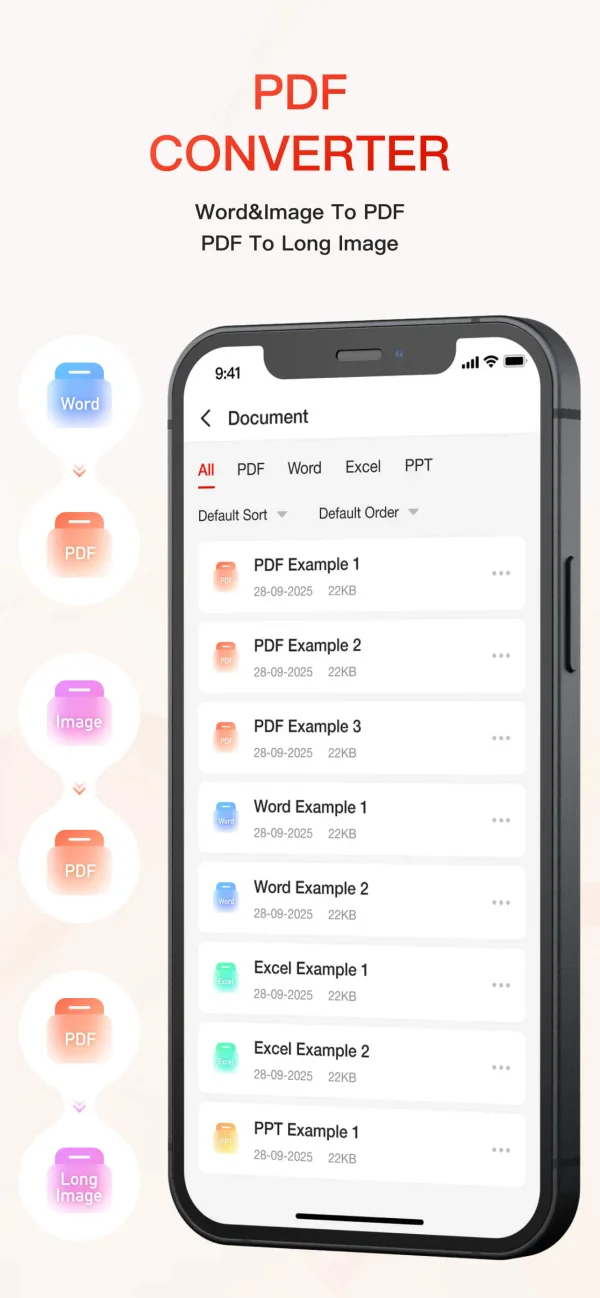
PDF to Image: Convert PDF pages to JPG or PNG format with customizable resolution.
PDF to Long Image: Generate a single, scrollable long image from a multi-page PDF - perfect for sharing reports or presentations.
PDF to TXT: Extract and preserve text formatting when converting PDFs to editable text files.
PDF to Excel: Accurately convert PDF tables into fully editable Excel spreadsheets while maintaining data structure.
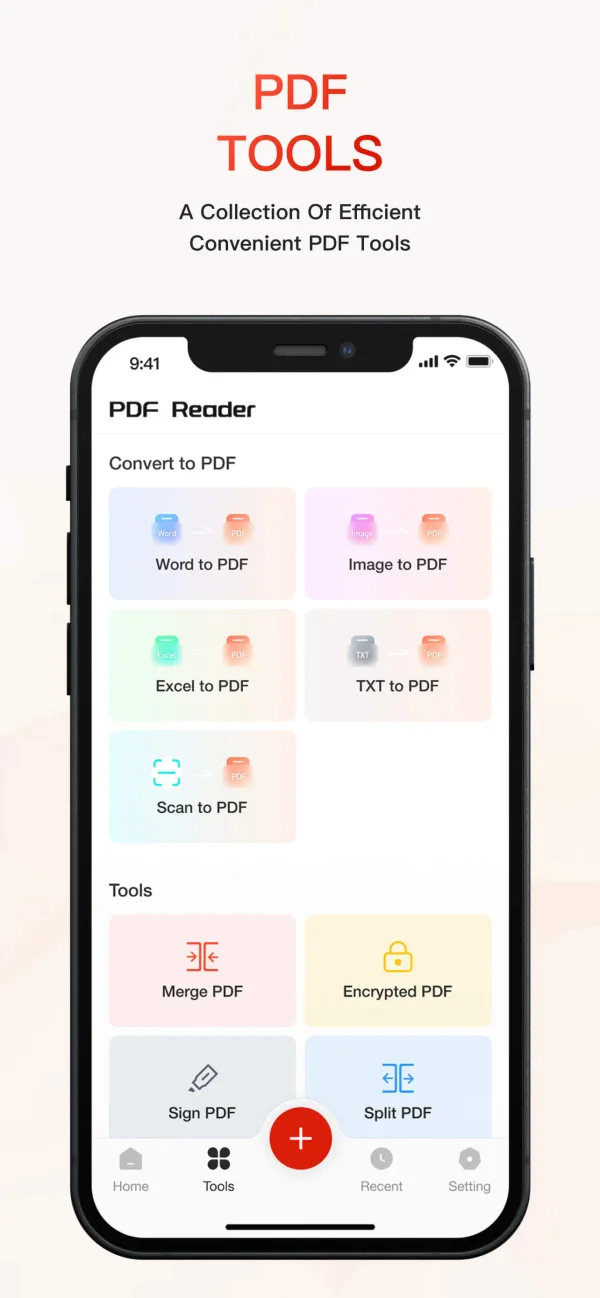
Word to PDF: Create professional-quality PDFs from Word documents with preserved layouts and formatting.
TXT to PDF: Convert plain text files into properly formatted PDF documents.
Excel to PDF: Transform spreadsheets into PDFs while keeping all data, charts, and tables intact.
3. Essential PDF Tools
Merge PDFs: Combine multiple PDF files into one organized document with flexible page ordering.
Split PDFs: Extract specific pages or ranges to create new, focused PDF files.
PDF Signing: Add secure digital signatures or draw handwritten signatures directly on documents.
PDF Encryption: Protect sensitive files with strong password security and permission controls.
4. Scan to PDF
Real-time Document Scanning: Instantly capture documents, receipts, or whiteboards using your camera and convert them to high-quality PDFs.
Multi-page Support: Scan multiple pages and combine them into a single PDF document.
Instant Export: Save your scanned documents as PDF files.
Why Choose PDF Reader?
All-in-One Solution – From viewing to converting, everything you need in one app.
Professional Quality Conversions – Preserve original formatting across all file types.
Lightning Fast Processing – Handle large documents quickly and efficiently.
Secure & Private – All processing done locally on your device for maximum security.
Download PDF Reader today and experience the most comprehensive document solution for your iOS device!
Privacidade do app
O que 斌 刘 declara na App Store sobre como este app lida com os dados.
-
Dados usados para rastrear você
Podem ser usados para rastrear você em apps e sites de outras empresas.
- Diagnóstico
-
Dados não vinculados a você
Podem ser coletados, mas não são vinculados à sua identidade.
- Diagnóstico
As práticas de privacidade podem variar, por exemplo, com base nos recursos que você usa ou na sua idade.
Informações
- Vendedor
- 斌 刘
- Categoria
- Negócios
- Versão
- 1.0.0
- Atualizado
- 08/04/2025
- Lançamento
- 08/04/2025
- Tamanho
- 37,2 MB
- Requer
- iOS 13.0 ou posterior
- Classificação etária
- 17+
- Preço
- Grátis
- Idiomas
- Inglês
- Copyright
- © bin liu
Você também pode gostar
-
 Document Reader & PDF ViewProdutividade
-
 PDF Studio: PDF Editor & ToolsProdutividade
-
 PDF Reader Pro - Ebook ReaderProdutividade
-
 TurboScanner: Scanner PDFDigitalizar documentos e foto
-
 PDF Editor - Scan & ConvertEdit,sign & convert Files Scan
-
 PDF Scanner : Scan DocsProdutividade
-
 VsisScan: PDF Scanner & OCRProdutividade
-
 Image to PDF & PDF to ImageProdutividade
-
 Sen Scan: PDF & ID ScannerProdutividade
-
 Xcelify: Scan Tables to SheetsProdutividade