- 対象年齢4+
- カテゴリユーティリティ
- 開発元S&B Designs
- 言語英語
- サイズ22.7 MB
App Storeの公式ページにリンクしています
Download.orgはPixel Mapper xModelのファイルを一切ホストしていません。ボタンを押すと、S&B Designsが公開しているApp Storeのアプリページが開きます。ページの最終確認:2026/11/18。
スクリーンショット
概要
開発元はこのテキストをお使いの言語で提供していません。
Pixel Mapper turns your iPhone or iPad into an automatic layout tool for
xLights. Point your camera at your light display, and the app lights each
WS2811 / WS2812 pixel, finds it in the camera image with computer vision, and
builds a ready-to-import xLights Custom model — no manual clicking pixel by
pixel.
Perfect for Christmas light displays, props, matrices, megatrees, and any
irregular pixel layout that's painful to map by hand.
HOW IT WORKS
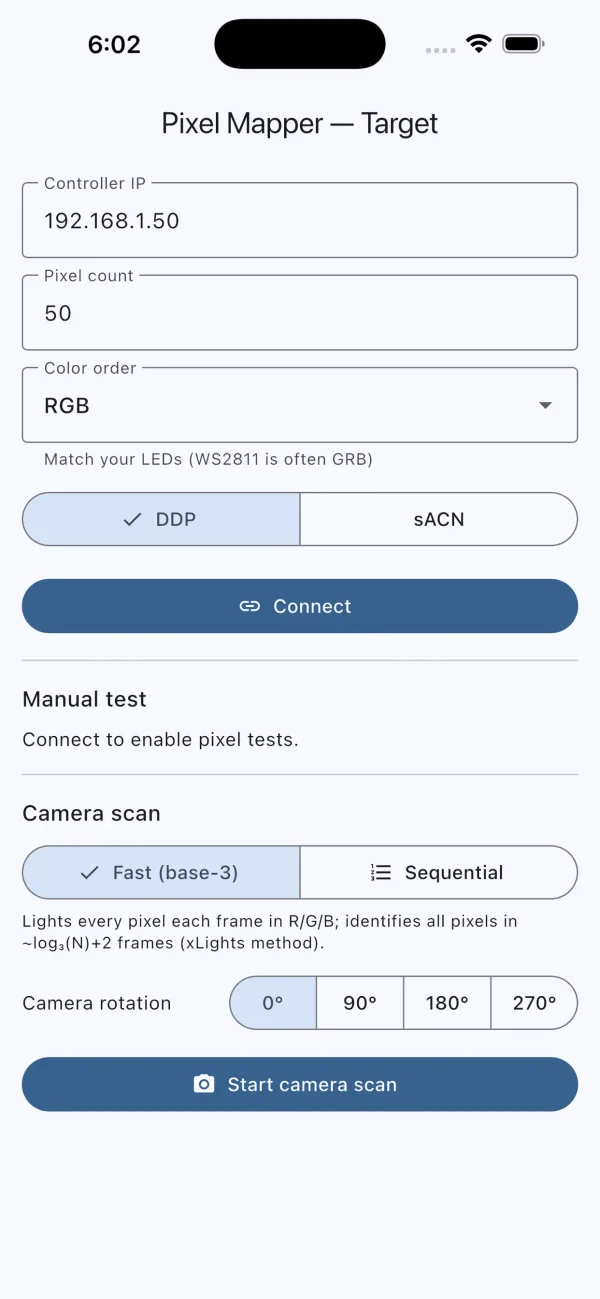
1. Target — enter your controller's IP and pixel count. Output goes over DDP or
sACN / E1.31, the same protocols xLights and FPP already speak.
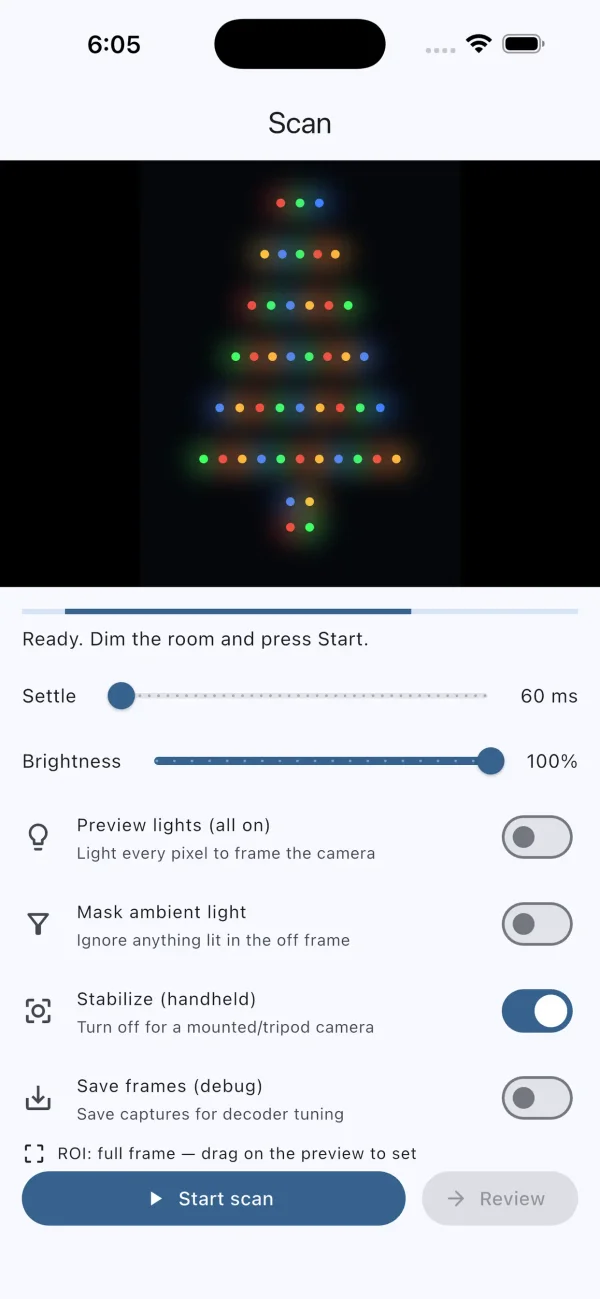
2. Scan — choose a mode:
• Fast (base-3): every pixel lights in every frame, colored by one base-3
digit of its index, so all pixels are identified in only ~log3(N)+2 frames
(about 500 pixels in 8 frames). Two checksum digits reject misreads.
• Sequential: light one pixel at a time and find the single bright blob.
Slower, but dead simple and rock solid.
Both modes subtract a black reference frame to ignore ambient hotspots.
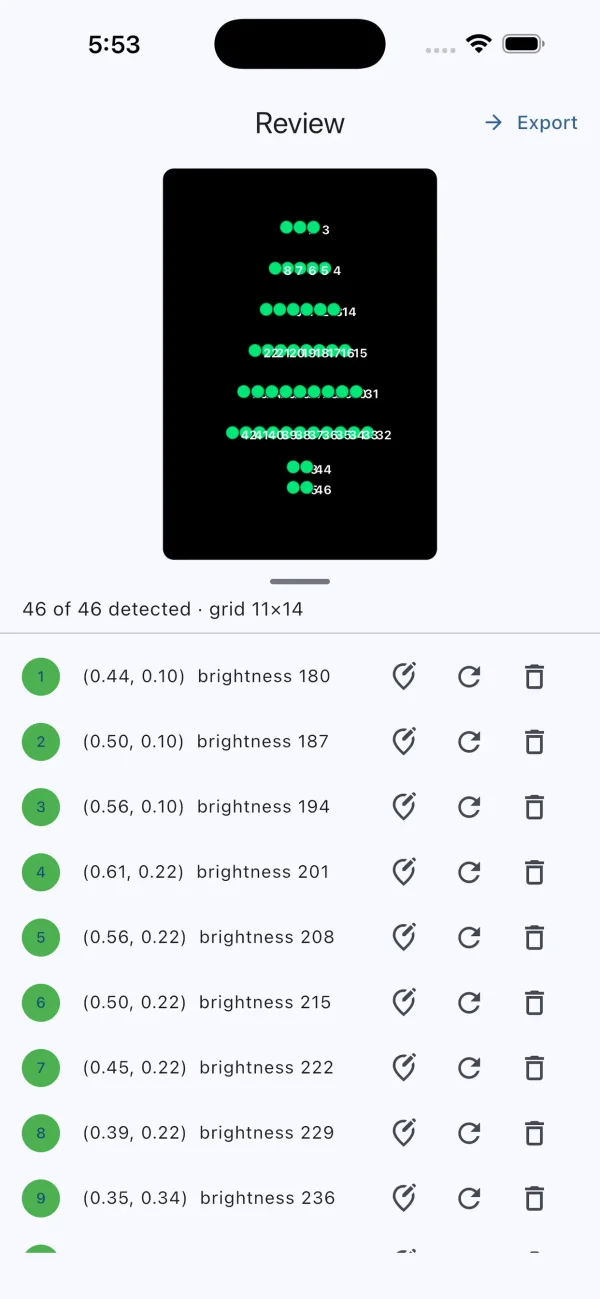
3. Review — see the detected layout over your photo, drop bad points, tap to
place or move a node, and re-scan individual pixels. Zoom and pan to fine-tune.
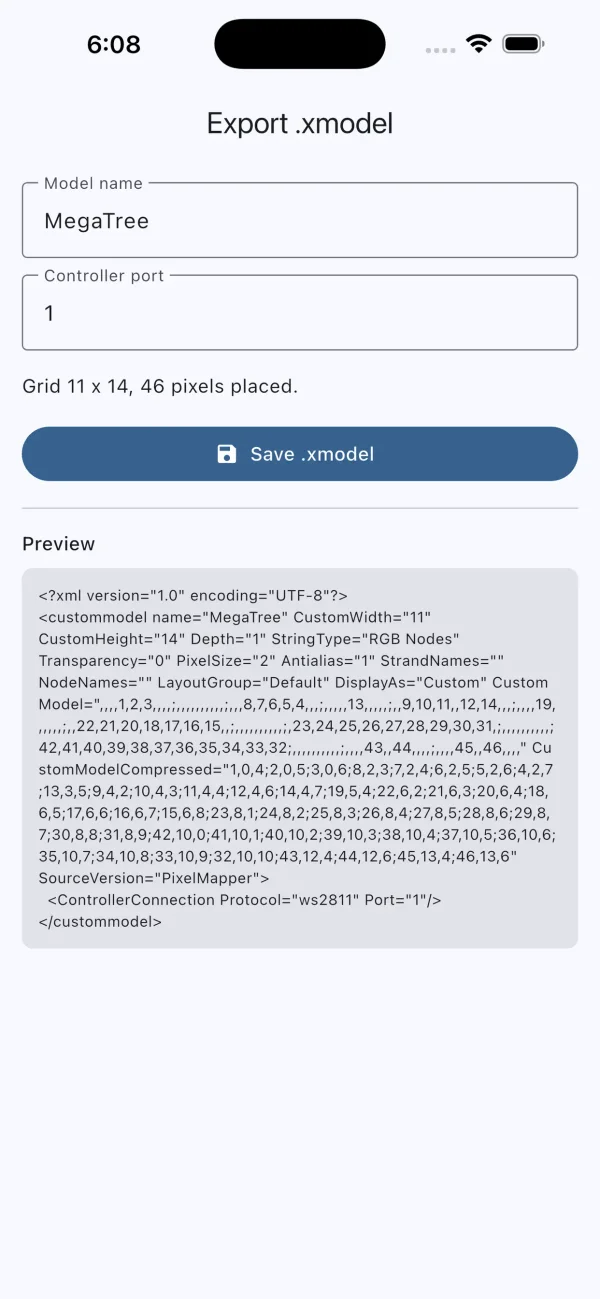
4. Export — save a standard xLights .xmodel file that imports into both old and
new versions of xLights.
WHY PIXEL MAPPER
• No more mapping hundreds of pixels by hand.
• Works with the gear you already own — any DDP or sACN/E1.31 pixel controller.
• Fast base-3 scan maps large models in seconds of capture.
• Checksum-protected so misread pixels get rejected, not placed wrong.
• Best results in a dim room; the app locks camera exposure and focus where
the device supports it.
REQUIREMENTS
• A WS2811 / WS2812 (or compatible) pixel controller reachable on your network.
• The controller set to receive DDP or sACN / E1.31.
• An iPhone or iPad on the same Wi-Fi network as the controller.
Pixel Mapper is an independent tool and is not affiliated with or endorsed by
the xLights project. xLights is a trademark of its respective owners.
アプリのプライバシー
このアプリのデータの取り扱いについて、S&B DesignsがApp Storeで申告している内容です。
-
データの収集なし
開発元はこのアプリからデータを収集しません。
プライバシーの取り扱いは、ご利用の機能やお客様の年齢などに応じて異なる場合があります。
情報
- 販売元
- S&B Designs LLC
- カテゴリ
- ユーティリティ
- バージョン
- 1.0
- 更新日
- 2026/8/5
- リリース
- 2026/8/5
- サイズ
- 22.7 MB
- 必要条件
- iOS 13.0以降
- 対象年齢
- 4+
- 価格
- 無料
- 言語
- 英語
- 著作権
- © S&B Designs LLC