
- 対象年齢4+
- カテゴリユーティリティ
- 開発元Bastian Aunkofer
- 言語英語ほか1言語
- サイズ24.1 MB
App Storeの公式ページにリンクしています
Download.orgはPPTControlのファイルを一切ホストしていません。ボタンを押すと、Bastian Aunkoferが公開しているApp Storeのアプリページが開きます。ページの最終確認:2026/11/12。
スクリーンショット


概要
開発元はこのテキストをお使いの言語で提供していません。
More than a simple clicker: Control PowerPoint, Keynote, and Google Slides on Mac or Windows from your iPhone, iPad, or Apple Watch. Keep your slides and speaker notes in view, highlight key points, and move freely around the room.
PRESENT WITH CONFIDENCE
• Move to the next or previous slide
• Start and end presentations
• Black or white out the presentation screen
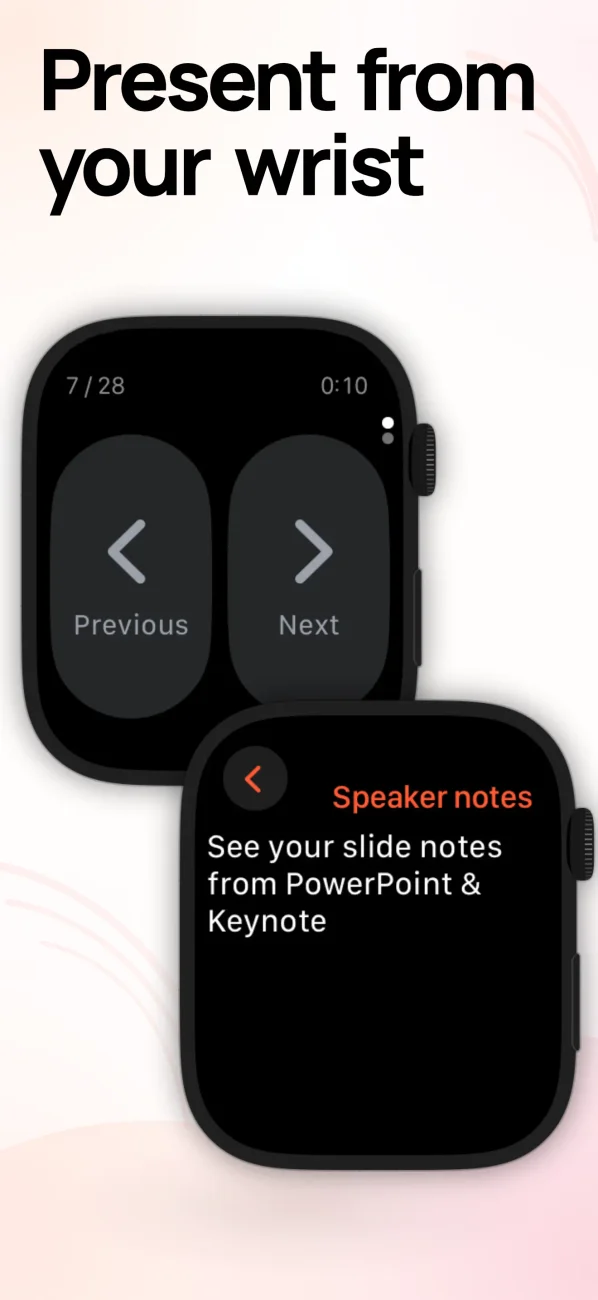
• Present directly from your Apple Watch
STAY ONE STEP AHEAD WITH PRO
• Preview slides and jump directly to any slide
• View speaker notes while presenting
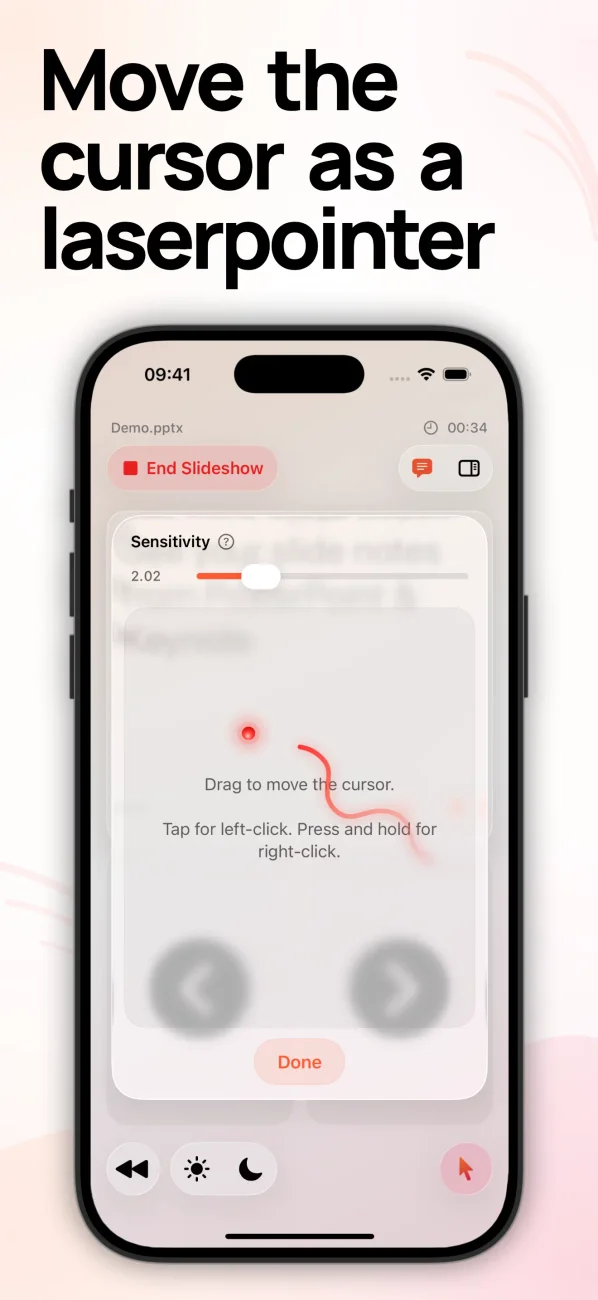
• Control the cursor and use it as a laser pointer
• Change slides with the volume buttons on your iPhone or iPad — without looking down
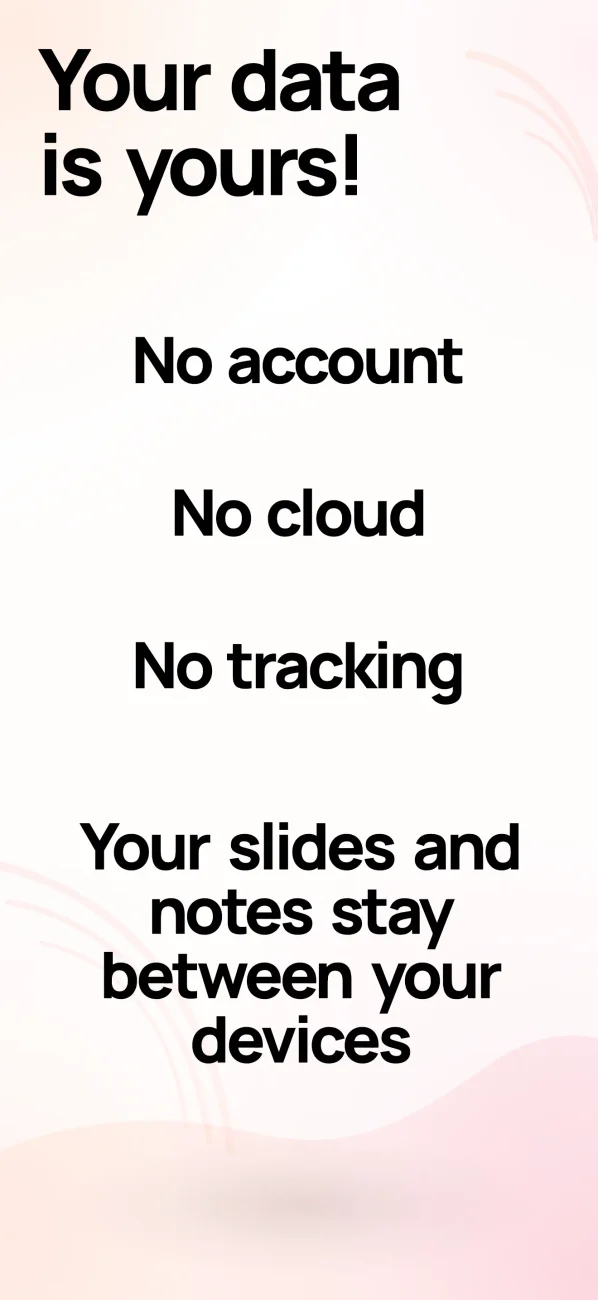
No account required. PPTControl does not upload your presentation files and includes no ads or tracking.
COMPATIBILITY
• Microsoft PowerPoint on Windows and macOS
• Apple Keynote on macOS
• Google Slides on Windows and macOS
• iPhone, iPad, and Apple Watch
Speaker notes and slide previews are only available for supported PowerPoint and Keynote presentations. Apple Watch control works through the connected iPhone.
GET STARTED
1. Download and open the PPTControl Desktop app on your Mac or Windows PC at https://pptcontrol.app.
2. Open PPTControl on your iPhone or iPad and select your computer or scan the pairing qr code.
3. Confirm the connection on your computer and start presenting.
PPTControl has been downloaded more than 300,000 times worldwide.
Privacy: https://pptcontrol.app/privacy
Terms: https://pptcontrol.app/terms
新機能
バージョン 3.0.2 · 2026/11/8
- See your current and next slide right on the screen
- Optimizations for iPhone Duo
- Bug fixes and stability improvements
Thank you for using PPTControl!
アプリのプライバシー
このアプリのデータの取り扱いについて、Bastian AunkoferがApp Storeで申告している内容です。
-
データの収集なし
開発元はこのアプリからデータを収集しません。
プライバシーの取り扱いは、ご利用の機能やお客様の年齢などに応じて異なる場合があります。
情報
- 販売元
- Bastian Aunkofer
- カテゴリ
- ユーティリティ
- バージョン
- 3.0.2
- 更新日
- 2026/11/8
- リリース
- 2022/5/2
- サイズ
- 24.1 MB
- 必要条件
- iOS 15.0以降
- 対象年齢
- 4+
- 価格
- 無料
- アプリ内課金
- あり
- 言語
- 英語, ドイツ語
- 著作権
- © 2022–2026 Bastian Aunkofer
こちらもおすすめ
-
 Unified Remoteパソコンをコントロール
-
 ProPresenter Remoteユーティリティ
-
 Presenter Remoteユーティリティ
-
 Remote, Mouse and KeyboardApple TV・Mac・PCを手元で操作
-
 Universal Presenter Remoteユーティリティ
-
 Slide Remote: PPT Clickerユーティリティ
-
 Remote Mouse便利なパソコン用リモコン
-
 NDI HX Camera - Stream Captureユーティリティ
-
 Mobile Mouse Remote - Cloudユーティリティ
-
 Proclaim Remoteユーティリティ