
PPTControl
Slides, Notes & Laser Pointer
Dirancang untuk iPhone, iPad, iPod touch
Gratis · Pembelian dalam aplikasi
- Batasan usia4+
- KategoriKegunaan
- PengembangBastian Aunkofer
- BahasaInggris+ 1 lainnya
- Ukuran24,1 MB
Tertaut ke halaman resmi App Store
Download.org tidak menyimpan file PPTControl apa pun. Tombol ini membuka halaman aplikasi di App Store, tempat Bastian Aunkofer menerbitkannya. Halaman terakhir diperiksa pada 12/11/2026.
Tangkapan layar


Tentang
Pengembang belum menyediakan teks ini dalam bahasa Anda.
More than a simple clicker: Control PowerPoint, Keynote, and Google Slides on Mac or Windows from your iPhone, iPad, or Apple Watch. Keep your slides and speaker notes in view, highlight key points, and move freely around the room.
PRESENT WITH CONFIDENCE
• Move to the next or previous slide
• Start and end presentations
• Black or white out the presentation screen
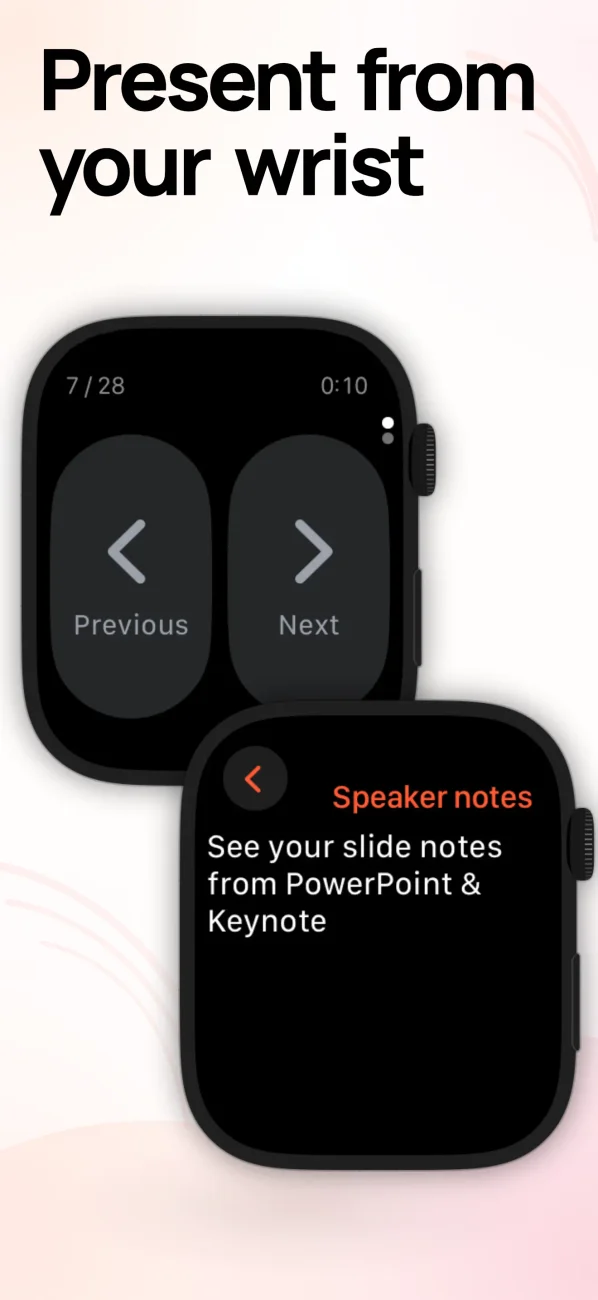
• Present directly from your Apple Watch
STAY ONE STEP AHEAD WITH PRO
• Preview slides and jump directly to any slide
• View speaker notes while presenting
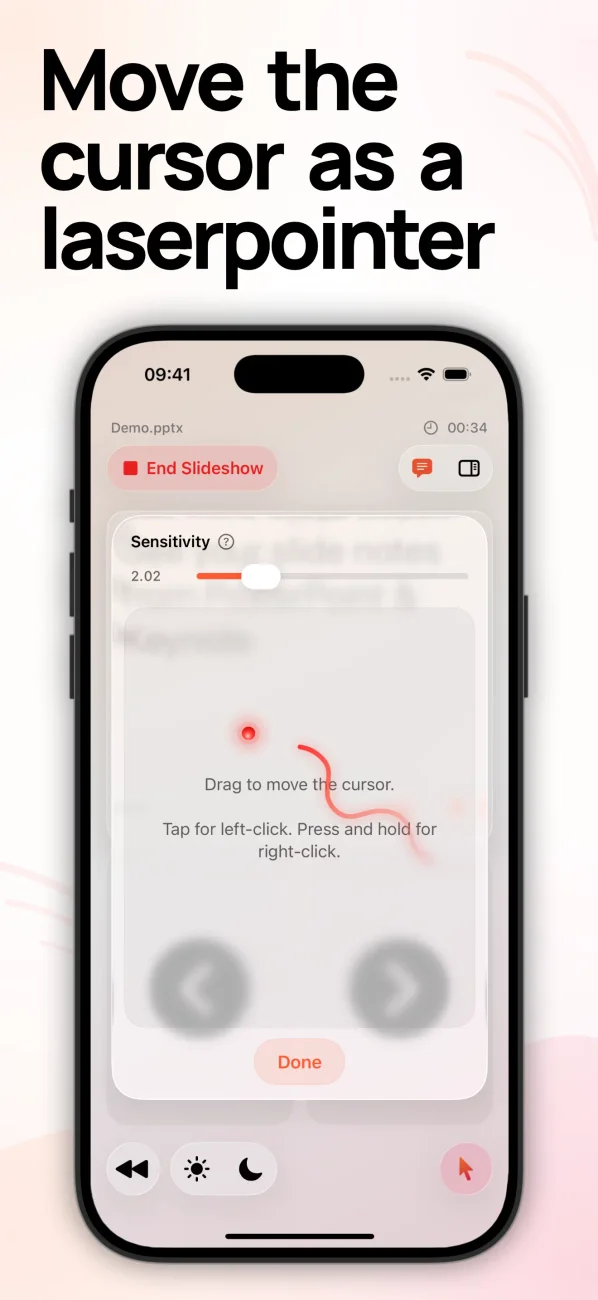
• Control the cursor and use it as a laser pointer
• Change slides with the volume buttons on your iPhone or iPad — without looking down
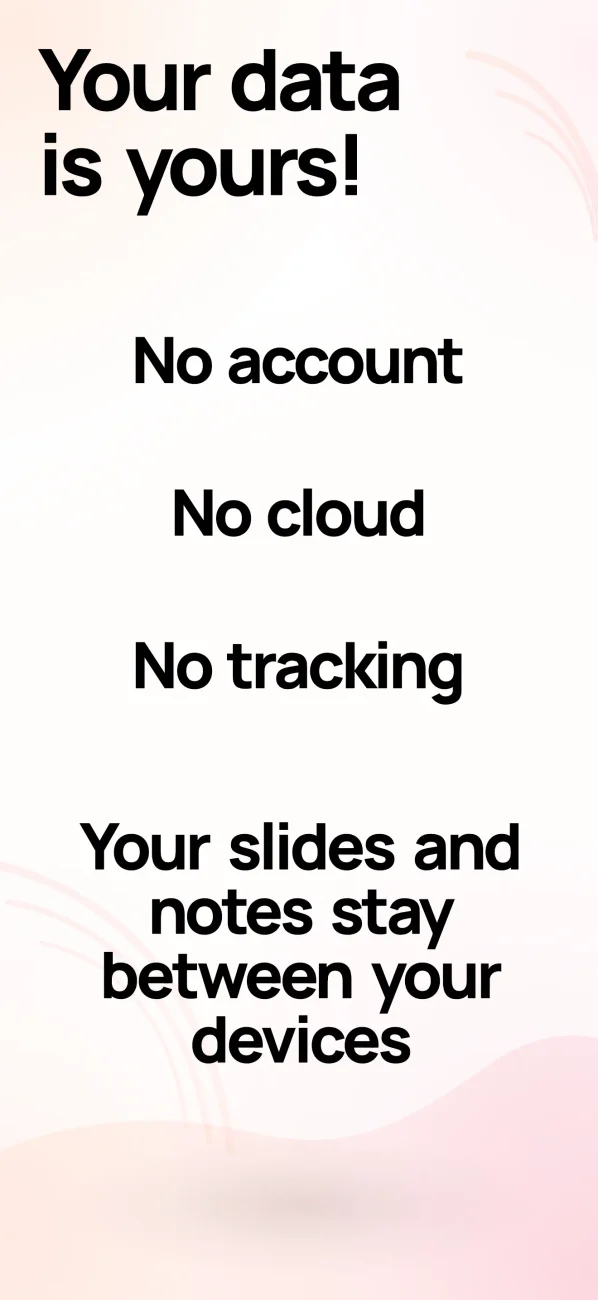
No account required. PPTControl does not upload your presentation files and includes no ads or tracking.
COMPATIBILITY
• Microsoft PowerPoint on Windows and macOS
• Apple Keynote on macOS
• Google Slides on Windows and macOS
• iPhone, iPad, and Apple Watch
Speaker notes and slide previews are only available for supported PowerPoint and Keynote presentations. Apple Watch control works through the connected iPhone.
GET STARTED
1. Download and open the PPTControl Desktop app on your Mac or Windows PC at https://pptcontrol.app.
2. Open PPTControl on your iPhone or iPad and select your computer or scan the pairing qr code.
3. Confirm the connection on your computer and start presenting.
PPTControl has been downloaded more than 300,000 times worldwide.
Privacy: https://pptcontrol.app/privacy
Terms: https://pptcontrol.app/terms
Yang baru
Versi 3.0.2 · 8/11/2026
- See your current and next slide right on the screen
- Optimizations for iPhone Duo
- Bug fixes and stability improvements
Thank you for using PPTControl!
Privasi aplikasi
Yang dinyatakan Bastian Aunkofer di App Store tentang cara aplikasi ini menangani data.
-
Data tidak dikumpulkan
Pengembang tidak mengumpulkan data apa pun dari aplikasi ini.
Praktik privasi dapat bervariasi, misalnya berdasarkan fitur yang Anda gunakan atau usia Anda.
Informasi
- Penjual
- Bastian Aunkofer
- Kategori
- Kegunaan
- Versi
- 3.0.2
- Diperbarui
- 8/11/2026
- Dirilis
- 2/5/2022
- Ukuran
- 24,1 MB
- Memerlukan
- iOS 15.0 atau yang lebih baru
- Batasan usia
- 4+
- Harga
- Gratis
- Pembelian dalam aplikasi
- Ya
- Bahasa
- Inggris, Jerman
- Hak cipta
- © 2022–2026 Bastian Aunkofer
Mungkin Anda juga suka
-
 Unified RemoteKegunaan
-
 ProPresenter RemoteKegunaan
-
 Presenter RemoteKegunaan
-
 Remote, Mouse and KeyboardKendalikan Apple TV, Mac & PC
-
 Universal Presenter RemoteKegunaan
-
 Slide Remote: PPT ClickerKegunaan
-
 Remote MouseRemote komputer yang praktis
-
 NDI HX Camera - Stream CaptureKegunaan
-
 Mobile Mouse Remote - CloudKegunaan
-
 Proclaim RemoteKegunaan