
PPTControl
Slides, Notes & Laser Pointer
Được thiết kế cho iPhone, iPad, iPod touch
Miễn phí · Mua hàng trong ứng dụng
- Độ tuổi4+
- Danh mụcTiện Ích
- Nhà phát triểnBastian Aunkofer
- Ngôn ngữTiếng Anh+ 1 ngôn ngữ khác
- Kích thước24,1 MB
Liên kết đến trang App Store chính thức
Download.org không lưu trữ tệp nào của PPTControl. Nút này mở trang ứng dụng trên App Store, nơi Bastian Aunkofer phát hành ứng dụng. Trang được kiểm tra lần cuối: 12/11/2026.
Ảnh chụp màn hình


Giới thiệu
Nhà phát triển chưa cung cấp nội dung này bằng ngôn ngữ của bạn.
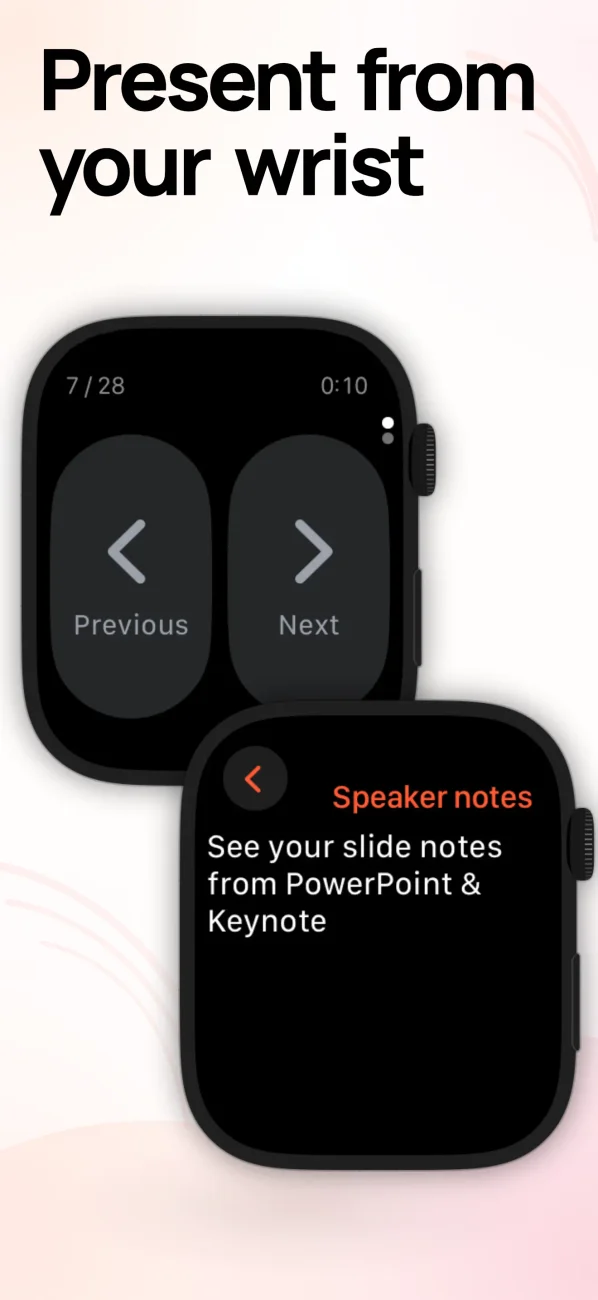
More than a simple clicker: Control PowerPoint, Keynote, and Google Slides on Mac or Windows from your iPhone, iPad, or Apple Watch. Keep your slides and speaker notes in view, highlight key points, and move freely around the room.
PRESENT WITH CONFIDENCE
• Move to the next or previous slide
• Start and end presentations
• Black or white out the presentation screen
• Present directly from your Apple Watch
STAY ONE STEP AHEAD WITH PRO
• Preview slides and jump directly to any slide
• View speaker notes while presenting
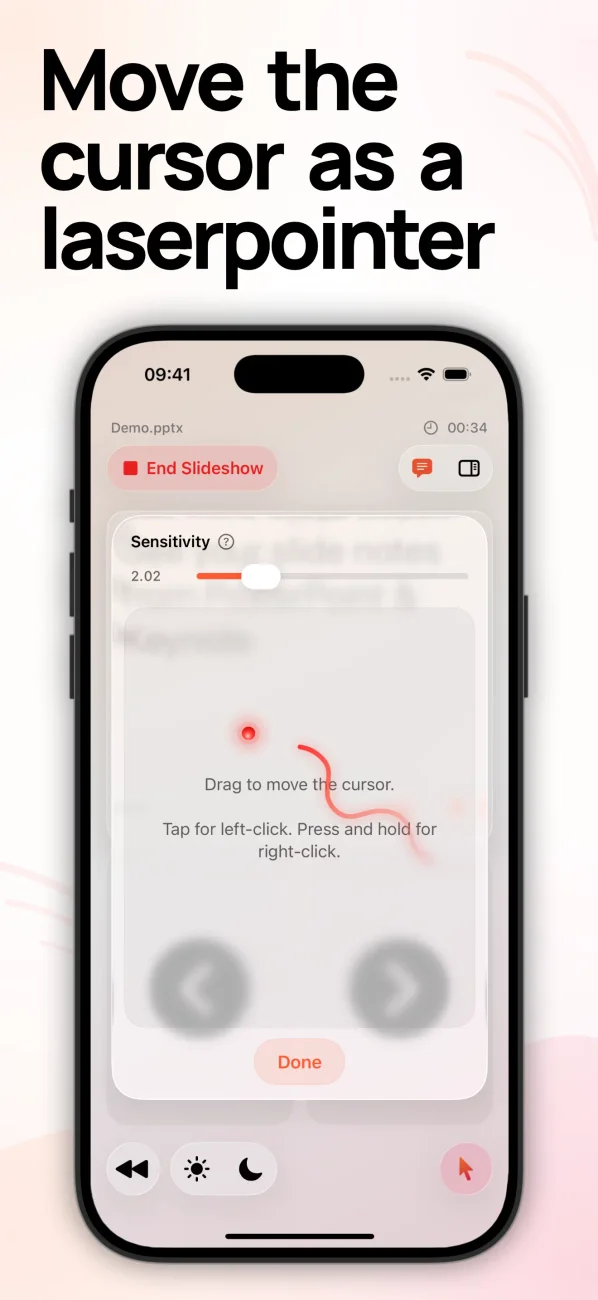
• Control the cursor and use it as a laser pointer
• Change slides with the volume buttons on your iPhone or iPad — without looking down
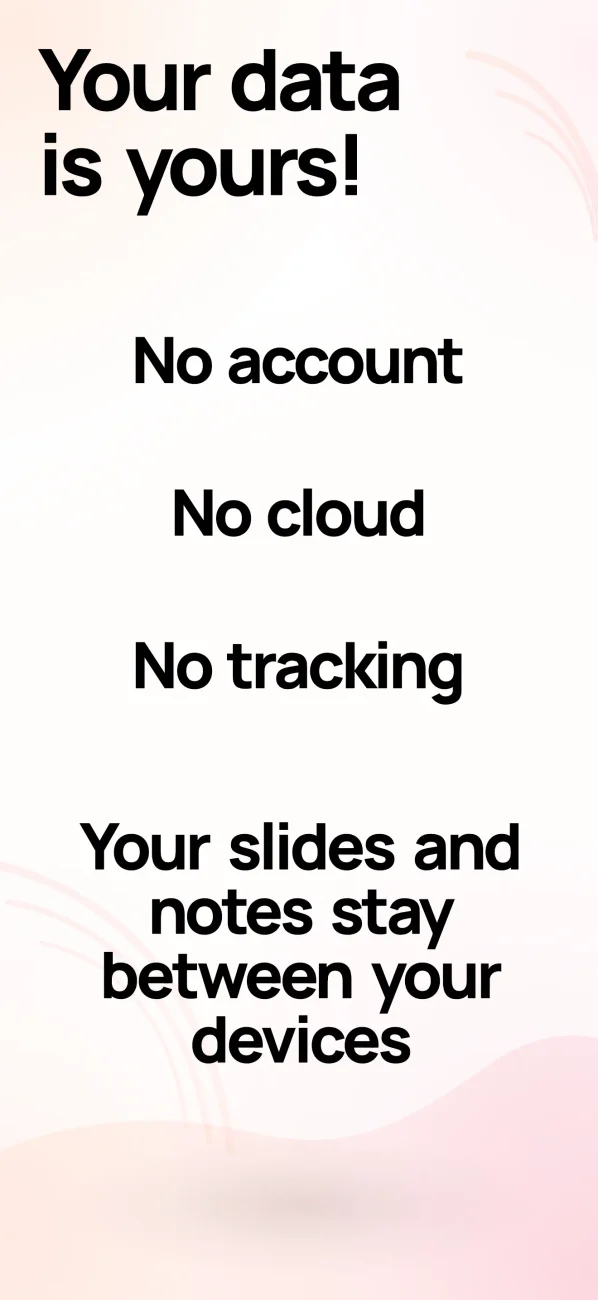
No account required. PPTControl does not upload your presentation files and includes no ads or tracking.
COMPATIBILITY
• Microsoft PowerPoint on Windows and macOS
• Apple Keynote on macOS
• Google Slides on Windows and macOS
• iPhone, iPad, and Apple Watch
Speaker notes and slide previews are only available for supported PowerPoint and Keynote presentations. Apple Watch control works through the connected iPhone.
GET STARTED
1. Download and open the PPTControl Desktop app on your Mac or Windows PC at https://pptcontrol.app.
2. Open PPTControl on your iPhone or iPad and select your computer or scan the pairing qr code.
3. Confirm the connection on your computer and start presenting.
PPTControl has been downloaded more than 300,000 times worldwide.
Privacy: https://pptcontrol.app/privacy
Terms: https://pptcontrol.app/terms
Có gì mới
Phiên bản 3.0.2 · 08/11/2026
- See your current and next slide right on the screen
- Optimizations for iPhone Duo
- Bug fixes and stability improvements
Thank you for using PPTControl!
Quyền riêng tư của ứng dụng
Những gì Bastian Aunkofer khai báo trên App Store về cách ứng dụng này xử lý dữ liệu.
-
Dữ liệu không được thu thập
Nhà phát triển không thu thập bất kỳ dữ liệu nào từ ứng dụng này.
Phương thức đảm bảo quyền riêng tư có thể khác nhau, chẳng hạn như tuỳ theo các tính năng bạn sử dụng hoặc độ tuổi của bạn.
Thông tin
- Người bán
- Bastian Aunkofer
- Danh mục
- Tiện Ích
- Phiên bản
- 3.0.2
- Cập nhật
- 08/11/2026
- Phát hành
- 02/05/2022
- Kích thước
- 24,1 MB
- Yêu cầu
- iOS 15.0 trở lên
- Độ tuổi
- 4+
- Giá
- Miễn phí
- Mua hàng trong ứng dụng
- Có
- Ngôn ngữ
- Tiếng Anh, Tiếng Đức
- Bản quyền
- © 2022–2026 Bastian Aunkofer
Có thể bạn cũng thích
-
 Unified RemoteTiện Ích
-
 ProPresenter RemoteTiện Ích
-
 Presenter RemoteTiện Ích
-
 Remote, Mouse and KeyboardĐiều khiển Mac, PC, Apple TV
-
 Universal Presenter RemoteTiện Ích
-
 Slide Remote: PPT ClickerTiện Ích
-
 Remote MouseĐiều khiển máy tính tiện lợi
-
 NDI HX Camera - Stream CaptureTiện Ích
-
 Mobile Mouse Remote - CloudTiện Ích
-
 Proclaim RemoteTiện Ích