- 対象年齢4+
- カテゴリ仕事効率化
- 開発元Alper Albayrak
- 言語英語ほか10言語
- サイズ4.5 MB
App Storeの公式ページにリンクしています
Download.orgはReadSync - PDF Readerのファイルを一切ホストしていません。ボタンを押すと、Alper Albayrakが公開しているApp Storeのアプリページが開きます。ページの最終確認:2026/11/12。
スクリーンショット
概要
開発元はこのテキストをお使いの言語で提供していません。
ReadSync remembers where you stopped reading — on every device.
Open a PDF on your Mac, read to page 120, then pick up your iPhone. ReadSync opens the same document on the same page. Your highlights, notes and bookmarks are already there.
WHY READSYNC
• Your reading position syncs automatically through iCloud — in the free version too
• No account to create, no subscription, no company server holding your files
• Works completely offline — syncing is a layer on top, never a requirement
PICK UP WHERE YOU LEFT OFF
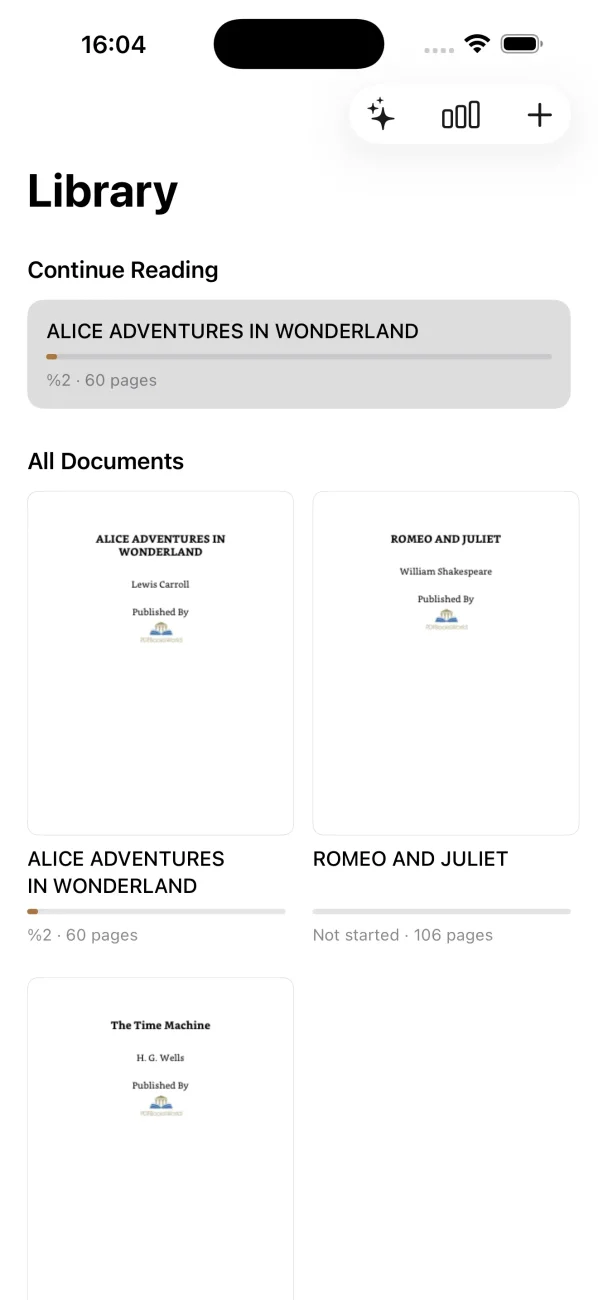
• A Continue Reading row at the top of your library, most recent first
• A Home Screen widget that opens the document on the page you left
• Nothing to press: the page is saved as you read and travels with you
• Handoff: the document open on your Mac appears on your iPhone, and opens on the same page
READING
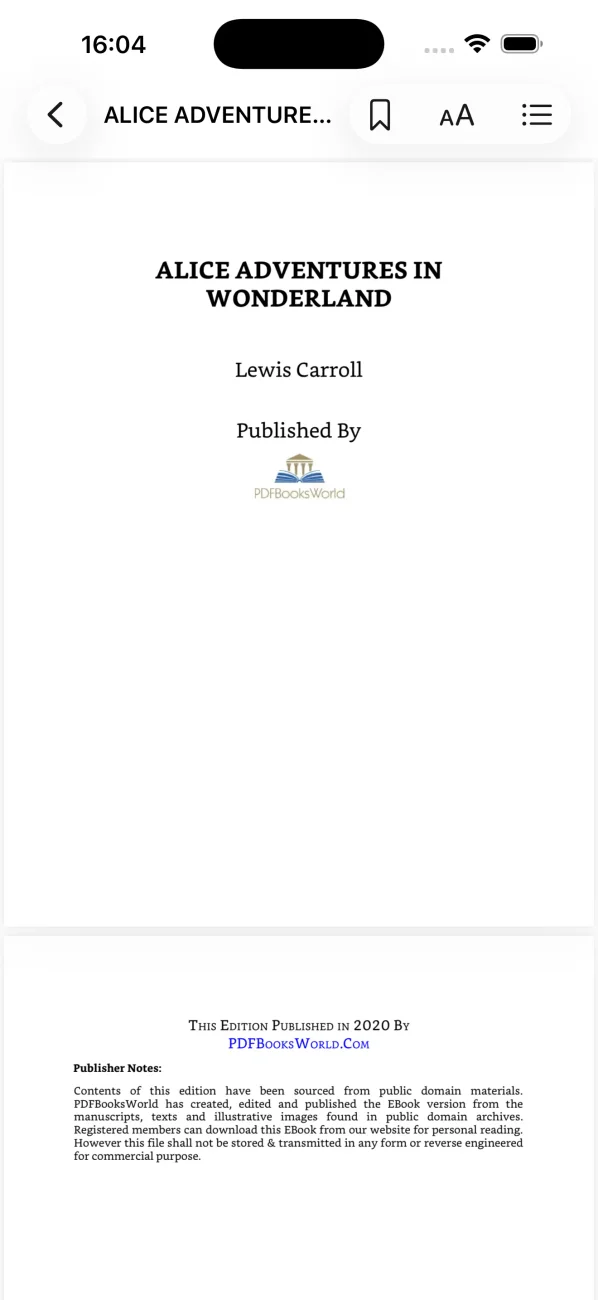
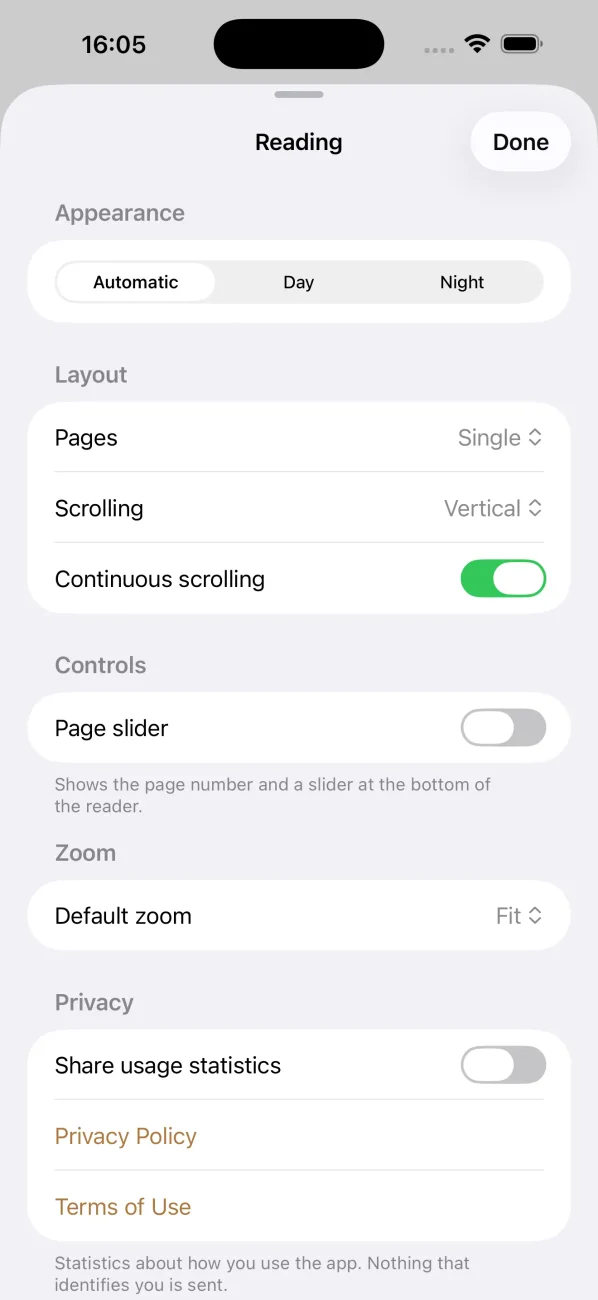
• A quiet reader that hides its controls while you read
• A reading lock that turns off selection, highlights and notes, so you can scroll and zoom without triggering anything by accident
• Keep the screen awake while a document is open
• Night mode that darkens the page without draining the colour from your highlights
• Single or two-page layout, vertical or horizontal scrolling
• Adjustable default zoom
• Translate any passage you select into your own language, on your device with Apple's built-in translation
• Look up any word in the dictionary without leaving the page
• Password-protected PDFs open too — remember the password once, in your iCloud Keychain, and your other devices open them without asking
HIGHLIGHTS AND NOTES
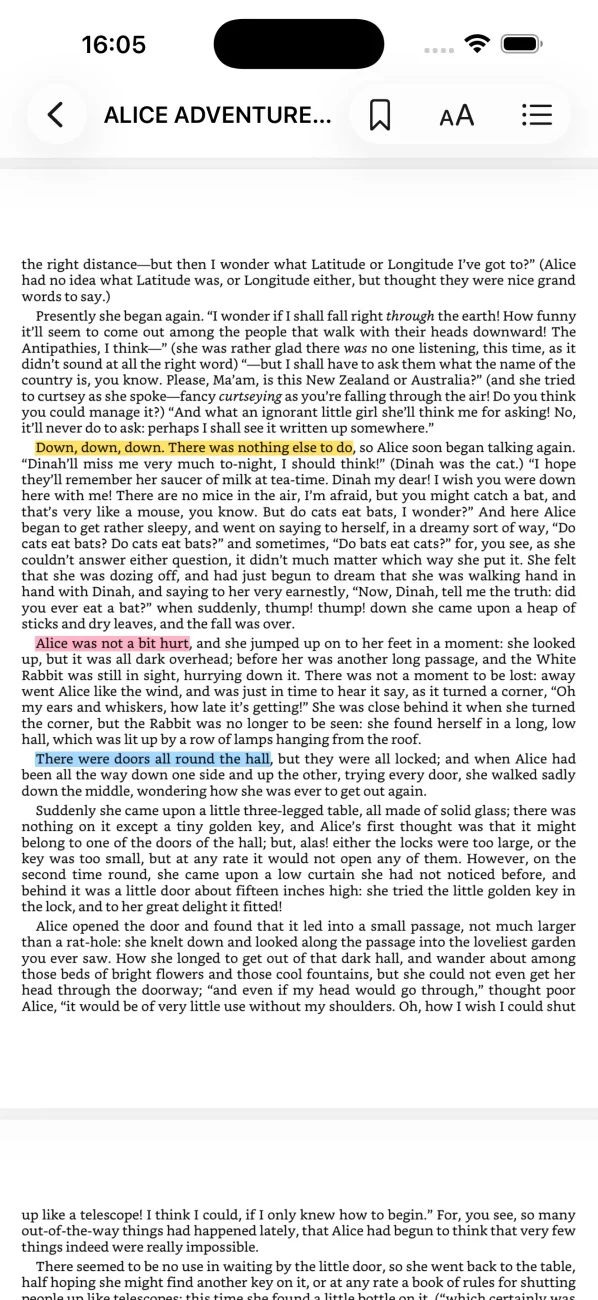
• Five highlight colours
• Attach a note to any passage
• Every highlight and note in one list — tap to jump straight to the page
• Export everything from a document as a single file, to Notes, Mail or Files
• Nothing is written into the PDF itself; your original file stays untouched
FINDING YOUR PLACE
• Full-text search inside the document
• The PDF's own table of contents
• Bookmarks for the pages you want to come back to
YOUR LIBRARY
• Add files from Files or iCloud Drive
• Open a PDF in ReadSync from Mail, Safari, Messages or any app's share sheet
• Leave a file where it is, or copy it into ReadSync so it syncs across your devices
• Cover, progress and page count at a glance
• Sort by last read, title or date added
• Search your library by title
READING STATS
• Total reading time, and how much of it was this week
• A chart of the last seven days
• Progress for every document you have started
FREE AND PRO
The free version is a whole reader, not a demo: iCloud sync, night mode, search, table of contents, bookmarks, translation and all five highlight colours, with room for 5 documents and 10 highlights or notes in each one.
ReadSync Pro lifts both limits and opens reading stats and note export. It is a one-time purchase — there is no subscription.
A limit only ever stops you adding something new. Everything already in your library stays open, in full, whether you buy or not.
PRIVACY
ReadSync is built entirely with Apple's own frameworks and stores everything in your private iCloud database. Your documents are never uploaded to anyone else's server. Anonymous usage statistics are sent only if you agree when asked, and never include your files, page contents, notes or highlights.
新機能
バージョン 2.2 · 2026/10/24
Your PDFs, from anywhere. Open a PDF in ReadSync straight from Mail, Safari, Messages or any app's share sheet — on your Mac, also from Finder or the Dock.
Also in this version:
• A reading lock for when you only want to read: selection, highlights and notes are off, scrolling and zooming stay on
• Keep the screen awake while a document is open
• Password-protected PDFs open now. Remember the password once and your other devices open them too, through your iCloud Keychain
• Handoff: the document open on your Mac appears on your iPhone, and opens on the same page
• Look up any word in the dictionary, right from the selection
• Search your library by title
• Removing a document asks first and tells you what goes with it
• A Settings screen in the library, with Pro, privacy and support in one place
アプリのプライバシー
このアプリのデータの取り扱いについて、Alper AlbayrakがApp Storeで申告している内容です。
-
ユーザーに関連付けられないデータ
収集される場合がありますが、ユーザーの識別情報には関連付けられません。
- 使用状況データ
- 診断
プライバシーの取り扱いは、ご利用の機能やお客様の年齢などに応じて異なる場合があります。
情報
- 販売元
- Alper Albayrak
- カテゴリ
- 仕事効率化
- バージョン
- 2.2
- 更新日
- 2026/10/24
- リリース
- 2026/8/7
- サイズ
- 4.5 MB
- 必要条件
- iOS 18.0以降
- 対象年齢
- 4+
- 価格
- 無料
- アプリ内課金
- あり
- 言語
- 英語, オランダ語, フランス語, ドイツ語, イタリア語, ポーランド語, ルーマニア語, ロシア語, スペイン語, トルコ語, ウクライナ語
- 著作権
- © 2026 Alper Albayrak