
- 対象年齢4+
- カテゴリ仕事効率化
- 開発元Eni Veshi
- 言語ドイツ語ほか2言語
- サイズ10.7 MB
App Storeの公式ページにリンクしています
Download.orgはRun4Passwordのファイルを一切ホストしていません。ボタンを押すと、Eni Veshiが公開しているApp Storeのアプリページが開きます。ページの最終確認:2026/11/16。
スクリーンショット


概要
開発元はこのテキストをお使いの言語で提供していません。
Run 4 Password keeps your passwords on your iPhone and nowhere else.
There is no account to create, no email to hand over, and nothing to subscribe to. The app contains
no networking code at all — and you do not have to take that on faith. Turn on Airplane Mode and use
it. Everything works, because nothing was ever going to leave.
WHAT IT DOES
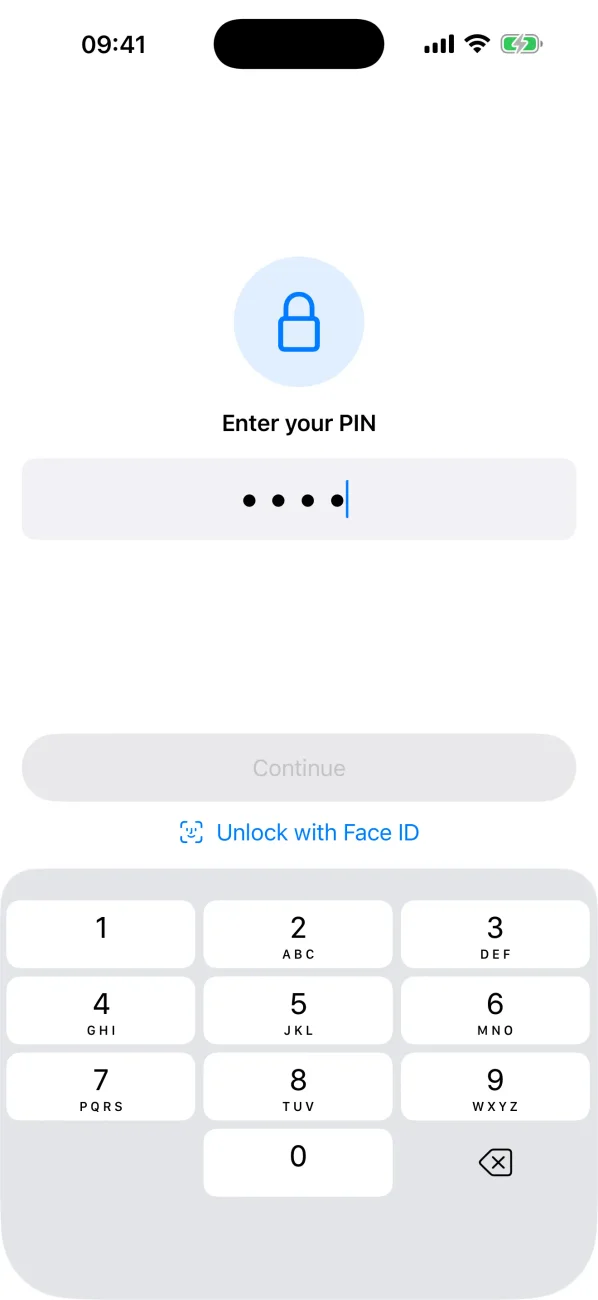
• Stores your passwords in a vault encrypted with AES-GCM, unlocked by a 6-digit PIN
• Ties the encryption key to this iPhone's Secure Enclave, so the vault cannot simply be copied off
and attacked somewhere else
• Fills passwords for you in Safari and other apps, with Face ID or Touch ID
• Signs you in with passkeys, and saves new ones, without a password to type
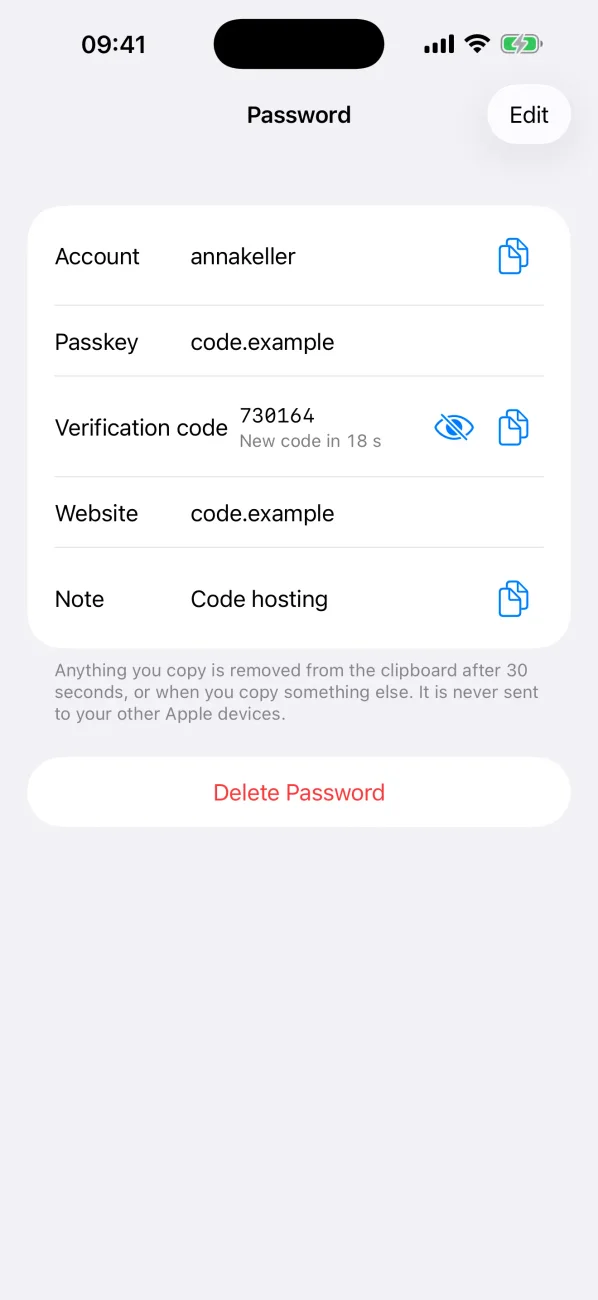
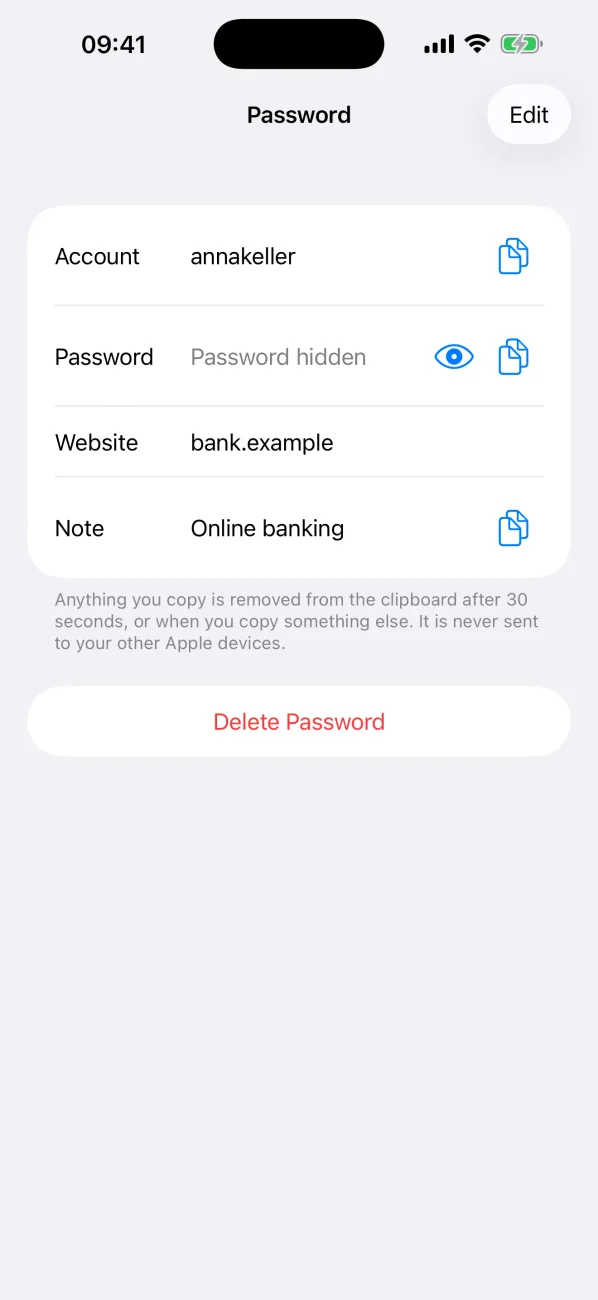
• Keeps your 2FA codes beside the password they belong to, counting down
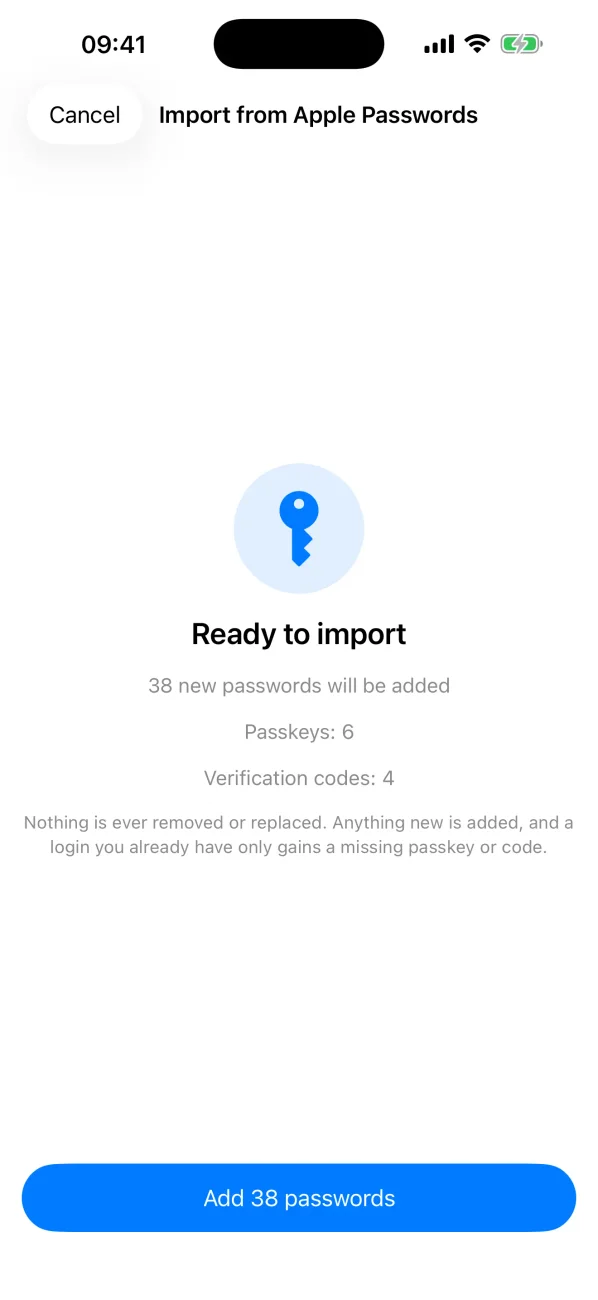
• Brings your passwords, passkeys and codes across from Apple Passwords in one import
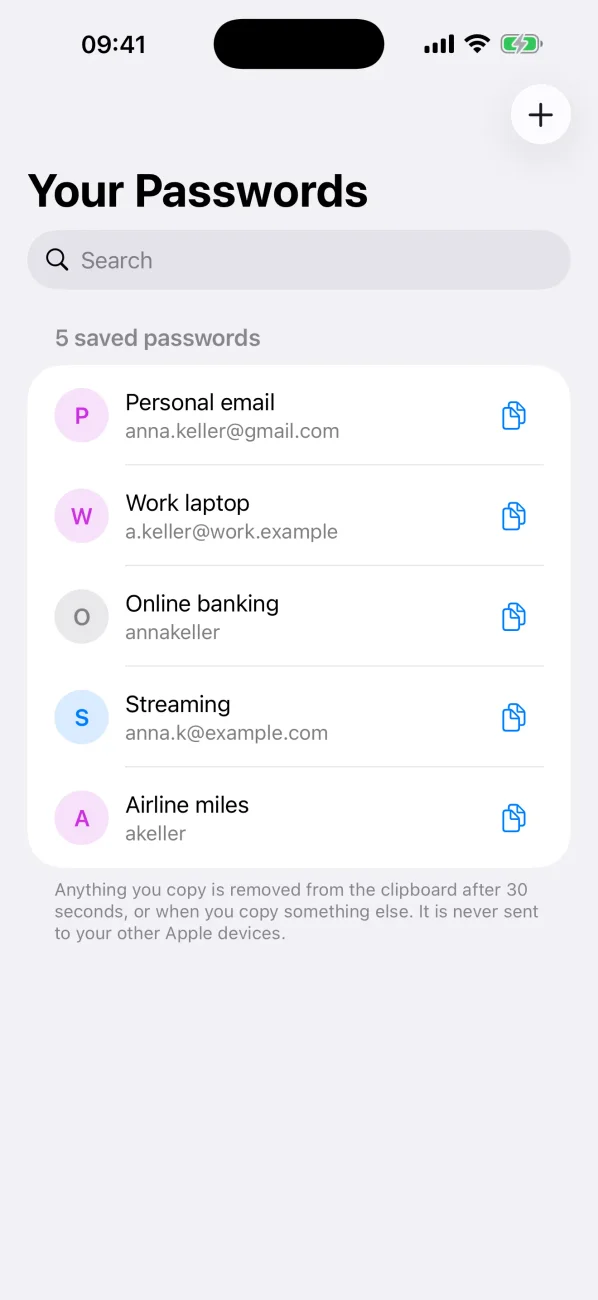
• Keeps the site each password belongs to, and finds it when you search
• Generates strong passwords and passphrases
• Hides the app from the app switcher and blocks screenshots while it is open
• Locks itself when you leave it
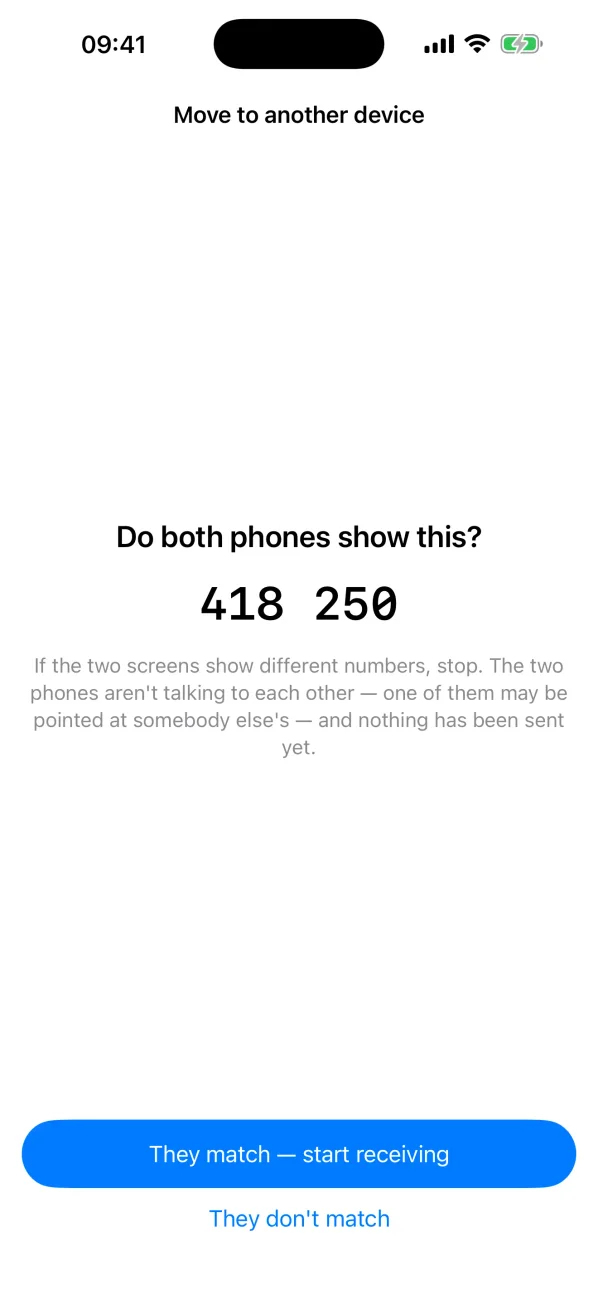
• Moves your passwords to another phone by holding the two together — no server, no account
• Works in English, German and Italian
BACKUPS, HONESTLY
Nothing leaves this phone unless you export it — and what you export is encrypted before it leaves.
When you make a backup, the app seals your whole vault into a single file and asks you where to put
it. It hands you ten randomly chosen words to write on paper; those words, and nothing else, open
that file. We do not keep a copy, and there is no way for us to recover one. Put the file somewhere
you can find it again and keep the paper somewhere else — either one on its own is useless.
That backup restores onto a different phone. That is the point of it.
MOVING TO A SECOND PHONE
If you want the same passwords on two phones you own, you do not need a file, an account or a
server. Hold the two phones facing each other. Each one shows the other a code, you check that both
screens show the same six digits, and the passwords travel across as pictures on the screen.
This is what the camera is used for, and it is the only thing it is used for. Nothing is
photographed and nothing is saved — the camera reads a code and forgets it.
Nothing is ever deleted by this. Passwords already on the receiving phone stay exactly as they are;
anything new is added. If the same entry differs on both phones, that phone asks you which one to
keep.
WHAT WE CANNOT DO FOR YOU
If you forget your PIN and have no backup, your passwords are gone. There is no reset link, no
support address that can help, and no key escrow. That is not a gap in the product — it is what
"only you can open it" actually means, and any app that offers you a way back in is telling you
something about who else can get in.
NO TRACKING
No analytics. No crash reporting. No advertising identifier. Nothing is collected, because there is
nothing here that could send it.
新機能
バージョン 4.2.0 · 2026/9/17
Passkeys and 2FA codes.
Sign in to websites with a passkey, straight from Safari, with Face ID. No password to type and
nothing for a site to leak. Save a new passkey the same way: the site asks, you unlock, it is
yours.
Your 2FA codes live next to the password they belong to, counting down, hidden until you tap the
eye. No second app to open.
Bring both across from Apple Passwords in one import, along with your passwords.
Two vault bugs are fixed: saving from the AutoFill sheet and from the open app at the same time
could quietly lose one of the two changes, and a locked vault could be resealed in a state that
made it unopenable. Neither can happen now.
Please note: once this version opens your vault, an older version of the app cannot. Backups and
camera transfers made here also need the matching Android release, which is still on its way.
アプリのプライバシー
このアプリのデータの取り扱いについて、Eni VeshiがApp Storeで申告している内容です。
-
データの収集なし
開発元はこのアプリからデータを収集しません。
プライバシーの取り扱いは、ご利用の機能やお客様の年齢などに応じて異なる場合があります。
情報
- 販売元
- Eni Veshi
- カテゴリ
- 仕事効率化
- バージョン
- 4.2.0
- 更新日
- 2026/9/17
- リリース
- 2022/2/16
- サイズ
- 10.7 MB
- 必要条件
- iOS 17.0以降
- 対象年齢
- 4+
- 価格
- 無料
- 言語
- ドイツ語, 英語, イタリア語
- 著作権
- © 2026 run4dev