- 対象年齢4+
- カテゴリ教育
- 開発元William Nelson
- 言語英語
- サイズ112.4 MB
Schedule Builderは現在App Storeで入手できない可能性があります
前回の確認時、ストアのページにアクセスできませんでした。リンク先は引き続きApp Storeの公式ページです。
スクリーンショット


概要
開発元はこのテキストをお使いの言語で提供していません。
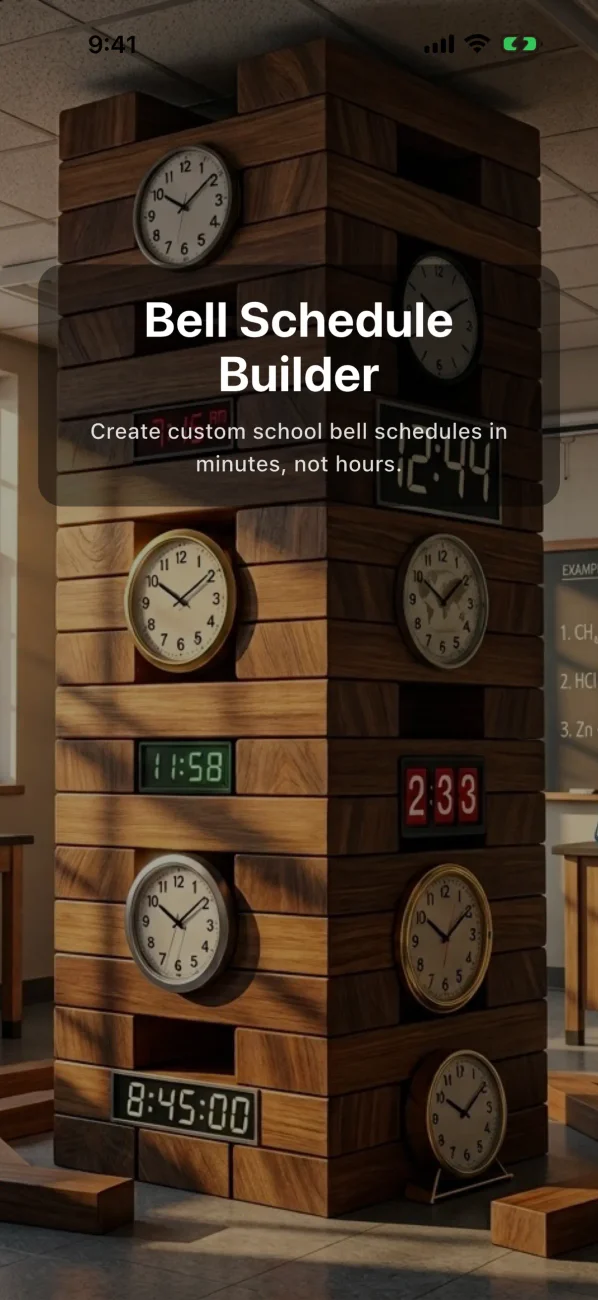
Create custom school bell schedules in minutes, not hours.
Tired of wrestling with spreadsheet formulas every time there’s an assembly, minimum day, or special event? Bell Schedule Builder was created by a school administrator who got tired of spending 20–30 minutes hand-calculating every schedule change. Now you can sit down with staff, ASB directors, and administrators and build a new bell schedule in minutes.
TWO WAYS TO BUILD
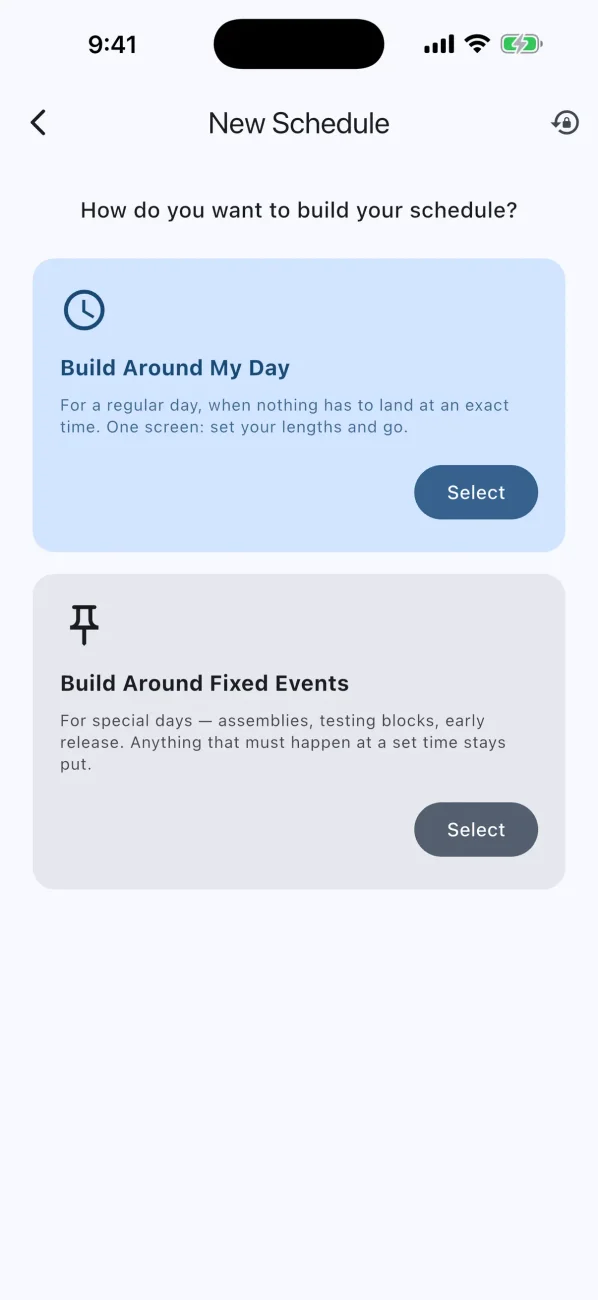
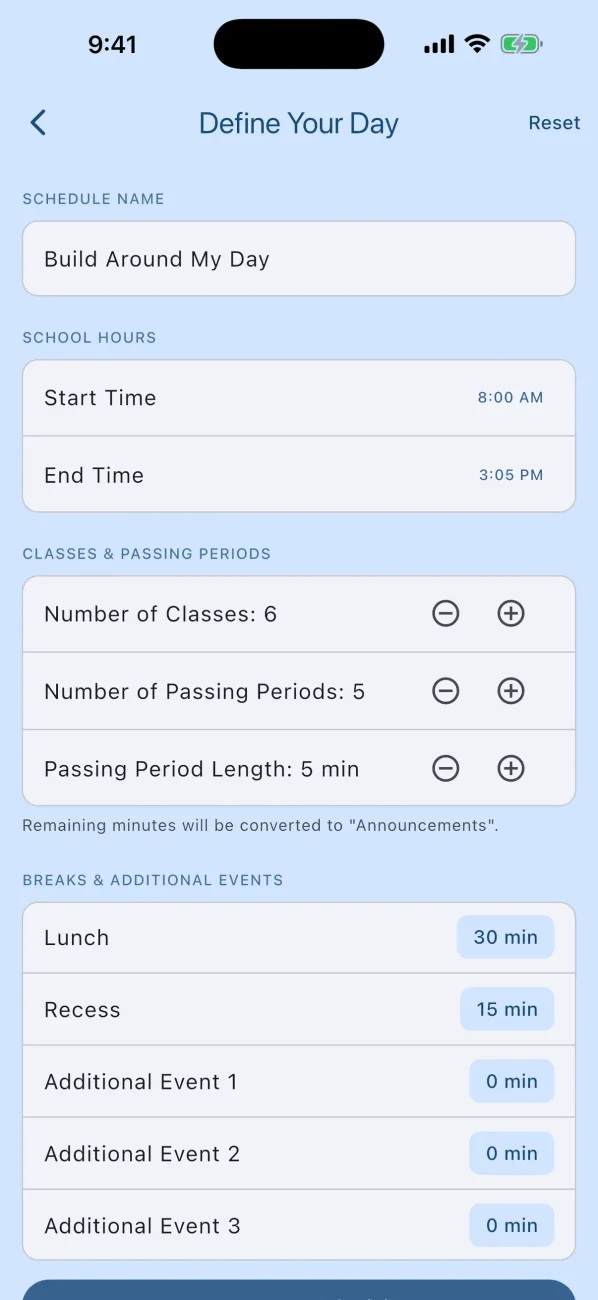
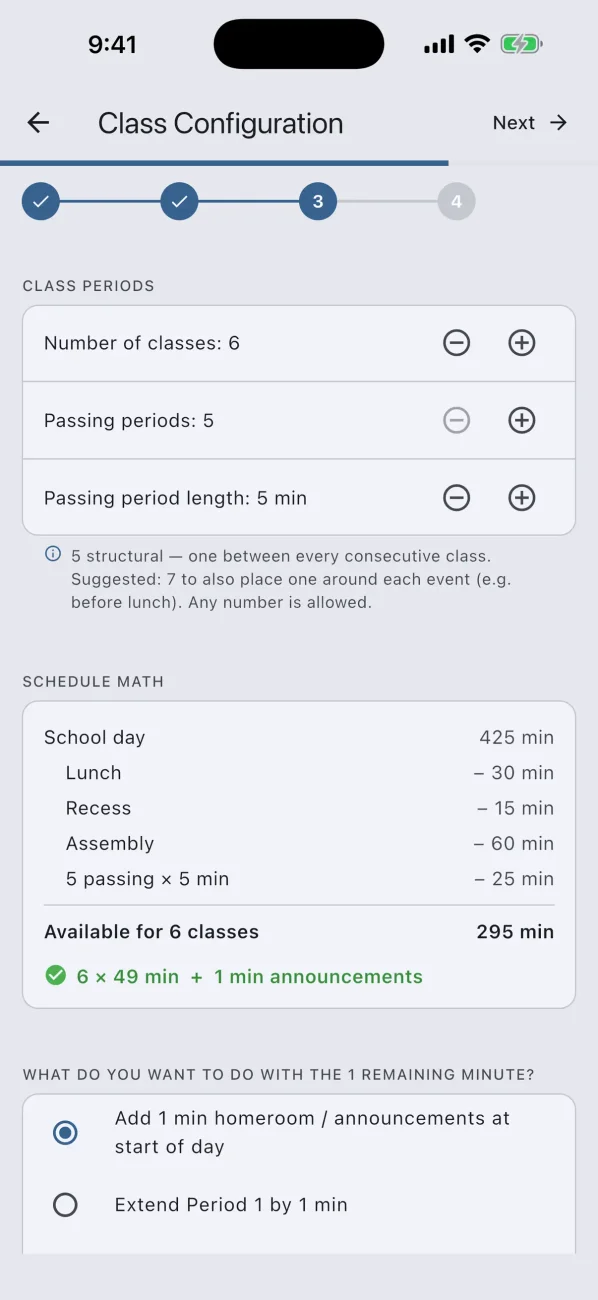
• Build Around My Day — for a regular day: set your start/end times, number of classes, and passing periods, and the app instantly calculates even class lengths.
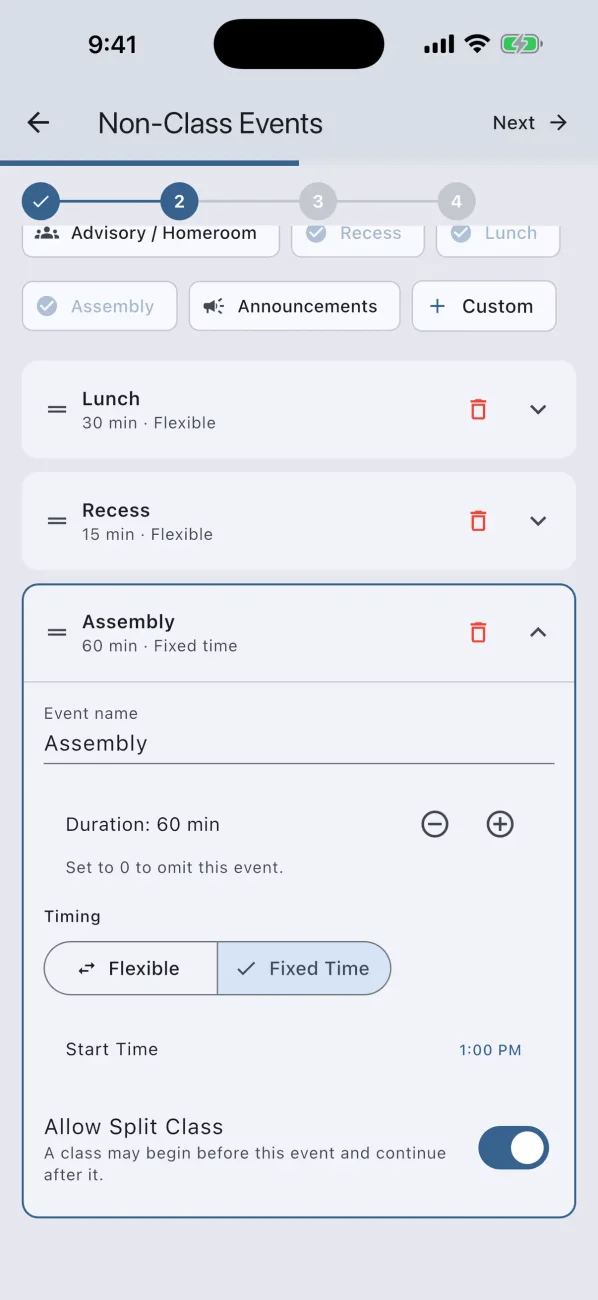
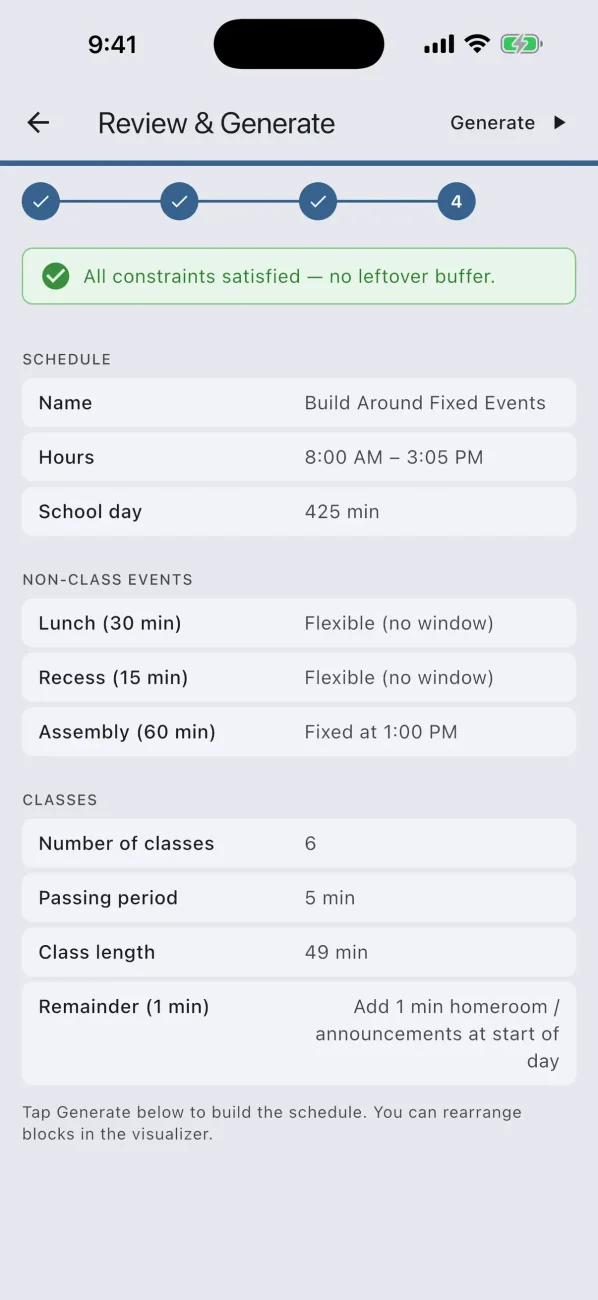
• Build Around Fixed Events — for special days: pin assemblies, testing blocks, or early release at exact times, and the app builds the rest of the day around them (it’ll even split a class around an event).
SMART MATH, DONE FOR YOU
Enter your parameters — start/end times, classes, passing time, lunch, recess, advisory — and the app divides the day into even classes, places your passing periods, and turns any leftover minutes into “Announcements.” No formulas, no manual arithmetic.
ARRANGE IT VISUALLY
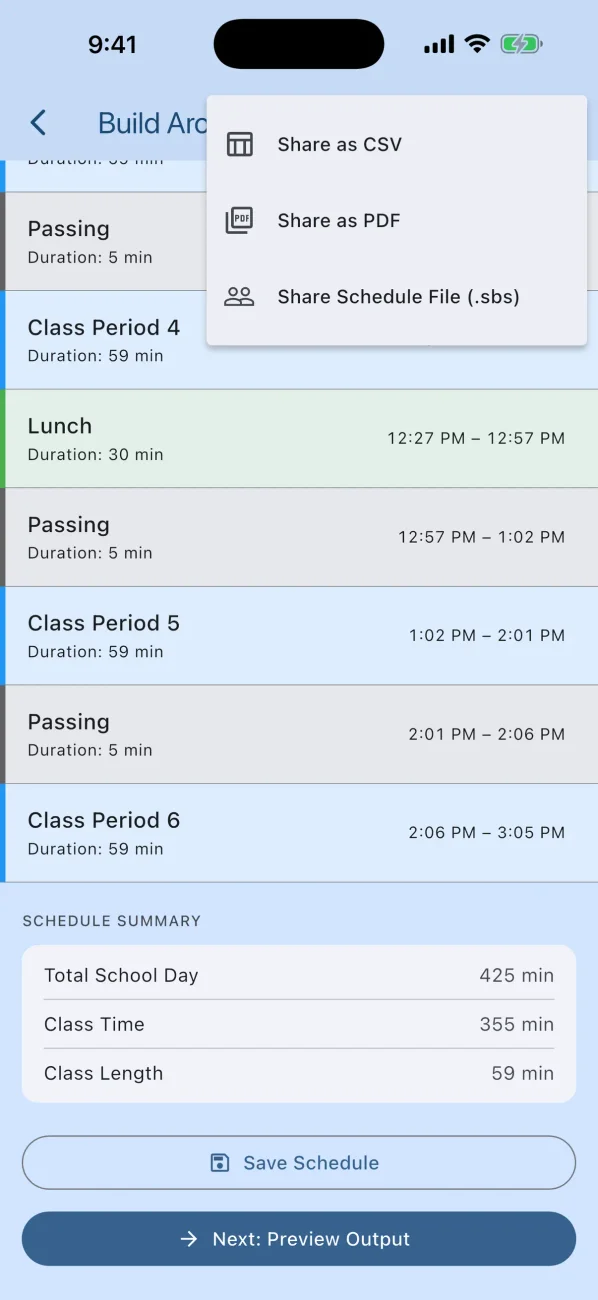
See your whole day as a stack of time blocks. Drag to rearrange — fixed events stay locked in place and the schedule re-tiles automatically.
SHARE WITH YOUR STAFF
Preview the finished schedule, then export it as a CSV spreadsheet or a print-ready PDF. Save schedules to reopen and edit later, or share a schedule file that opens right back up in the app.
PERFECT FOR
• Daily bell schedules
• Modified schedules — assemblies, testing days, conferences
• Minimum days and early releases
• Multiple lunch periods
• Schools with complex scheduling needs
Free to build and preview your schedules. A one-time purchase unlocks unlimited exports and sharing — no subscription, ever.
No spreadsheets. No formulas. Just flexible scheduling that adapts to your school’s unique needs.
Dedicated to educators who value face time over screen time.
新機能
バージョン 2.0.1 · 2026/11/12
Bell Schedule Builder is rebuilt from the ground up!
• Build a full bell schedule in minutes — set your times, classes, and passing periods, and let the app do the math.
• Two ways to build: around your normal day (1.0), or around fixed events like assemblies, testing blocks, and early release.
• A visual schedule you can rearrange by dragging — fixed events stay locked in place.
• Export and share as CSV or PDF, or save and reopen your schedules anytime.
• Share schedules with colleagues using the app with the unique SBS file type.
• A fresh new look throughout.
2.0.1 - Removed screenshots from version 1.0 for iPhone ProMax
アプリのプライバシー
このアプリのデータの取り扱いについて、William NelsonがApp Storeで申告している内容です。
-
データの収集なし
開発元はこのアプリからデータを収集しません。
プライバシーの取り扱いは、ご利用の機能やお客様の年齢などに応じて異なる場合があります。
情報
- 販売元
- William Nelson
- カテゴリ
- 教育
- バージョン
- 2.0.1
- 更新日
- 2026/11/12
- リリース
- 2026/2/28
- サイズ
- 112.4 MB
- 必要条件
- iOS 15.0以降
- 対象年齢
- 4+
- アプリ内課金
- あり
- 言語
- 英語
- 著作権
- © 2025 William Nelson