Schedule Builder
Bell Schedules in Minutes
Entwickelt für iPhone, iPad, iPod touch
In-App-Käufe
- Altersfreigabe4+
- KategorieBildung
- EntwicklerWilliam Nelson
- SprachenEnglisch
- Größe112,4 MB
Schedule Builder ist bei App Store derzeit möglicherweise nicht verfügbar
Bei unserer letzten Prüfung war der Store-Eintrag nicht erreichbar. Der Link führt weiterhin zur offiziellen App Store-Seite.
Screenshots


Info
Der Entwickler hat diesen Text nicht in Ihrer Sprache bereitgestellt.
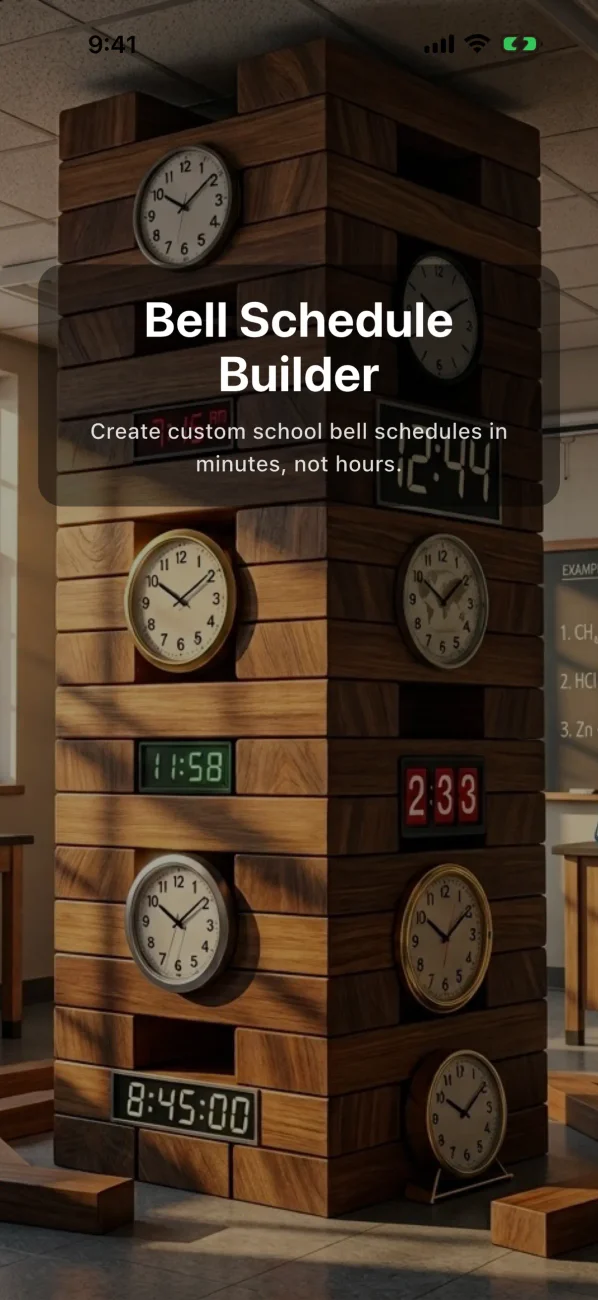
Create custom school bell schedules in minutes, not hours.
Tired of wrestling with spreadsheet formulas every time there’s an assembly, minimum day, or special event? Bell Schedule Builder was created by a school administrator who got tired of spending 20–30 minutes hand-calculating every schedule change. Now you can sit down with staff, ASB directors, and administrators and build a new bell schedule in minutes.
TWO WAYS TO BUILD
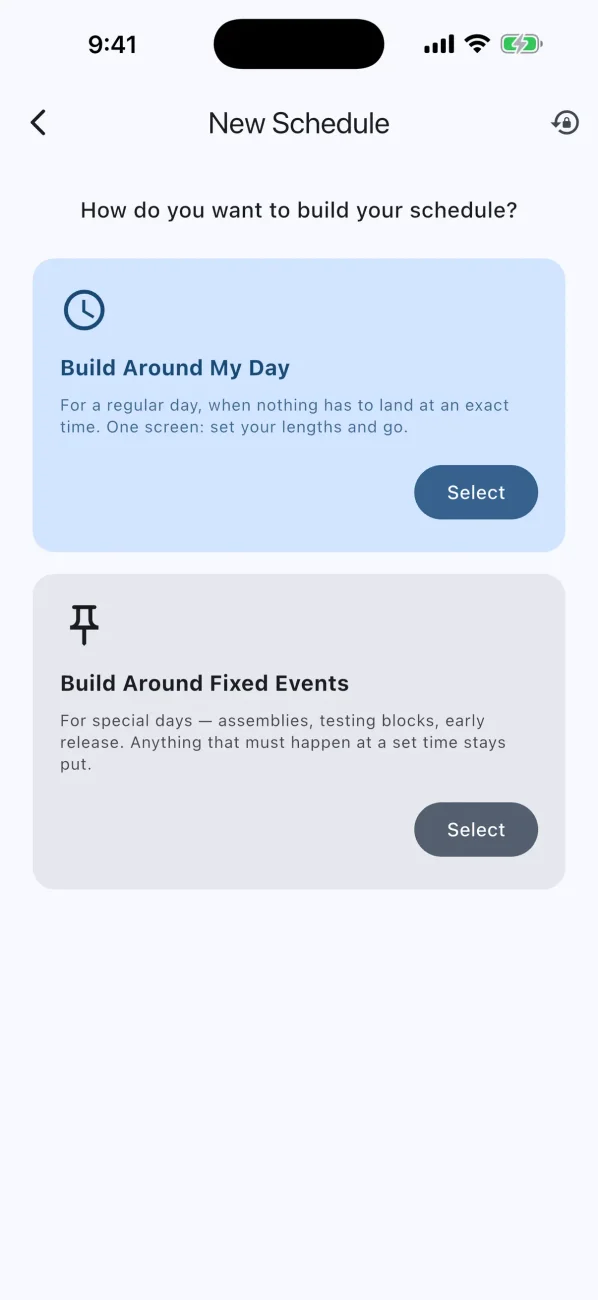
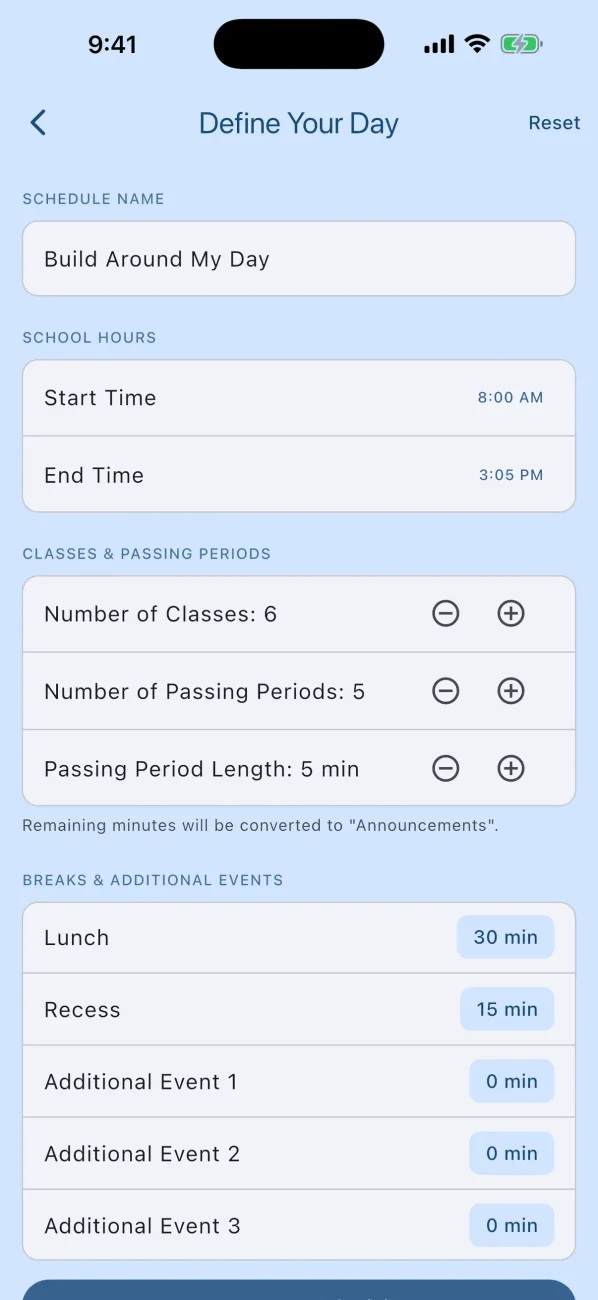
• Build Around My Day — for a regular day: set your start/end times, number of classes, and passing periods, and the app instantly calculates even class lengths.
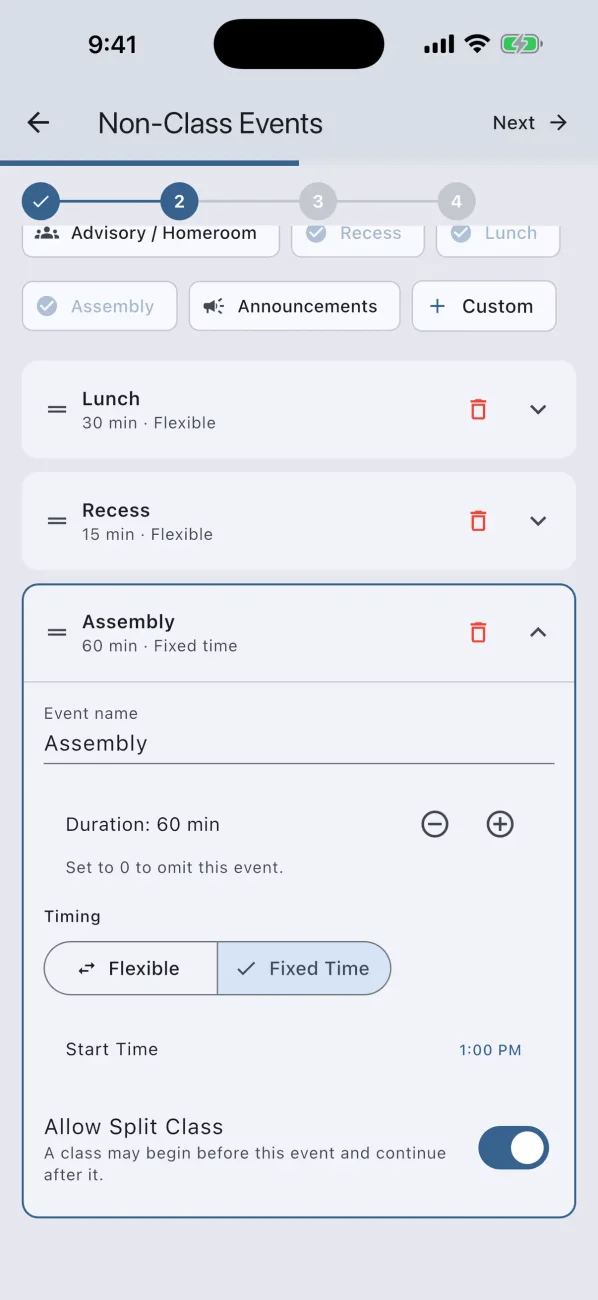
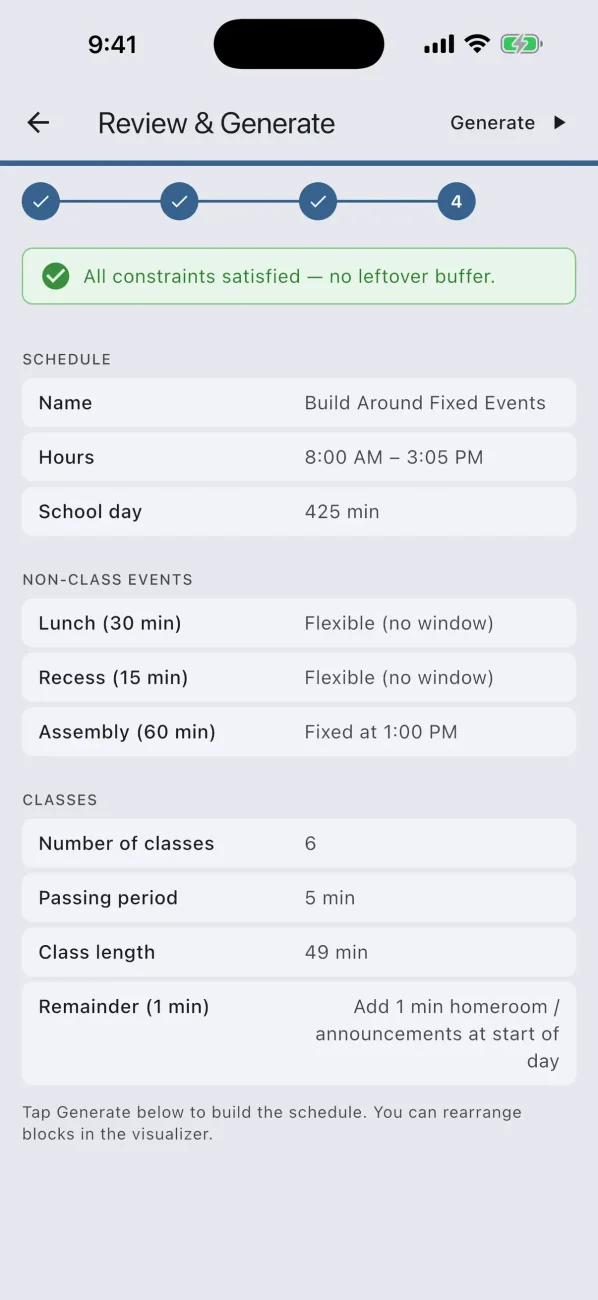
• Build Around Fixed Events — for special days: pin assemblies, testing blocks, or early release at exact times, and the app builds the rest of the day around them (it’ll even split a class around an event).
SMART MATH, DONE FOR YOU
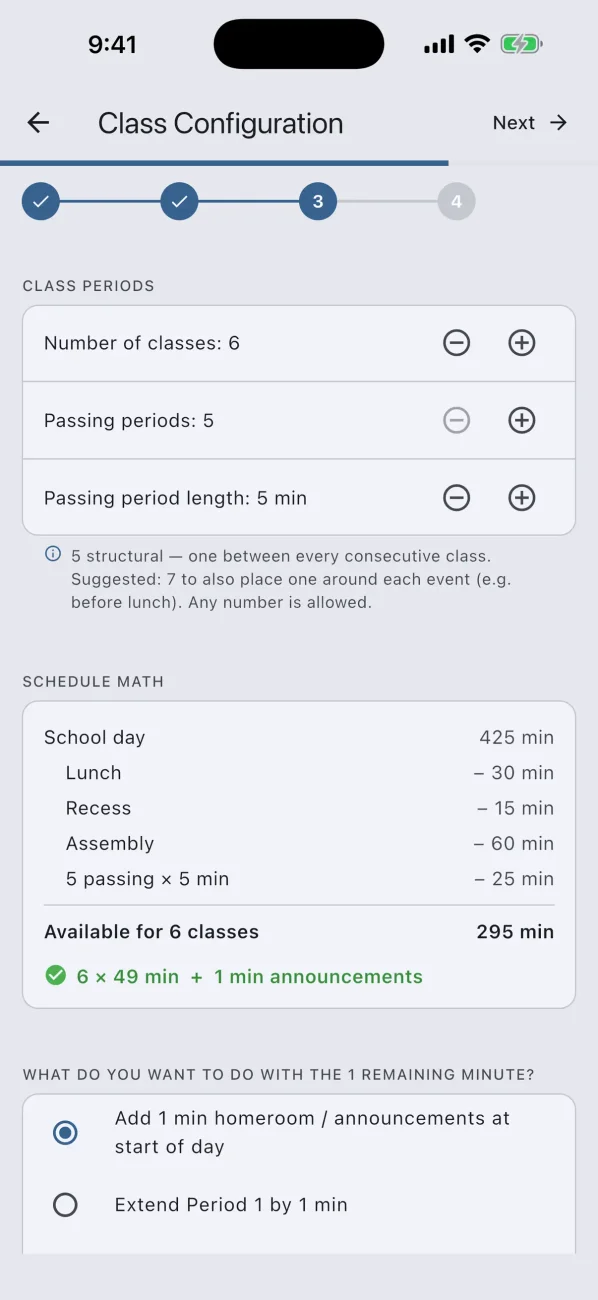
Enter your parameters — start/end times, classes, passing time, lunch, recess, advisory — and the app divides the day into even classes, places your passing periods, and turns any leftover minutes into “Announcements.” No formulas, no manual arithmetic.
ARRANGE IT VISUALLY
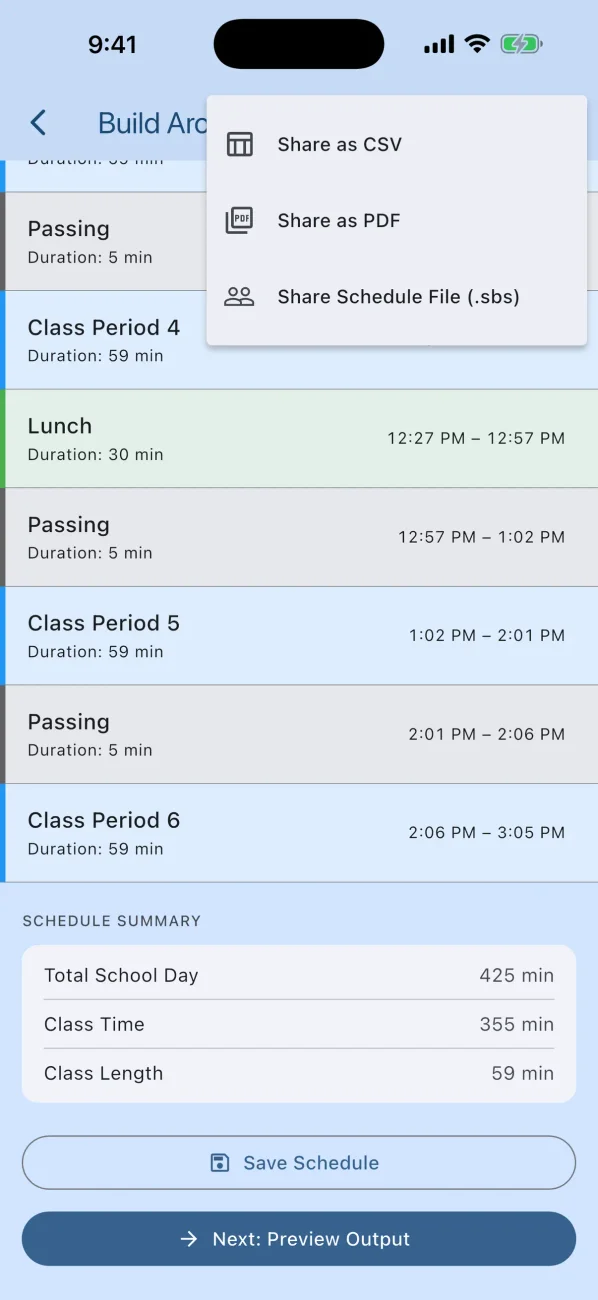
See your whole day as a stack of time blocks. Drag to rearrange — fixed events stay locked in place and the schedule re-tiles automatically.
SHARE WITH YOUR STAFF
Preview the finished schedule, then export it as a CSV spreadsheet or a print-ready PDF. Save schedules to reopen and edit later, or share a schedule file that opens right back up in the app.
PERFECT FOR
• Daily bell schedules
• Modified schedules — assemblies, testing days, conferences
• Minimum days and early releases
• Multiple lunch periods
• Schools with complex scheduling needs
Free to build and preview your schedules. A one-time purchase unlocks unlimited exports and sharing — no subscription, ever.
No spreadsheets. No formulas. Just flexible scheduling that adapts to your school’s unique needs.
Dedicated to educators who value face time over screen time.
Neue Funktionen
Version 2.0.1 · 12.11.2026
Bell Schedule Builder is rebuilt from the ground up!
• Build a full bell schedule in minutes — set your times, classes, and passing periods, and let the app do the math.
• Two ways to build: around your normal day (1.0), or around fixed events like assemblies, testing blocks, and early release.
• A visual schedule you can rearrange by dragging — fixed events stay locked in place.
• Export and share as CSV or PDF, or save and reopen your schedules anytime.
• Share schedules with colleagues using the app with the unique SBS file type.
• A fresh new look throughout.
2.0.1 - Removed screenshots from version 1.0 for iPhone ProMax
App-Datenschutz
Was William Nelson im App Store zum Umgang dieser App mit Daten angibt.
-
Keine Daten erfasst
Der Entwickler erfasst keine Daten von dieser App.
Die Datenschutzpraktiken können variieren, zum Beispiel je nach den von Ihnen verwendeten Funktionen oder Ihrem Alter.
Informationen
- Anbieter
- William Nelson
- Kategorie
- Bildung
- Version
- 2.0.1
- Aktualisiert
- 12.11.2026
- Veröffentlicht
- 28.02.2026
- Größe
- 112,4 MB
- Erfordert
- iOS 15.0 oder neuer
- Altersfreigabe
- 4+
- In-App-Käufe
- Ja
- Sprachen
- Englisch
- Copyright
- © 2025 William Nelson