- 対象年齢4+
- カテゴリナビゲーション
- 開発元NUVOCOM INCORPORATED
- 言語英語
- サイズ1.4 MB
Sight Calcは現在App Storeで入手できない可能性があります
前回の確認時、ストアのページにアクセスできませんでした。リンク先は引き続きApp Storeの公式ページです。
スクリーンショット
概要
開発元はこのテキストをお使いの言語で提供していません。
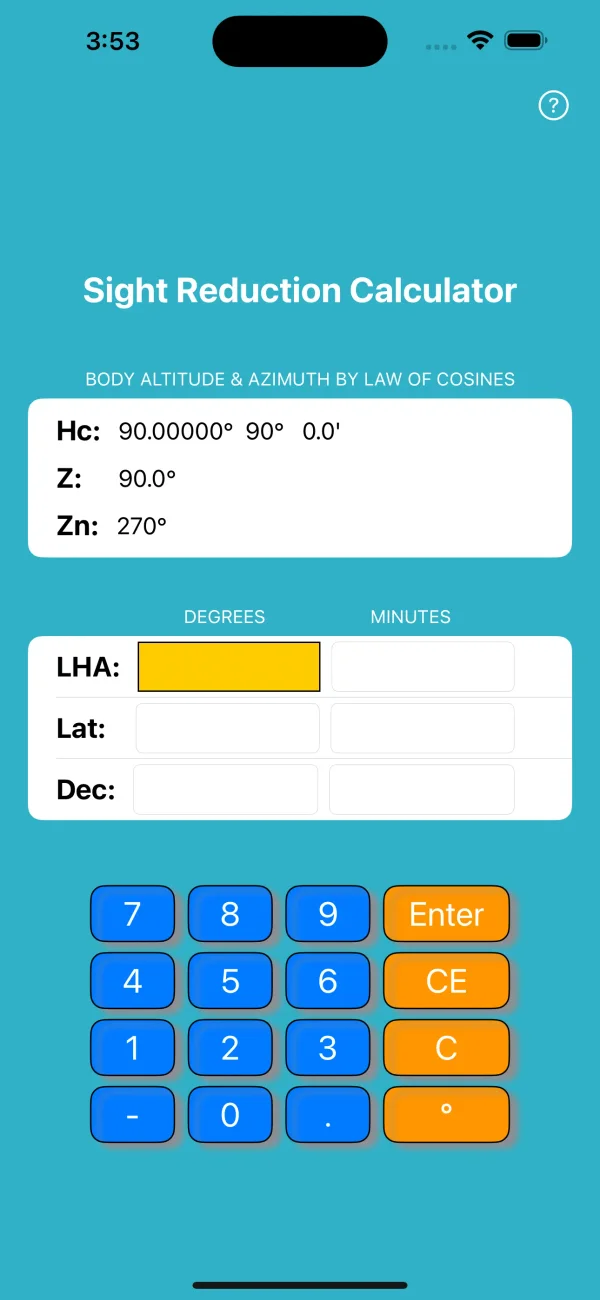
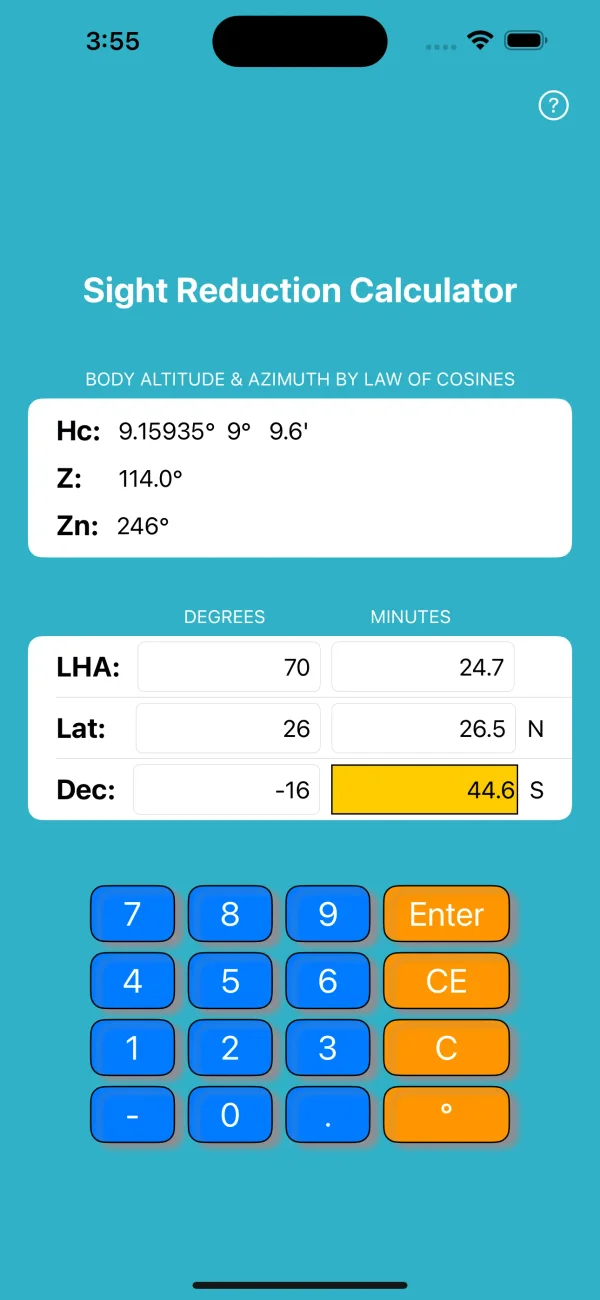
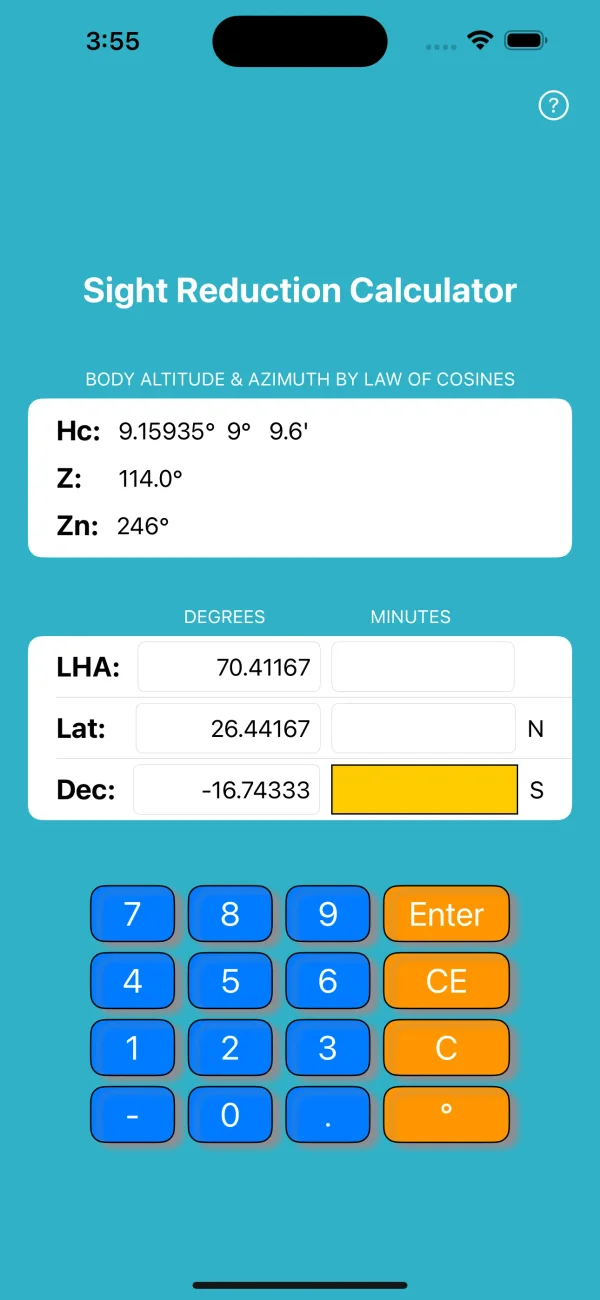
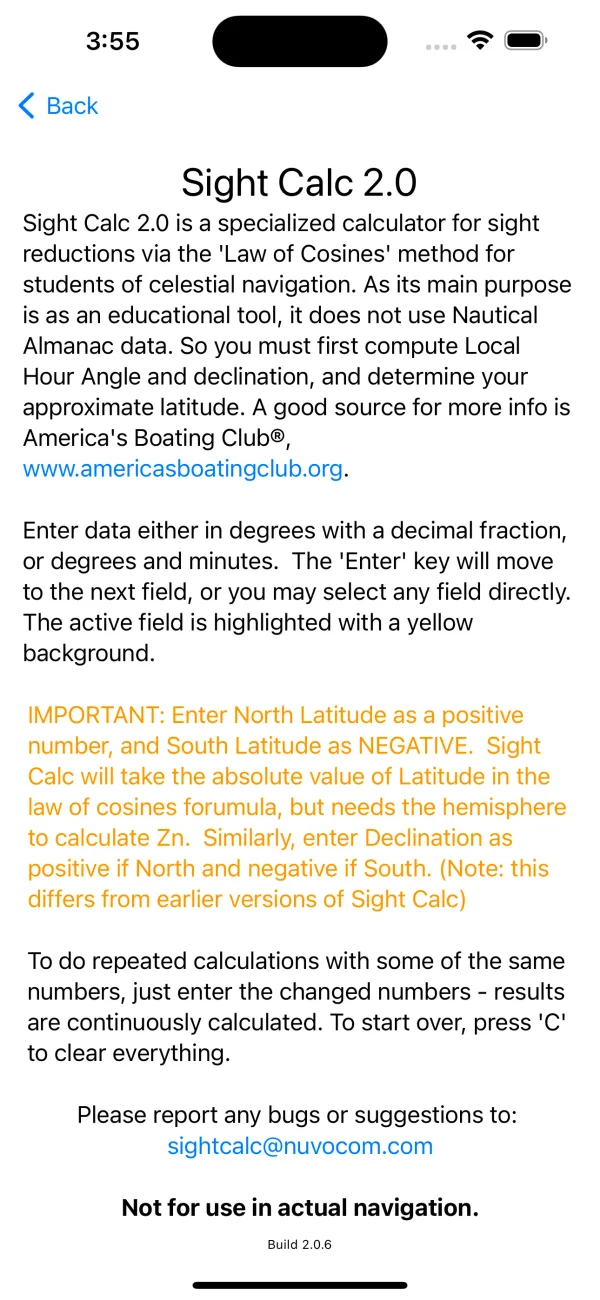
Sight Calc is a specialized calculator for calculating sight reductions via the "Law of Cosines" method. It does not use Nautical Almanac data, so you must first compute LHA (Local Hour Angle) and declination, and determine your approximate latitude. It is designed particularly for students learning celestial navigation, such as the Celestial Navigation courses taught by the United States Power Squadrons®. If you are unfamiliar with how to do sight reductions, some good resources are available from the United States Power Squadrons® at www.usps.org. In particular, this calculator is useful in conjunction with Form SR96a, www.usps.org/eddept/n/files/sr96a.pdf
Inputs may be entered as two numbers:
Degrees - left column
Minutes - right column
Or enter as decimal degrees (e.g., 44.48833).
Sight Calc will prompt you to enter six number in sequence:
LHA (degrees)
LHA (minutes)
Lat (degrees)
Lat (minutes)
Dec (degrees)
Dec (minutes)
In v 2.0 you may enter values in any sequence. Hc, Z and Zn are continuously computed and displayed.
Be sure to enter North Latitude as a positive number and South Latitude as a NEGATIVE number. Sight Calc will take the absolute value of Latitude in the law of cosines formula, but needs the hemisphere to calculate azimuth (Zn). Similarly, enter Declination as positive if North and negative if South. (Note: this differs from version 1.x of Sight Calc.)
If you want to do repeated calculations with some of the same numbers, just enter the changed numbers.
To start over fresh at any time, press "C" to clear everything. "CE" key clears the Current Entry. Optionally, use the "o" key to convert minutes to decimal degrees, add that to the degrees field, and clear the minutes field. This has no effect on the calculation.
Please report any bugs or suggestions to:
sightcalc@nuvocom.com
新機能
バージョン 2.0 · 2024/1/31
• Simpler, more flexible user interface
• Fields can be entered in any sequence
• Declination entered as negative if South, positive if North
• New ° key converts minutes to degrees
• Minus key flips the sign of degrees fields
• Approved for use in United States Power Squadrons® courses
• v 2.0 is a complete rewrite in SwiftUI
• Supports Dark Mode
アプリのプライバシー
このアプリのデータの取り扱いについて、NUVOCOM INCORPORATEDがApp Storeで申告している内容です。
-
データの収集なし
開発元はこのアプリからデータを収集しません。
プライバシーの取り扱いは、ご利用の機能やお客様の年齢などに応じて異なる場合があります。
情報
- 販売元
- NUVOCOM INCORPORATED
- カテゴリ
- ナビゲーション
- バージョン
- 2.0
- 更新日
- 2024/1/31
- リリース
- 2012/1/31
- サイズ
- 1.4 MB
- 必要条件
- iOS 16.0以降
- 対象年齢
- 4+
- 言語
- 英語
- 著作権
- © Nuvocom Incorporated