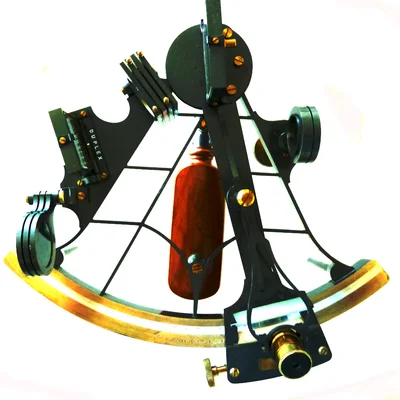
- Độ tuổi4+
- Danh mụcDẫn Đường
- Nhà phát triểnNUVOCOM INCORPORATED
- Ngôn ngữTiếng Anh
- Kích thước1,4 MB
Sight Calc hiện có thể không có trên App Store
Ở lần kiểm tra gần nhất, chúng tôi không truy cập được trang trên cửa hàng. Liên kết vẫn dẫn đến trang App Store chính thức.
Ảnh chụp màn hình
Giới thiệu
Nhà phát triển chưa cung cấp nội dung này bằng ngôn ngữ của bạn.
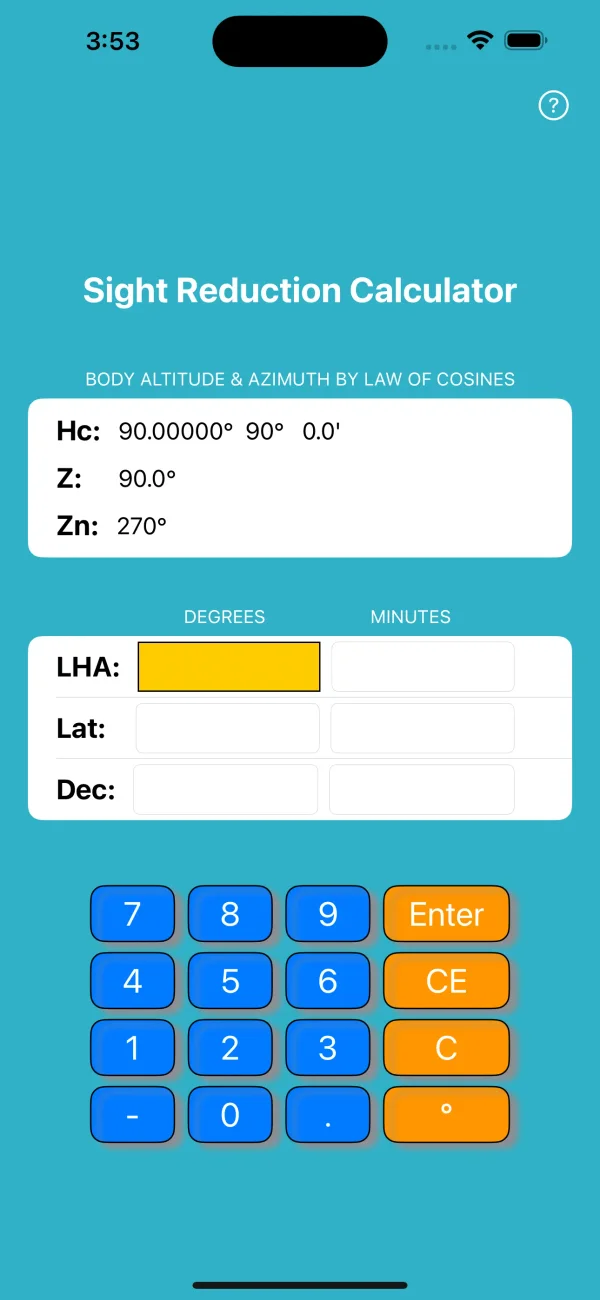
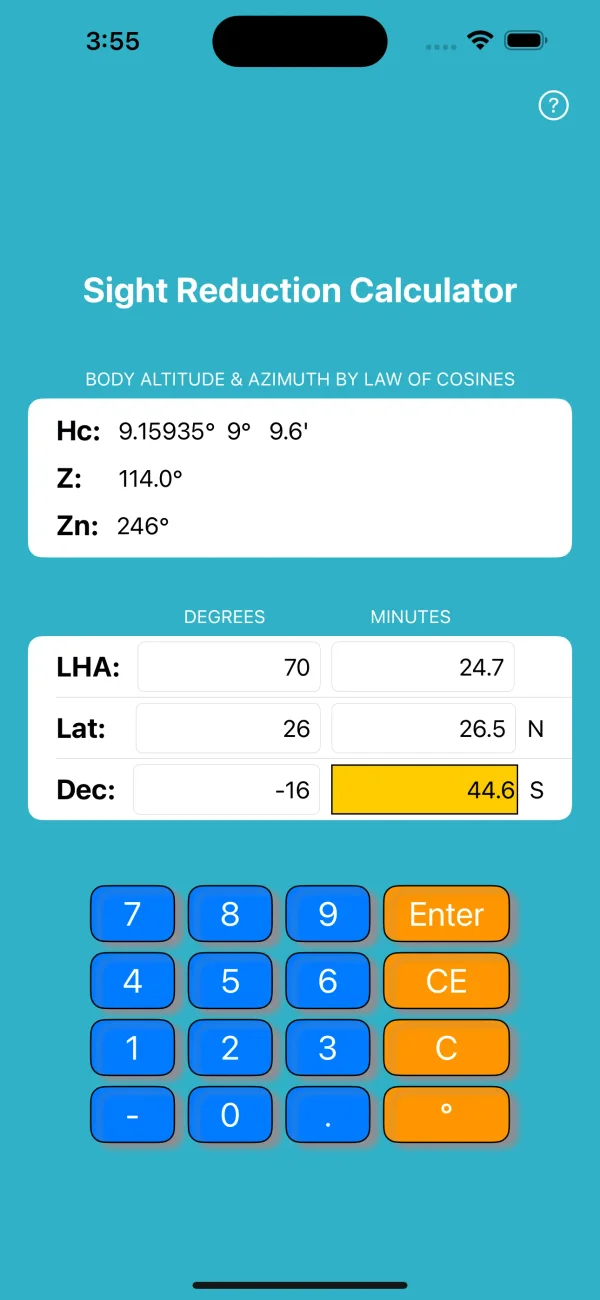
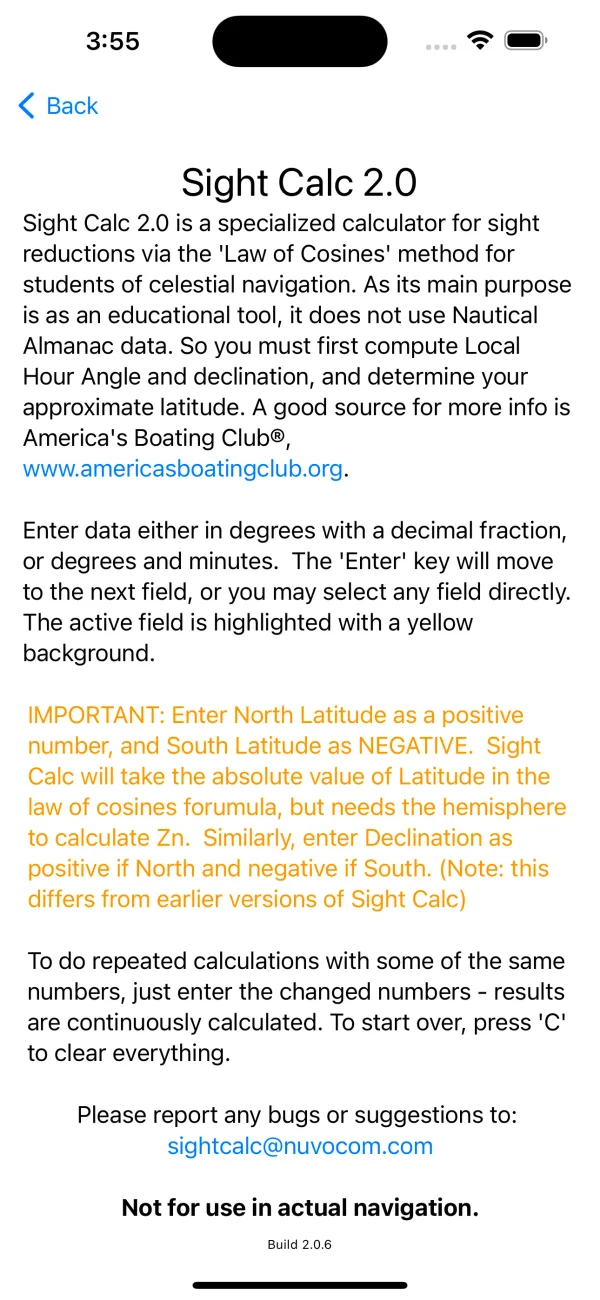
Sight Calc is a specialized calculator for calculating sight reductions via the "Law of Cosines" method. It does not use Nautical Almanac data, so you must first compute LHA (Local Hour Angle) and declination, and determine your approximate latitude. It is designed particularly for students learning celestial navigation, such as the Celestial Navigation courses taught by the United States Power Squadrons®. If you are unfamiliar with how to do sight reductions, some good resources are available from the United States Power Squadrons® at www.usps.org. In particular, this calculator is useful in conjunction with Form SR96a, www.usps.org/eddept/n/files/sr96a.pdf
Inputs may be entered as two numbers:
Degrees - left column
Minutes - right column
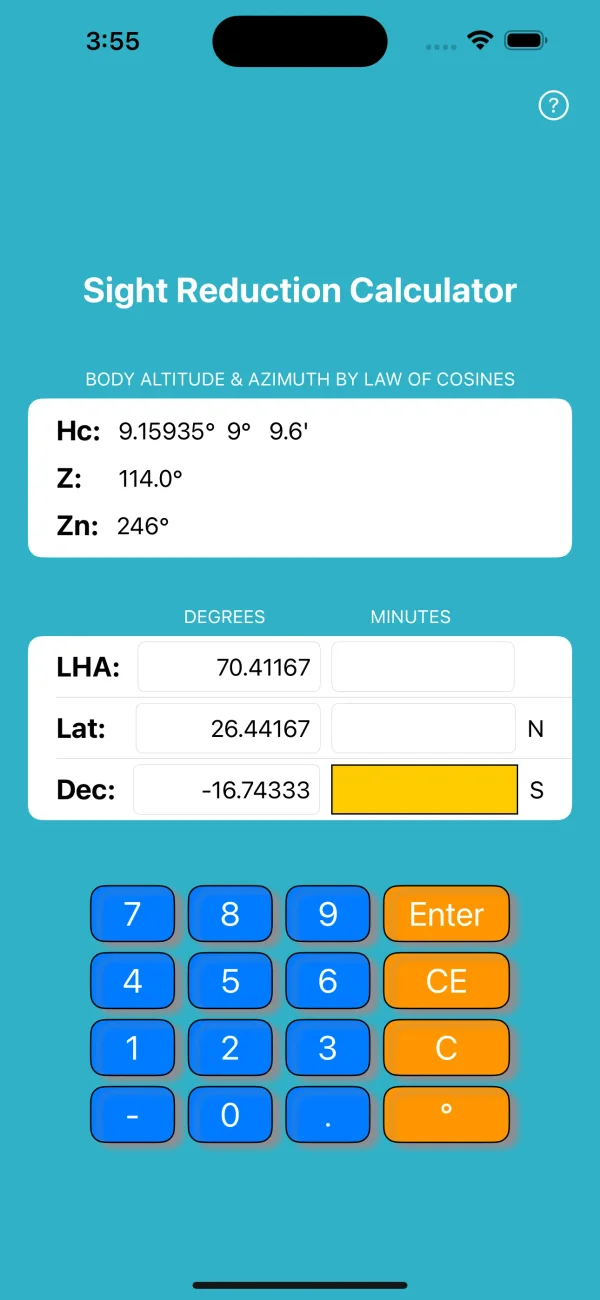
Or enter as decimal degrees (e.g., 44.48833).
Sight Calc will prompt you to enter six number in sequence:
LHA (degrees)
LHA (minutes)
Lat (degrees)
Lat (minutes)
Dec (degrees)
Dec (minutes)
In v 2.0 you may enter values in any sequence. Hc, Z and Zn are continuously computed and displayed.
Be sure to enter North Latitude as a positive number and South Latitude as a NEGATIVE number. Sight Calc will take the absolute value of Latitude in the law of cosines formula, but needs the hemisphere to calculate azimuth (Zn). Similarly, enter Declination as positive if North and negative if South. (Note: this differs from version 1.x of Sight Calc.)
If you want to do repeated calculations with some of the same numbers, just enter the changed numbers.
To start over fresh at any time, press "C" to clear everything. "CE" key clears the Current Entry. Optionally, use the "o" key to convert minutes to decimal degrees, add that to the degrees field, and clear the minutes field. This has no effect on the calculation.
Please report any bugs or suggestions to:
sightcalc@nuvocom.com
Có gì mới
Phiên bản 2.0 · 31/01/2024
• Simpler, more flexible user interface
• Fields can be entered in any sequence
• Declination entered as negative if South, positive if North
• New ° key converts minutes to degrees
• Minus key flips the sign of degrees fields
• Approved for use in United States Power Squadrons® courses
• v 2.0 is a complete rewrite in SwiftUI
• Supports Dark Mode
Quyền riêng tư của ứng dụng
Những gì NUVOCOM INCORPORATED khai báo trên App Store về cách ứng dụng này xử lý dữ liệu.
-
Dữ liệu không được thu thập
Nhà phát triển không thu thập bất kỳ dữ liệu nào từ ứng dụng này.
Phương thức đảm bảo quyền riêng tư có thể khác nhau, chẳng hạn như tuỳ theo các tính năng bạn sử dụng hoặc độ tuổi của bạn.
Thông tin
- Người bán
- NUVOCOM INCORPORATED
- Danh mục
- Dẫn Đường
- Phiên bản
- 2.0
- Cập nhật
- 31/01/2024
- Phát hành
- 31/01/2012
- Kích thước
- 1,4 MB
- Yêu cầu
- iOS 16.0 trở lên
- Độ tuổi
- 4+
- Ngôn ngữ
- Tiếng Anh
- Bản quyền
- © Nuvocom Incorporated
Có thể bạn cũng thích
-
 Celestial NavigatorDẫn Đường
-
 Celestial NavDẫn Đường
-
 CamSextantDẫn Đường
-
 Ditch: Boat NavigationDẫn Đường
-
 NavilyDẫn Đường
-
 noforeignlandDu Lịch
-
 Orca: Boat GPS, Charts, RoutesDẫn Đường
-
 Tọa độ - Trình định dạng GPSVĩ độ Kinh độ UTM, MGRS, v.v.
-
 Argo Navigation: Boat GPS, MapDẫn Đường
-
 Savvy Navvy: Boat NavigationDẫn Đường