- 対象年齢4+
- カテゴリ写真/ビデオ
- 開発元Stefan Hollekamp
- 言語英語ほか9言語
- サイズ7.1 MB
App Storeの公式ページにリンクしています
Download.orgはSmart GreenScreenのファイルを一切ホストしていません。ボタンを押すと、Stefan Hollekampが公開しているApp Storeのアプリページが開きます。ページの最終確認:2026/11/17。
スクリーンショット


概要
開発元はこのテキストをお使いの言語で提供していません。
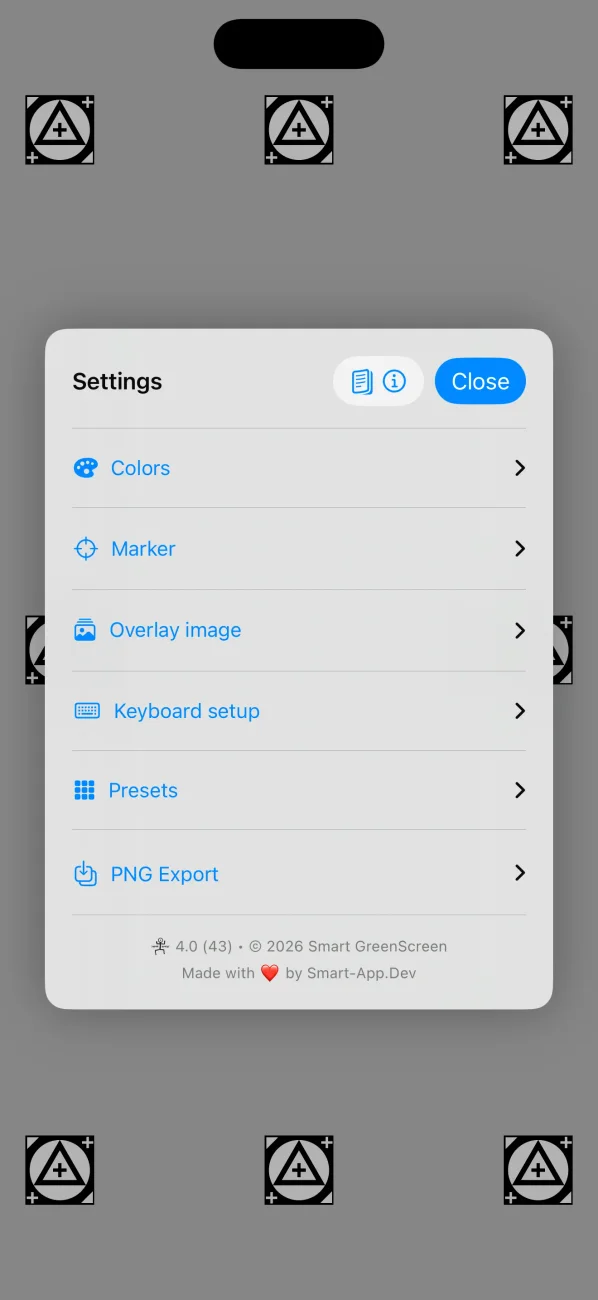
Smart GreenScreen turns your iPhone, iPad or Mac into a clean, evenly lit chroma key backdrop – complete with precise tracking markers, overlays and remote control. Ideal for film sets, VFX shots, product photography, livestreams and video calls.
GREEN, BLUE OR ANY COLOR
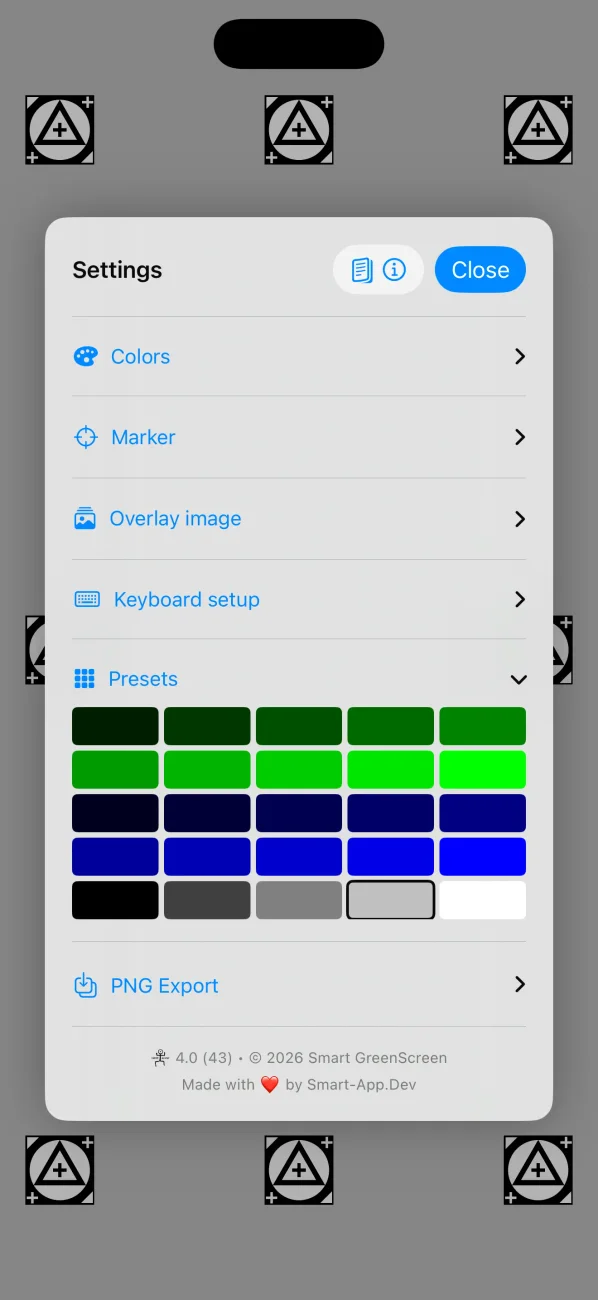
• Set the exact backdrop color with RGB and brightness sliders
• 25 quick presets in green, blue and gray
• Toggle the screen to black and back with a single key (Tab) – perfect between takes
TRACKING MARKERS FOR CAMERA WORK
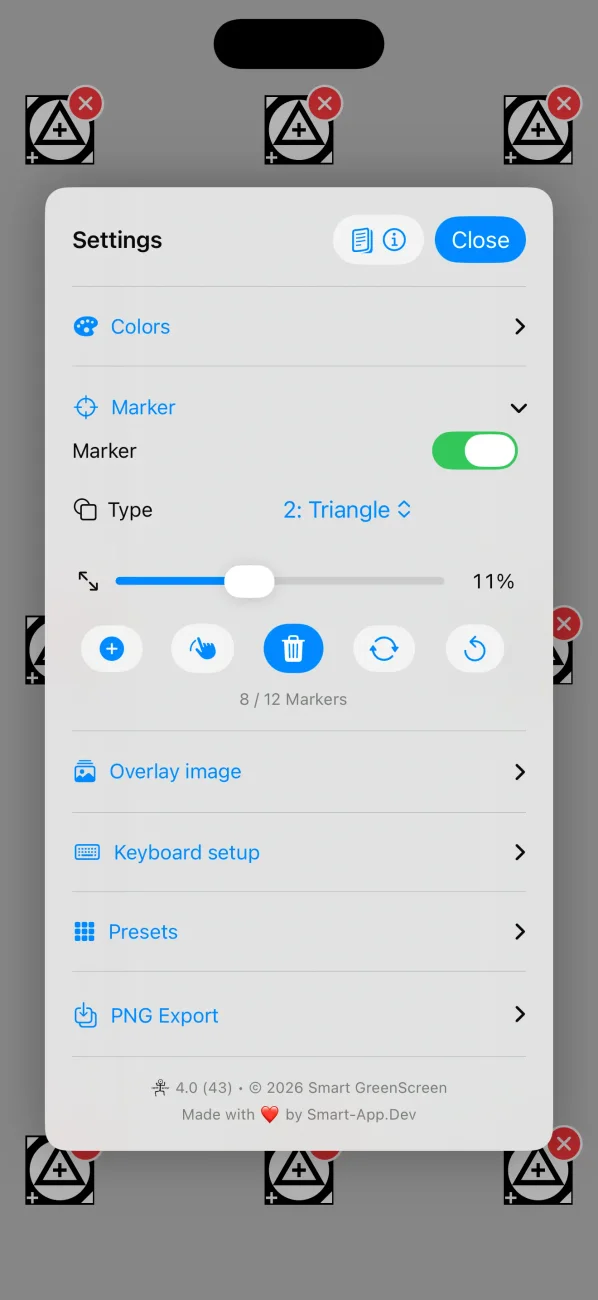
• 5 marker styles: cross, triangle, checkerboard, circle + cross and dot
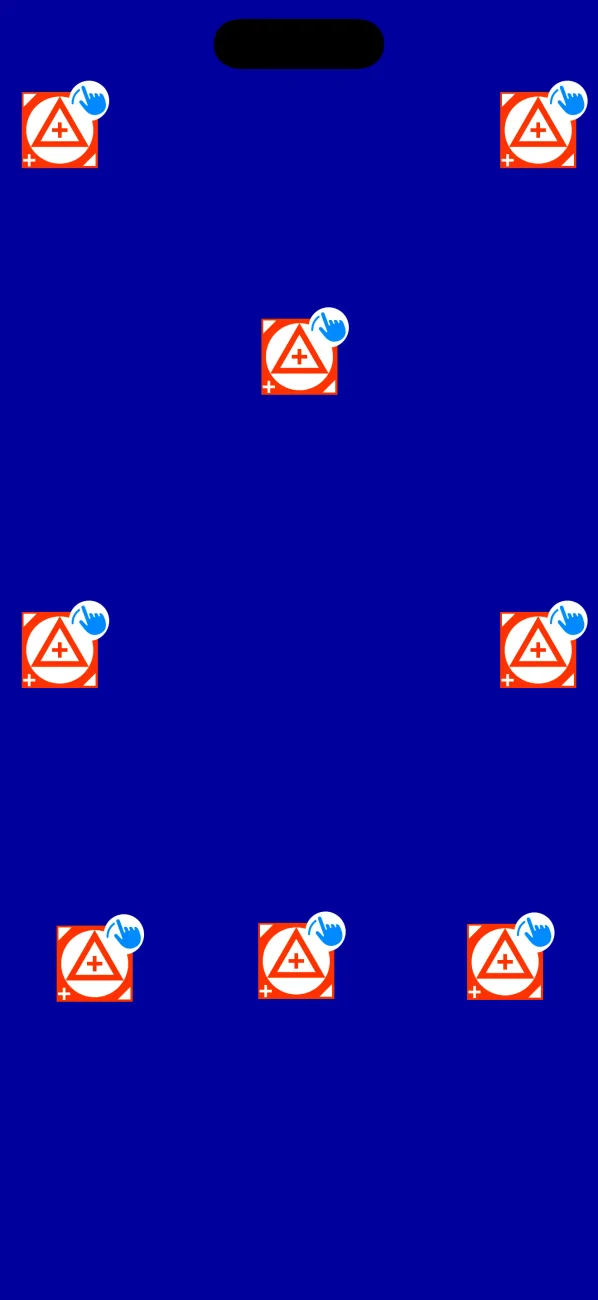
• Up to 12 markers – add, move and delete them right on the screen
• Adjustable size and stroke width, marker color and one-tap invert for contrast
• Frame marker: center crosshair plus edge guides you can slide inward for perfect alignment
OVERLAYS AND VIDEO PLAYBACK
• Full-screen background image with transparency
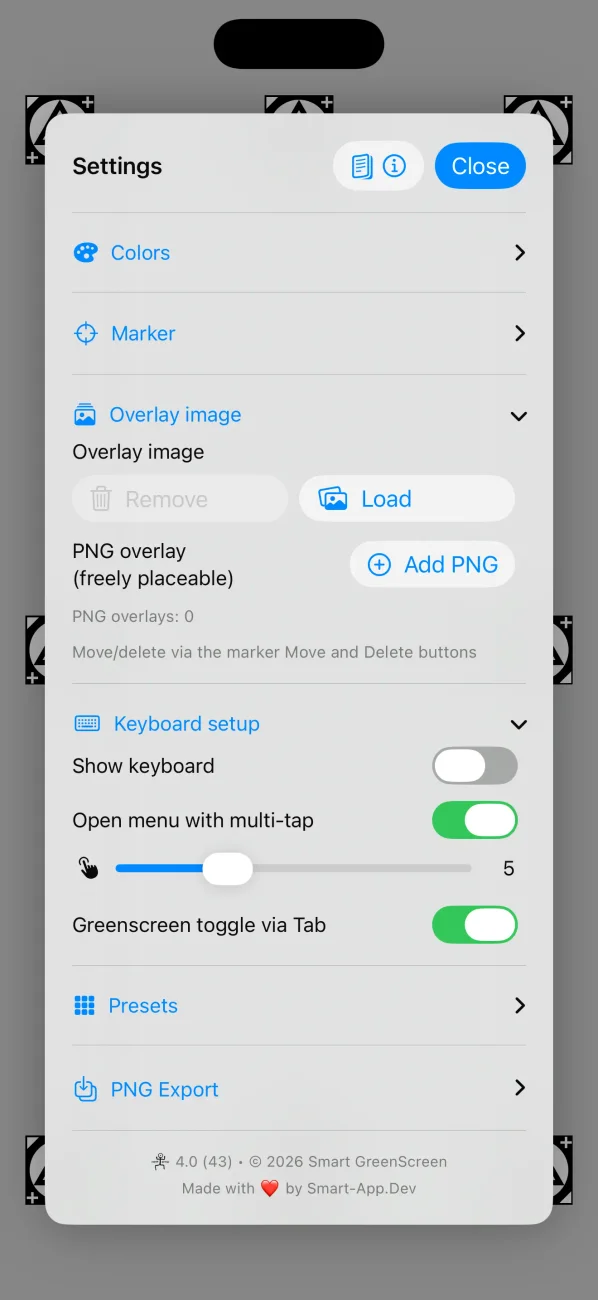
• Any number of freely placeable PNG overlays – logos, lower thirds, guides
• Video overlay (MP4/MOV) with play/pause, rewind, loop, mute and adjustable size
• Keyboard control: Space = play/pause, Backspace = back to start
REMOTE CONTROL VIA OSC
• Control the screen from Stream Deck, TouchOSC, QLab or any OSC app on your network
• Switch the green screen on/off, start and pause video, open the menu, add markers
• Optional feedback messages back to your controller
PRESETS YOU CAN SHARE
• Save up to 20 complete setups including images and video
• Export a preset as a single file and import it on another device – Mac to iPad and back
PNG EXPORT
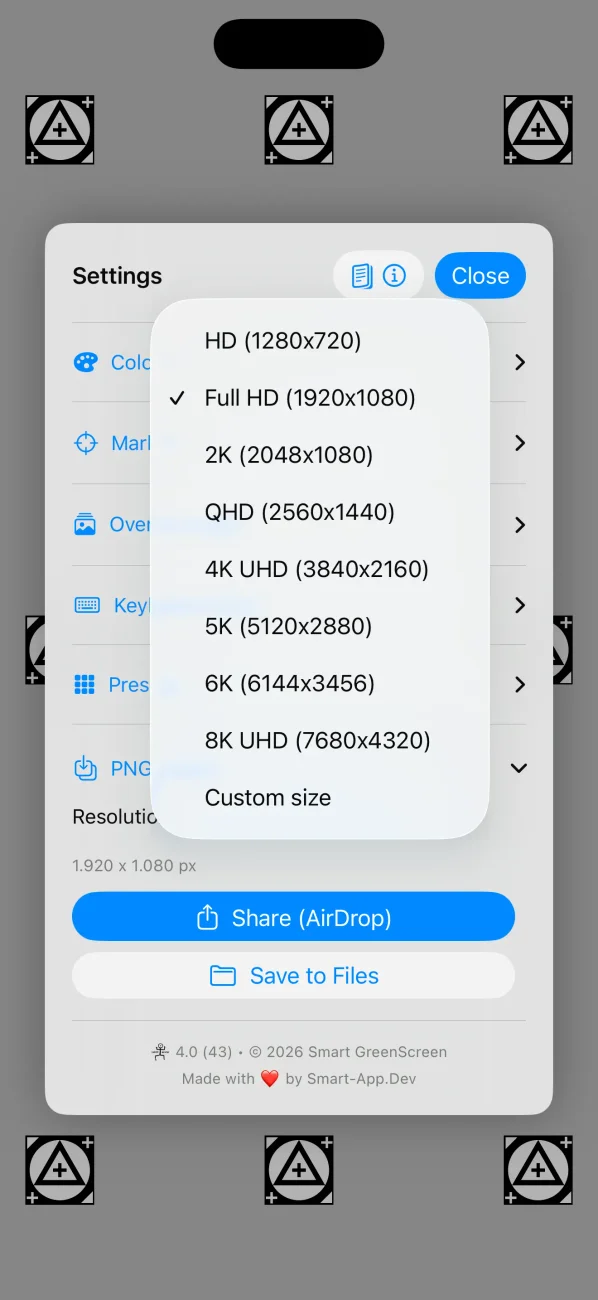
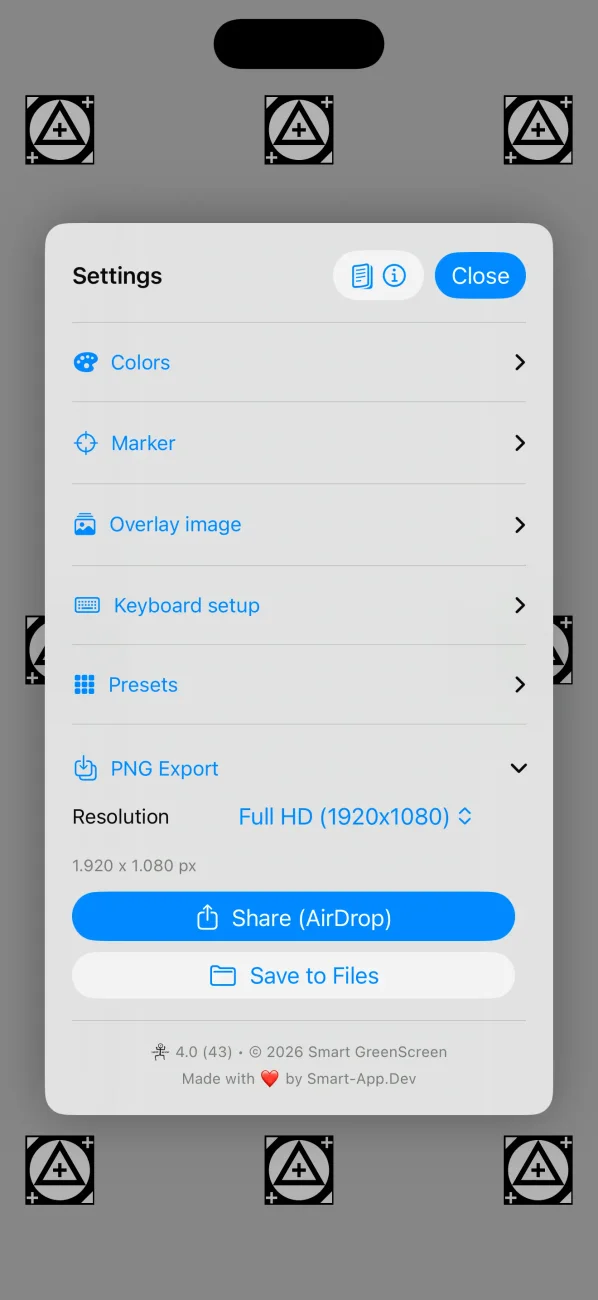
• Export the current screen as a PNG from HD up to 8K or at a custom size
• Share via AirDrop or save to Files (iOS), native save dialog on Mac
MADE FOR THE SET
• iPhone and iPad: hidden status bar, menu via three-finger tap, multi-tap or long press
• Optional keyboard for actors to type blindly on the screen
• Mac: windowed or full screen, Shift+Click or ⌘⇧M for the menu, title bar hides automatically
• The screen stays on – no dimming or auto-lock while the app is open
• Settings are saved automatically – your setup is ready every time
• Built-in user guide in 10 languages
No account, no tracking, no ads. Everything stays on your device.
新機能
バージョン 8.1 · 2026/10/17
Version 8.1 – a big update for the set
NEW
• Ready for iPhone Duo: full-screen green screen on both displays
• Corner markers adapt to every display – even after rotating or folding
• Green screen on/off switch in the menu under Colors
• The screen no longer dims or locks while the app is open
• OSC remote control now works on Mac too
• Extended user guide including all OSC commands
IMPROVED
• Typing in the menu no longer moves the green screen – the menu makes room for the keyboard and scrolls to the active field, also in landscape
• Reset asks for confirmation and keeps your OSC settings
• Mac: toggle the menu with ⌘⇧M (⌘M minimizes the window again)
• Stroke width now also applies to the frame marker
• Smoother performance with large overlay images
• Large videos from the photo library load without problems
FIXED
• The menu now appears reliably on the first launch after installing
• Pressing Tab in the PNG export fields no longer turns the screen black – the green screen is always on when the app starts
アプリのプライバシー
このアプリのデータの取り扱いについて、Stefan HollekampがApp Storeで申告している内容です。
-
データの収集なし
開発元はこのアプリからデータを収集しません。
プライバシーの取り扱いは、ご利用の機能やお客様の年齢などに応じて異なる場合があります。
情報
- 販売元
- Stefan Hollekamp
- カテゴリ
- 写真/ビデオ
- バージョン
- 8.1
- 更新日
- 2026/10/17
- リリース
- 2025/5/7
- サイズ
- 7.1 MB
- 必要条件
- iOS 17.6以降
- 対象年齢
- 4+
- 価格
- ¥800
- 言語
- 英語, フランス語, ドイツ語, イタリア語, 日本語, ポルトガル語, ロシア語, 簡体字中国語, スペイン語, 繁体字中国語
- 著作権
- © Stefan Hollekamp