Smart GreenScreen
Smarte VFX Green Screen App
iPhone, iPad, Mac için tasarlandı
₺249,99
- Yaş sınırı4+
- KategoriFotoğraf ve Video
- GeliştiriciStefan Hollekamp
- Dillerİngilizce+ 9 dil daha
- Boyut7,1 MB
Resmi App Store sayfasına bağlanır
Download.org, Smart GreenScreen için hiçbir dosya barındırmaz. Düğme, uygulamanın App Store üzerindeki sayfasını açar; uygulamayı orada Stefan Hollekamp yayınlar. Sayfanın son kontrolü: 17.11.2026.
Ekran görüntüleri


Hakkında
Geliştirici bu metni dilinizde sunmamış.
Smart GreenScreen turns your iPhone, iPad or Mac into a clean, evenly lit chroma key backdrop – complete with precise tracking markers, overlays and remote control. Ideal for film sets, VFX shots, product photography, livestreams and video calls.
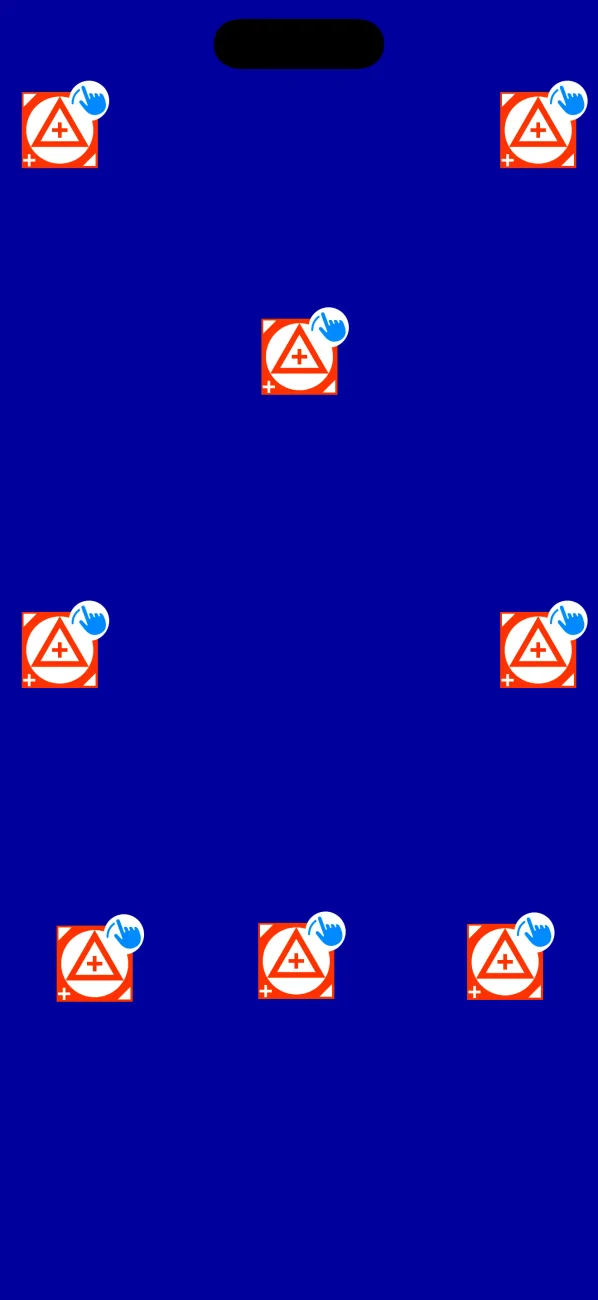
GREEN, BLUE OR ANY COLOR
• Set the exact backdrop color with RGB and brightness sliders
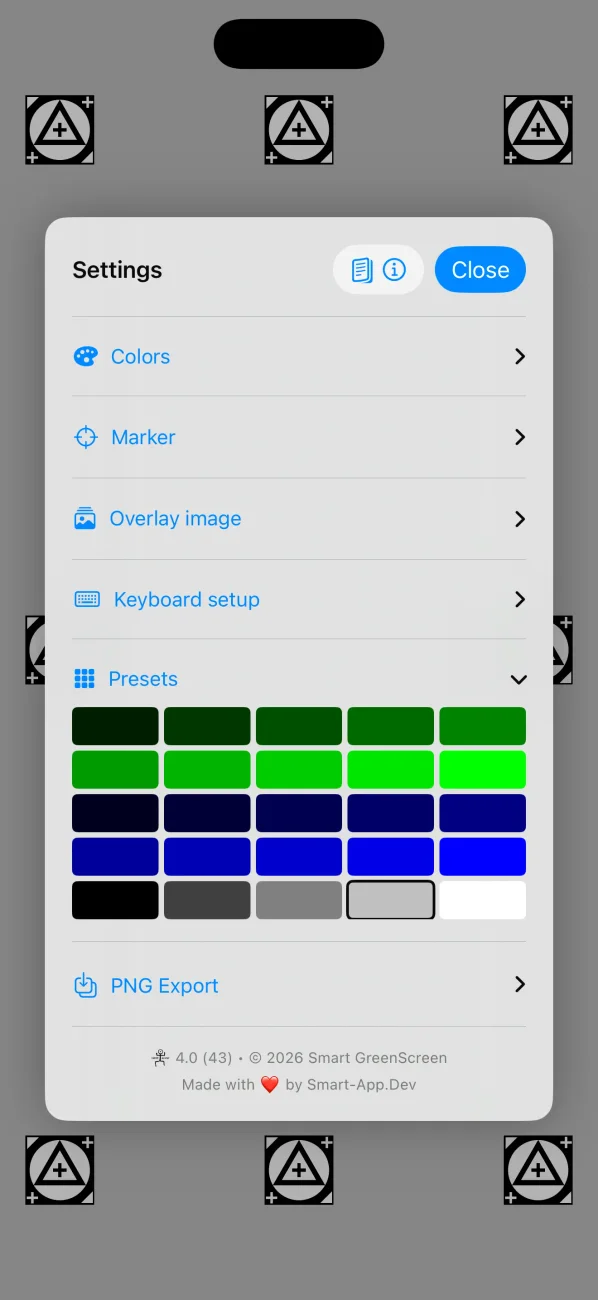
• 25 quick presets in green, blue and gray
• Toggle the screen to black and back with a single key (Tab) – perfect between takes
TRACKING MARKERS FOR CAMERA WORK
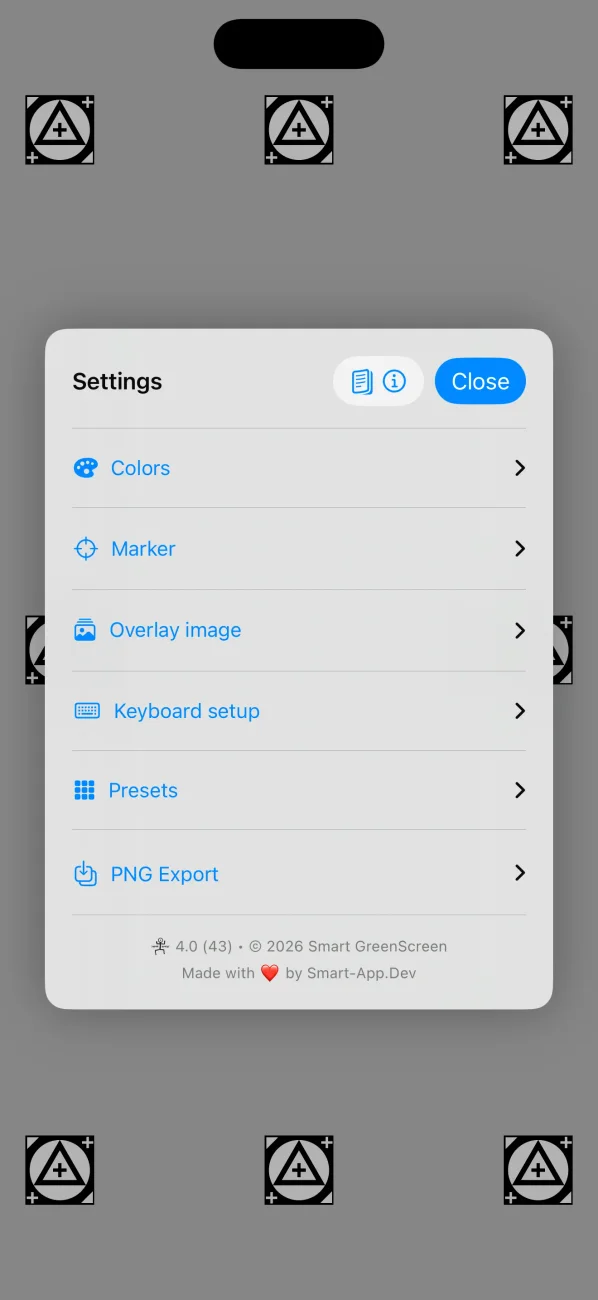
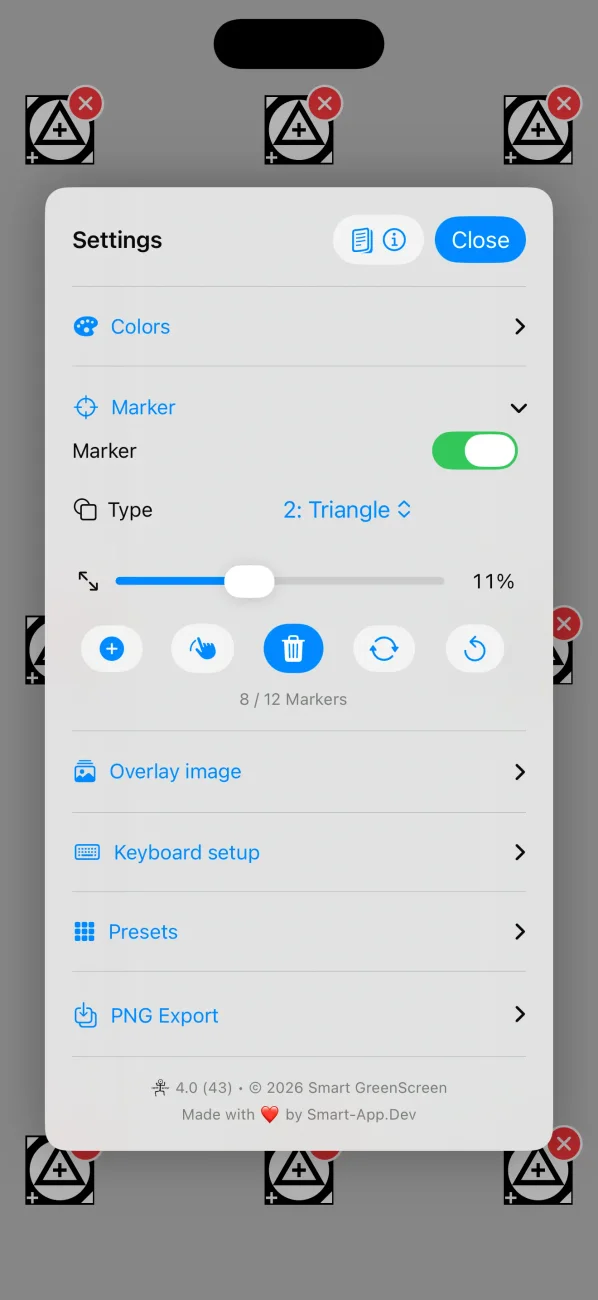
• 5 marker styles: cross, triangle, checkerboard, circle + cross and dot
• Up to 12 markers – add, move and delete them right on the screen
• Adjustable size and stroke width, marker color and one-tap invert for contrast
• Frame marker: center crosshair plus edge guides you can slide inward for perfect alignment
OVERLAYS AND VIDEO PLAYBACK
• Full-screen background image with transparency
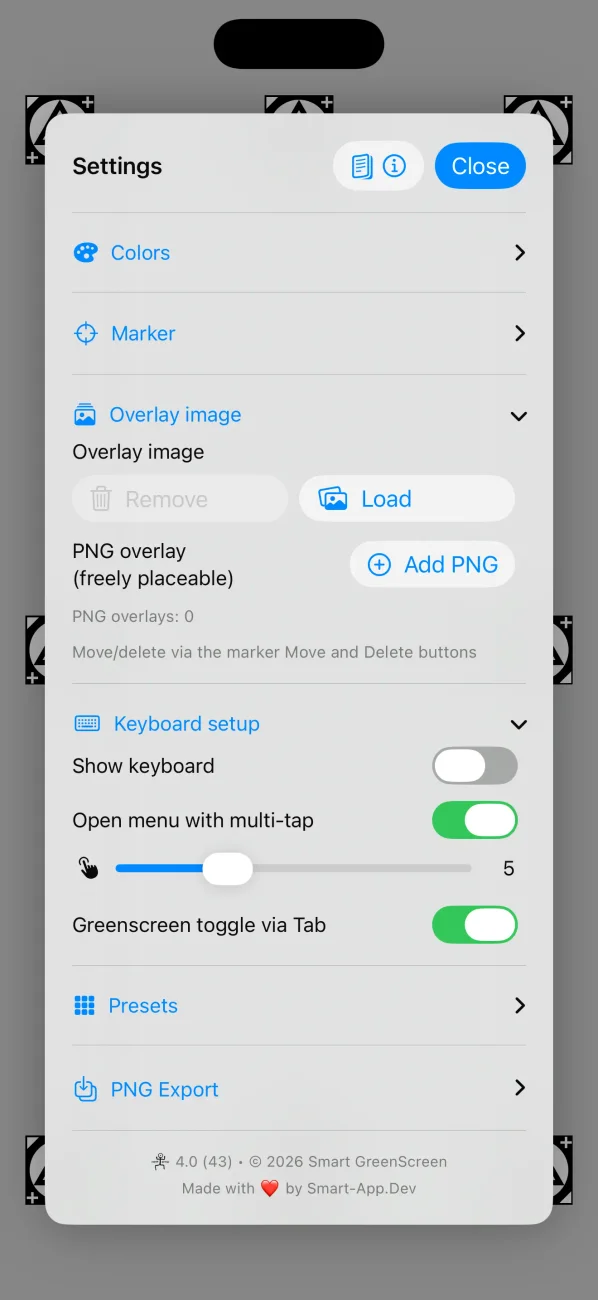
• Any number of freely placeable PNG overlays – logos, lower thirds, guides
• Video overlay (MP4/MOV) with play/pause, rewind, loop, mute and adjustable size
• Keyboard control: Space = play/pause, Backspace = back to start
REMOTE CONTROL VIA OSC
• Control the screen from Stream Deck, TouchOSC, QLab or any OSC app on your network
• Switch the green screen on/off, start and pause video, open the menu, add markers
• Optional feedback messages back to your controller
PRESETS YOU CAN SHARE
• Save up to 20 complete setups including images and video
• Export a preset as a single file and import it on another device – Mac to iPad and back
PNG EXPORT
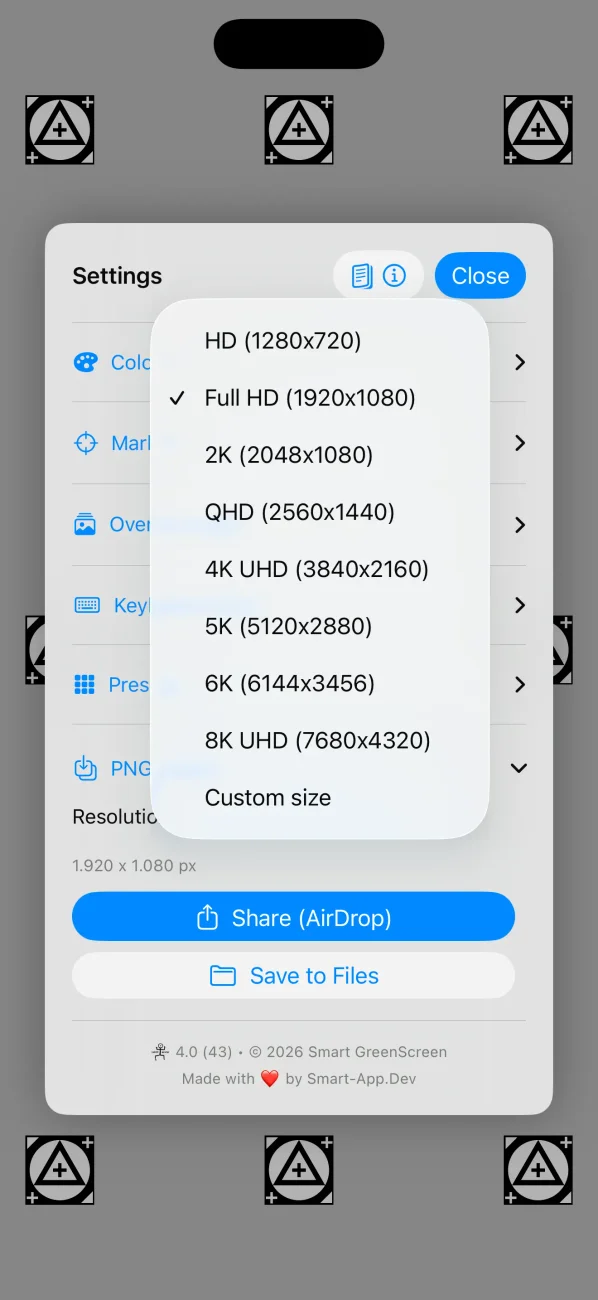
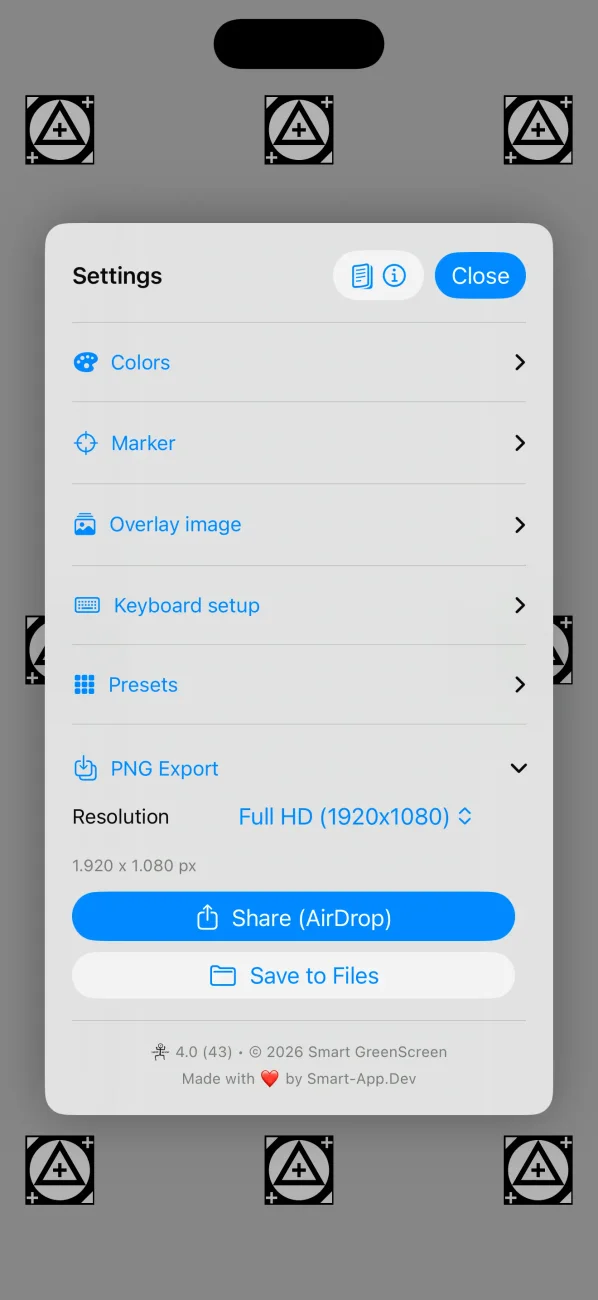
• Export the current screen as a PNG from HD up to 8K or at a custom size
• Share via AirDrop or save to Files (iOS), native save dialog on Mac
MADE FOR THE SET
• iPhone and iPad: hidden status bar, menu via three-finger tap, multi-tap or long press
• Optional keyboard for actors to type blindly on the screen
• Mac: windowed or full screen, Shift+Click or ⌘⇧M for the menu, title bar hides automatically
• The screen stays on – no dimming or auto-lock while the app is open
• Settings are saved automatically – your setup is ready every time
• Built-in user guide in 10 languages
No account, no tracking, no ads. Everything stays on your device.
Yenilikler
Sürüm 8.1 · 17.10.2026
Version 8.1 – a big update for the set
NEW
• Ready for iPhone Duo: full-screen green screen on both displays
• Corner markers adapt to every display – even after rotating or folding
• Green screen on/off switch in the menu under Colors
• The screen no longer dims or locks while the app is open
• OSC remote control now works on Mac too
• Extended user guide including all OSC commands
IMPROVED
• Typing in the menu no longer moves the green screen – the menu makes room for the keyboard and scrolls to the active field, also in landscape
• Reset asks for confirmation and keeps your OSC settings
• Mac: toggle the menu with ⌘⇧M (⌘M minimizes the window again)
• Stroke width now also applies to the frame marker
• Smoother performance with large overlay images
• Large videos from the photo library load without problems
FIXED
• The menu now appears reliably on the first launch after installing
• Pressing Tab in the PNG export fields no longer turns the screen black – the green screen is always on when the app starts
Uygulama gizliliği
Bu uygulamanın verileri nasıl işlediği hakkında Stefan Hollekamp tarafından App Store üzerinde yapılan beyan.
-
Veri toplanmıyor
Geliştirici bu uygulamadan hiçbir veri toplamıyor.
Gizlilik uygulamaları, örneğin kullandığınız özelliklere veya yaşınıza göre değişiklik gösterebilir.
Bilgiler
- Satıcı
- Stefan Hollekamp
- Kategori
- Fotoğraf ve Video
- Sürüm
- 8.1
- Güncellendi
- 17.10.2026
- Yayın tarihi
- 07.05.2025
- Boyut
- 7,1 MB
- Gereksinim
- iOS 17.6 veya sonrası
- Yaş sınırı
- 4+
- Fiyat
- ₺249,99
- Diller
- İngilizce, Fransızca, Almanca, İtalyanca, Japonca, Portekizce, Rusça, Basitleştirilmiş Çince, İspanyolca, Geleneksel Çince
- Telif hakkı
- © Stefan Hollekamp
Bunları da beğenebilirsiniz
-
 That Light MeterFotoğraf ve Video
-
 ShotBOTFotoğraf ve Video
-
 Halloween frames - Frame It!Fotoğraf ve Video
-
 Screen ForgeFotoğraf ve Video
-
 Movie Effects - AI VFX VisualFotoğraf ve Video
-
 Green ScreenerFotoğraf ve Video
-
 Pellica: Film Rulo TakibiFilmden banyoya tek uygulama
-
 Audio SauceFotoğraf ve Video
-
 Cyclops ARFotoğraf ve Video
-
 the VFX screenFotoğraf ve Video