Smart GreenScreen
Smarte VFX Green Screen App
Designed for iPhone, iPad, Mac
$4.99
- Age rating4+
- CategoryPhoto & Video
- DeveloperStefan Hollekamp
- LanguagesEnglish+ 9 more
- Size7.1 MB
Links to the official App Store page
Download.org hosts no file of Smart GreenScreen. The button opens its official App Store page, published by Stefan Hollekamp. Listing last checked on Nov 17, 2026.
Screenshots


About
Smart GreenScreen turns your iPhone, iPad or Mac into a clean, evenly lit chroma key backdrop – complete with precise tracking markers, overlays and remote control. Ideal for film sets, VFX shots, product photography, livestreams and video calls.
GREEN, BLUE OR ANY COLOR
• Set the exact backdrop color with RGB and brightness sliders
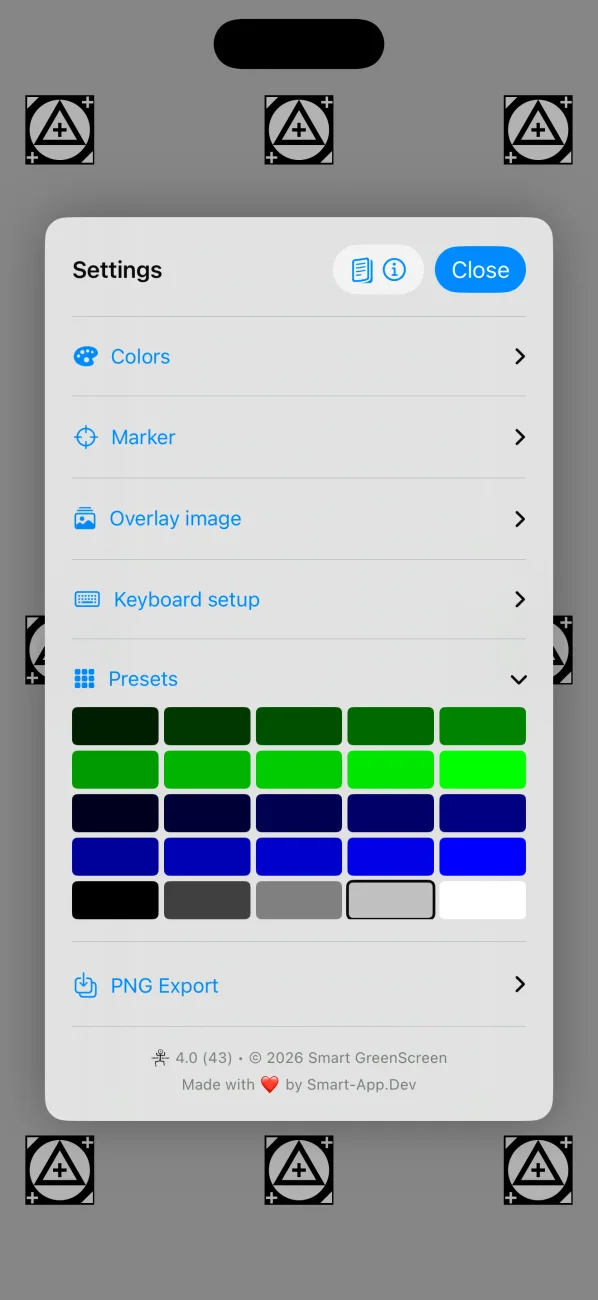
• 25 quick presets in green, blue and gray
• Toggle the screen to black and back with a single key (Tab) – perfect between takes
TRACKING MARKERS FOR CAMERA WORK
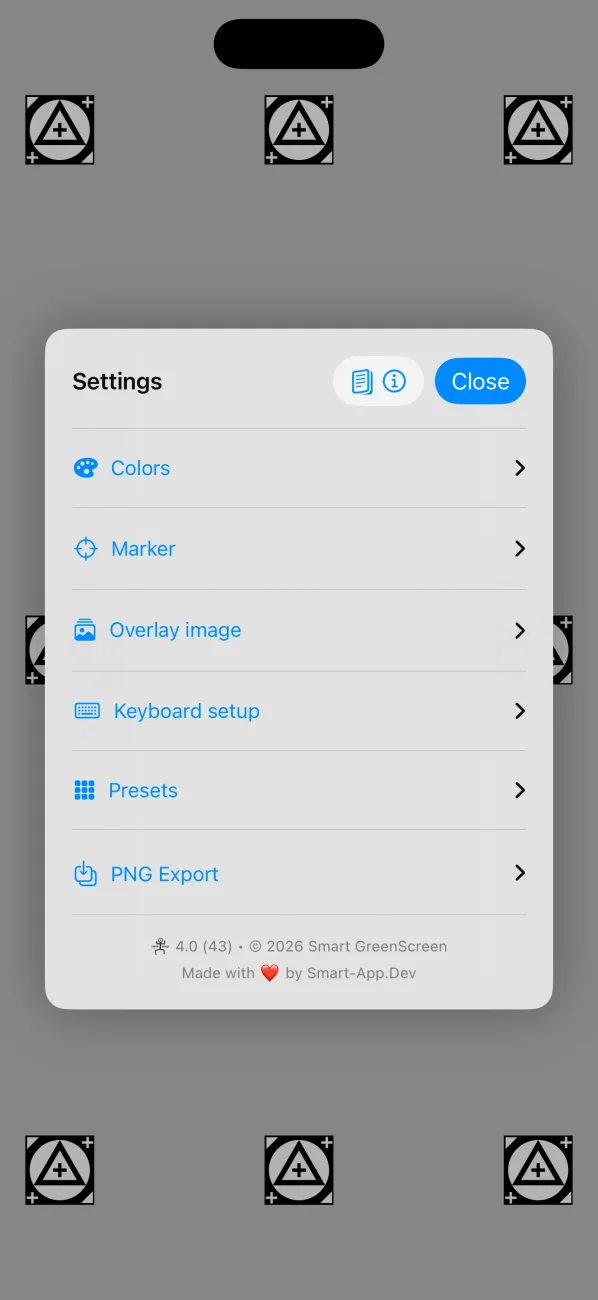
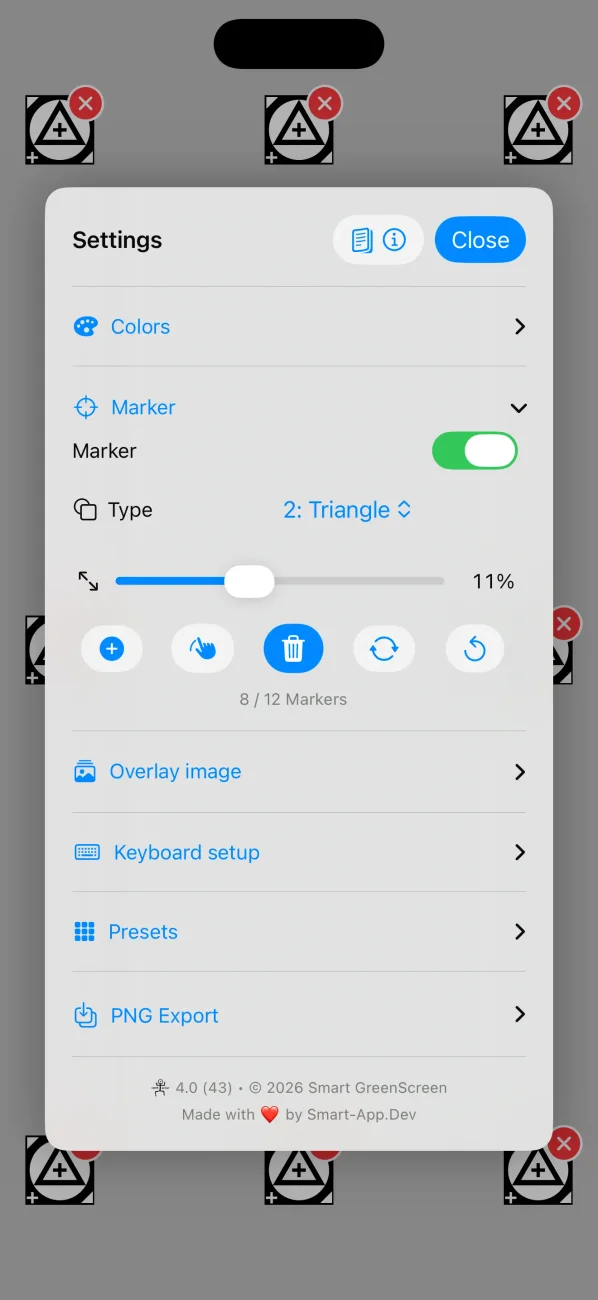
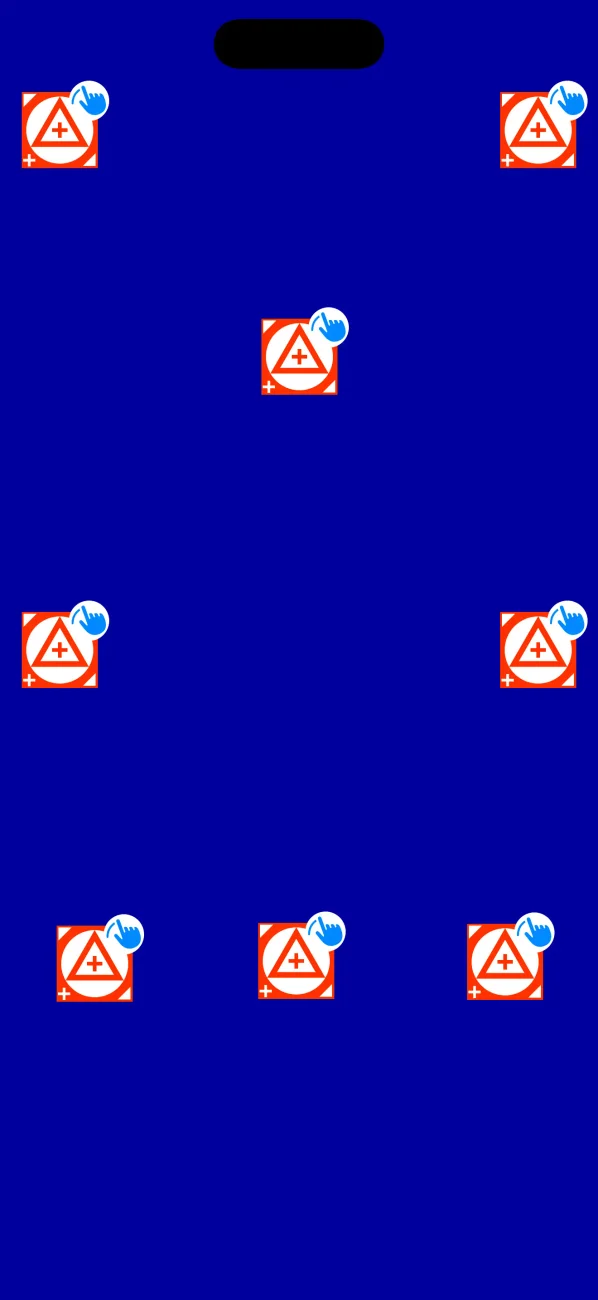
• 5 marker styles: cross, triangle, checkerboard, circle + cross and dot
• Up to 12 markers – add, move and delete them right on the screen
• Adjustable size and stroke width, marker color and one-tap invert for contrast
• Frame marker: center crosshair plus edge guides you can slide inward for perfect alignment
OVERLAYS AND VIDEO PLAYBACK
• Full-screen background image with transparency
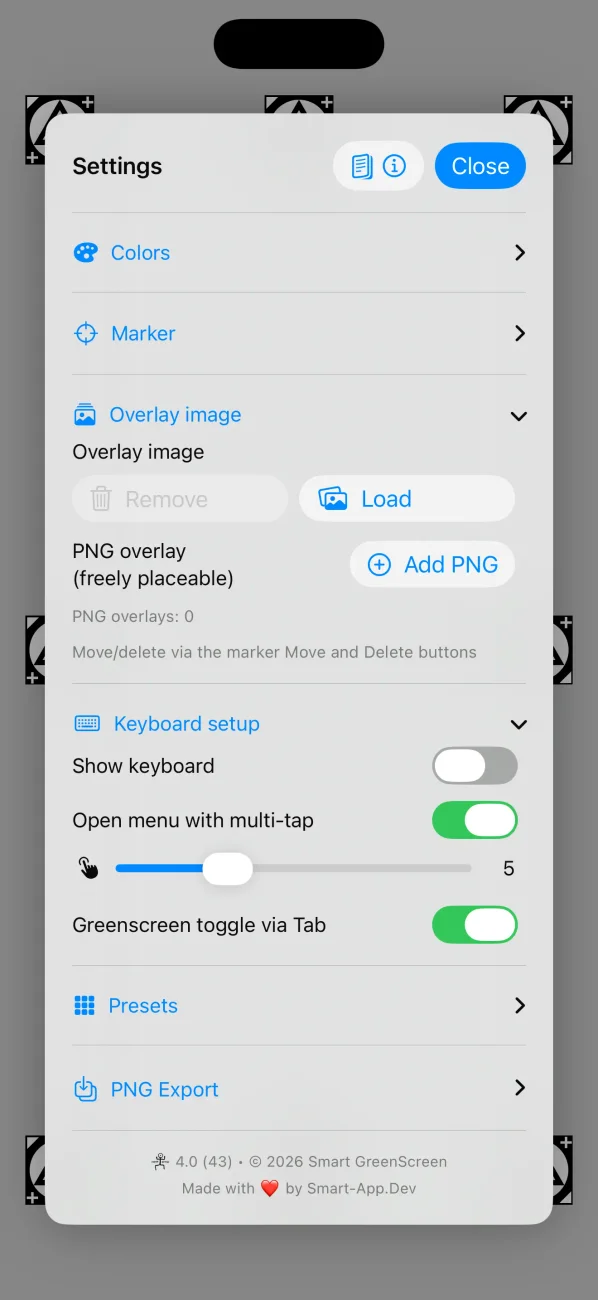
• Any number of freely placeable PNG overlays – logos, lower thirds, guides
• Video overlay (MP4/MOV) with play/pause, rewind, loop, mute and adjustable size
• Keyboard control: Space = play/pause, Backspace = back to start
REMOTE CONTROL VIA OSC
• Control the screen from Stream Deck, TouchOSC, QLab or any OSC app on your network
• Switch the green screen on/off, start and pause video, open the menu, add markers
• Optional feedback messages back to your controller
PRESETS YOU CAN SHARE
• Save up to 20 complete setups including images and video
• Export a preset as a single file and import it on another device – Mac to iPad and back
PNG EXPORT
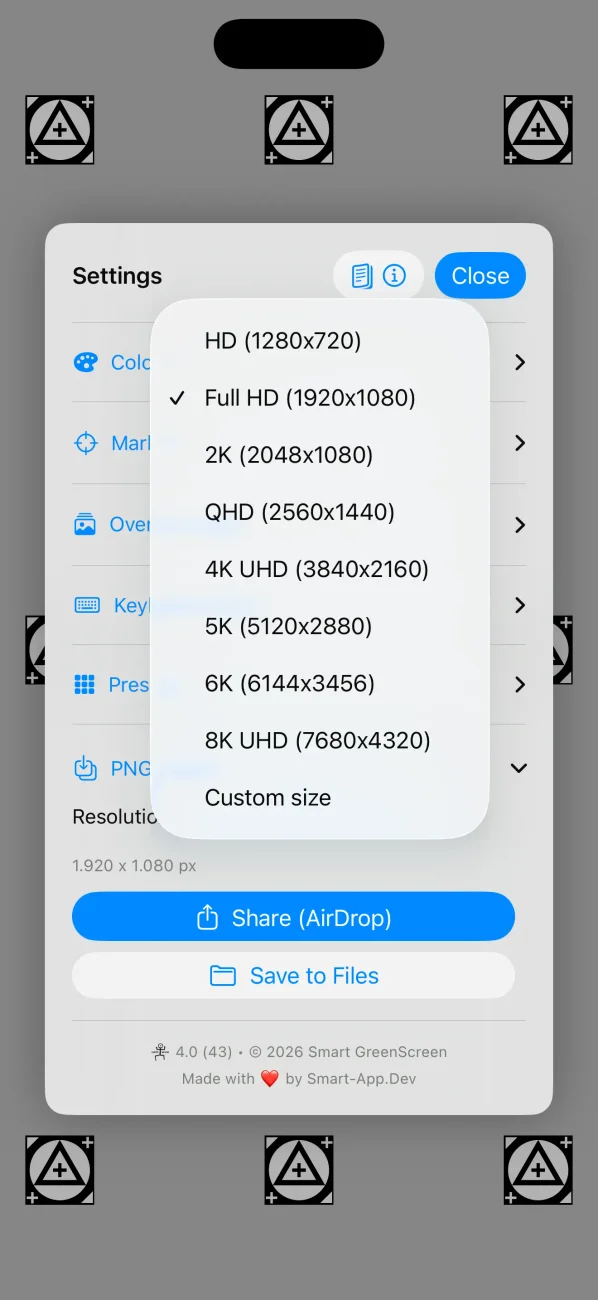
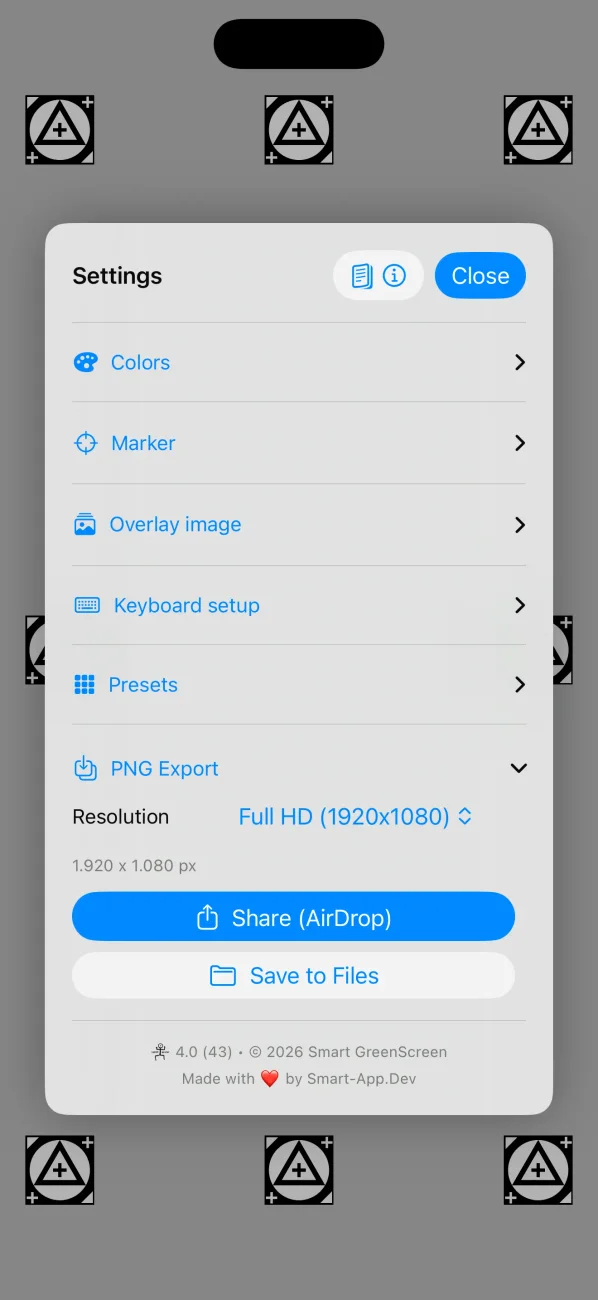
• Export the current screen as a PNG from HD up to 8K or at a custom size
• Share via AirDrop or save to Files (iOS), native save dialog on Mac
MADE FOR THE SET
• iPhone and iPad: hidden status bar, menu via three-finger tap, multi-tap or long press
• Optional keyboard for actors to type blindly on the screen
• Mac: windowed or full screen, Shift+Click or ⌘⇧M for the menu, title bar hides automatically
• The screen stays on – no dimming or auto-lock while the app is open
• Settings are saved automatically – your setup is ready every time
• Built-in user guide in 10 languages
No account, no tracking, no ads. Everything stays on your device.
What’s new
Version 8.1 · Oct 17, 2026
Version 8.1 – a big update for the set
NEW
• Ready for iPhone Duo: full-screen green screen on both displays
• Corner markers adapt to every display – even after rotating or folding
• Green screen on/off switch in the menu under Colors
• The screen no longer dims or locks while the app is open
• OSC remote control now works on Mac too
• Extended user guide including all OSC commands
IMPROVED
• Typing in the menu no longer moves the green screen – the menu makes room for the keyboard and scrolls to the active field, also in landscape
• Reset asks for confirmation and keeps your OSC settings
• Mac: toggle the menu with ⌘⇧M (⌘M minimizes the window again)
• Stroke width now also applies to the frame marker
• Smoother performance with large overlay images
• Large videos from the photo library load without problems
FIXED
• The menu now appears reliably on the first launch after installing
• Pressing Tab in the PNG export fields no longer turns the screen black – the green screen is always on when the app starts
App privacy
What Stefan Hollekamp declares on the App Store about how this app handles data.
-
Data not collected
The developer does not collect any data from this app.
Privacy practices may vary, for example with the features you use or your age.
Information
- Seller
- Stefan Hollekamp
- Category
- Photo & Video
- Version
- 8.1
- Updated
- Oct 17, 2026
- Released
- May 7, 2025
- Size
- 7.1 MB
- Requires
- iOS 17.6 or later
- Age rating
- 4+
- Price
- $4.99
- Languages
- English, French, German, Italian, Japanese, Portuguese, Russian, Simplified Chinese, Spanish, Traditional Chinese
- Copyright
- © Stefan Hollekamp
You might also like
-
 That Light MeterPrecision in Your Photography
-
 ShotBOTPhoto & Video
-
 Halloween frames - Frame It!Animated frames
-
 Screen ForgeChroma Key Screens For VFX
-
 Movie Effects - AI VFX VisualAI Movie FX & VFX Creator
-
 Green ScreenerPhoto & Video
-
 Pellica: Film Log, Light MeterDarkroom timer & film lab map
-
 Audio SauceAdd audio effects to videos
-
 Cyclops ARAR for VFX, Film & Archits
-
 the VFX screenvisual effects screen inserts