SnapClip: PDF Document Scanner
OCR any photo, 100% private
iPhone, iPad向けに設計
無料 · アプリ内課金
- 対象年齢4+
- カテゴリ仕事効率化
- 開発元博宇 徐
- 言語英語ほか1言語
- サイズ9.9 MB
App Storeの公式ページにリンクしています
Download.orgはSnapClip: PDF Document Scannerのファイルを一切ホストしていません。ボタンを押すと、博宇 徐が公開しているApp Storeのアプリページが開きます。ページの最終確認:2026/11/20。
スクリーンショット


概要
開発元はこのテキストをお使いの言語で提供していません。
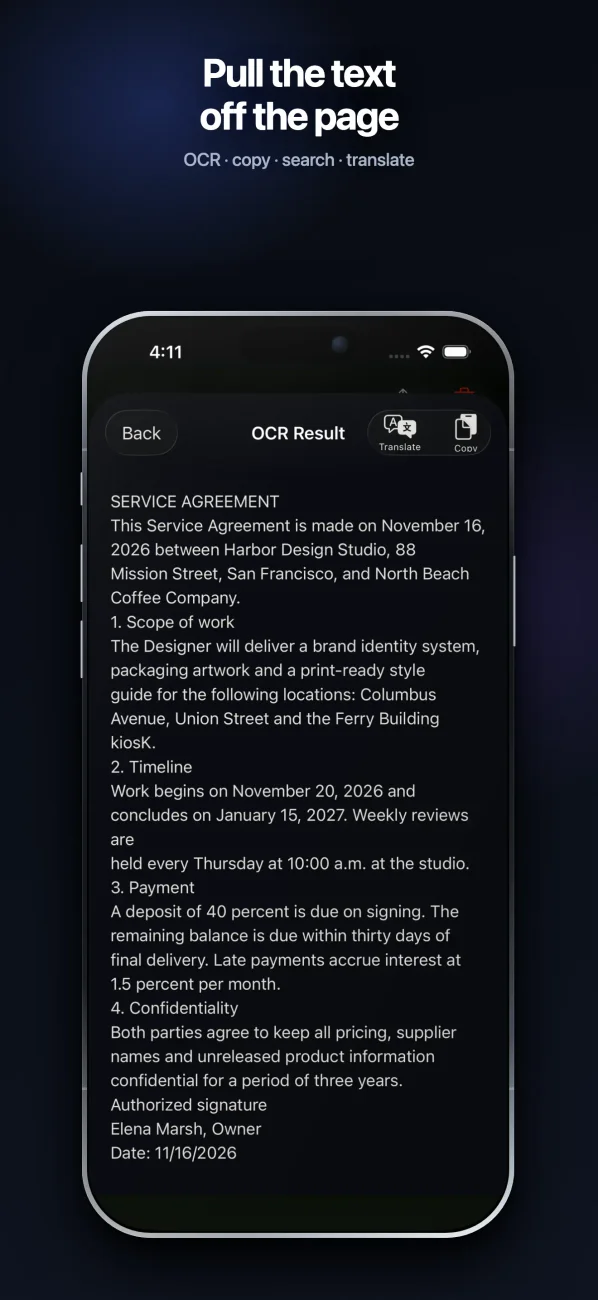
SnapClip is a local-first document scanner for iPhone. Scan a receipt, a contract, a passport or a whiteboard note, fix the perspective, pull the text out with OCR and export a clean PDF — everything runs on your device.
CORE
• Instant capture — open the app and the viewfinder is already there
• Auto perspective correction — drag four corners, or let it find the document
• Enhance — auto, black & white, or both
• OCR text — recognize, copy and translate in one tap
• Full-text search — find any word across all your scans
• Crop presets — A4, 16:9, card, square, grid
PREMIUM
• ID templates — ID card, driver license, passport, business card, Social Security card
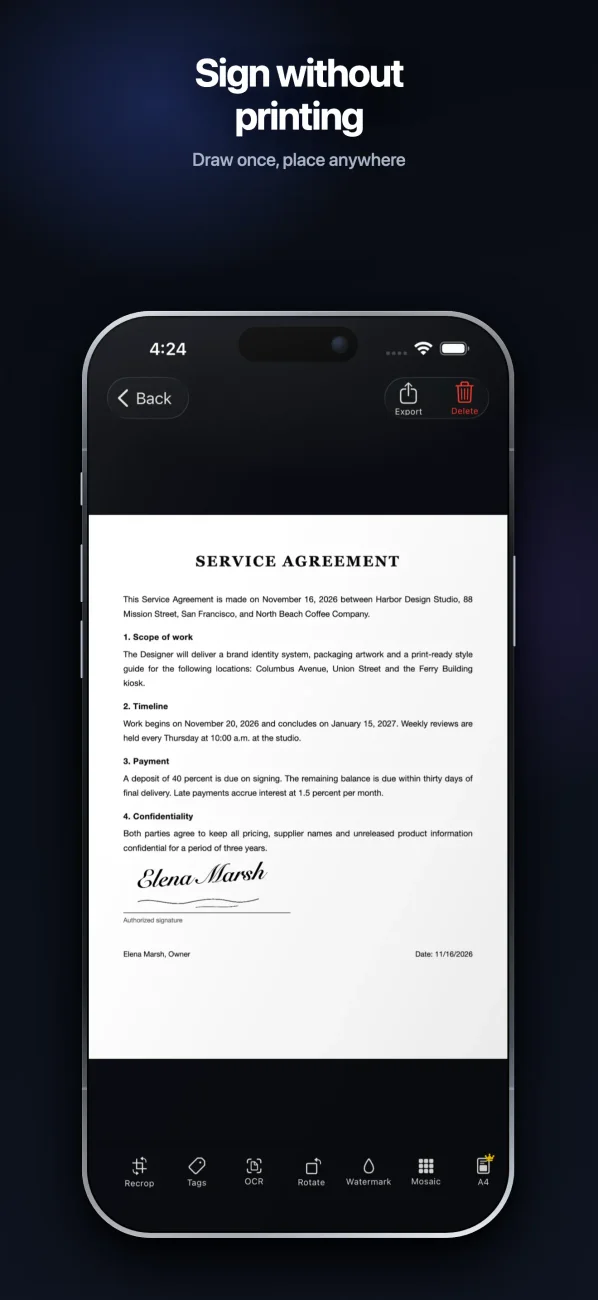
• Signature — draw once, drop it anywhere on a page
• Watermark — date, custom text, image or tiled privacy watermark
• Redact — pixelate sensitive areas before sharing
• Compress — shrink PDFs without losing legibility
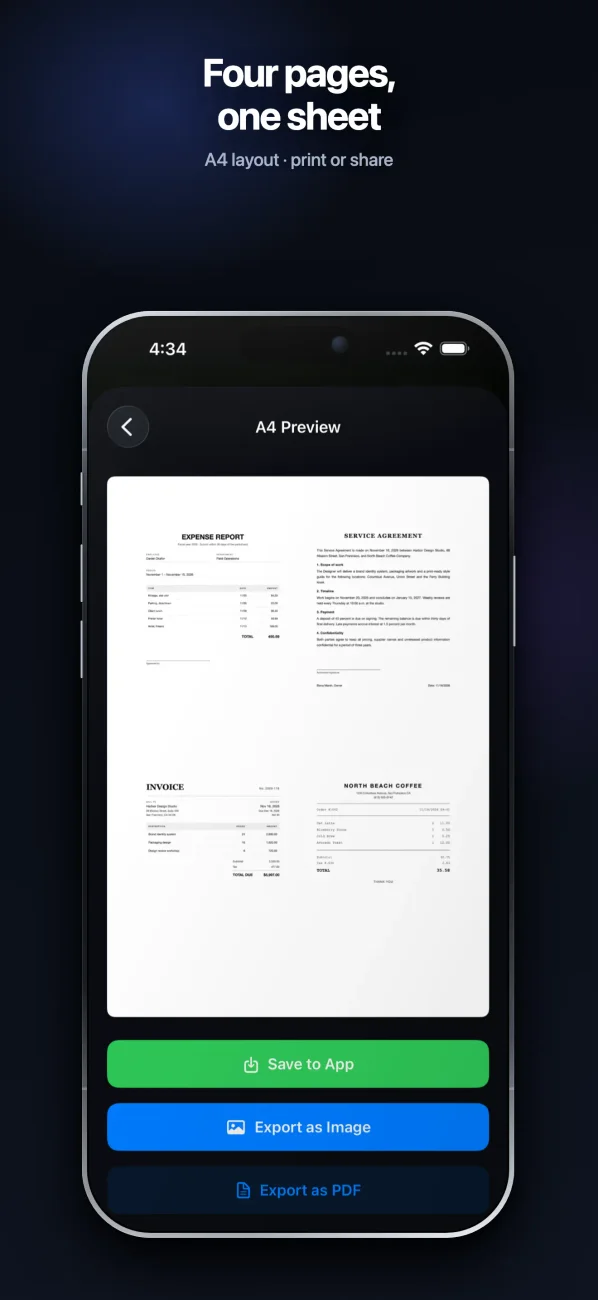
• A4 layout — 1, 2, 3 or 4 pages per sheet
PRIVACY
• Your documents never leave your device — scans and OCR text stay local
• Works offline — capture, correction, recognition and export all run on-device
• Anonymous usage stats only, and you can turn them off in Settings
• No account, no ads, no tracking
FREE & PREMIUM
• 5 free scans per day, photo import always free
• Yearly subscription or one-time lifetime purchase
• Cancel anytime · Terms: apple.com/legal/internet-services/itunes/dev/stdeula
新機能
バージョン 1.0.13 · 2026/11/17
1. Fixed date headers and document timestamps so they follow the app language.
2. Button labels no longer get cut off in the English interface.
3. Various small refinements.
アプリのプライバシー
このアプリのデータの取り扱いについて、博宇 徐がApp Storeで申告している内容です。
-
ユーザーに関連付けられないデータ
収集される場合がありますが、ユーザーの識別情報には関連付けられません。
- ID
- 使用状況データ
プライバシーの取り扱いは、ご利用の機能やお客様の年齢などに応じて異なる場合があります。
情報
- 販売元
- 博宇 徐
- カテゴリ
- 仕事効率化
- バージョン
- 1.0.13
- 更新日
- 2026/11/17
- リリース
- 2026/5/27
- サイズ
- 9.9 MB
- 必要条件
- iOS 17.4以降
- 対象年齢
- 4+
- 価格
- 無料
- アプリ内課金
- あり
- 言語
- 英語, 簡体字中国語
- 著作権
- © 2026 boyuxu
こちらもおすすめ
-
 Pagelo Scan: PDFスキャナー&OCR書類をスキャン・PDF編集・OCR
-
 DocuLens – Smart PDF Scanner仕事効率化
-
 SoloRank仕事効率化
-
 Just Pomodoro 集中タイマーかわいい仲間と楽しく勉強・作業
-
 Tablo:写真PDFを表/XLS変換スキャンで明細をデータ化 OCR
-
 ID2PDF - ID & Doc Scanner仕事効率化
-
 SubSum仕事効率化
-
 SnapScan:PDFスキャナー・OCR文字認識・変換ログイン不要・端末内処理で署名・透かし・保存整理共有まで
-
 FlashScan - Simple doc scanner仕事効率化
-
 证件夹|全家证件管家仕事効率化