- 対象年齢4+
- カテゴリユーティリティ
- 開発元Speaqr Technologies S.L
- 言語スペイン語ほか10言語
- サイズ5.3 MB
Speaqrは現在App Storeで入手できない可能性があります
前回の確認時、ストアのページにアクセスできませんでした。リンク先は引き続きApp Storeの公式ページです。
スクリーンショット

概要
開発元はこのテキストをお使いの言語で提供していません。
Speaqr is a tool that allows communicating in up to 8 different languages through a personal room or a virtual conference (Google Meet, Zoom, Teams) using Artificial Intelligence.
With minimum information (e-mail, name/alias and language), Speaqr offers you a multilingual room. Once in the room, both you and your guests will be able to speak in the language of your preference; the tool will distribute messages (voice-to-voice) in the language in which each participant configured his/her terminal.
In addition, if you have an important meeting in a language that is not your own, Speaqr can also connect to Google Meet, Zoom or Teams as your interpreter. Once you are in the call, everything that is said will be translated into the language that you have configured.
How do I start using it?
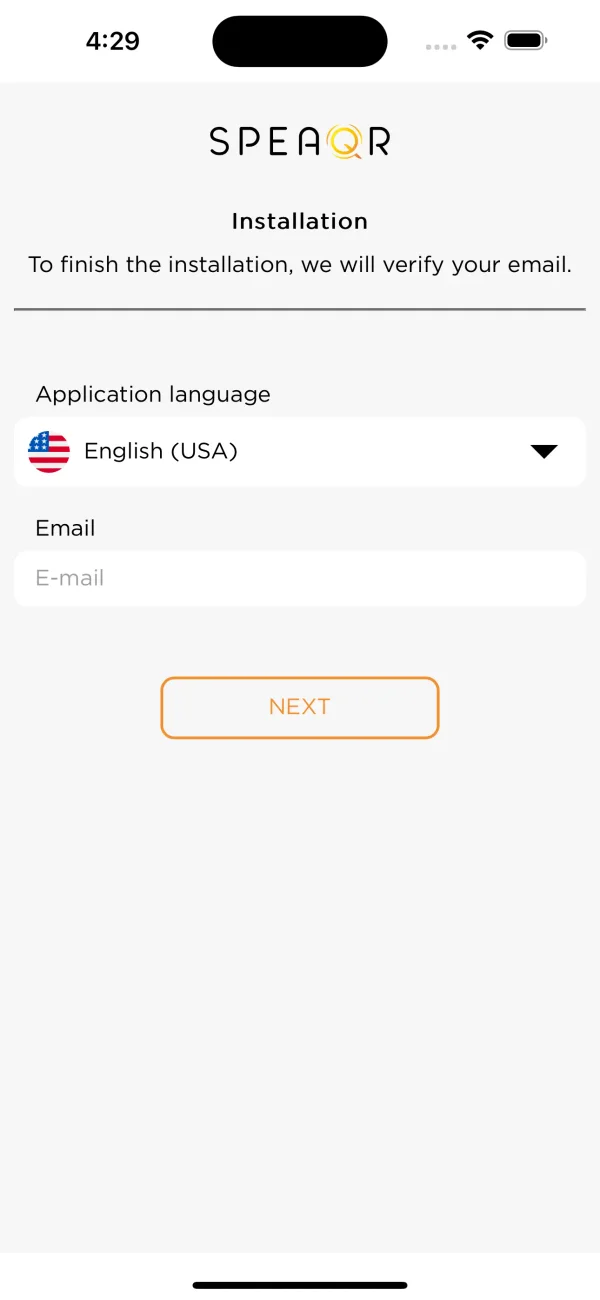
To register with Speaqr, simply choose your language, insert your e-mail and verify it. To do so, we will send you a confirmation e-mail where you will only need to click on the "Verify e-mail" button.
Once verified, Speaqr will request you some basic configuration data to operate:
- Native language
- Name or alias
- Voice preference
And that is all! You already have your Speaqr room available!
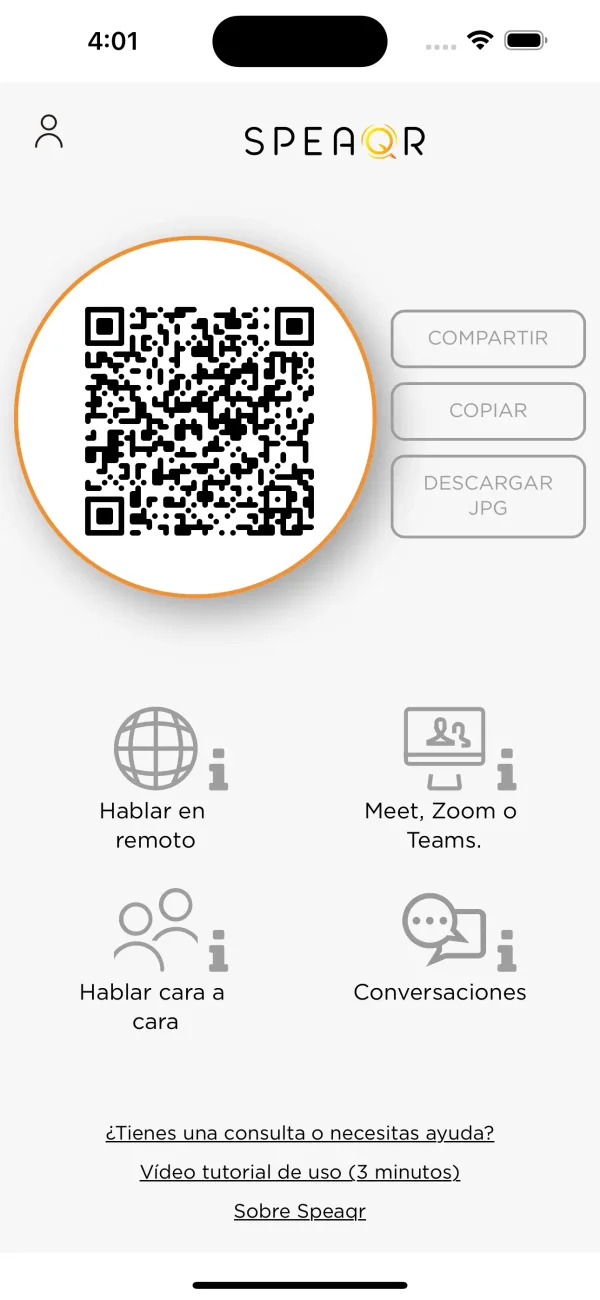
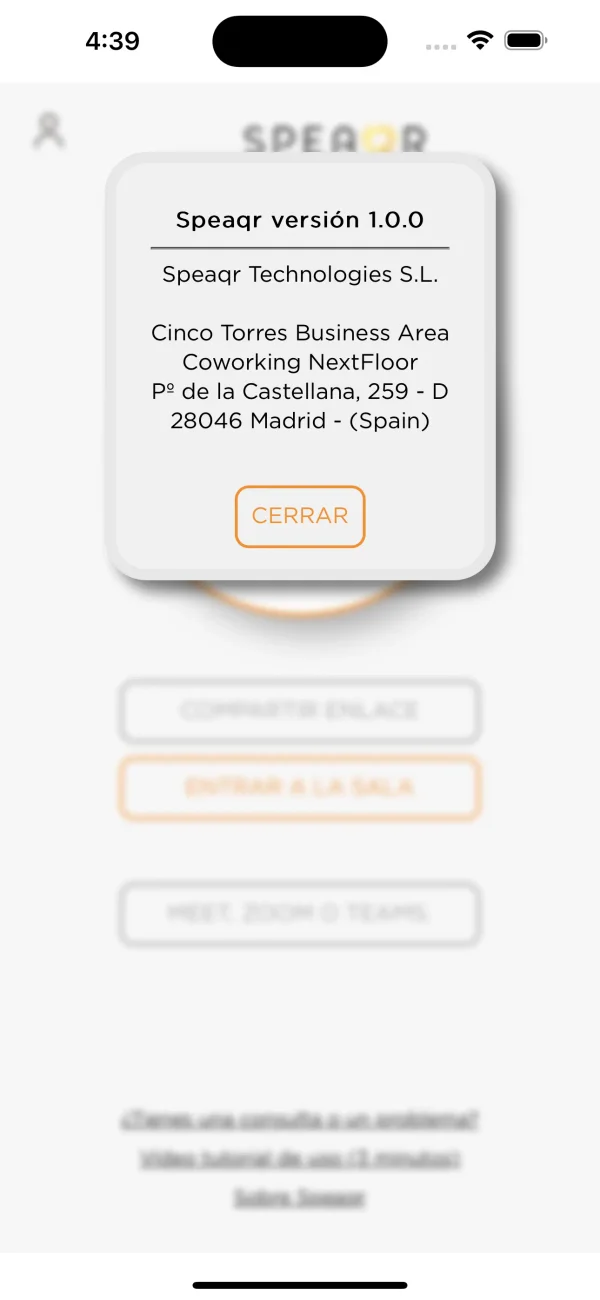
In the main screen, you will find the following items:
- QR code: the device scanning the code will be invited to the room.
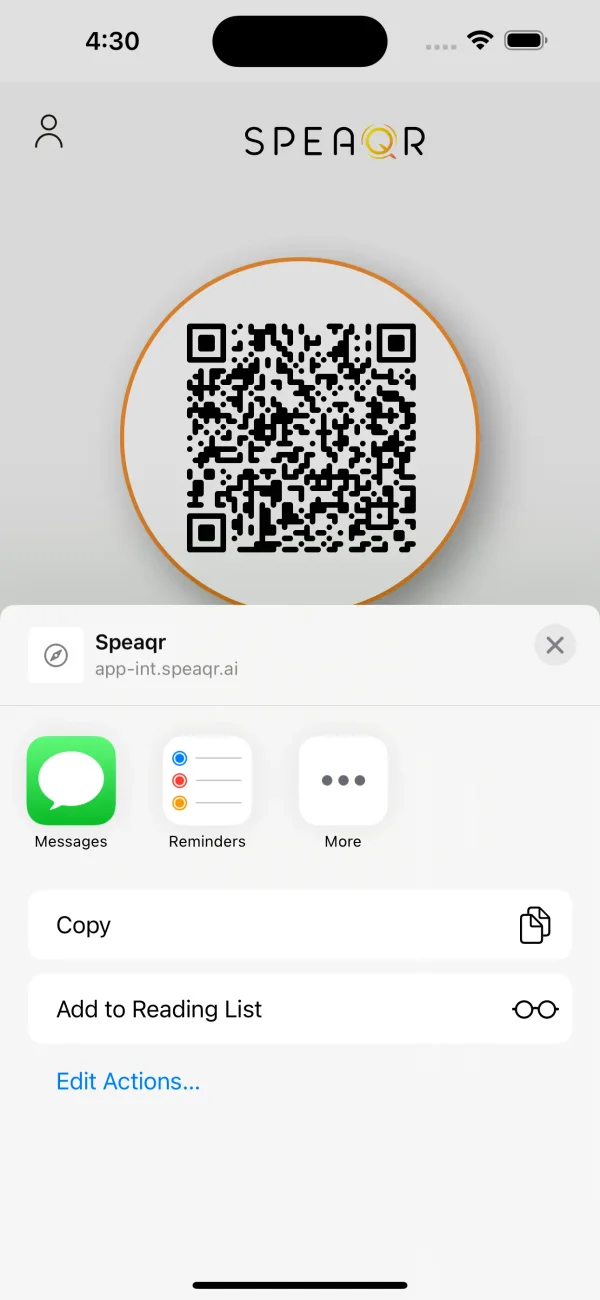
- “Share link” button: it allows giving access to your room as you prefer (WhatsApp, Gmail, message, etc.)
- “Enter room” button: you will enter your multilingual room.
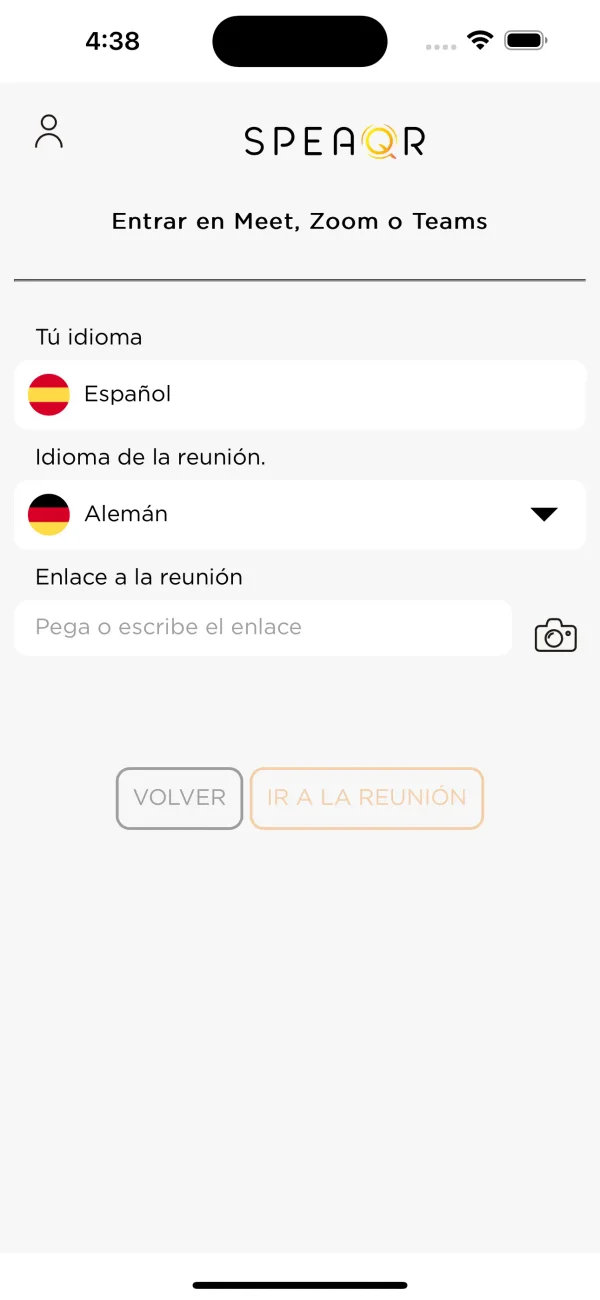
- “Meet, Zoom or Teams” button: it allows connecting through Speaqr to a virtual meeting.
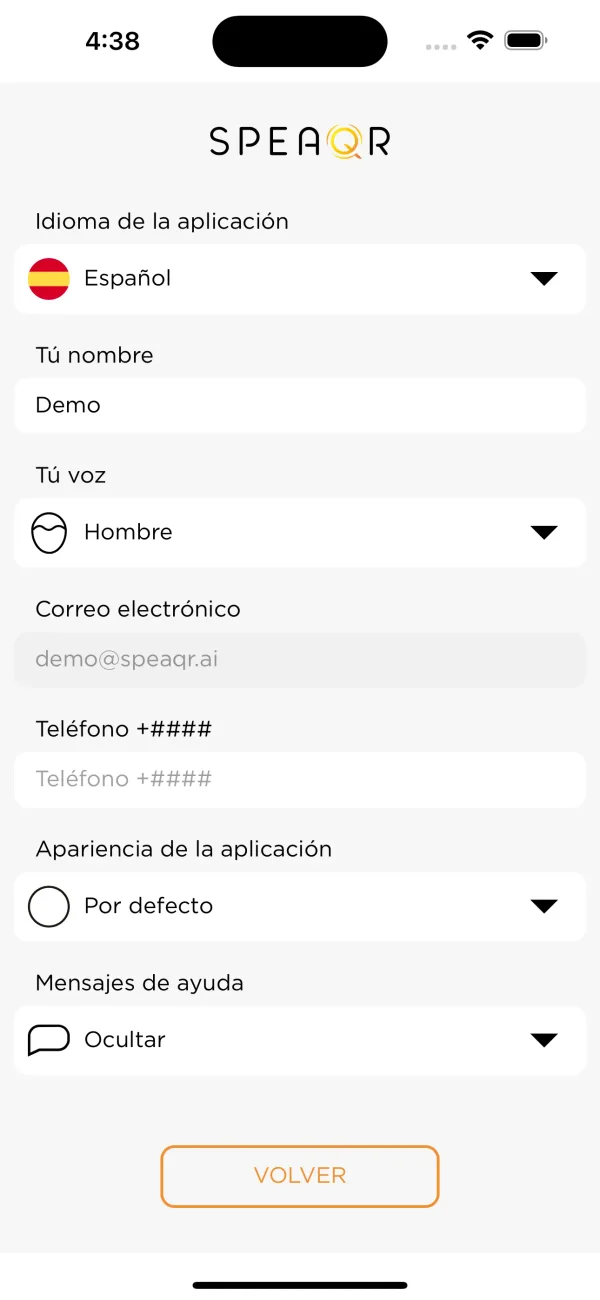
- User icon: by clicking the icon on the upper left part, you may access your data and configuration.
- Links of interest: at the bottom of the screen, you may read the tutorial or contact us for any concern.
How do I start a conversation in the room?
To begin with, you need to share the link with the person you want to speak to. The person must fill in his/her data and request your access, waiting until you open the room and accept the request.
If you do not have the room open, you may do so by clicking “Enter room”. Once inside, you will see the pending request and, by accepting it, your guest will be able to enter and communicate with you.
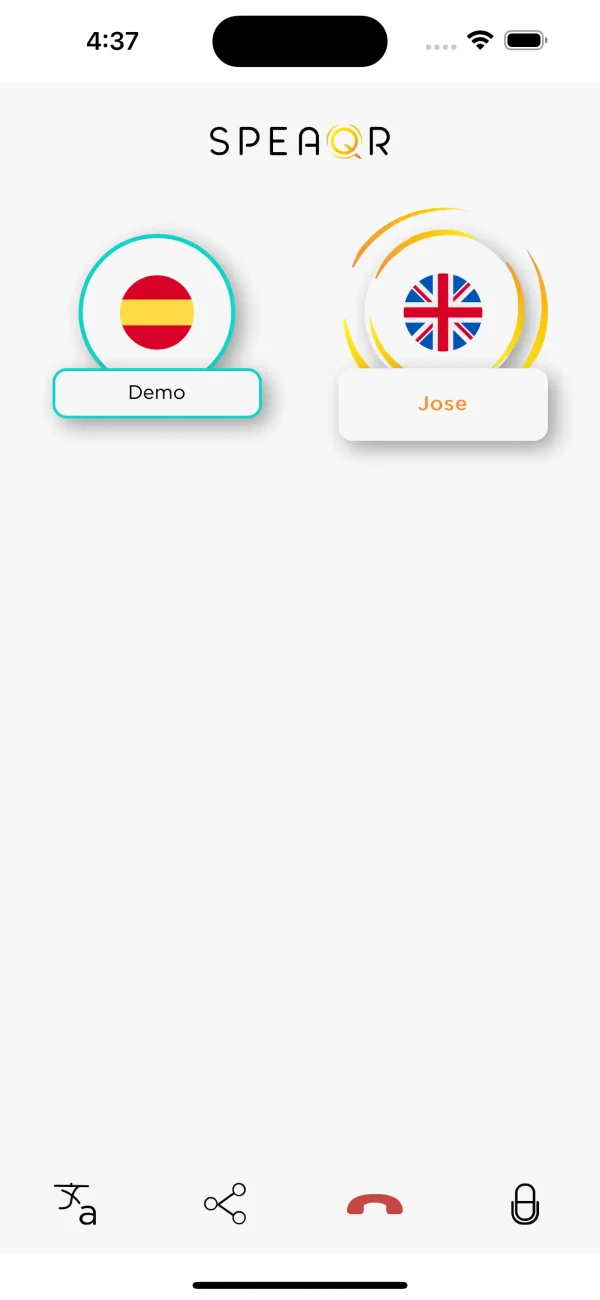
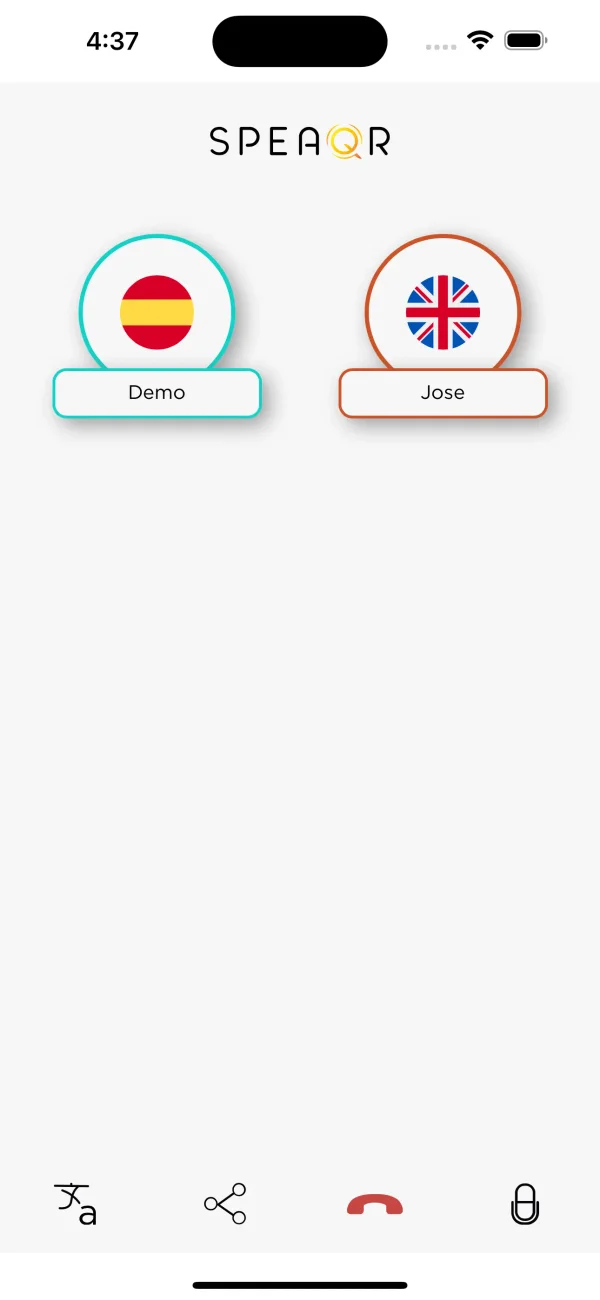
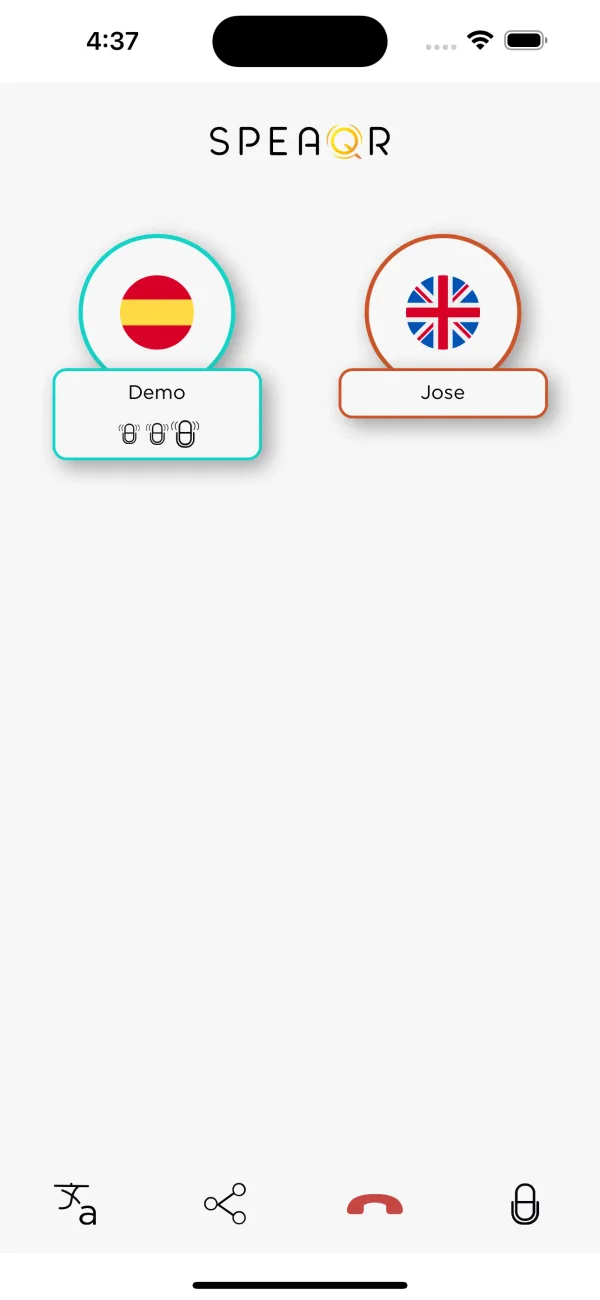
Check the following available controls at the bottom of the screen (from left to right):
- Transcription button: apart from listening to your guests, you may read what they say.
- Share button: if someone is missing or you want to add a member “on the go”, you may send the access link again by clicking this button.
- Hang up button: if you are the room owner, the conversation will end for all members (when closing the room); otherwise, if you are a guest, you just leave the conversation.
- Microphone button: this allows controlling the status of your microphone (on/off).
With all this, you only have to speak to let Speaqr do the magic.
How do I connect to a meeting?
By clicking the “Meet, Zoom or Teams” button and providing an access link, your virtual interpreter will connect automatically to the meeting. (You can also scan the link)
Inside the meeting (Meet, Zoom or Teams), your interpreter must be accepted by meeting organisers.
Once accepted, your interpreter will capture meeting audio and translate it in real time; therefore, you should disable your microphone at the meeting (Meet, Zoom o Teams) to avoid any language interference.
Once you finish, just click on the “hang up” button in your device and your virtual interpreter will leave the meeting.
Now you can start enjoying Speaqr!
新機能
バージョン 1.6.3 · 2024/9/25
Store images update
アプリのプライバシー
このアプリのデータの取り扱いについて、Speaqr Technologies S.LがApp Storeで申告している内容です。
-
ユーザーに関連付けられないデータ
収集される場合がありますが、ユーザーの識別情報には関連付けられません。
- 連絡先情報
- ユーザーコンテンツ
プライバシーの取り扱いは、ご利用の機能やお客様の年齢などに応じて異なる場合があります。
情報
- 販売元
- SPEAQR TECHNOLOGIES SL.
- カテゴリ
- ユーティリティ
- バージョン
- 1.6.3
- 更新日
- 2024/9/25
- リリース
- 2024/4/25
- サイズ
- 5.3 MB
- 必要条件
- iOS 16.4以降
- 対象年齢
- 4+
- 言語
- スペイン語, ドイツ語, 簡体字中国語, フランス語, ヒンディー語, 英語, イタリア語, 日本語, ポルトガル語, ロシア語, アラビア語
- 著作権
- © 2024 Speaqr Technologies S.L