Speed Bar - Floating window
Monitor speed and traffic
iPhone, iPad, iPod touch向けに設計
¥150
- 対象年齢4+
- カテゴリユーティリティ
- 開発元淑娇 徐
- 言語英語ほか1言語
- サイズ12.4 MB
App Storeの公式ページにリンクしています
Download.orgはSpeed Bar - Floating windowのファイルを一切ホストしていません。ボタンを押すと、淑娇 徐が公開しているApp Storeのアプリページが開きます。ページの最終確認:2026/11/24。
スクリーンショット


概要
開発元はこのテキストをお使いの言語で提供していません。
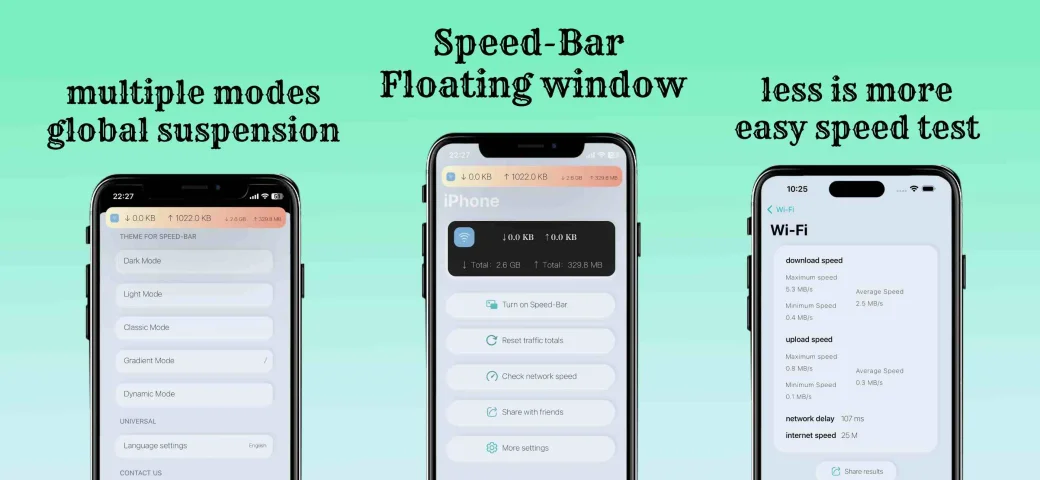
Speed bar - Global network speed floating window, real-time monitoring system network upload/download speed and traffic usage.
design concept:
Simple and elegant interface with simple operation, design a simple but not simple real-time traffic monitoring APP.
1. About why I want to make "Speed Bar"?
Because the monthly data package will exceed a lot, it is very troublesome. I really want to know where my data is spent and which apps will consume a lot of my data. Through the "speed bar", you can check the current network speed consumption in real time, which is very convenient for my daily backtracking. I also hope that more users can use it together.
2. How to use it?
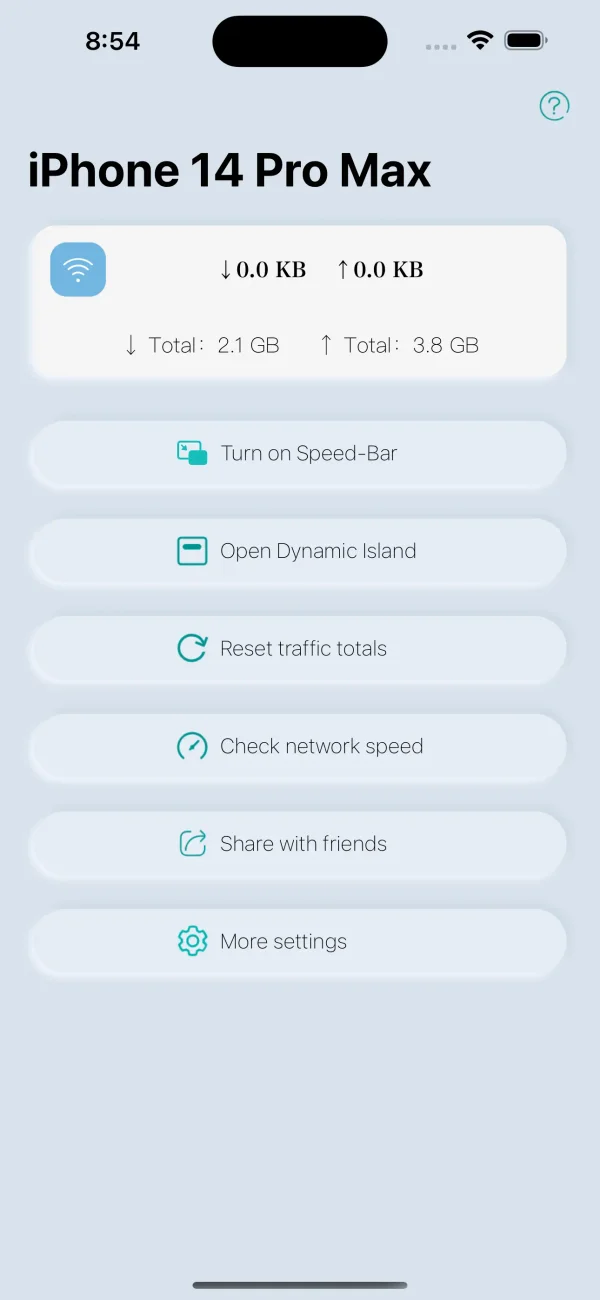
Download the APP, open the APP and click the "Start Real-time Floating" button to use the real-time network speed detection.
3. How to calculate the data?
It is calculated by the data obtained from the ifaddrs network card information, and the accuracy of the data depends on the feedback from the base station. If the environment of the mobile phone changes, the data may change.
4. How to levitate?
Click the "Start real-time suspension" button on the home page to exit the APP for real-time viewing. The floating window supports sliding to hide, click to open the App and other functions.
5. How to clear statistics?
Click the "Reset Traffic Total" button on the homepage to clear the current total and restart the calculation. It is convenient to record any moment you want to count at any time.
6. How to measure the network speed?
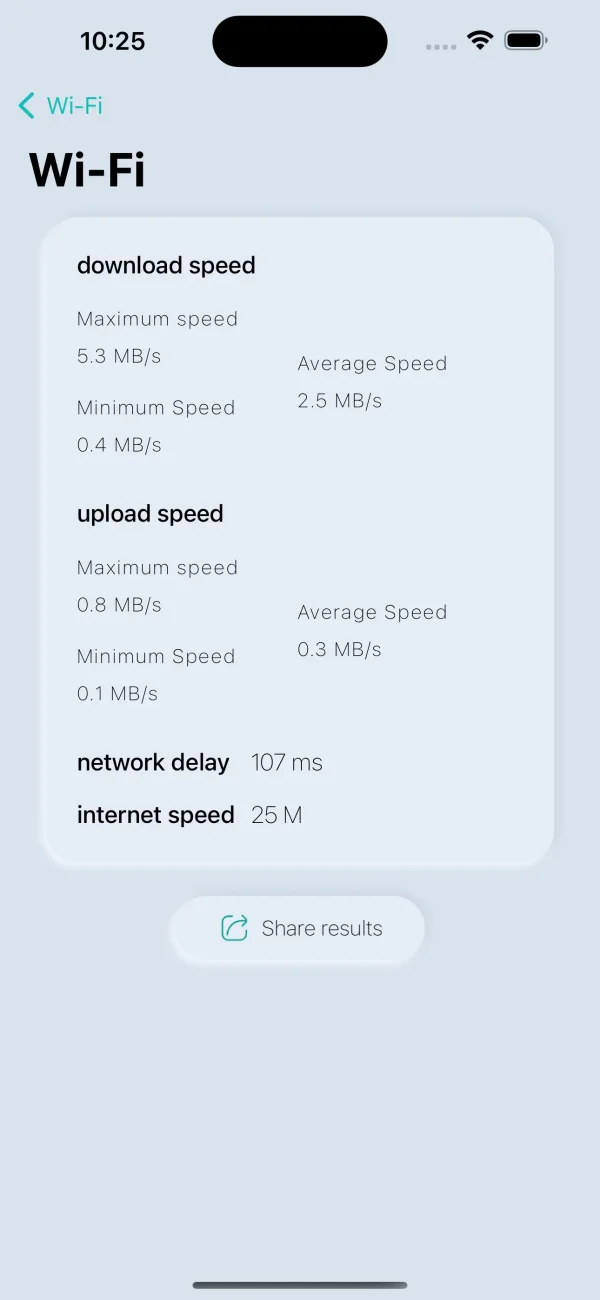
Click the "Detect Network Delay" button on the homepage to measure the network speed and view the specific data. The speed test results support sharing.
7. How to use widgets?
The current version does not plan to add the widget function, but we will launch the widget function soon, you can look forward to it.
8. About privacy
We care about your privacy very much, and we guarantee this through actions (not just verbal promises): network data is only used for APP algorithm calculation rate and speed measurement, and we will not collect any information from you.
9. About us
If you have good ideas and suggestions, you can leave a message through the APP comments, and I will always pay attention to your ideas and suggestions.
新機能
バージョン 1.4 · 2024/3/26
This update:
Optimize some interactions;
Fix known problems;
アプリのプライバシー
このアプリのデータの取り扱いについて、淑娇 徐がApp Storeで申告している内容です。
-
データの収集なし
開発元はこのアプリからデータを収集しません。
プライバシーの取り扱いは、ご利用の機能やお客様の年齢などに応じて異なる場合があります。
情報
- 販売元
- 淑娇 徐
- カテゴリ
- ユーティリティ
- バージョン
- 1.4
- 更新日
- 2024/3/26
- リリース
- 2023/6/11
- サイズ
- 12.4 MB
- 必要条件
- iOS 13.0以降
- 対象年齢
- 4+
- 価格
- ¥150
- 言語
- 英語, 簡体字中国語
- 著作権
- © 卢丰
こちらもおすすめ
-
 Network Speed Windowユーティリティ
-
 iJumper - launcherユーティリティ
-
 All In One Usage Monitorユーティリティ
-
 NetMonitor+ユーティリティ
-
 My Data Usage Widget Proモニターモバイル携帯無線LAN
-
 BeeData Widget - Data Monitorユーティリティ
-
 Summa – Precision Made Simpleユーティリティ
-
 Linu - Interactive Messagingユーティリティ
-
 ねこトーク - ニャー語翻訳機|猫性格診断瞬時に猫語理解、性格診断!猫好き必携の神器
-
 IronMCCユーティリティ