- 対象年齢4+
- カテゴリユーティリティ
- 開発元MARCO NUNNARI
- 言語英語ほか5言語
- サイズ20.5 MB
App Storeの公式ページにリンクしています
Download.orgはSplit Keyboardのファイルを一切ホストしていません。ボタンを押すと、MARCO NUNNARIが公開しているApp Storeのアプリページが開きます。ページの最終確認:2026/11/13。
スクリーンショット

概要
開発元はこのテキストをお使いの言語で提供していません。
Type comfortably while holding your iPad. Split Keyboard brings the keys within reach of your thumbs, with helpful word suggestions and autocorrection. Your words stay on your iPad.
KEYS WITHIN REACH
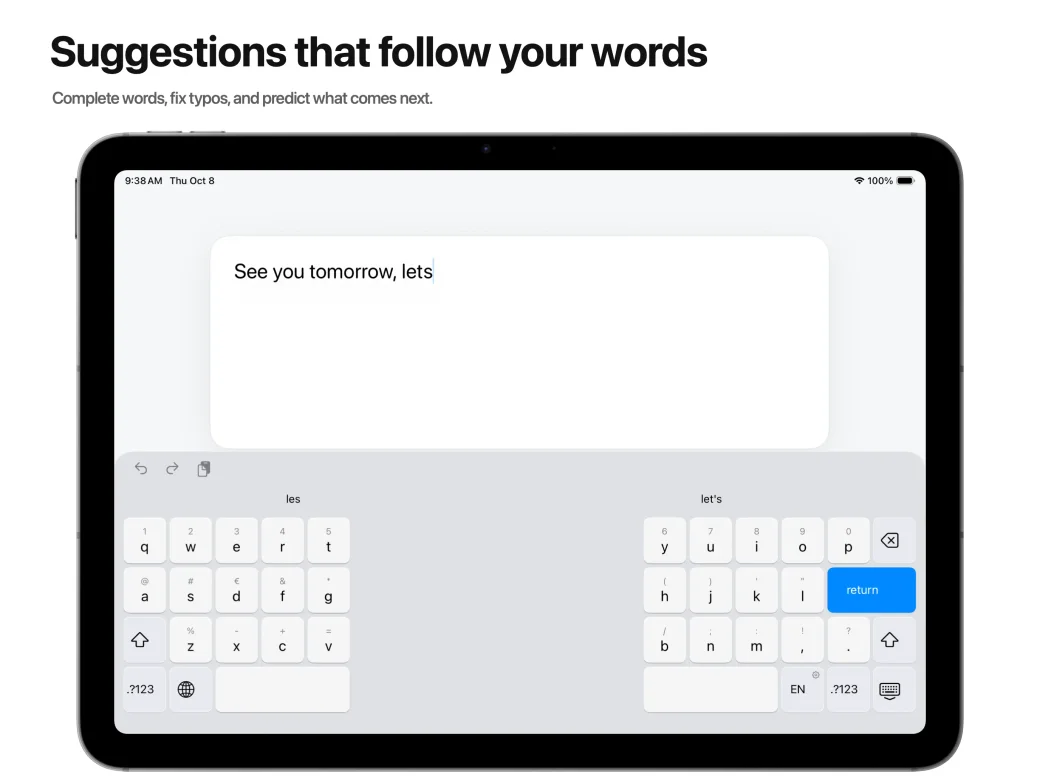
Two keyboard halves bring the keys closer to your thumbs, so you can type with both hands while holding your iPad. The open center gives your thumbs space between the two sides.
SUGGESTIONS THAT FOLLOW YOUR WORDS
Complete words, correct spelling, and get suggestions for what comes next. Undo an automatic correction with Delete. Let the keyboard learn words you use, with the option to forget them whenever you choose.
USEFUL SHORTCUTS, WITHIN REACH
Pull letter keys down for numbers and symbols. Hold a letter for accented characters. Move the cursor by holding Space or dragging with two fingers.
WRITE IN YOUR LANGUAGES
Switch between English, Italian, German, French, Spanish, and Portuguese for Portugal and Brazil. Choose familiar layouts, including German QWERTZ and French AZERTY or QWERTY.
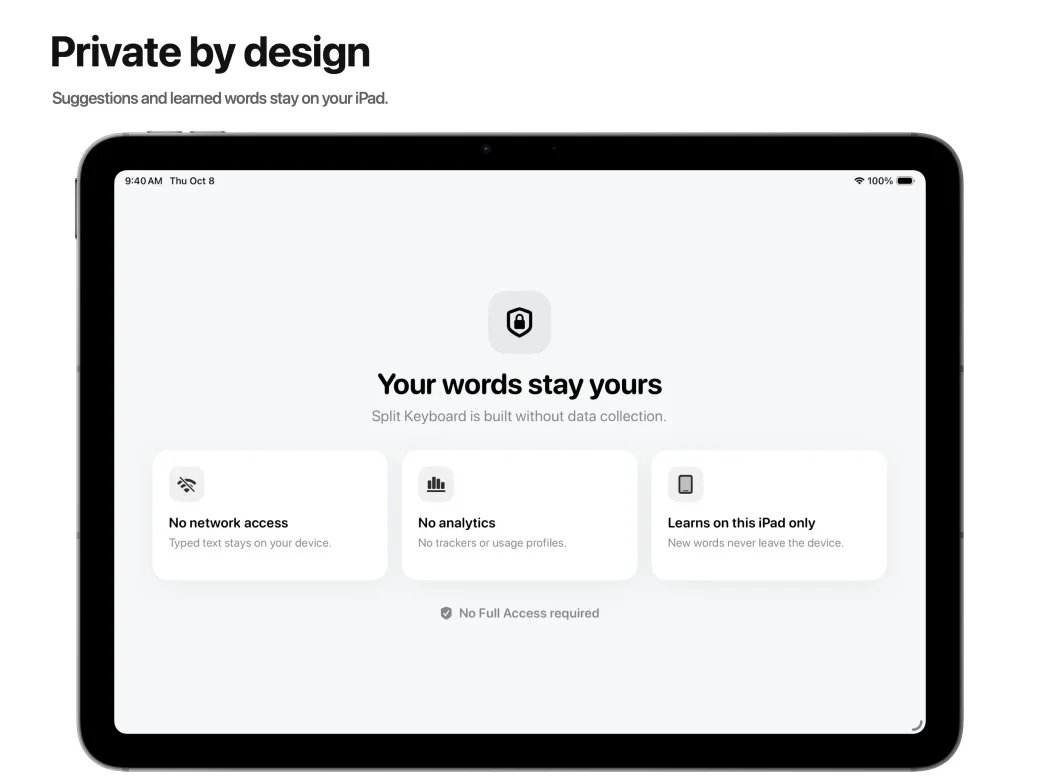
YOUR WORDS STAY ON YOUR IPAD
Suggestions and word learning work locally. No accounts, tracking, or network access. Full Access is never required. Turn learning off or delete learned words in settings.
For iPad and apps that support custom keyboards. iPadOS may use the system keyboard in secure and phone-number fields.
新機能
バージョン 1.3 · 2026/10/8
• Word suggestions, next-word predictions, and automatic spelling corrections across all supported typing languages.
• Undo an auto-correction with Delete, or keep and learn your original word.
• Pull letter keys down for quick access to numbers and symbols.
• Hold Space or use two fingers to move the cursor.
• Redesigned keyboard settings with easier language and layout selection.
• Improved capitalization after punctuation and word replacement.
Suggestions and learned words stay on your iPad. No Full Access required.
アプリのプライバシー
このアプリのデータの取り扱いについて、MARCO NUNNARIがApp Storeで申告している内容です。
-
データの収集なし
開発元はこのアプリからデータを収集しません。
プライバシーの取り扱いは、ご利用の機能やお客様の年齢などに応じて異なる場合があります。
情報
- 販売元
- MARCO NUNNARI
- カテゴリ
- ユーティリティ
- バージョン
- 1.3
- 更新日
- 2026/10/8
- リリース
- 2026/9/10
- サイズ
- 20.5 MB
- 必要条件
- iOS 18.0以降
- 対象年齢
- 4+
- 価格
- ¥600
- 言語
- 英語, フランス語, ドイツ語, イタリア語, ポルトガル語, スペイン語
- 著作権
- © 2026 Marco Nunnari