
- Age rating4+
- CategoryUtilities
- DeveloperMARCO NUNNARI
- LanguagesEnglish+ 5 more
- Size20.5 MB
Links to the official App Store page
Download.org hosts no file of Split Keyboard. The button opens its official App Store page, published by MARCO NUNNARI. Listing last checked on Nov 13, 2026.
Screenshots

About
Type comfortably while holding your iPad. Split Keyboard brings the keys within reach of your thumbs, with helpful word suggestions and autocorrection. Your words stay on your iPad.
KEYS WITHIN REACH
Two keyboard halves bring the keys closer to your thumbs, so you can type with both hands while holding your iPad. The open center gives your thumbs space between the two sides.
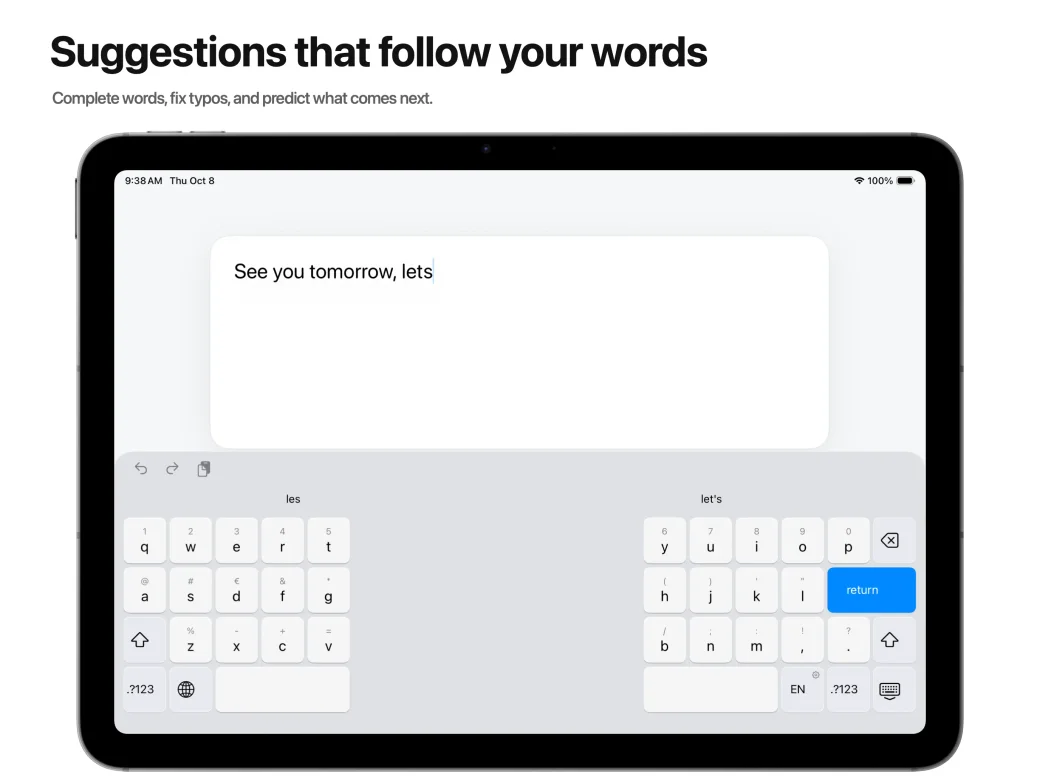
SUGGESTIONS THAT FOLLOW YOUR WORDS
Complete words, correct spelling, and get suggestions for what comes next. Undo an automatic correction with Delete. Let the keyboard learn words you use, with the option to forget them whenever you choose.
USEFUL SHORTCUTS, WITHIN REACH
Pull letter keys down for numbers and symbols. Hold a letter for accented characters. Move the cursor by holding Space or dragging with two fingers.
WRITE IN YOUR LANGUAGES
Switch between English, Italian, German, French, Spanish, and Portuguese for Portugal and Brazil. Choose familiar layouts, including German QWERTZ and French AZERTY or QWERTY.
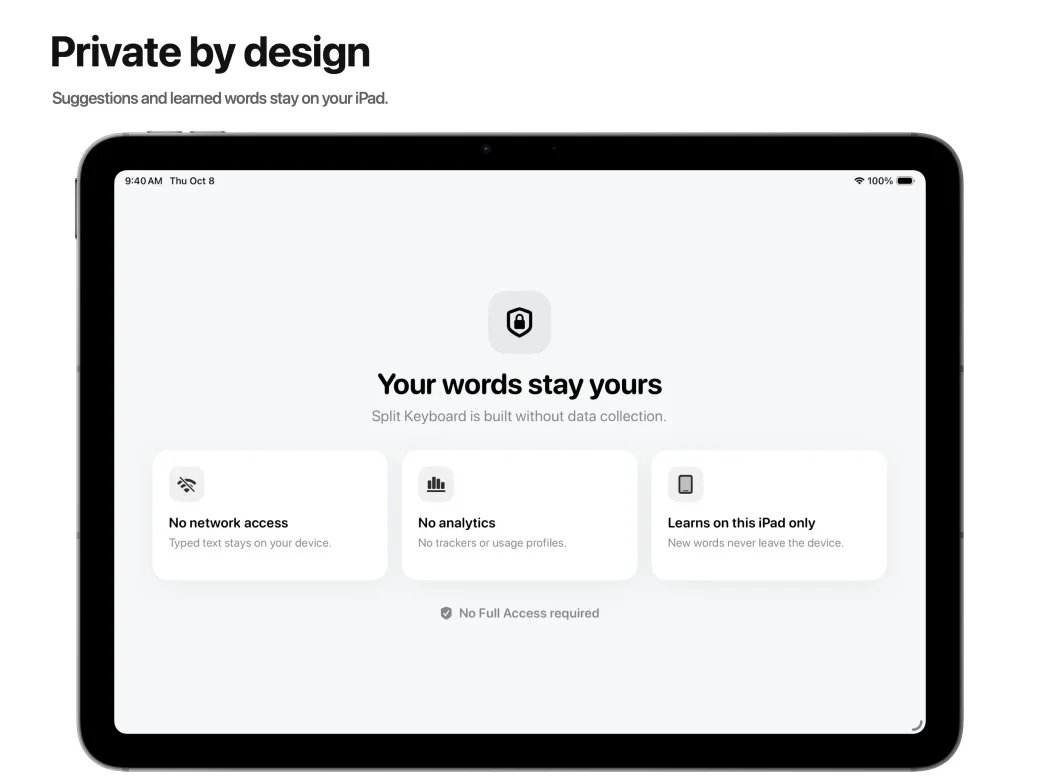
YOUR WORDS STAY ON YOUR IPAD
Suggestions and word learning work locally. No accounts, tracking, or network access. Full Access is never required. Turn learning off or delete learned words in settings.
For iPad and apps that support custom keyboards. iPadOS may use the system keyboard in secure and phone-number fields.
What’s new
Version 1.3 · Oct 8, 2026
• Word suggestions, next-word predictions, and automatic spelling corrections across all supported typing languages.
• Undo an auto-correction with Delete, or keep and learn your original word.
• Pull letter keys down for quick access to numbers and symbols.
• Hold Space or use two fingers to move the cursor.
• Redesigned keyboard settings with easier language and layout selection.
• Improved capitalization after punctuation and word replacement.
Suggestions and learned words stay on your iPad. No Full Access required.
App privacy
What MARCO NUNNARI declares on the App Store about how this app handles data.
-
Data not collected
The developer does not collect any data from this app.
Privacy practices may vary, for example with the features you use or your age.
Information
- Seller
- MARCO NUNNARI
- Category
- Utilities
- Version
- 1.3
- Updated
- Oct 8, 2026
- Released
- Sep 10, 2026
- Size
- 20.5 MB
- Requires
- iOS 18.0 or later
- Age rating
- 4+
- Price
- $3.99
- Languages
- English, French, German, Italian, Portuguese, Spanish
- Copyright
- © 2026 Marco Nunnari
You might also like
-
 IslandCalc: Island CalculatorScientific math & widgets
-
 SplitBoardSplit keyboard for iPad
-
 Network ScoutUtilities
-
 Speaker DiscoverUtilities
-
 litappUtilities
-
 ReachTypeCustomizable Split Keyboard
-
 Clipboard - CopyPasteClipboard Manager & History
-
 Know My IPSpeed Test & Network Tools
-
 Wi-Fi InfoUtilities
-
 The Banana Split KeyboardUtilities