- 対象年齢4+
- カテゴリユーティリティ
- 開発元Max Robson
- 言語英語
- サイズ26.7 MB
App Storeの公式ページにリンクしています
Download.orgはSplitKeyboardのファイルを一切ホストしていません。ボタンを押すと、Max Robsonが公開しているApp Storeのアプリページが開きます。ページの最終確認:2026/11/23。
スクリーンショット
概要
開発元はこのテキストをお使いの言語で提供していません。
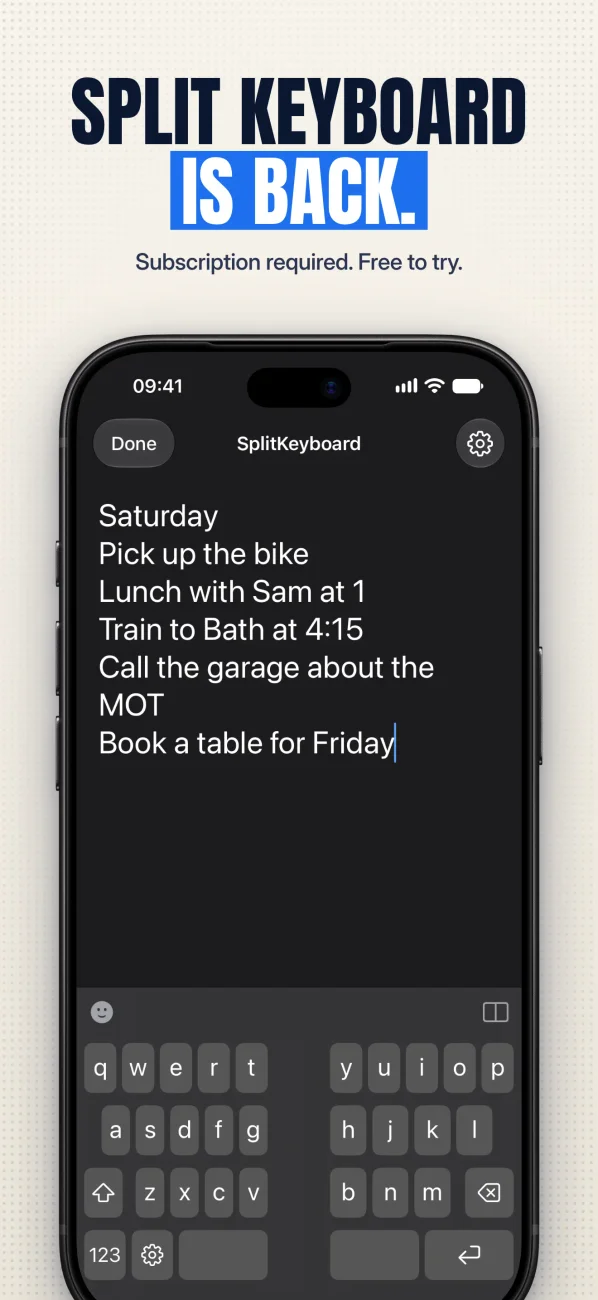
Split your keyboard properly and type comfortably. Finally.
We've worked meticulously to make the best split keyboard we can, and we hope you enjoy it.
Try it free in the app. To use it in other apps, choose a yearly subscription with two weeks free, or monthly. If you already bought lifetime access, it stays yours.
On iPhone
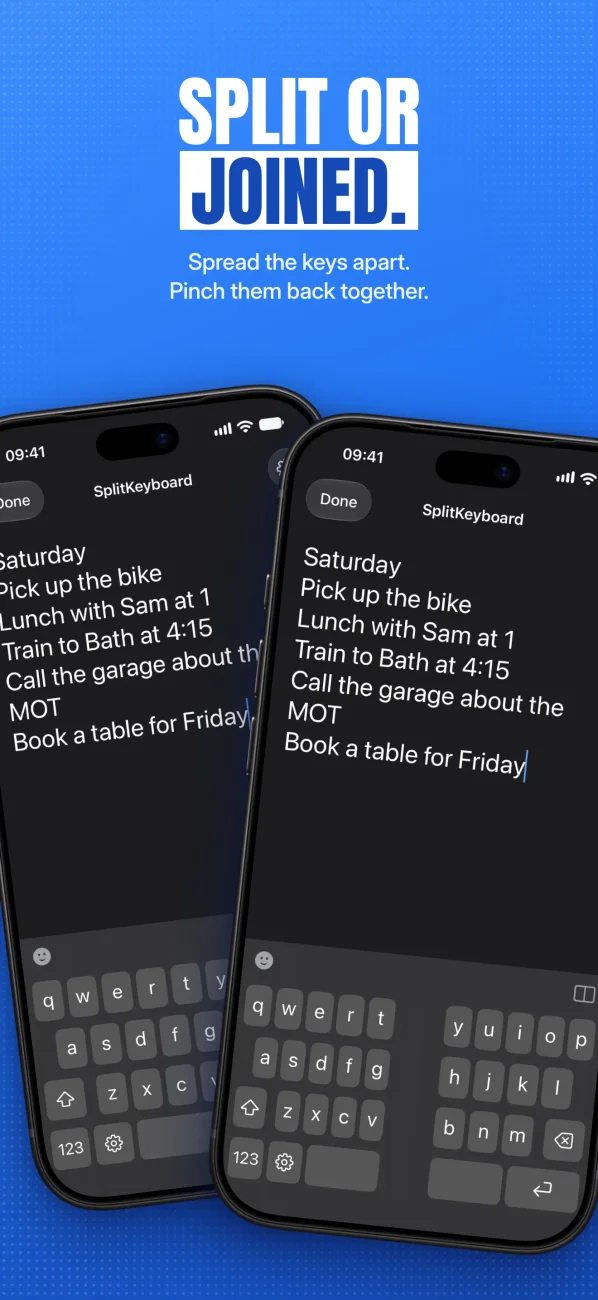
• Split the keys in portrait or landscape.
• Raise the keyboard so the keys are easy to reach.
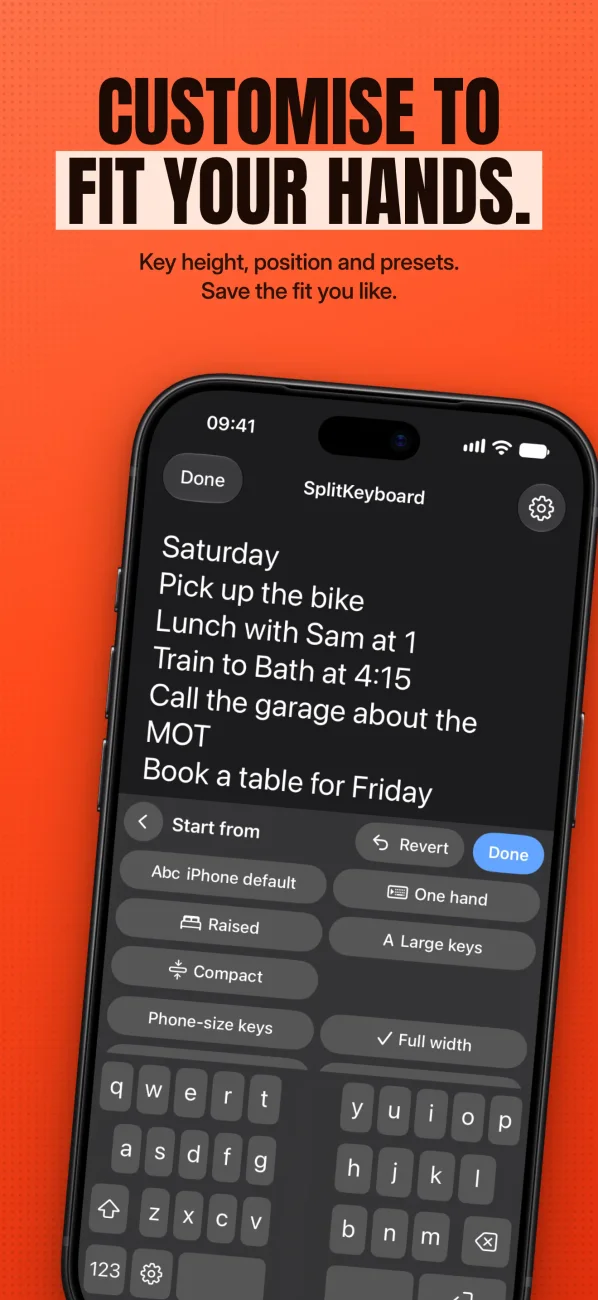
• Pick a preset for how you hold your phone.
On iPad
• Spread two fingers to split and pinch to join.
• Bring each half within easy reach, with a separate reach for left and right if you like.
• Use a phone-size keyboard on the left, centre or right.
• Repeat the middle letters on one half or both.
On iPhone Duo
• Closed, it types like any iPhone keyboard.
• Open, it can split with an empty gap in the middle.
Just like your built-in keyboard
• Pull down on a key for its number or symbol.
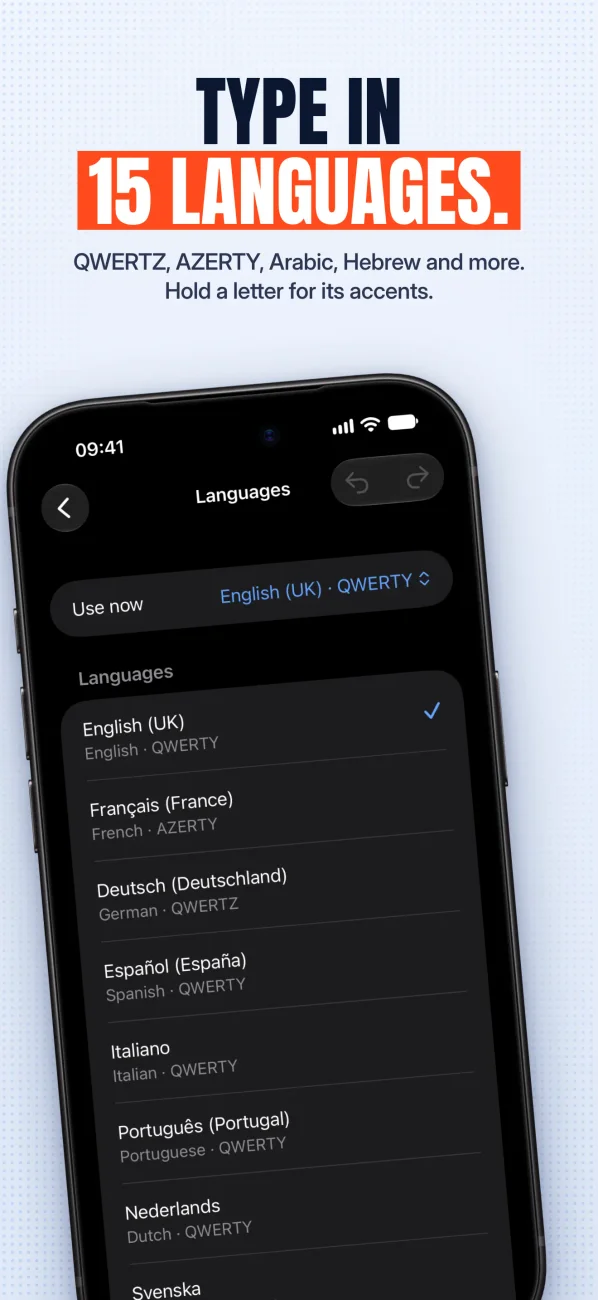
• Hold a letter for accents.
• Hold Space to move the cursor.
• Switch keyboards with the globe key.
• Capitals at the start of sentences, and a double space for a full stop.
• Emoji in one scrolling panel, with your recent ones first.
What we've added
We designed comfort in from the ground up. Find your fit and save it as a preset so you can swap layouts on the go.
• Height, reach and spacing that you set yourself.
• Presets for how you type, plus your own saved fits.
• Hold the settings key to swap fits, split or join, or turn auto-correction off.
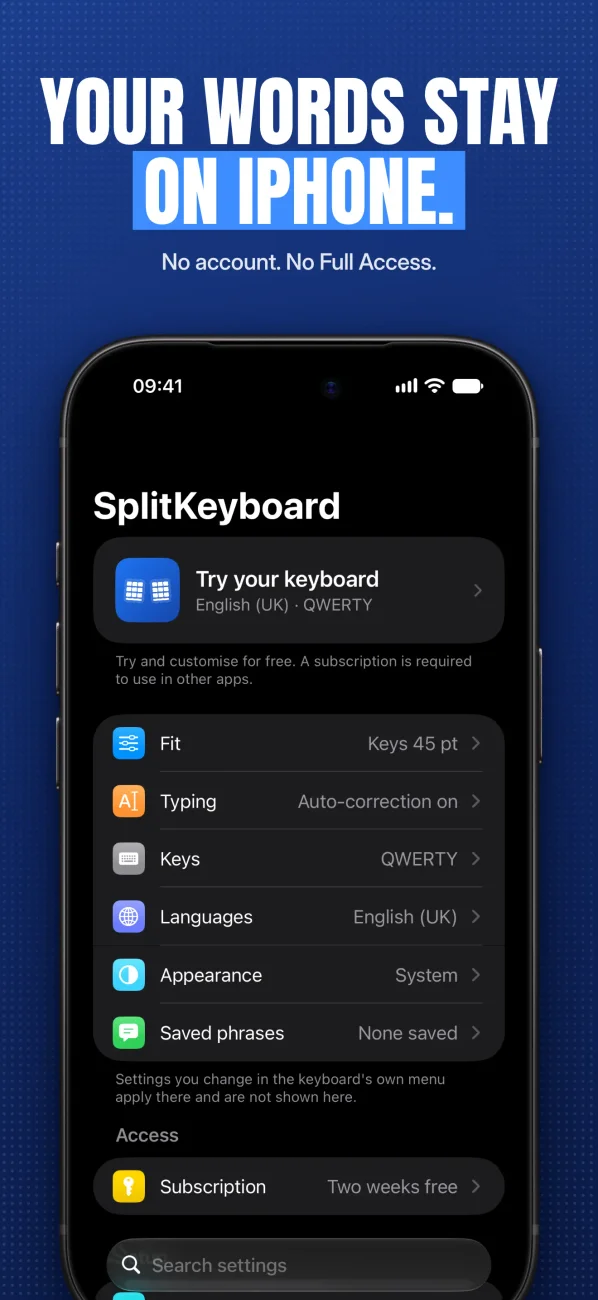
• A keyboard menu with Fit, Typing, Keys, Languages, Appearance and Phrases, so you can change settings without leaving the app you're in.
• Swap any key and add a number row or arrows.
• Saved phrases one tap away.
• On-device auto-correction and word suggestions in all your languages, and optional swipe typing in English.
• Add languages straight from the keyboard.
• A top bar of shortcuts you can rearrange.
Languages
English, French, German, Spanish, Italian, Portuguese, Dutch, Swedish, Norwegian, Danish, Arabic, Persian, Hebrew, Urdu and Vietnamese. Each has its proper layout. English also offers ABC, Dvorak and Colemak.
Why it's different
• No account, no Full Access and no tracking.
• Nothing you type leaves your device.
• Designed to feel as if it came with your device.
Even more
• Number row, arrow keys and a Tab key.
• Punctuation, currency and maths pages.
• Hidden keys in the centre gap.
• A solid, clear, frosted or glass centre gap.
• Larger keys and letters.
• Choose how fast Delete repeats when held.
• Key sounds and dark mode.
• Custom characters with drag-and-drop editing.
• Search every setting, with undo and redo.
• Works offline with no sign-up.
Built by those who care. Email hello@amberlake.co.uk and we'll get back to you.
Requires iOS or iPadOS 18 or later. Password fields and some apps use the system keyboard. Next-word prediction and dictation are not included.
Terms of Use: https://www.apple.com/legal/internet-services/itunes/dev/stdeula/
Privacy Policy: https://amberlake.co.uk/splitkeyboard/privacy/
新機能
バージョン 1.05 · 2026/11/19
Bug fixes and performance upgrades.
アプリのプライバシー
このアプリのデータの取り扱いについて、Max RobsonがApp Storeで申告している内容です。
-
データの収集なし
開発元はこのアプリからデータを収集しません。
プライバシーの取り扱いは、ご利用の機能やお客様の年齢などに応じて異なる場合があります。
情報
- 販売元
- Max Robson
- カテゴリ
- ユーティリティ
- バージョン
- 1.05
- 更新日
- 2026/11/19
- リリース
- 2026/9/22
- サイズ
- 26.7 MB
- 必要条件
- iOS 18.0以降
- 対象年齢
- 4+
- 価格
- 無料
- アプリ内課金
- あり
- 言語
- 英語
- 著作権
- © 2026 Max Robson