Spreadsheet data entry
Convenient G Sheets data entry
iPhone, iPod touch向けに設計
無料 · アプリ内課金
- 対象年齢4+
- カテゴリユーティリティ
- 開発元Ruslan Musagitov
- 言語英語ほか1言語
- サイズ71.7 MB
App Storeの公式ページにリンクしています
Download.orgはSpreadsheet data entryのファイルを一切ホストしていません。ボタンを押すと、Ruslan Musagitovが公開しているApp Storeのアプリページが開きます。ページの最終確認:2026/11/12。
スクリーンショット

概要
開発元はこのテキストをお使いの言語で提供していません。
Effortlessly send data from your phone directly to your Google Sheets or CSV file. Perfect for on-the-go data saving and management.
This powerful tool is your ultimate companion for accounting, expense tracking as a smart spending tracker, warehouse inventory, and much more. Streamline your workflow by capturing information instantly—whether it's scanning a barcode, saving a location, or creating a new entry in your list maker.
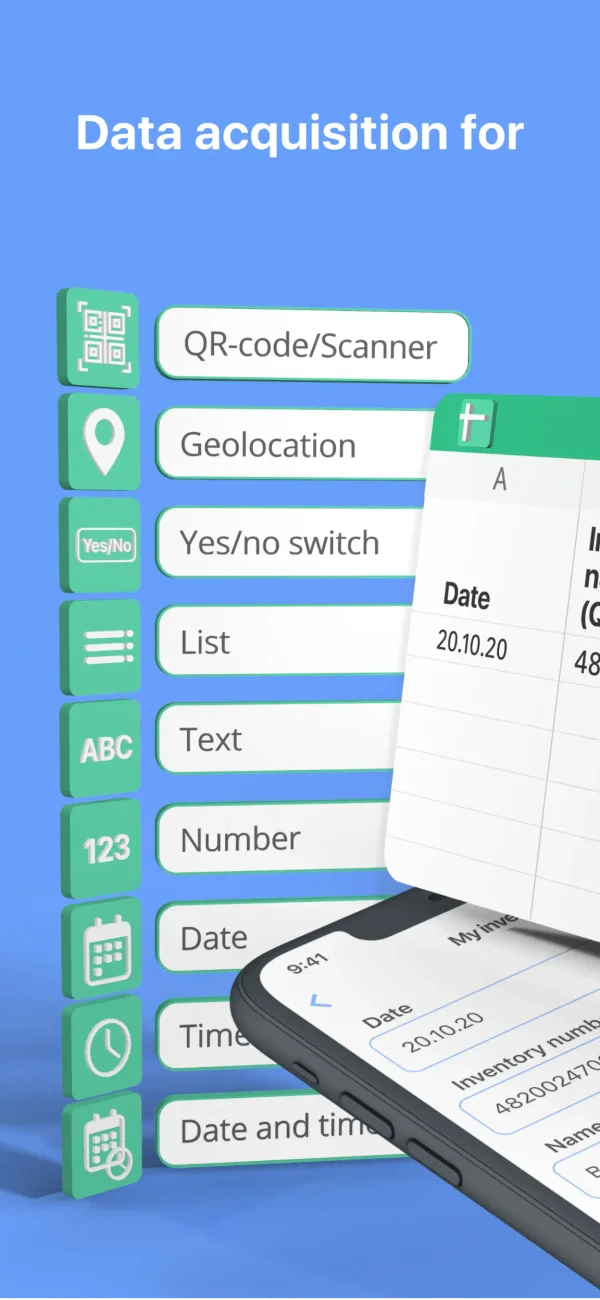
Capture & Save Various Data Types:
- Scan it: QR and Barcode data directly to your spreadsheet.
- Geolocation: Save your current coordinates or pick a point on the map.
- Text and Numbers for detailed notes.
- Dates & Timestamps: Automatic or custom entries.
- Predefined Lists: Select values from a custom list.
- Yes/No selectors for quick checks.
Seamless Integration with Google Suite
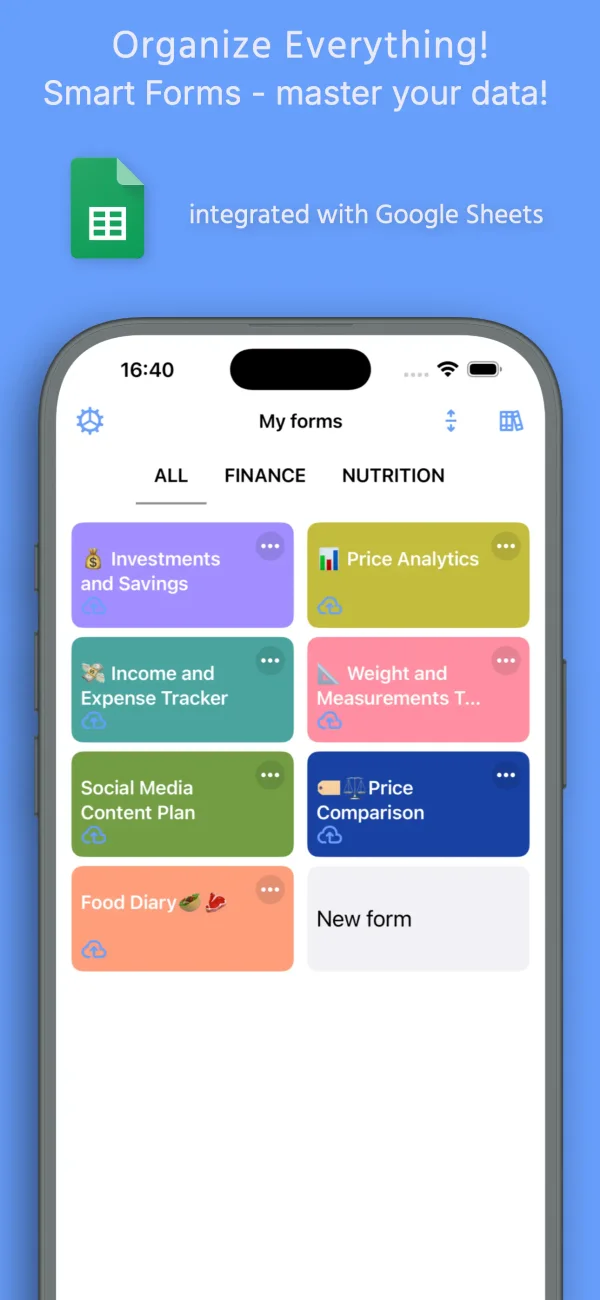
The app works flawlessly with Google Sheets, can replace Google Forms, allowing you to convert csv to Excel spreadsheet compatible files with ease. The revolutionary Scan to Sheets technology means data from codes appears in your rows and columns instantly, eliminating manual transcription.
How It Works:
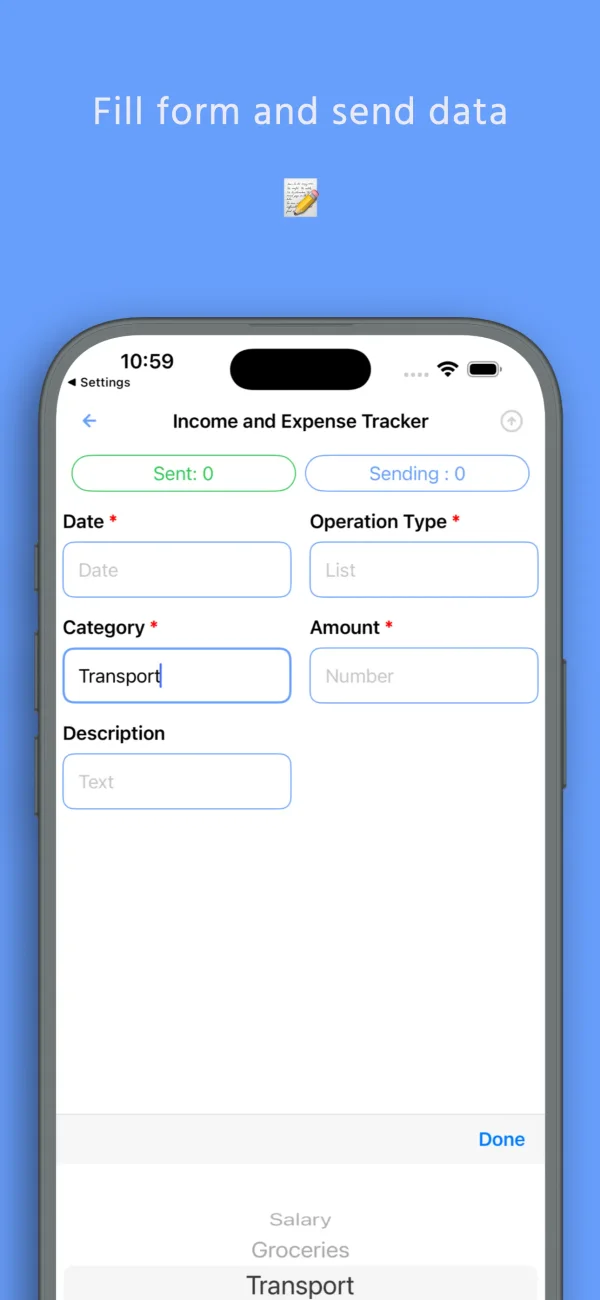
- Select a form.
- Input data (scan, type, or select).
- Tap "Send".
- Watch as the information appears live in your spreadsheet on Google Drive.
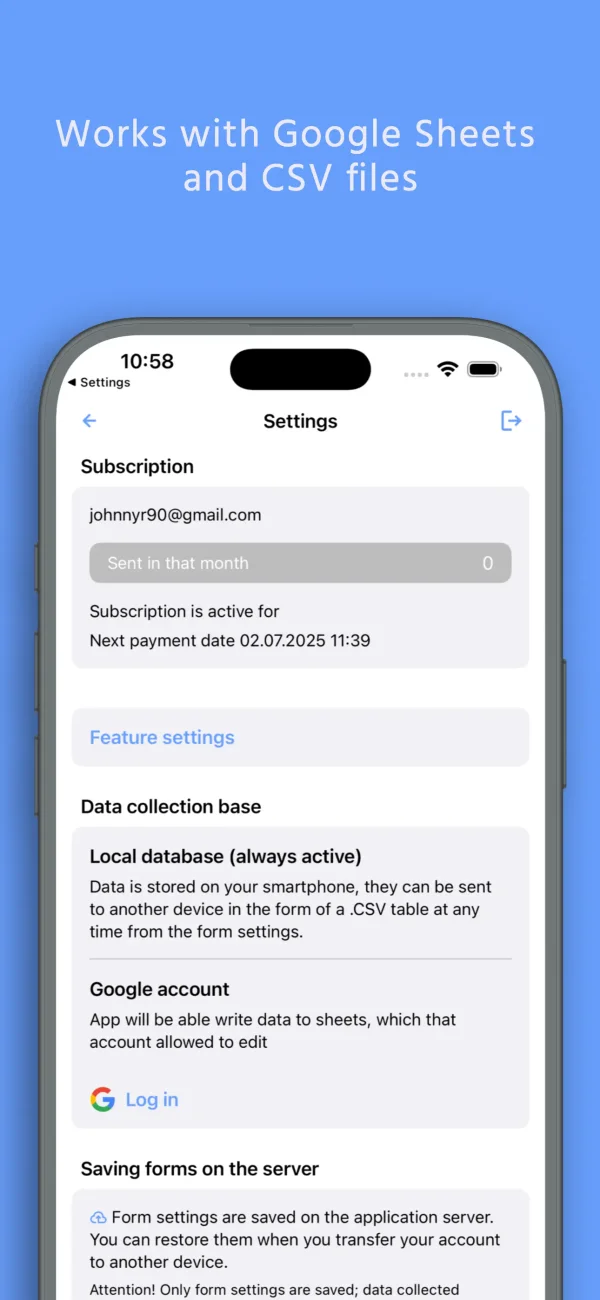
Connect Your Google Sheet in Minutes:
- Authorize your Google account.
- Configure your target spreadsheet URL.
What is a Form?
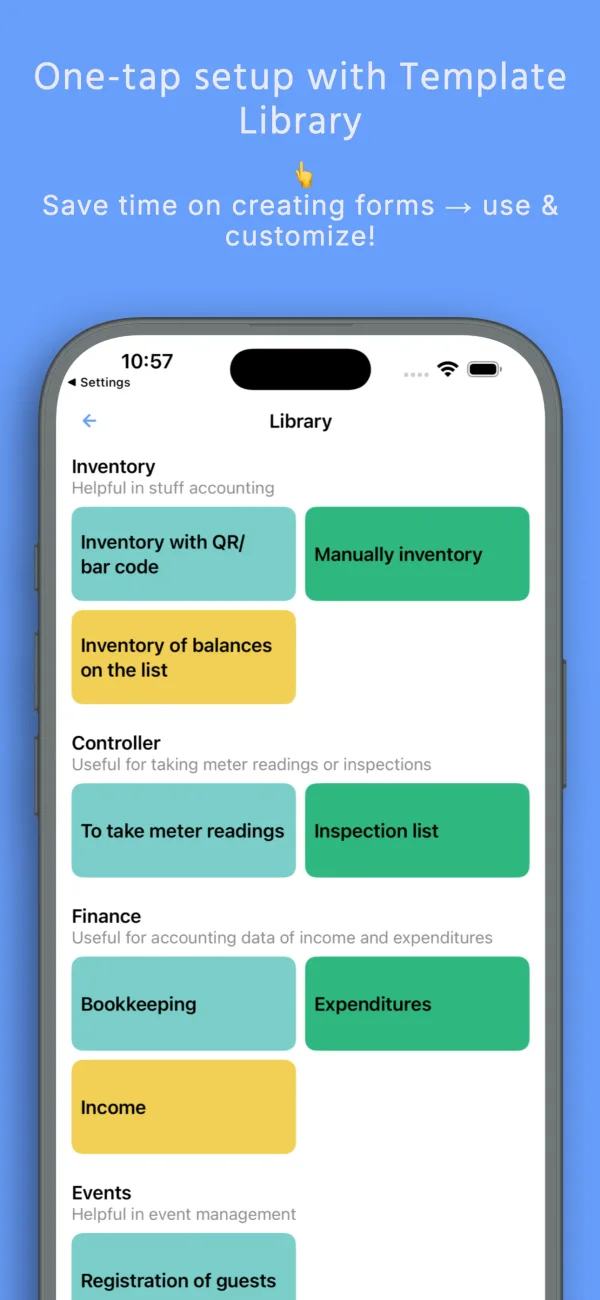
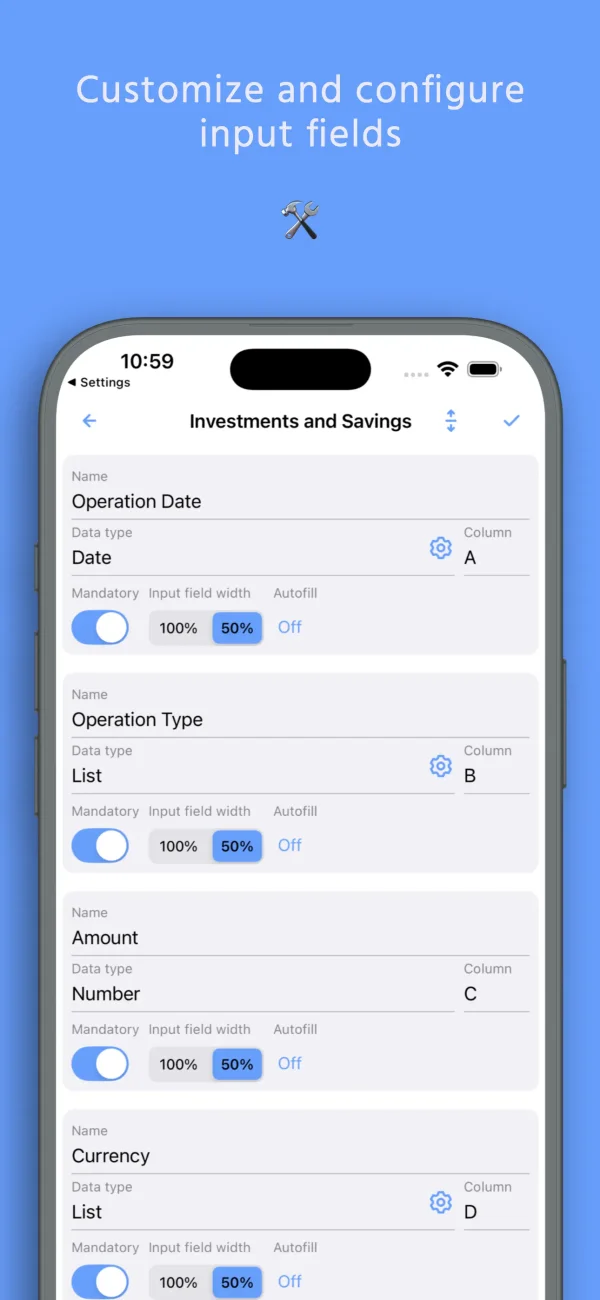
A Form defines the structure of your data entry, linking input fields to specific columns in your target spreadsheet. Create them manually for full control or choose a ready-made template from our library.
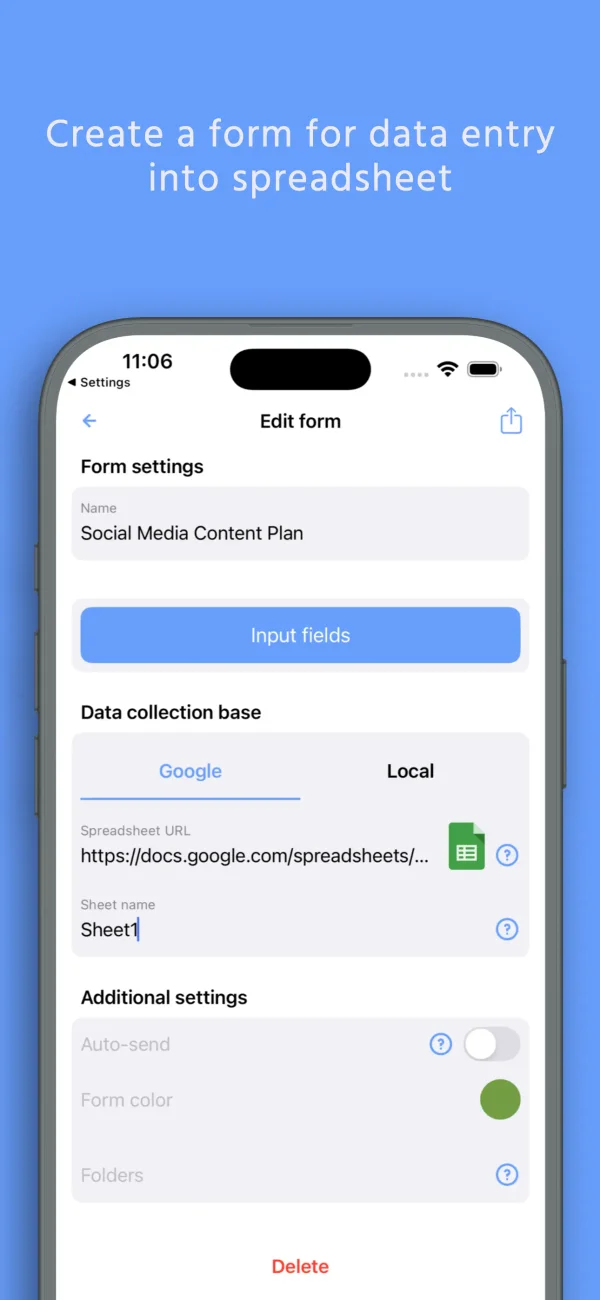
Create a Form Manually:
- Create a spreadsheet in your Google Drive.
- In the app, create a new form:
- Paste the spreadsheet URL and sheet name.
- Configure each field: name, data type, and target column.
- Save.
Use a Predefined Template:
- Browse the form library.
- Tap "Add to my forms" – a copy of the spreadsheet template is saved to your Drive.
Automate your data logging, enhance productivity, and ensure accurate data saving for any project. Download now to transform your phone into a powerful data hub.
Terms of Service and Privacy Policy:
https://bytepace.com/spreadsheet-data-entry/tos-and-privacy-policy
新機能
バージョン 4.4 · 2026/10/28
Share forms by email — send a saved form to another user from form settings.
Copy forms — create copies of your forms.
Bug fixes and improvements.
アプリのプライバシー
このアプリのデータの取り扱いについて、Ruslan MusagitovがApp Storeで申告している内容です。
-
データの収集なし
開発元はこのアプリからデータを収集しません。
プライバシーの取り扱いは、ご利用の機能やお客様の年齢などに応じて異なる場合があります。
情報
- 販売元
- Ruslan Musagitov
- カテゴリ
- ユーティリティ
- バージョン
- 4.4
- 更新日
- 2026/10/28
- リリース
- 2020/6/27
- サイズ
- 71.7 MB
- 必要条件
- iOS 15.0以降
- 対象年齢
- 4+
- 価格
- 無料
- アプリ内課金
- あり
- 言語
- 英語, ロシア語
- 著作権
- © Ruslan Musagitov