SteadyMemo: Calendar Notes
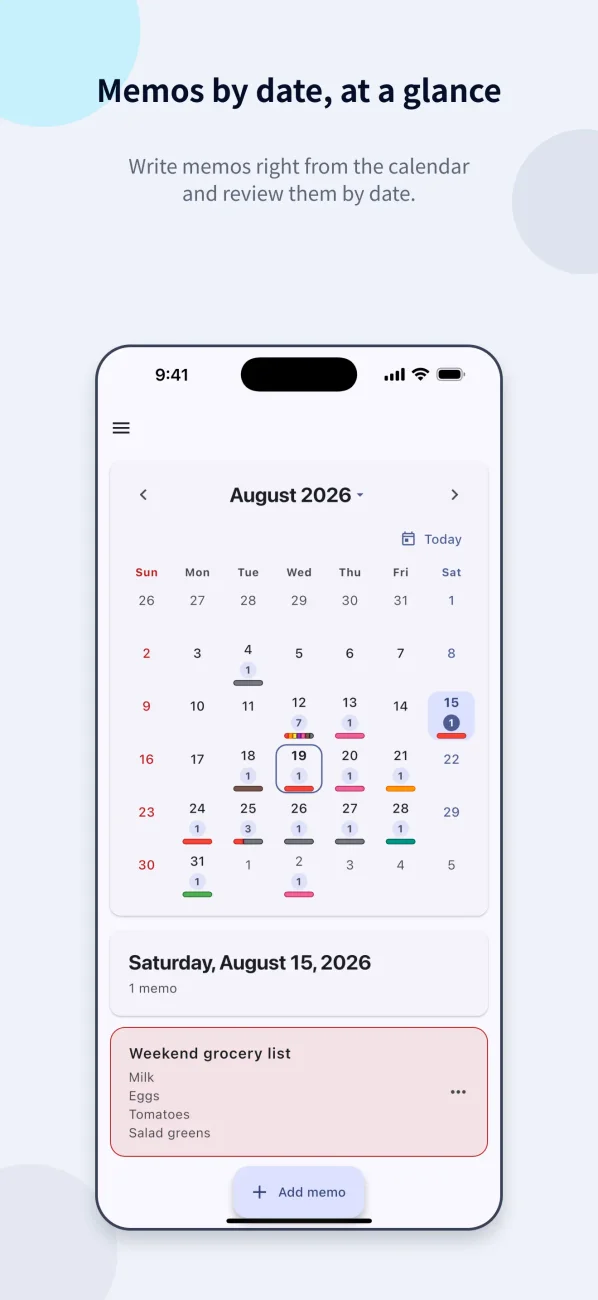
Memos by date, at a glance
iPhone, iPod touch向けに設計
無料 · アプリ内課金
- 対象年齢4+
- カテゴリ仕事効率化
- 開発元Yeongsang Kim
- 言語韓国語ほか1言語
- サイズ33.3 MB
App Storeの公式ページにリンクしています
Download.orgはSteadyMemo: Calendar Notesのファイルを一切ホストしていません。ボタンを押すと、Yeongsang Kimが公開しているApp Storeのアプリページが開きます。ページの最終確認:2026/11/12。
スクリーンショット

概要
開発元はこのテキストをお使いの言語で提供していません。
Organize plans, ideas, and everyday records by date.
SteadyMemo is an app for writing and organizing memos by date. Choose a day on the calendar, add a memo, and find it easily whenever you need it.
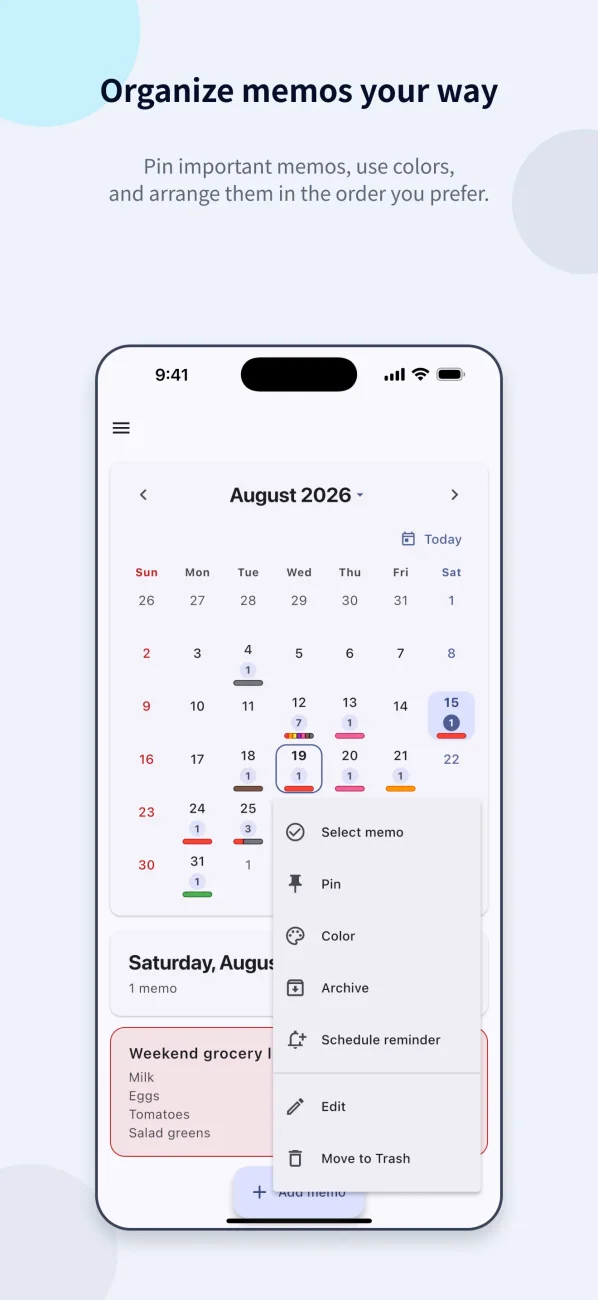
Pin important memos or use colors to tell them apart, and move finished records to the Archive. Set a reminder for a memo you need to remember, then return to it at the right time.
[What you can do with SteadyMemo]
- Keep memos by date and see each day's plans and records at a glance
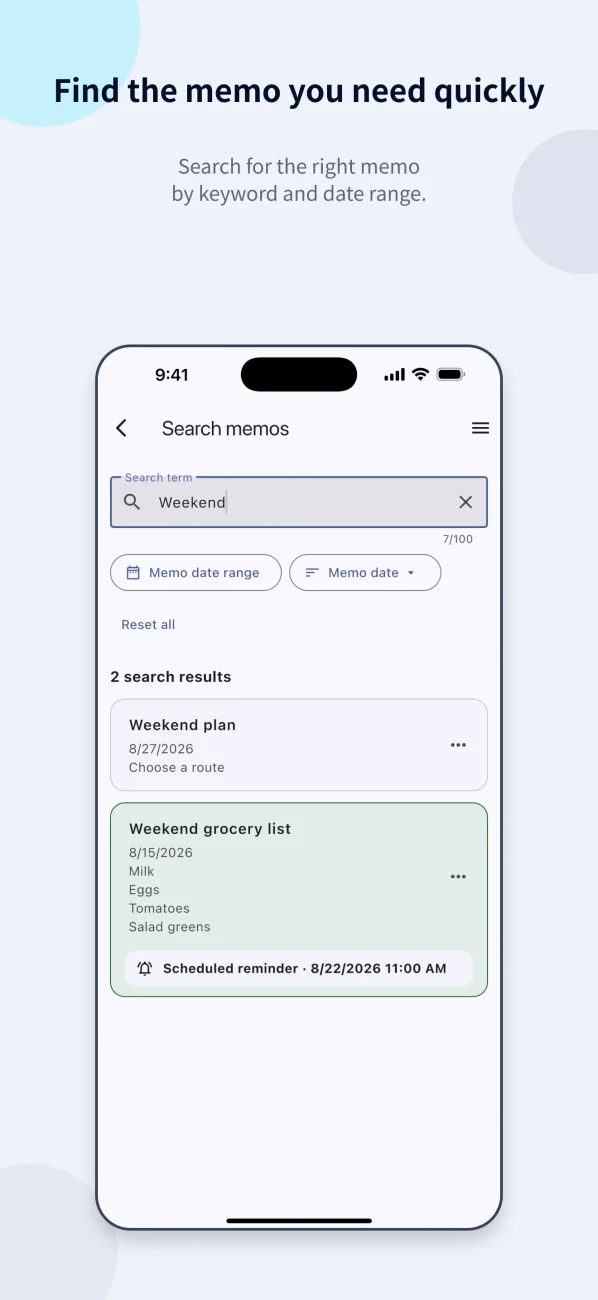
- Find the memo you want quickly using the calendar or search
- Pin important memos, organize them with colors, and archive finished records
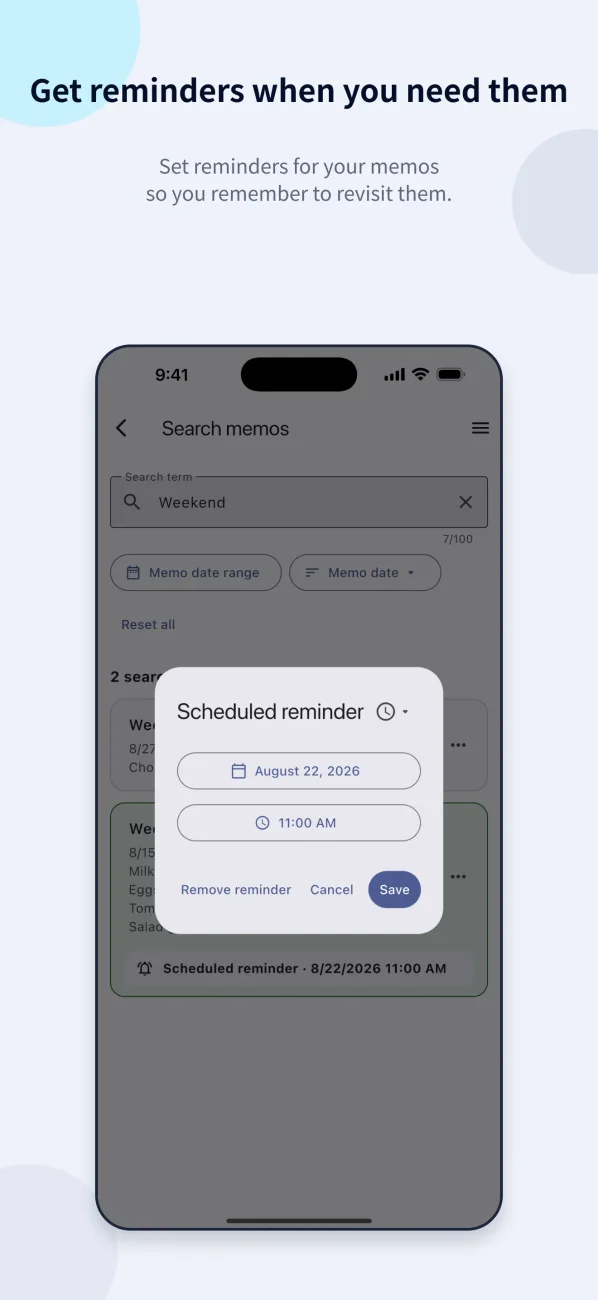
- Use scheduled reminders to revisit memos when they matter
- Start writing memos without creating an account
[Key features]
1. Calendar memos
- Create and edit memos by date from the monthly calendar
- See which dates have memos and how many are saved for each date
2. Search and organize
- Search titles and content
- Narrow results to a date range and sort by memo date or date added
- Pin memos, assign colors, and change their order within each date
- Move finished memos to the Archive and restore them when needed
- Restore deleted memos from Trash for 30 days or delete them permanently
3. Scheduled reminders
- Choose a date and time to set a reminder for a memo
- Set a reminder for each memo, with either one notification or up to 3 additional notifications at your chosen interval until confirmed
- Use reminders for schedules, appointments, and tasks you do not want to miss
4. Backup and restore
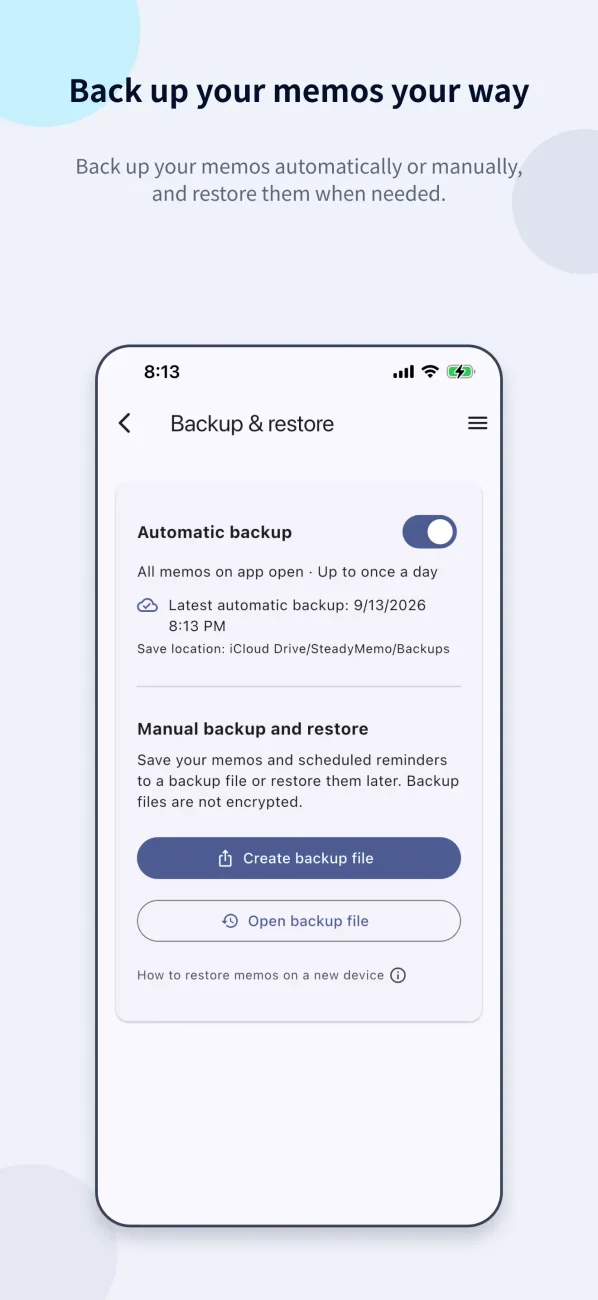
- With automatic backups enabled, all memos are backed up to iCloud Drive when you open the app, at most once a day
- Create a backup file manually whenever you need one
- Load a saved backup file to restore memos
5. App theme
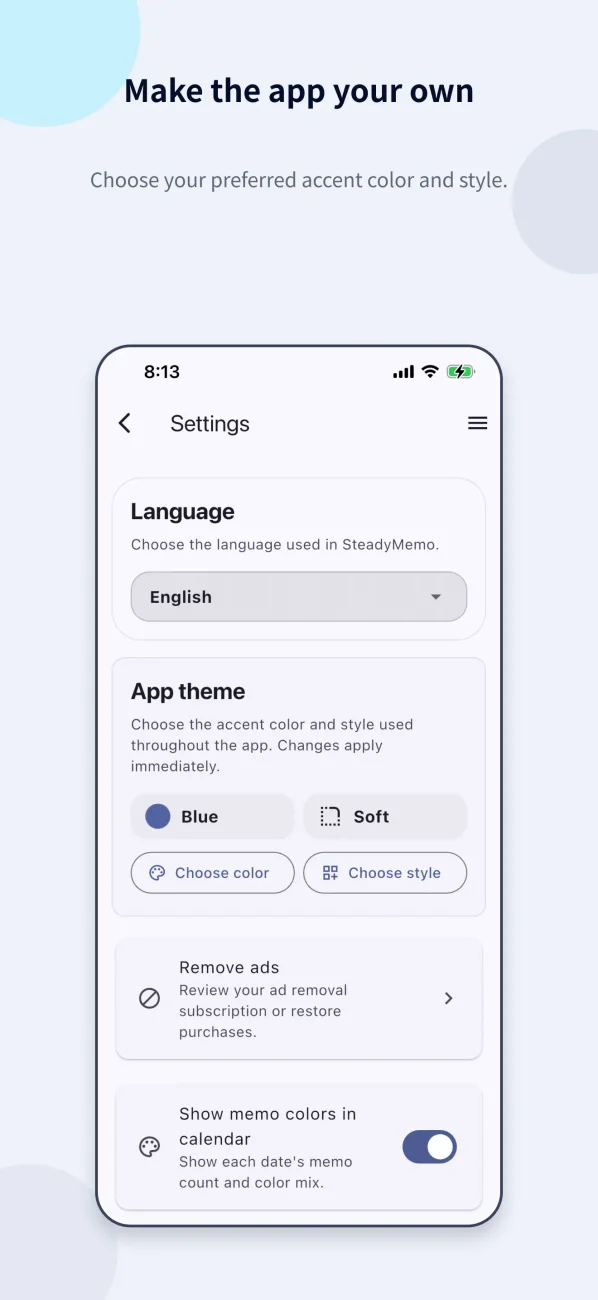
- Choose a theme color to suit your taste
- Choose from Default, Soft, and Flat styles
[Data and permissions]
Memo content is stored on your device. You can write, search, and organize memos without creating an account or connecting to the internet.
Automatic backups require iCloud Drive. Backup files are saved in the SteadyMemo/Backups folder in iCloud Drive. Saving a backup does not automatically restore memos in the app on another device.
You can restore memos by loading a backup file saved automatically or manually. The app does not add its own encryption to backup files, so keep them in a secure location that other people cannot access. Reminder settings are included, but only reminders scheduled for a future time are restored.
Scheduled reminders require notification permission on your iPhone.
Terms of Use (EULA): https://www.apple.com/legal/internet-services/itunes/dev/stdeula/
Privacy Policy: https://steadyseller.com/home/en/privacy-policy
新機能
バージョン 1.1.0 · 2026/9/14
- Added automatic backups. When enabled, all notes are backed up to iCloud Drive when you open the app, at most once a day.
- Added app theme settings. Choose your preferred color and style.
アプリのプライバシー
このアプリのデータの取り扱いについて、Yeongsang KimがApp Storeで申告している内容です。
-
ユーザーに関連付けられたデータ
収集され、ユーザーの識別情報に関連付けられる場合があります。
- 購入
- 位置情報
- 連絡先情報
- ユーザーコンテンツ
- ID
- 使用状況データ
-
ユーザーに関連付けられないデータ
収集される場合がありますが、ユーザーの識別情報には関連付けられません。
- ID
- 診断
- その他のデータ
プライバシーの取り扱いは、ご利用の機能やお客様の年齢などに応じて異なる場合があります。
情報
- 販売元
- Yeongsang Kim
- カテゴリ
- 仕事効率化
- バージョン
- 1.1.0
- 更新日
- 2026/9/14
- リリース
- 2026/9/3
- サイズ
- 33.3 MB
- 必要条件
- iOS 15.0以降
- 対象年齢
- 4+
- 価格
- 無料
- アプリ内課金
- あり
- 言語
- 韓国語, 英語
- 著作権
- © 2026 SteadySeller.com