- 対象年齢4+
- カテゴリ写真/ビデオ
- 開発元Bernhard Goetzendorfer
- 言語英語ほか1言語
- サイズ2.0 MB
App Storeの公式ページにリンクしています
Download.orgはTetherCamのファイルを一切ホストしていません。ボタンを押すと、Bernhard Goetzendorferが公開しているApp Storeのアプリページが開きます。ページの最終確認:2026/11/18。
スクリーンショット
概要
開発元はこのテキストをお使いの言語で提供していません。
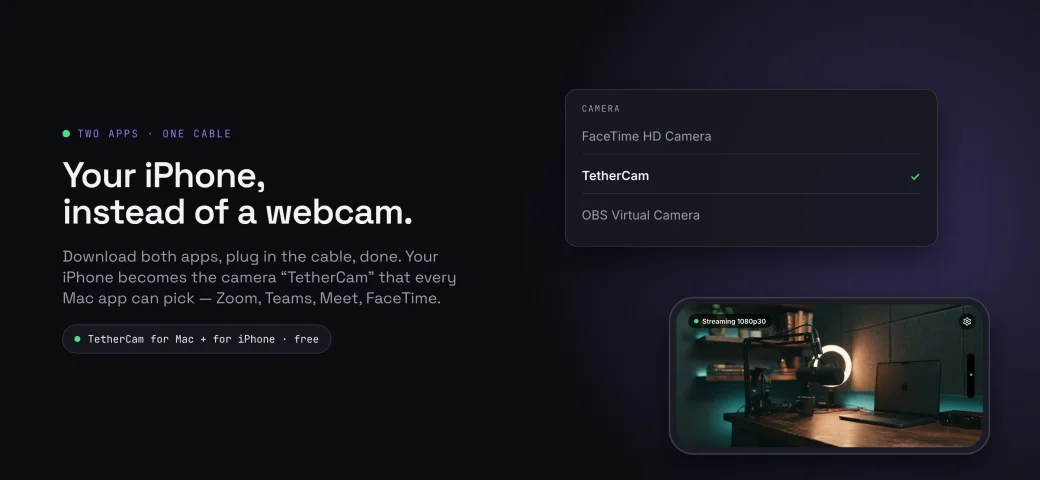
Your iPhone, instead of a webcam.
TWO APPS, ONE CABLE
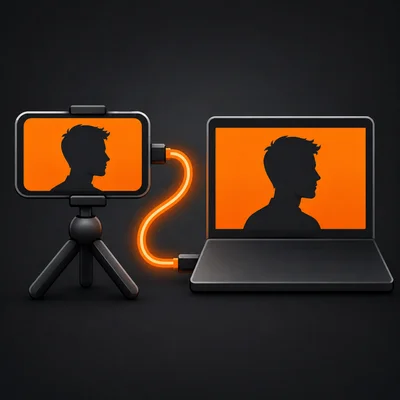
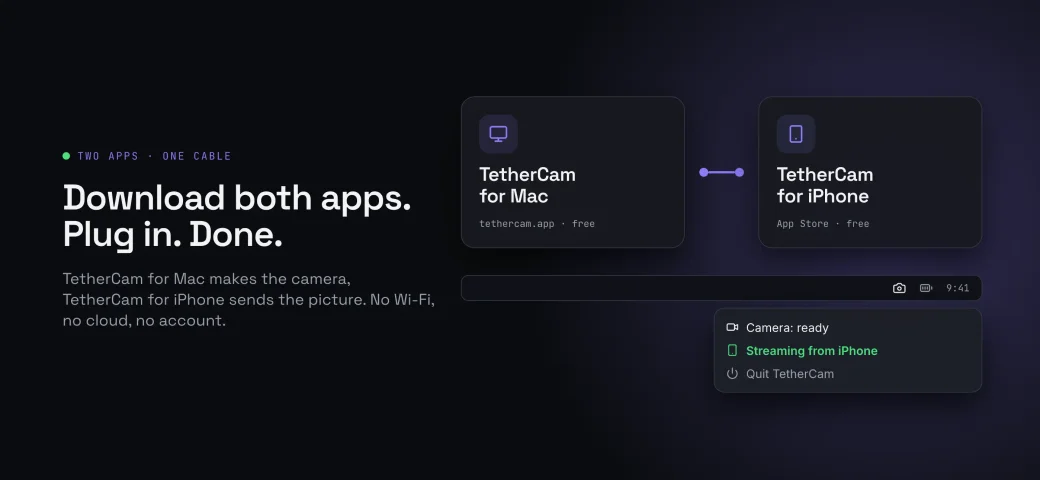
TetherCam is two free apps. TetherCam for Mac is downloaded from tethercam.app; TetherCam for iPhone is this one. Install both, connect the phone to the Mac with the USB cable you already own, and the iPhone shows up as the camera "TetherCam" on the Mac, in the same camera picker as the built-in one.
It works in every Mac app that lists system cameras: Zoom, Microsoft Teams, Google Meet, FaceTime, QuickTime Player, Safari, Chrome and the rest. Zoom and Microsoft Teams were verified on 10 September 2026.
Nothing travels over Wi-Fi, nothing passes through a server, nothing is uploaded anywhere. There is no account, no pairing code and no discovery step. The cable is the whole path, which is why the picture stays stable in a crowded room where wireless cameras start to stutter.
WHAT YOU NEED
An iPhone with iOS 17 or newer, a Mac with macOS 14 or newer, and the USB cable that came with the phone. The free TetherCam Mac app asks once for approval of its camera extension in System Settings; after that the camera is simply there.
THE HONEST LIMITS
The Mac app carries the picture only. A Mac camera extension has no audio stream, so the sound stays with the Mac's own microphone. Audio over the cable exists, but only on the OBS path below.
This iPhone app stays open in the foreground while it sends.
The phone serves one receiver at a time. The Mac app and the OBS plugin are not used together; whichever connects second is told that the line is busy.
ON THE PHONE
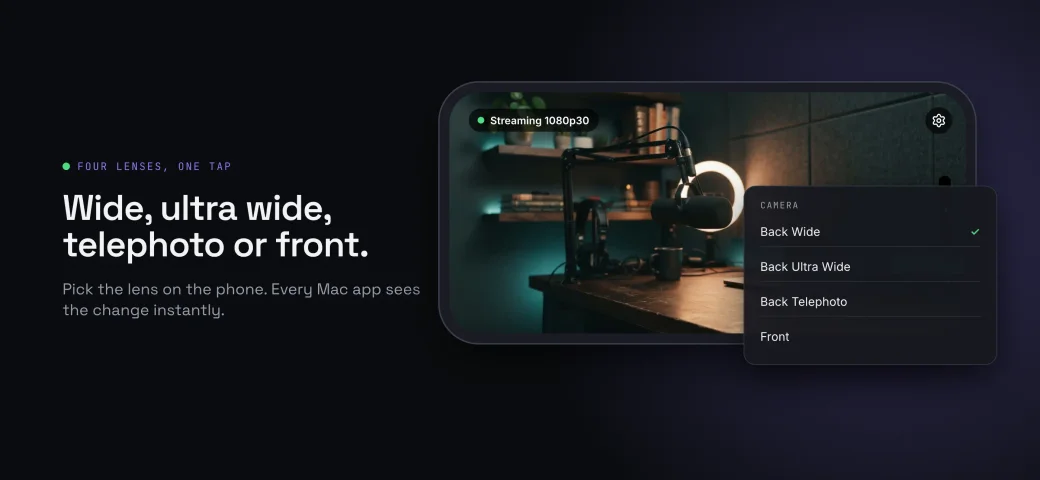
Live preview from the moment you open the app, before anything is connected. A camera and lens picker for the wide, ultra wide and telephoto lenses or the front camera, switching the stream immediately.
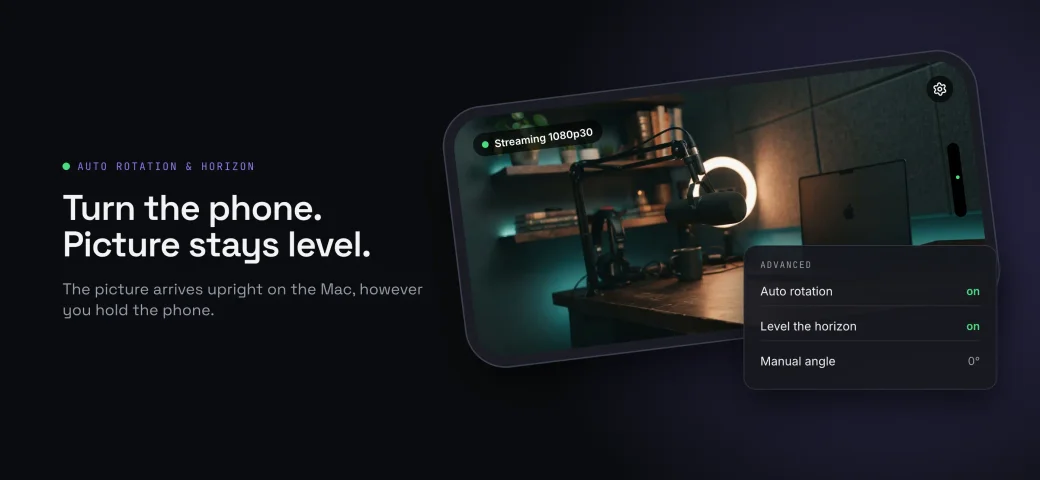
Automatic rotation that follows the horizon rather than the interface. Turn the phone and the picture stays level, because the orientation is resolved on the capture side. There is a manual angle override when you want to decide yourself.
Hardware HEVC encoding, which keeps the phone cool and the latency low.
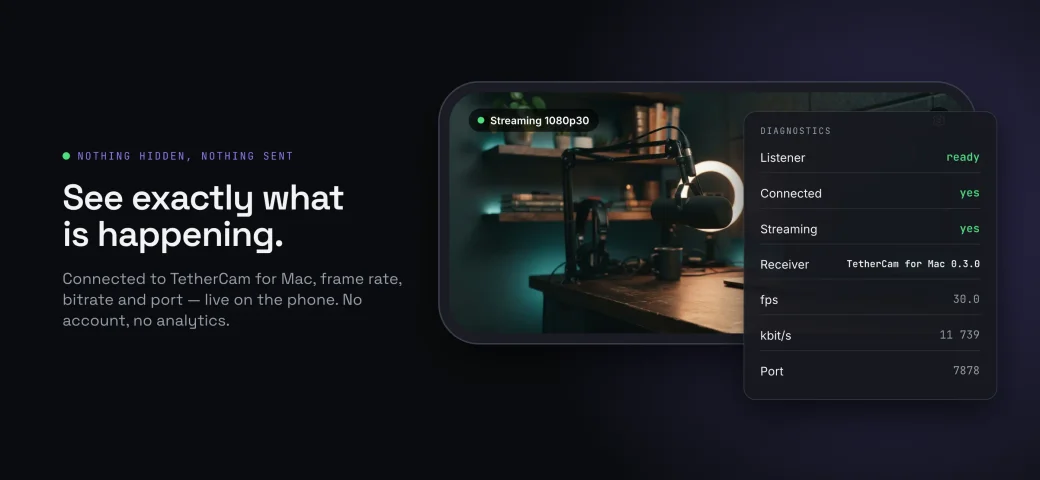
A diagnostics panel that shows what is actually happening: listener state, connection, frames per second, bitrate and the measured levelling residual.
FOR STREAMING AND RECORDING: OBS STUDIO
The TetherCam plugin for OBS Studio is the pro path, also free and also at tethercam.app. It adds a source called TetherCam directly in OBS, finds the phone through the same cable, and it is the only path that brings the microphone of the phone across as well.
PRIVACY
No account, no analytics, no advertising, no purchases. The camera picture goes to your own Mac and nowhere else. Nothing is collected.
TetherCam for iPhone is free and open source under the MIT licence at github.com/Kanevry/tethercam.
新機能
バージョン 0.4.0 · 2026/9/11
Your iPhone, instead of a webcam: install the free TetherCam Mac app from tethercam.app, plug in the cable, and the phone is a camera in Zoom, Teams, Meet, FaceTime and every other Mac app that lists system cameras.
No changes to the iPhone app in this version. The work of this release is on the Mac side: TetherCam for Mac now checks for updates once a day and can restart its camera extension when macOS fails to start the camera after an update. Details: tethercam.app/changelog
アプリのプライバシー
このアプリのデータの取り扱いについて、Bernhard GoetzendorferがApp Storeで申告している内容です。
-
データの収集なし
開発元はこのアプリからデータを収集しません。
プライバシーの取り扱いは、ご利用の機能やお客様の年齢などに応じて異なる場合があります。
情報
- 販売元
- Bernhard Goetzendorfer
- カテゴリ
- 写真/ビデオ
- バージョン
- 0.4.0
- 更新日
- 2026/9/11
- リリース
- 2026/9/8
- サイズ
- 2.0 MB
- 必要条件
- iOS 17.0以降
- 対象年齢
- 4+
- 価格
- 無料
- 言語
- 英語, ドイツ語
- 著作権
- © 2026 Bernhard Goetzendorfer