Unraid Deck - Server Manager
Unraid NAS Monitor & Control
iPhone, iPad向けに設計
無料 · アプリ内課金
- 対象年齢4+
- カテゴリユーティリティ
- 開発元祥瑞 谢
- 言語英語ほか16言語
- サイズ87.7 MB
App Storeの公式ページにリンクしています
Download.orgはUnraid Deck - Server Managerのファイルを一切ホストしていません。ボタンを押すと、祥瑞 谢が公開しているApp Storeのアプリページが開きます。ページの最終確認:2026/11/26。
スクリーンショット
概要
開発元はこのテキストをお使いの言語で提供していません。
Securely control your Unraid server from your iPhone and iPad.
Unraid Deck is a native iOS client for monitoring dashboards, managing files, Docker containers and Compose stacks, controlling VMs, receiving server alerts, streaming Docker logs, and accessing your server through a built-in SSH terminal.
Built for direct server connections, privacy-first workflows, and a fast native iOS experience.
Key Features:
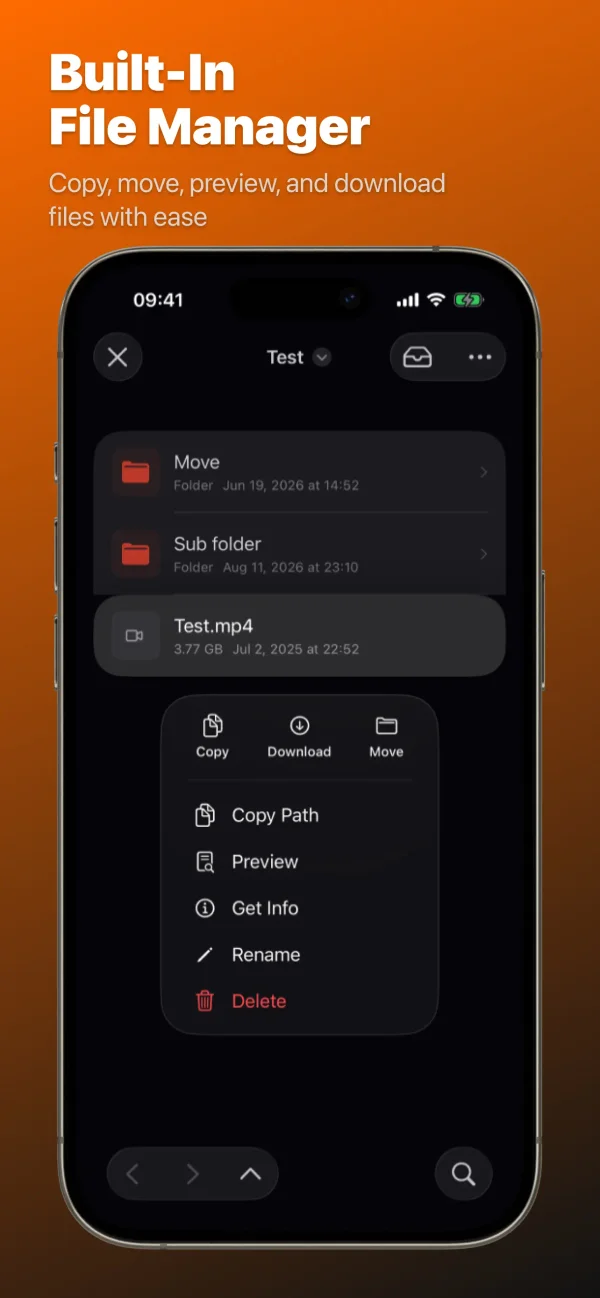
Built-In File Manager
• Browse, upload, download, move, rename, preview, copy paths, view details, and delete files.
• Secure direct access over SSH/SFTP.
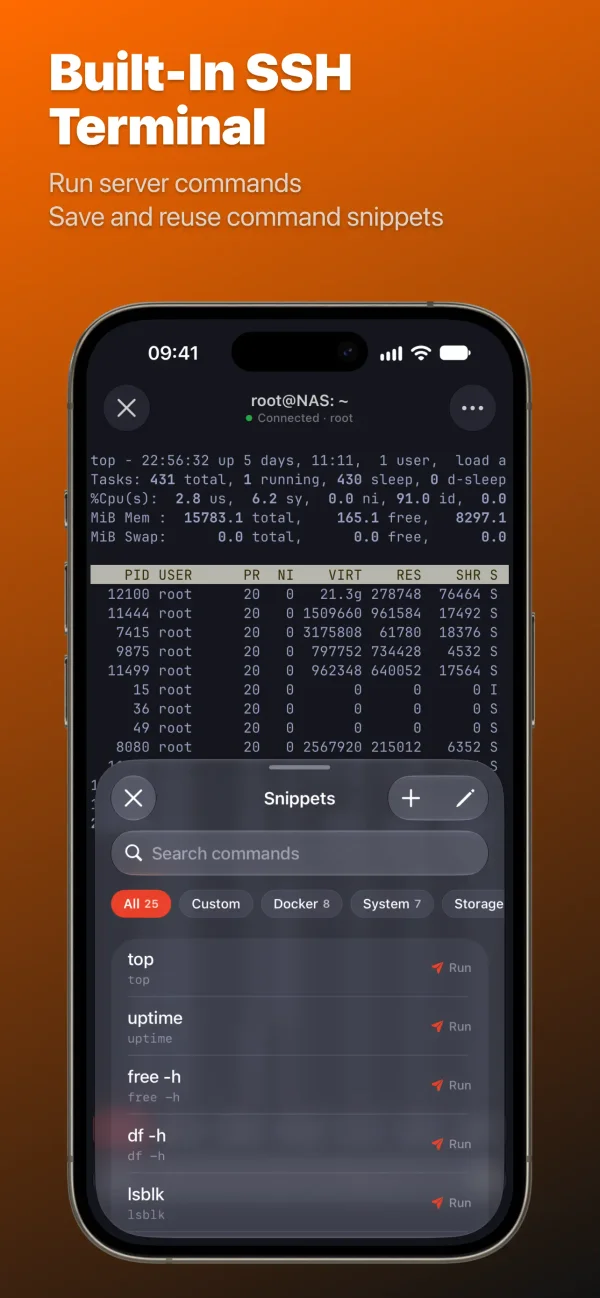
SSH Terminal
• Open an SSH terminal in the app for remote access and command-line workflows.
• Run Docker log shortcuts with one tap when SSH is configured.
Real-Time Push Notifications
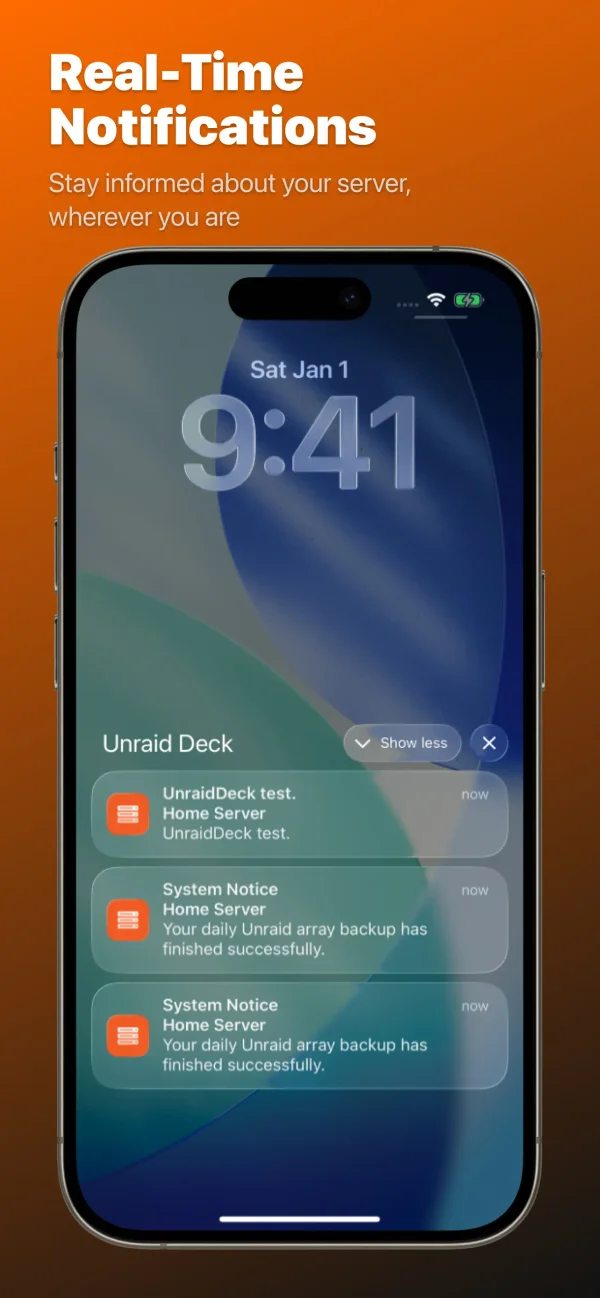
• Receive critical Unraid server notifications through Apple APNs.
• Archive, restore unread, and manage notifications in batches.
Smart Connect & Built-In Tailscale
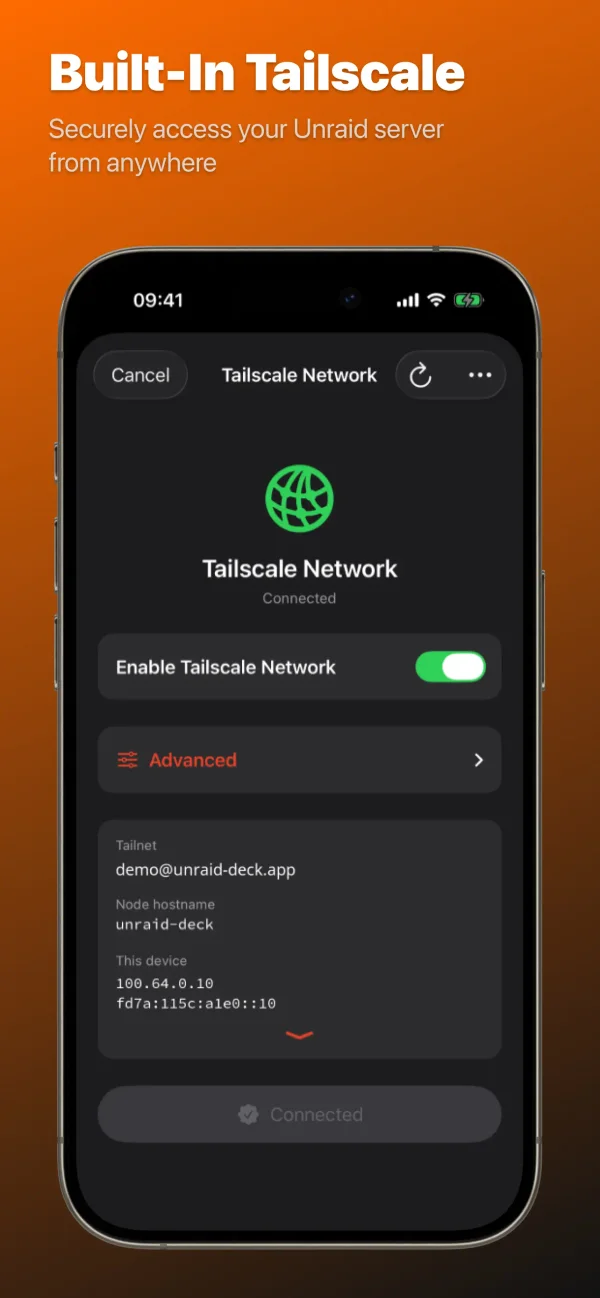
• Automatically select Local, Public, or Tailnet routes for your current network.
• Use built-in Tailscale for secure remote access through your Tailnet.
CA App Store
• Browse and search Docker apps and plugins in Community Applications.
• Configure and install Docker apps using CA store templates.
• Install supported plugins, and view and uninstall installed plugins. Check for updates, update plugins individually or in batches, and view progress and logs.
BT Download Manager
• Manage qBittorrent and Transmission tasks, including status and common actions.
Home Screen Widgets
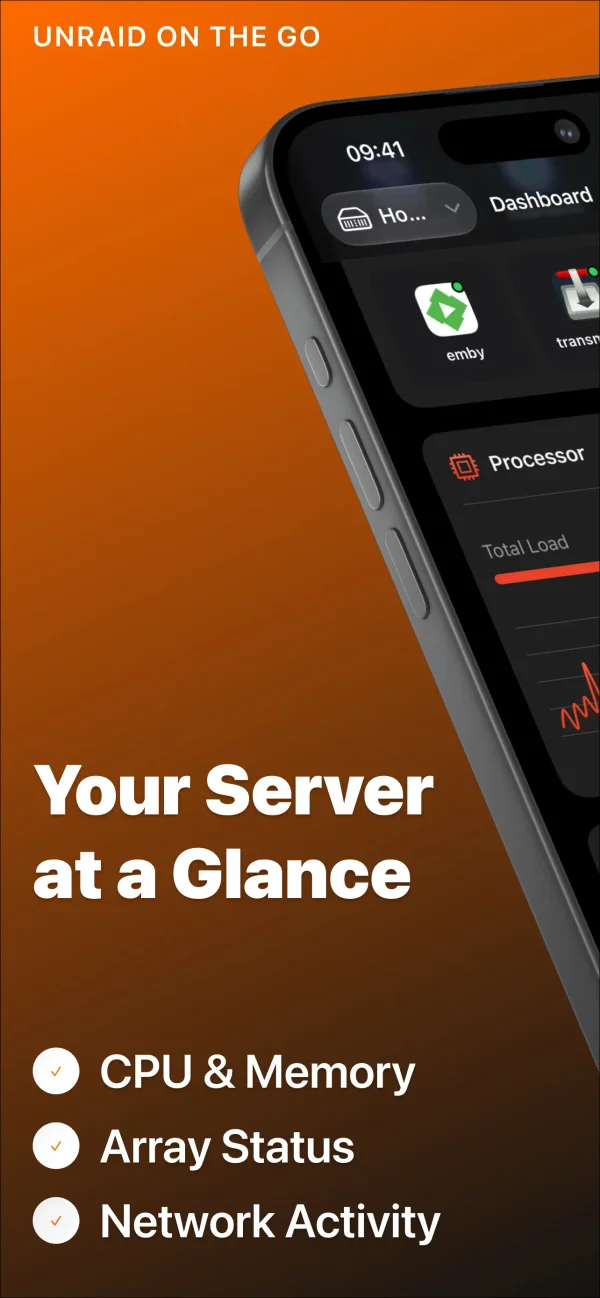
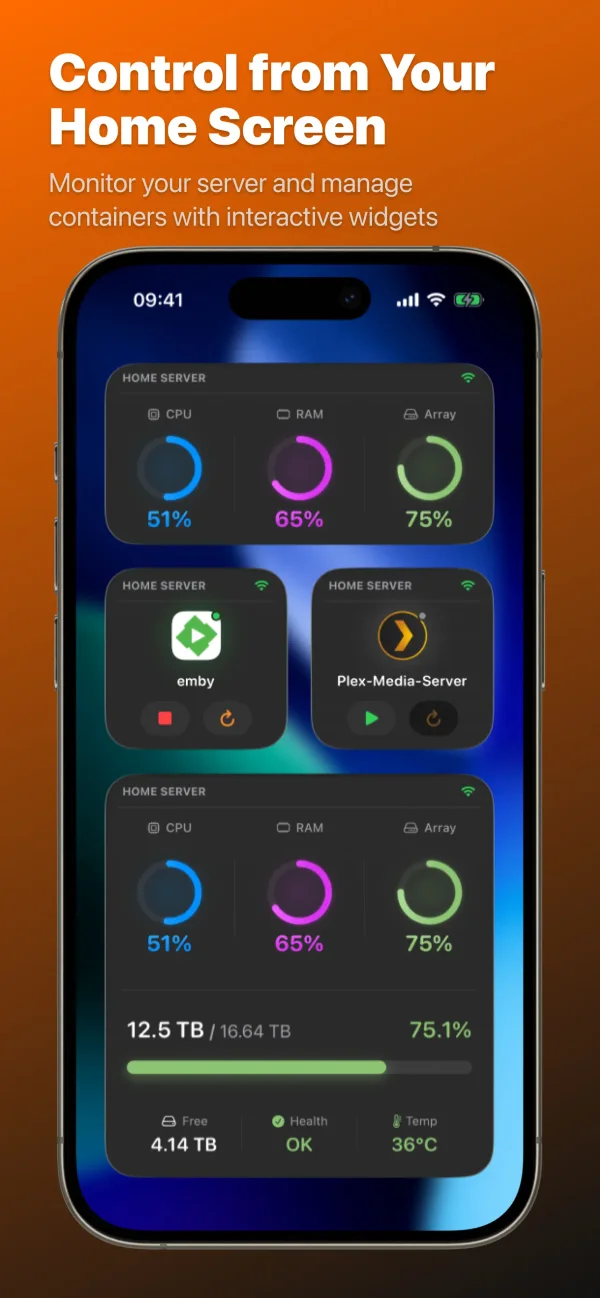
• Monitor CPU, memory, and array usage at a glance.
• Start, stop, and restart Docker containers from your Home Screen.
Dashboard
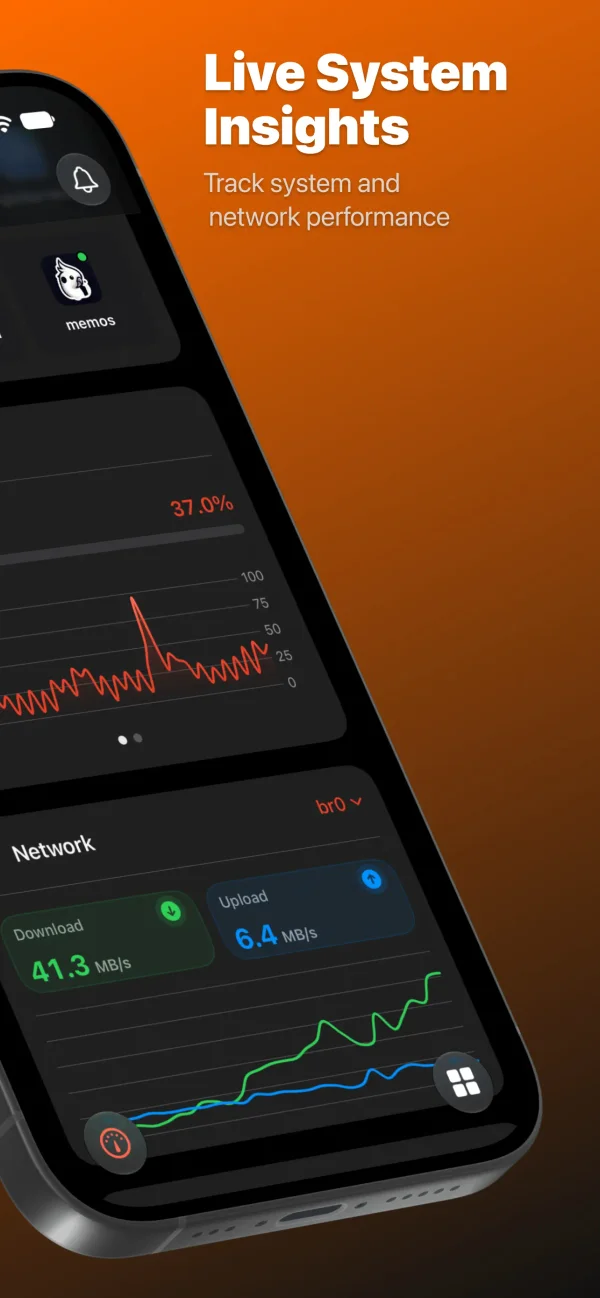
• Monitor CPU, memory, network traffic, and storage array usage in real time.
• View CPU temperature, power telemetry, network throughput, array health, parity status, and disk temperatures.
Storage Management
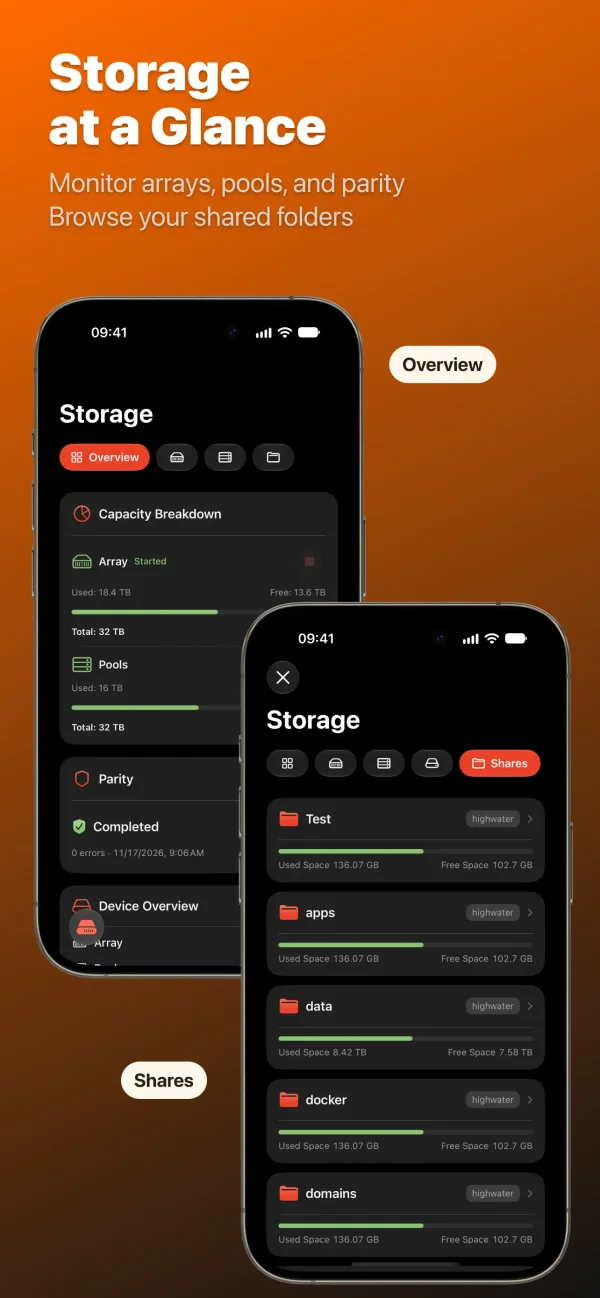
• View arrays, disks, and shares.
• View storage pool capacity and member disks.
• Start and stop the array.
• View parity check status and history, choose check modes, and control checks.
Server Power Controls
• Shut down or reboot your server remotely.
Docker Management
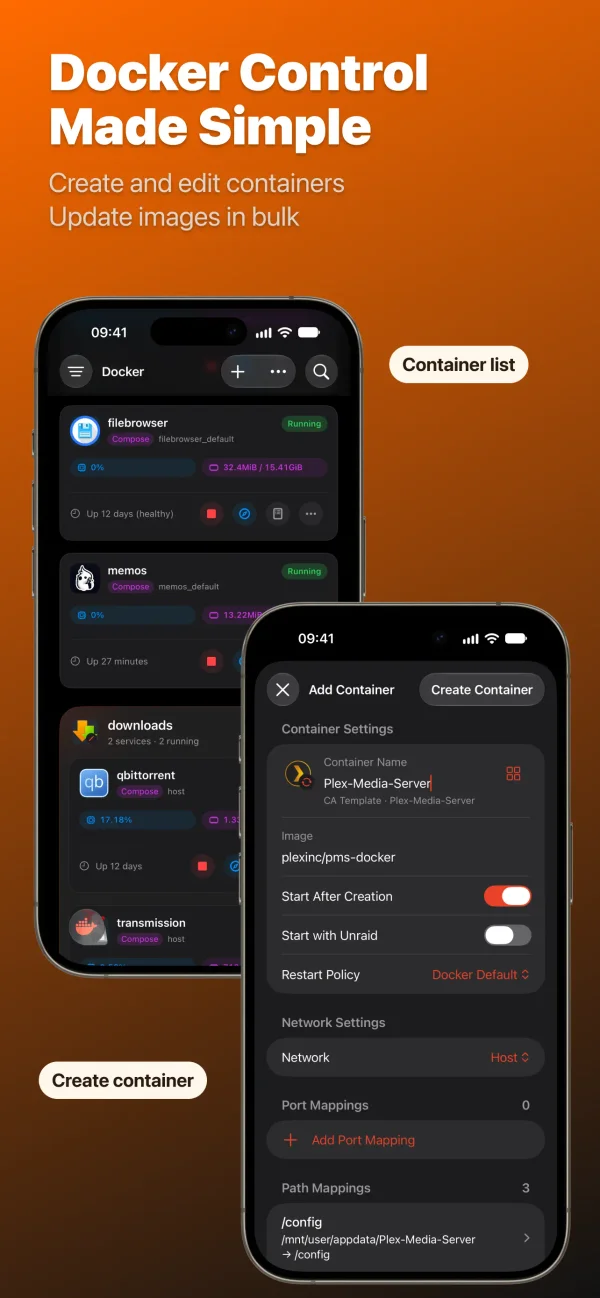
• Create, edit, and delete containers using Unraid and CA store templates.
• Control containers individually or in batches, including start, stop, and restart; view container status and live logs.
• Update Docker containers in batches.
• Use Compose groups and custom icons.
Virtual Machine Control
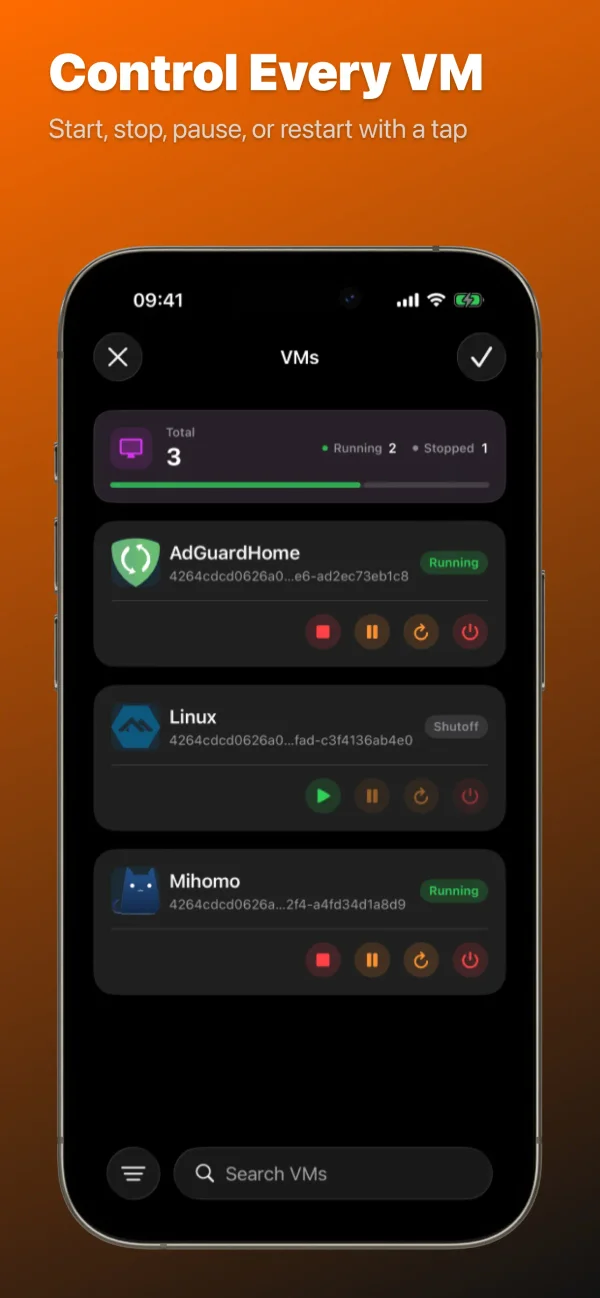
• Search, start, pause, resume, and force stop VMs.
• Run batch operations across multiple VMs.
• Monitor VM status instantly.
Security & Privacy
• The app connects directly to your Unraid server and does not route traffic through its own servers.
• API keys are encrypted and stored in the iOS Keychain.
• Protect access with Face ID or Touch ID.
• Access servers behind authenticated reverse proxies such as Authelia.
• Securely sync configuration across your Apple devices with iCloud.
API Key Access Control
• Create API keys with custom permission groups.
• Use the Unraid Deck preset to fill required permissions.
• View and copy API key details in the app.
REQUIREMENTS
• Unraid OS v6.12 or later; v7.2+ recommended
• Unraid API enabled on your server
• Valid API key for authentication
• Network access to your Unraid server
• SSH access for Terminal, Docker log shortcuts, and File Manager features
• The Unraid Deck Bridge companion plugin is required for Docker creation, editing and image updates, server power controls, array start/stop, and plugin uninstallation. Checking for and applying plugin updates requires a Bridge version that supports this feature.
• Docker creation, editing and image updates, plus installation and uninstallation of regular plugins, require Unraid Deck Pro.
Terms of Use (EULA): https://www.apple.com/legal/internet-services/itunes/dev/stdeula/
Privacy Policy: https://unraid.mccray.app/privacy/
新機能
バージョン 2.5.3 · 2026/11/25
New Features:
• Docker container details now show current CPU and memory usage and trends over the last 60 seconds.
• The redesigned SSH terminal adds new theme and font options and supports organizing command snippets by category.
Improvements:
• Simplified SSH setup.
• Redesigned the Docker container details layout and made it easier to keep your place when opening or folding iPhone Duo.
Bug Fixes:
• Fixed search bars being clipped in the vertical toolbar on the Docker and Notifications screens on iPhone Duo.
アプリのプライバシー
このアプリのデータの取り扱いについて、祥瑞 谢がApp Storeで申告している内容です。
-
ユーザーに関連付けられないデータ
収集される場合がありますが、ユーザーの識別情報には関連付けられません。
- 購入
プライバシーの取り扱いは、ご利用の機能やお客様の年齢などに応じて異なる場合があります。
情報
- 販売元
- 祥瑞 谢
- カテゴリ
- ユーティリティ
- バージョン
- 2.5.3
- 更新日
- 2026/11/25
- リリース
- 2026/1/5
- サイズ
- 87.7 MB
- 必要条件
- iOS 18.1以降
- 対象年齢
- 4+
- 価格
- 無料
- アプリ内課金
- あり
- 言語
- 英語, チェコ語, オランダ語, フランス語, ドイツ語, イタリア語, 日本語, 韓国語, ポーランド語, ポルトガル語, ロシア語, 簡体字中国語 ほか5言語
- 著作権
- © mccray