Unraid Deck - Server Manager
Unraid NAS Monitor & Control
Được thiết kế cho iPhone, iPad
Miễn phí · Mua hàng trong ứng dụng
- Độ tuổi4+
- Danh mụcTiện Ích
- Nhà phát triển祥瑞 谢
- Ngôn ngữTiếng Anh+ 16 ngôn ngữ khác
- Kích thước87,7 MB
Liên kết đến trang App Store chính thức
Download.org không lưu trữ tệp nào của Unraid Deck - Server Manager. Nút này mở trang ứng dụng trên App Store, nơi 祥瑞 谢 phát hành ứng dụng. Trang được kiểm tra lần cuối: 26/11/2026.
Ảnh chụp màn hình
Giới thiệu
Nhà phát triển chưa cung cấp nội dung này bằng ngôn ngữ của bạn.
Securely control your Unraid server from your iPhone and iPad.
Unraid Deck is a native iOS client for monitoring dashboards, managing files, Docker containers and Compose stacks, controlling VMs, receiving server alerts, streaming Docker logs, and accessing your server through a built-in SSH terminal.
Built for direct server connections, privacy-first workflows, and a fast native iOS experience.
Key Features:
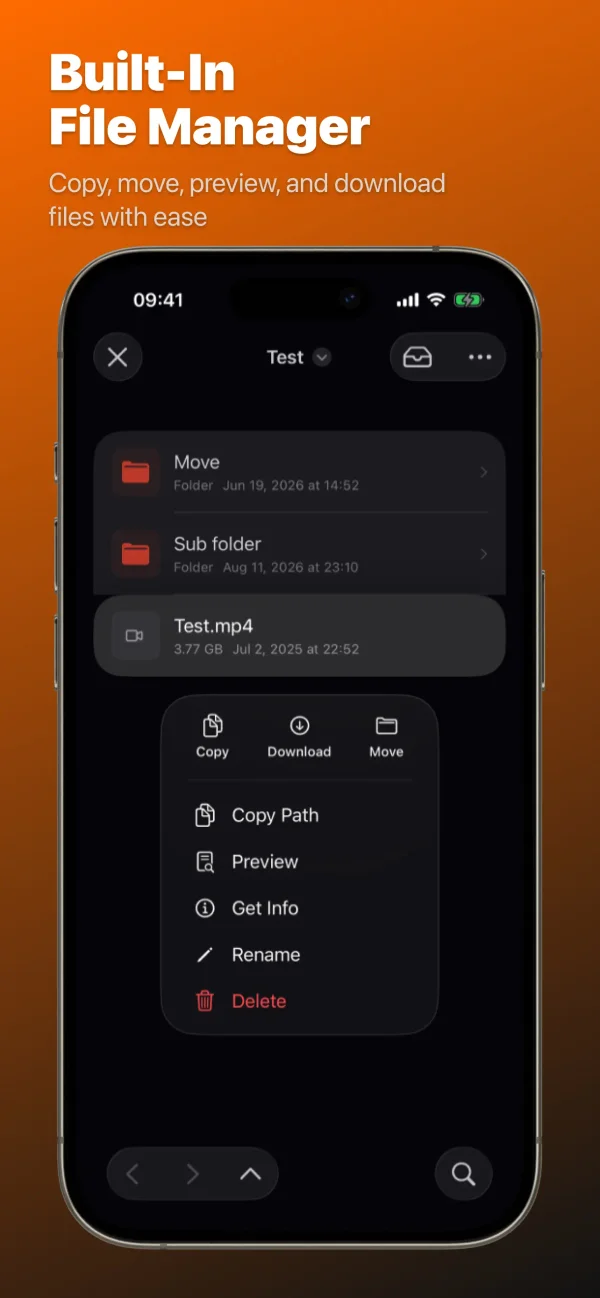
Built-In File Manager
• Browse, upload, download, move, rename, preview, copy paths, view details, and delete files.
• Secure direct access over SSH/SFTP.
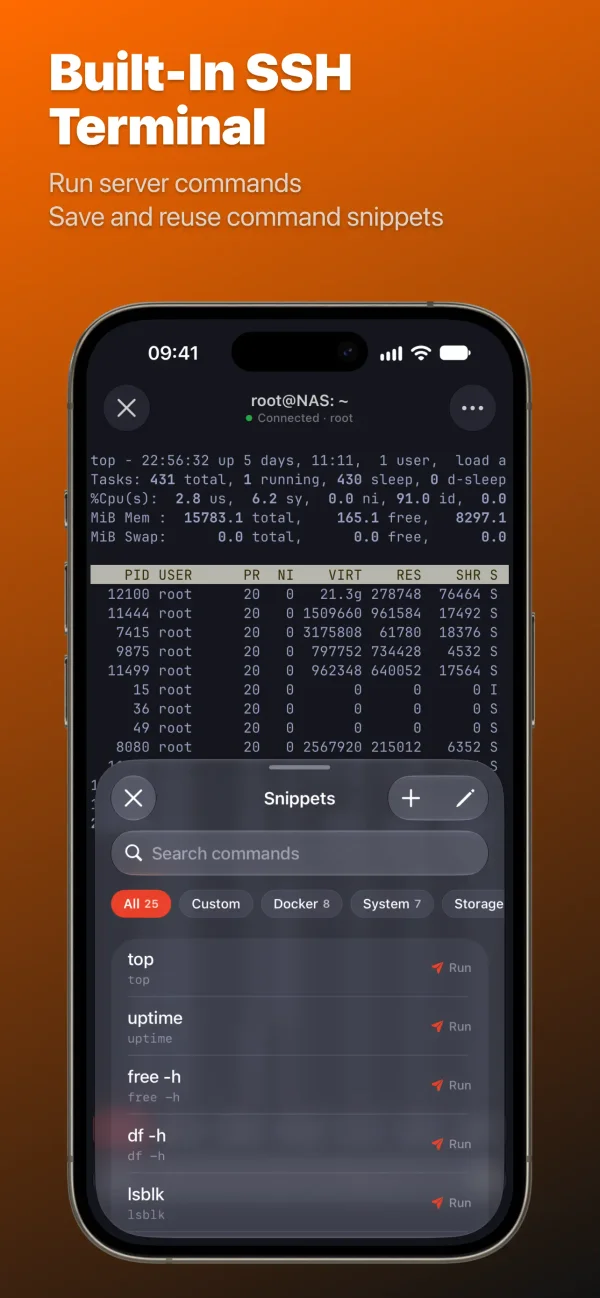
SSH Terminal
• Open an SSH terminal in the app for remote access and command-line workflows.
• Run Docker log shortcuts with one tap when SSH is configured.
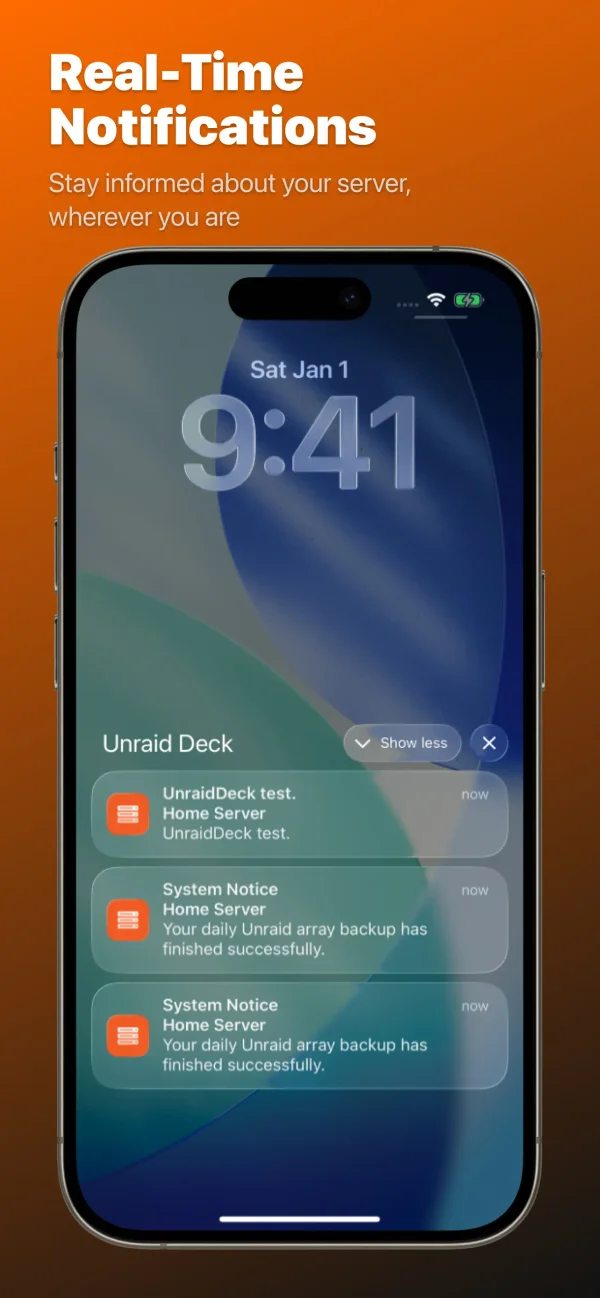
Real-Time Push Notifications
• Receive critical Unraid server notifications through Apple APNs.
• Archive, restore unread, and manage notifications in batches.
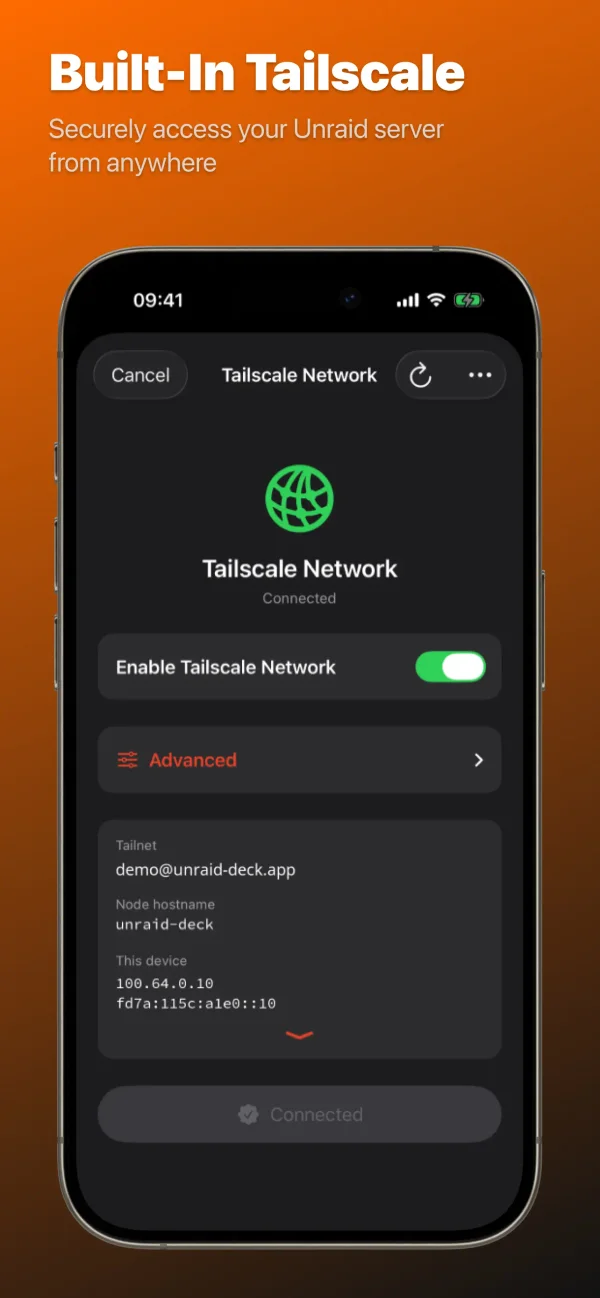
Smart Connect & Built-In Tailscale
• Automatically select Local, Public, or Tailnet routes for your current network.
• Use built-in Tailscale for secure remote access through your Tailnet.
CA App Store
• Browse and search Docker apps and plugins in Community Applications.
• Configure and install Docker apps using CA store templates.
• Install supported plugins, and view and uninstall installed plugins. Check for updates, update plugins individually or in batches, and view progress and logs.
BT Download Manager
• Manage qBittorrent and Transmission tasks, including status and common actions.
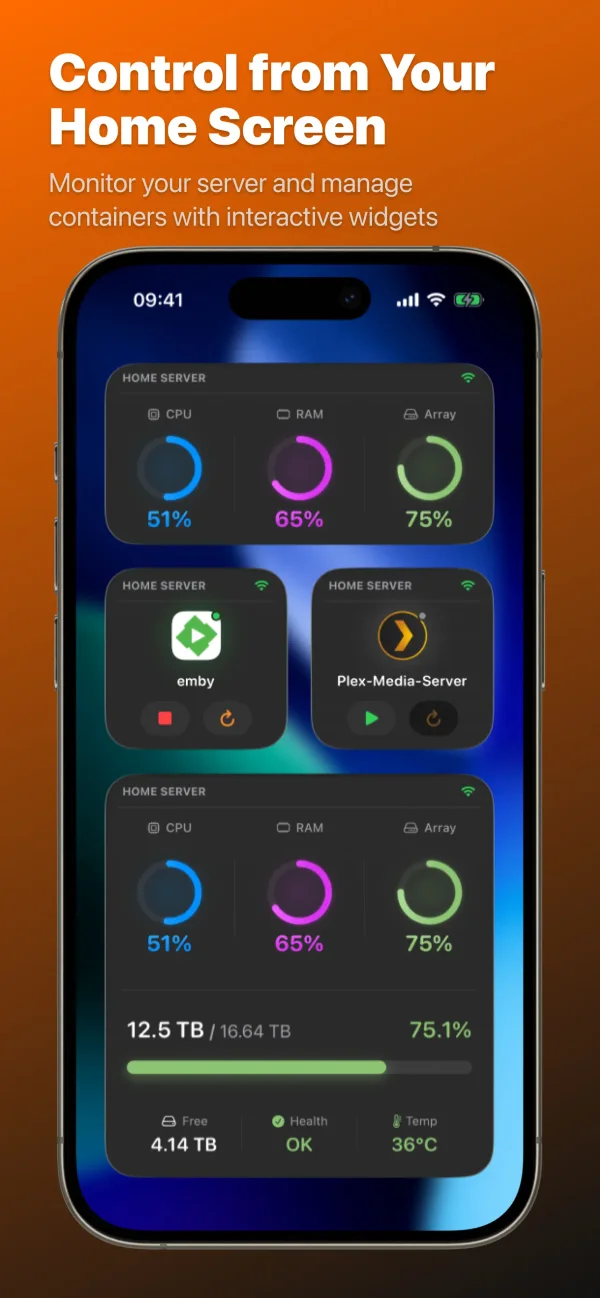
Home Screen Widgets
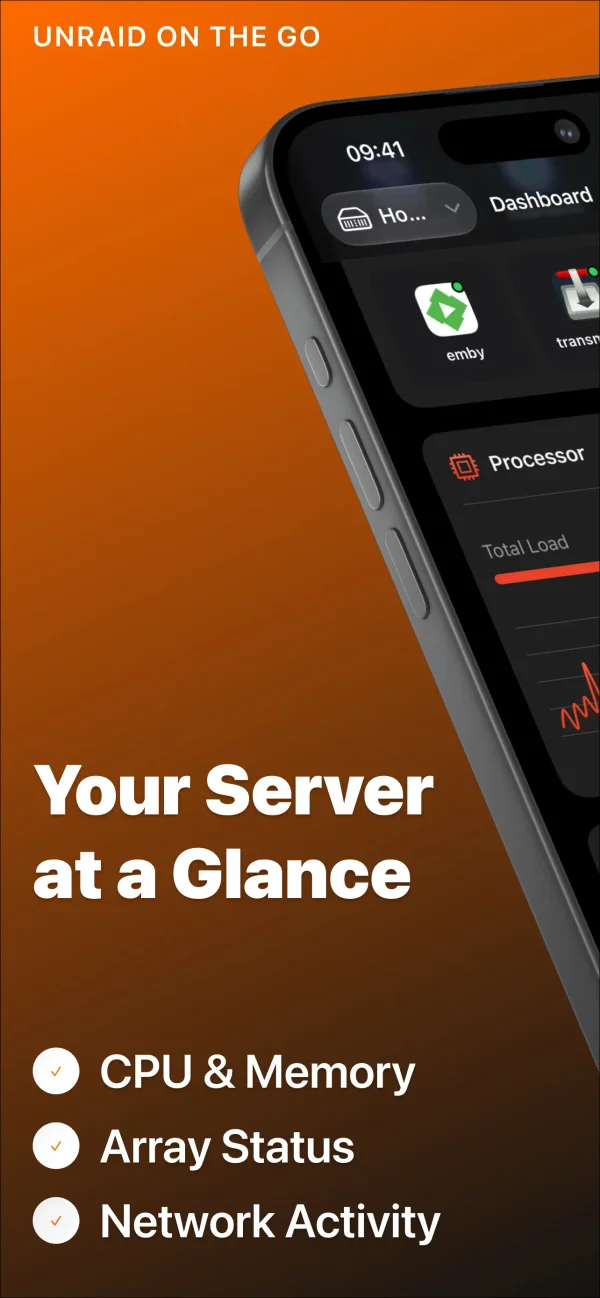
• Monitor CPU, memory, and array usage at a glance.
• Start, stop, and restart Docker containers from your Home Screen.
Dashboard
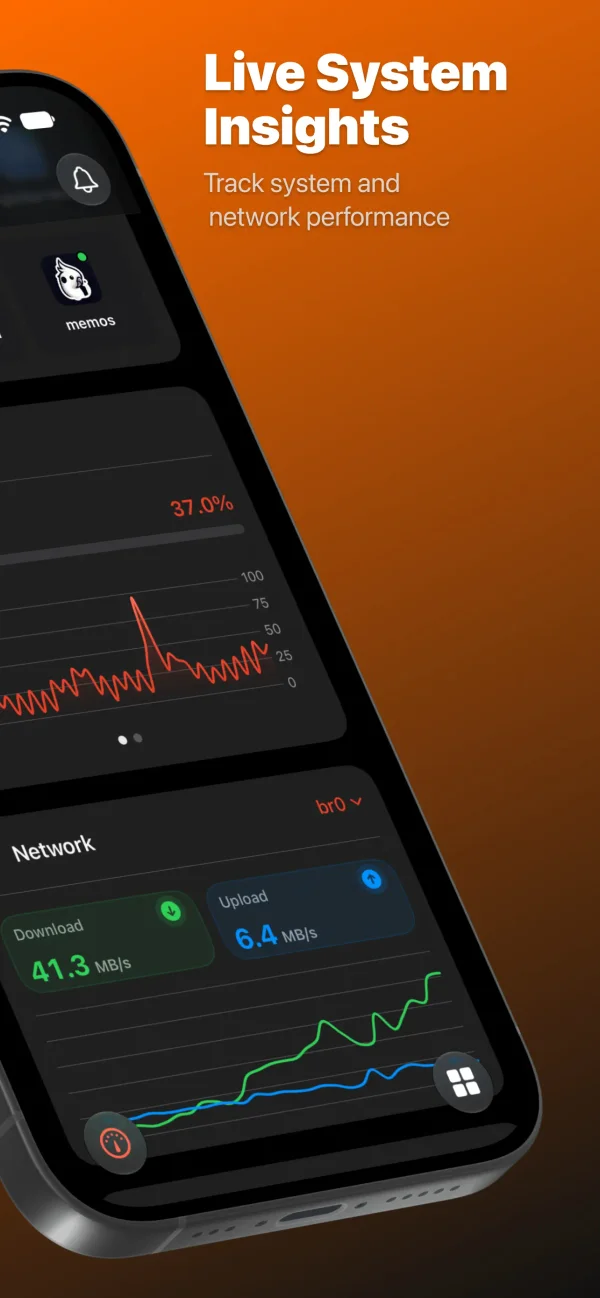
• Monitor CPU, memory, network traffic, and storage array usage in real time.
• View CPU temperature, power telemetry, network throughput, array health, parity status, and disk temperatures.
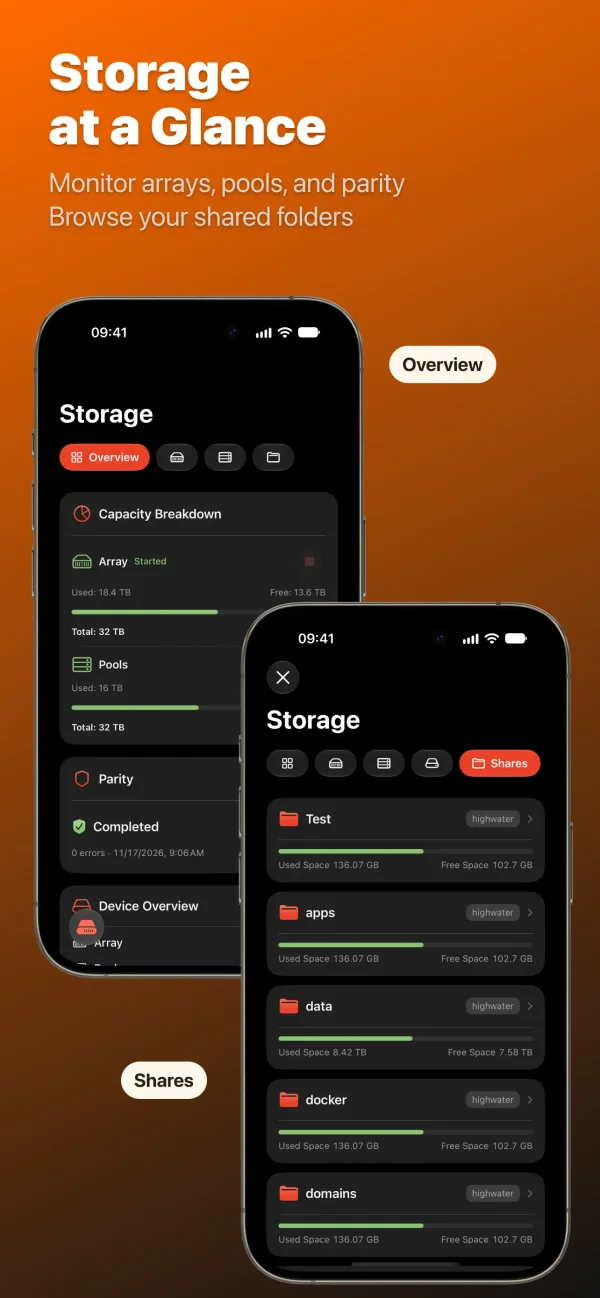
Storage Management
• View arrays, disks, and shares.
• View storage pool capacity and member disks.
• Start and stop the array.
• View parity check status and history, choose check modes, and control checks.
Server Power Controls
• Shut down or reboot your server remotely.
Docker Management
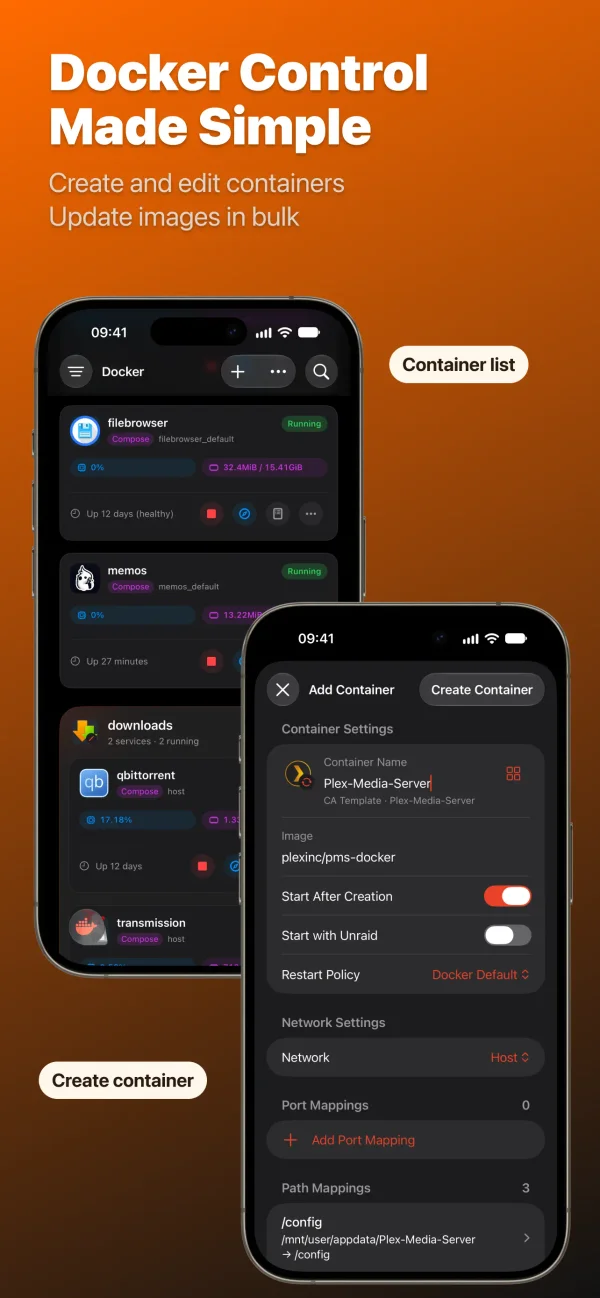
• Create, edit, and delete containers using Unraid and CA store templates.
• Control containers individually or in batches, including start, stop, and restart; view container status and live logs.
• Update Docker containers in batches.
• Use Compose groups and custom icons.
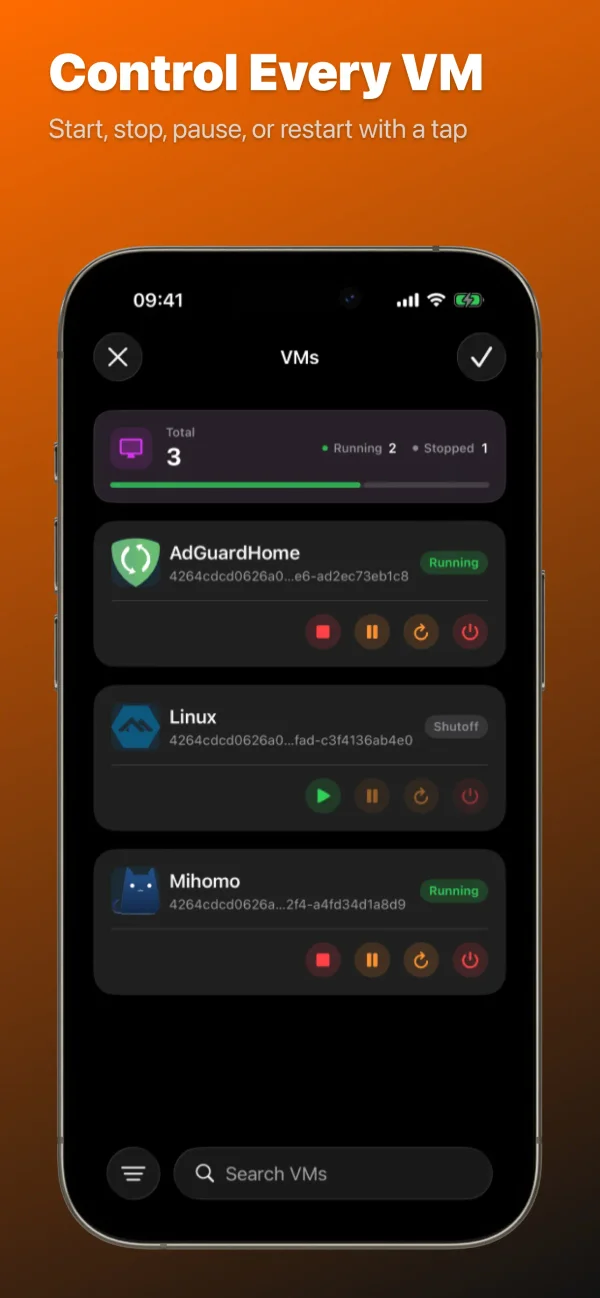
Virtual Machine Control
• Search, start, pause, resume, and force stop VMs.
• Run batch operations across multiple VMs.
• Monitor VM status instantly.
Security & Privacy
• The app connects directly to your Unraid server and does not route traffic through its own servers.
• API keys are encrypted and stored in the iOS Keychain.
• Protect access with Face ID or Touch ID.
• Access servers behind authenticated reverse proxies such as Authelia.
• Securely sync configuration across your Apple devices with iCloud.
API Key Access Control
• Create API keys with custom permission groups.
• Use the Unraid Deck preset to fill required permissions.
• View and copy API key details in the app.
REQUIREMENTS
• Unraid OS v6.12 or later; v7.2+ recommended
• Unraid API enabled on your server
• Valid API key for authentication
• Network access to your Unraid server
• SSH access for Terminal, Docker log shortcuts, and File Manager features
• The Unraid Deck Bridge companion plugin is required for Docker creation, editing and image updates, server power controls, array start/stop, and plugin uninstallation. Checking for and applying plugin updates requires a Bridge version that supports this feature.
• Docker creation, editing and image updates, plus installation and uninstallation of regular plugins, require Unraid Deck Pro.
Terms of Use (EULA): https://www.apple.com/legal/internet-services/itunes/dev/stdeula/
Privacy Policy: https://unraid.mccray.app/privacy/
Có gì mới
Phiên bản 2.5.3 · 25/11/2026
New Features:
• Docker container details now show current CPU and memory usage and trends over the last 60 seconds.
• The redesigned SSH terminal adds new theme and font options and supports organizing command snippets by category.
Improvements:
• Simplified SSH setup.
• Redesigned the Docker container details layout and made it easier to keep your place when opening or folding iPhone Duo.
Bug Fixes:
• Fixed search bars being clipped in the vertical toolbar on the Docker and Notifications screens on iPhone Duo.
Quyền riêng tư của ứng dụng
Những gì 祥瑞 谢 khai báo trên App Store về cách ứng dụng này xử lý dữ liệu.
-
Dữ liệu không liên kết với bạn
Có thể được thu thập nhưng không liên kết với danh tính của bạn.
- Mục mua
Phương thức đảm bảo quyền riêng tư có thể khác nhau, chẳng hạn như tuỳ theo các tính năng bạn sử dụng hoặc độ tuổi của bạn.
Thông tin
- Người bán
- 祥瑞 谢
- Danh mục
- Tiện Ích
- Phiên bản
- 2.5.3
- Cập nhật
- 25/11/2026
- Phát hành
- 05/01/2026
- Kích thước
- 87,7 MB
- Yêu cầu
- iOS 18.1 trở lên
- Độ tuổi
- 4+
- Giá
- Miễn phí
- Mua hàng trong ứng dụng
- Có
- Ngôn ngữ
- Tiếng Anh, Tiếng Séc, Tiếng Hà Lan, Tiếng Pháp, Tiếng Đức, Tiếng Ý, Tiếng Nhật, Tiếng Hàn, Tiếng Ba Lan, Tiếng Bồ Đào Nha, Tiếng Nga, Tiếng Trung Giản thể + 5 ngôn ngữ khác
- Bản quyền
- © mccray