
Vaultmio: Authenticator
Password Vault & Autofill
iPhone, iPad, iPod touch向けに設計
無料 · アプリ内課金
- 対象年齢4+
- カテゴリユーティリティ
- 開発元THI MY HAO TRAN
- 言語英語ほか12言語
- サイズ138.5 MB
App Storeの公式ページにリンクしています
Download.orgはVaultmio: Authenticatorのファイルを一切ホストしていません。ボタンを押すと、THI MY HAO TRANが公開しているApp Storeのアプリページが開きます。ページの最終確認:2026/11/23。
スクリーンショット
概要
開発元はこのテキストをお使いの言語で提供していません。
Manage your passwords and 2FA codes in one place.
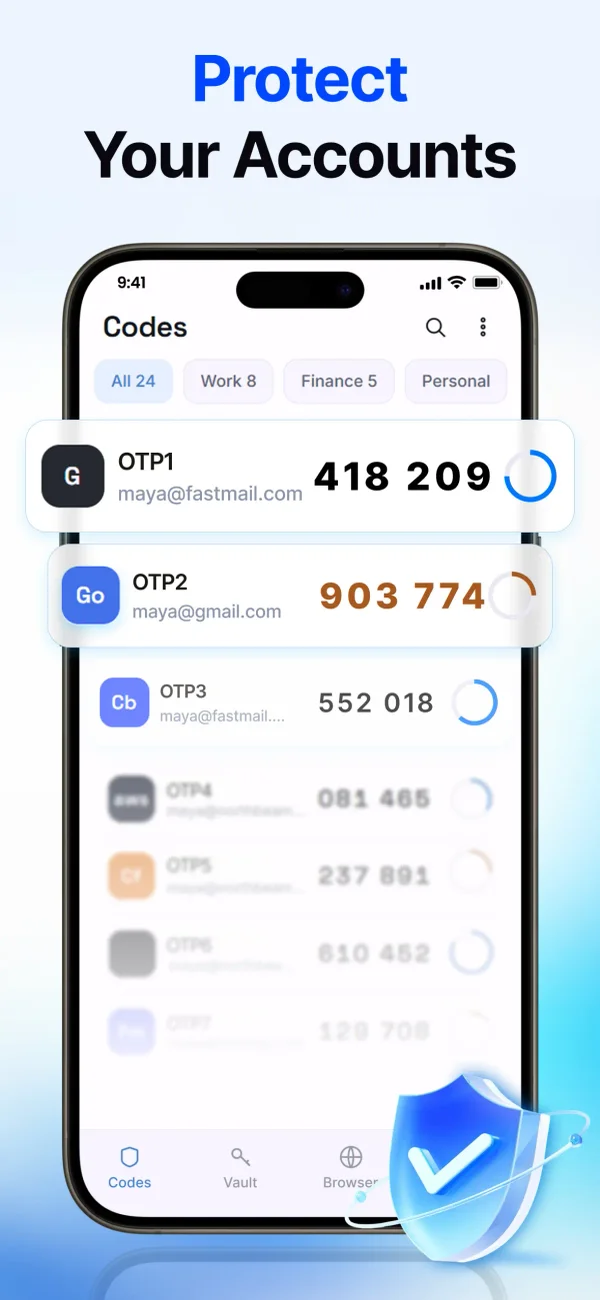
Authenticator App ² combines an authenticator, password vault and autofill to help you manage everyday sign-ins. Link a saved login with its verification code, review password health, and choose local storage or optional sync.
AUTHENTICATOR AND OFFLINE CODES
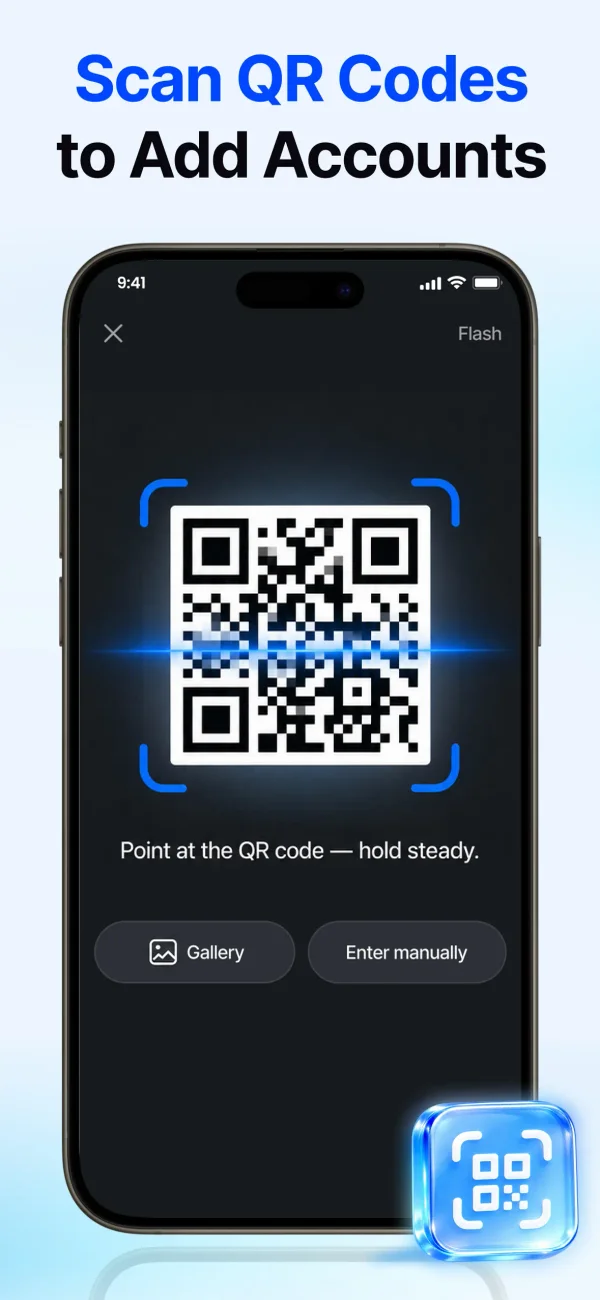
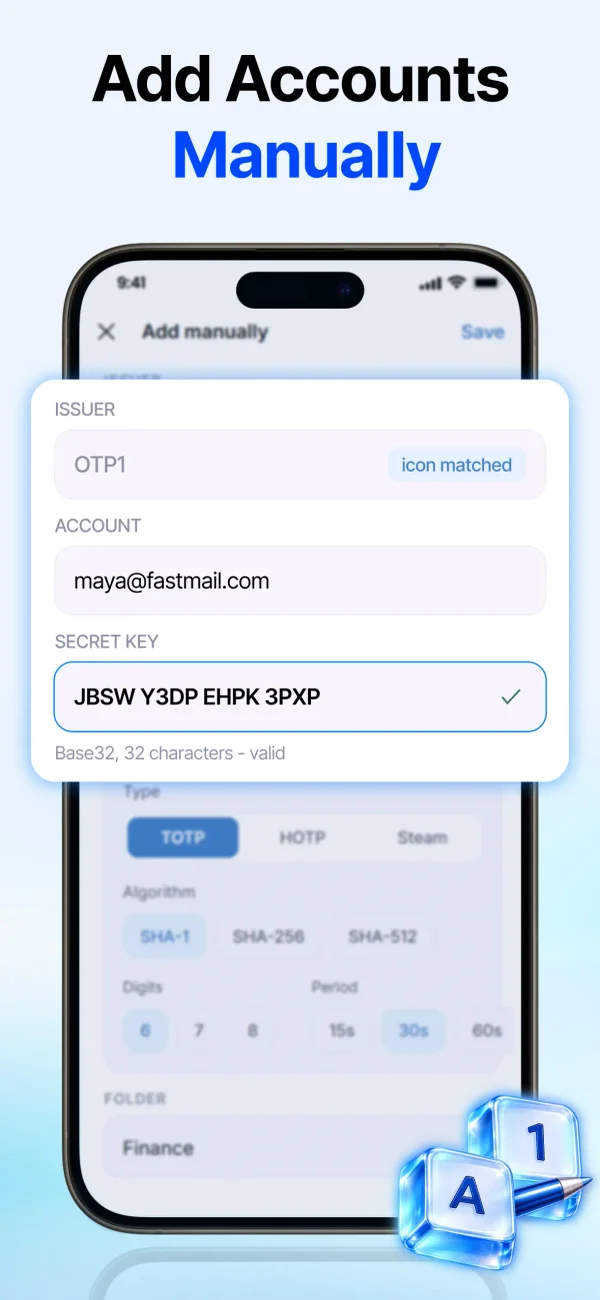
Generate TOTP and HOTP verification codes for compatible accounts. Add accounts by scanning a QR code, reading a supported QR image or entering a setup key manually.
Time-based codes are generated on your device and work offline after setup. Organize accounts with folders and favorites, find them with search, check the countdown and copy a code when you need it.
PASSWORDS AND 2FA TOGETHER
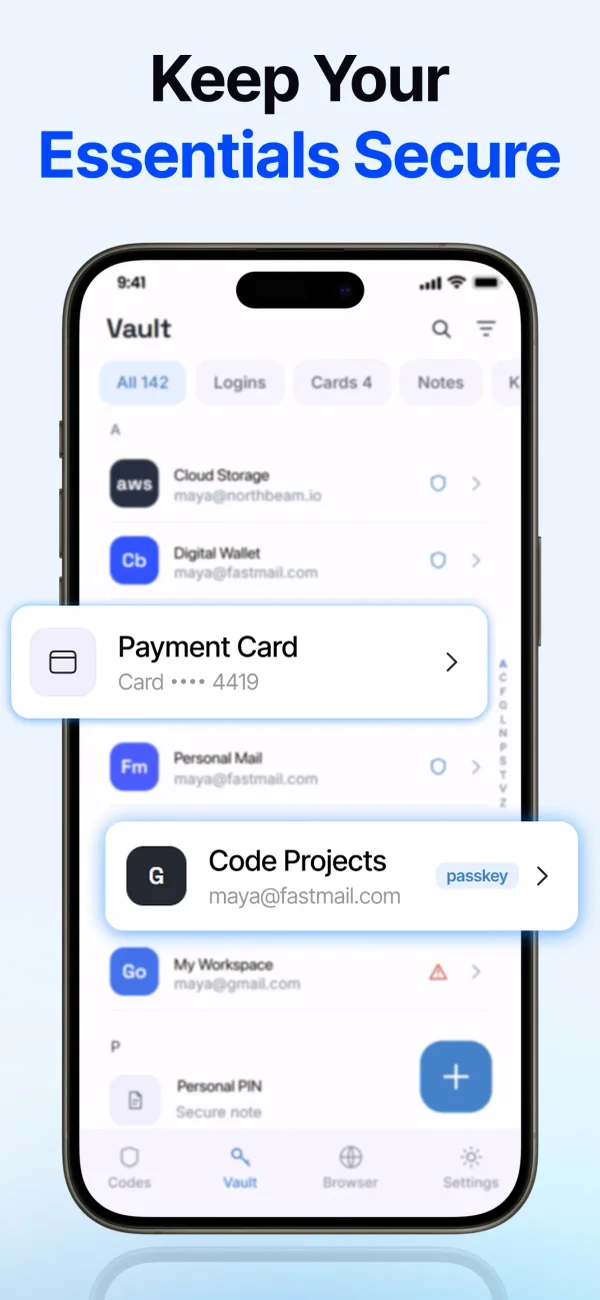
Store login details, payment card information and private notes. Link a verification code to its matching login so your username, password and code are easier to find. Add custom fields and review saved password history.
AUTOFILL WITH LESS TYPING
Enable autofill to use saved logins in supported apps and websites. Select the matching account and confirm access when prompted. Website matching helps you choose credentials for the address you are visiting.
PASSWORD GENERATOR AND HEALTH CHECKS
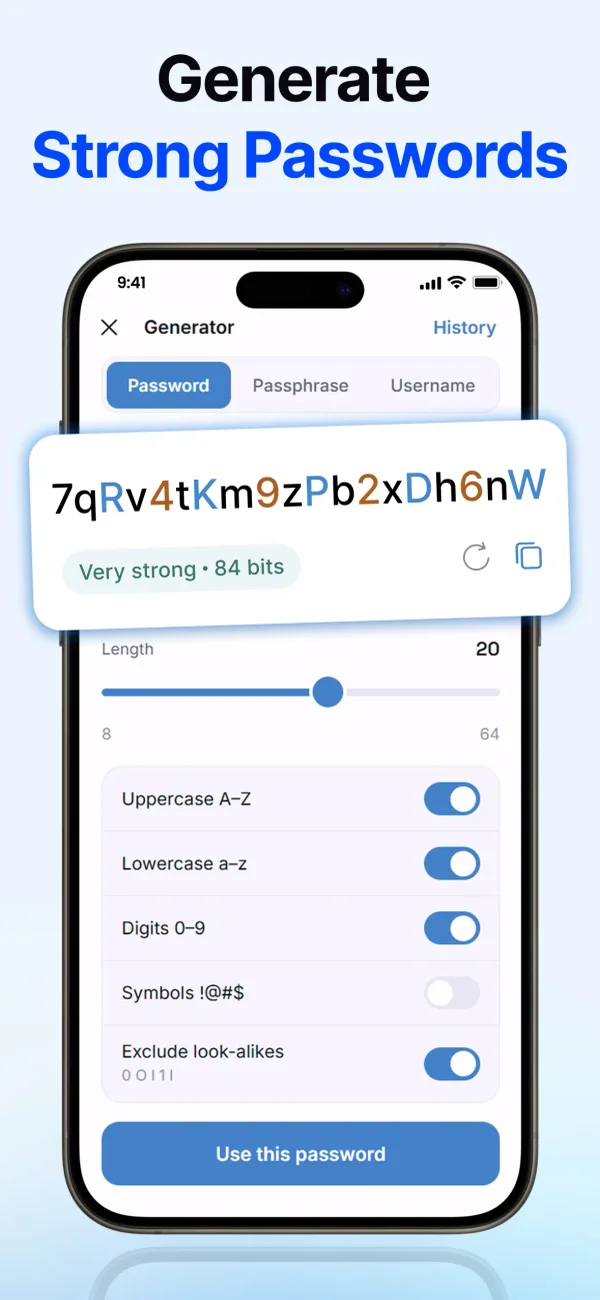
Create passwords and passphrases with adjustable settings. Choose password length and character types, or exclude characters that are easy to confuse.
Password Health helps identify weak or reused passwords and checks whether saved passwords appear in known breach data. Review affected entries and update your credentials with the relevant service.
LOCAL STORAGE OR OPTIONAL SYNC
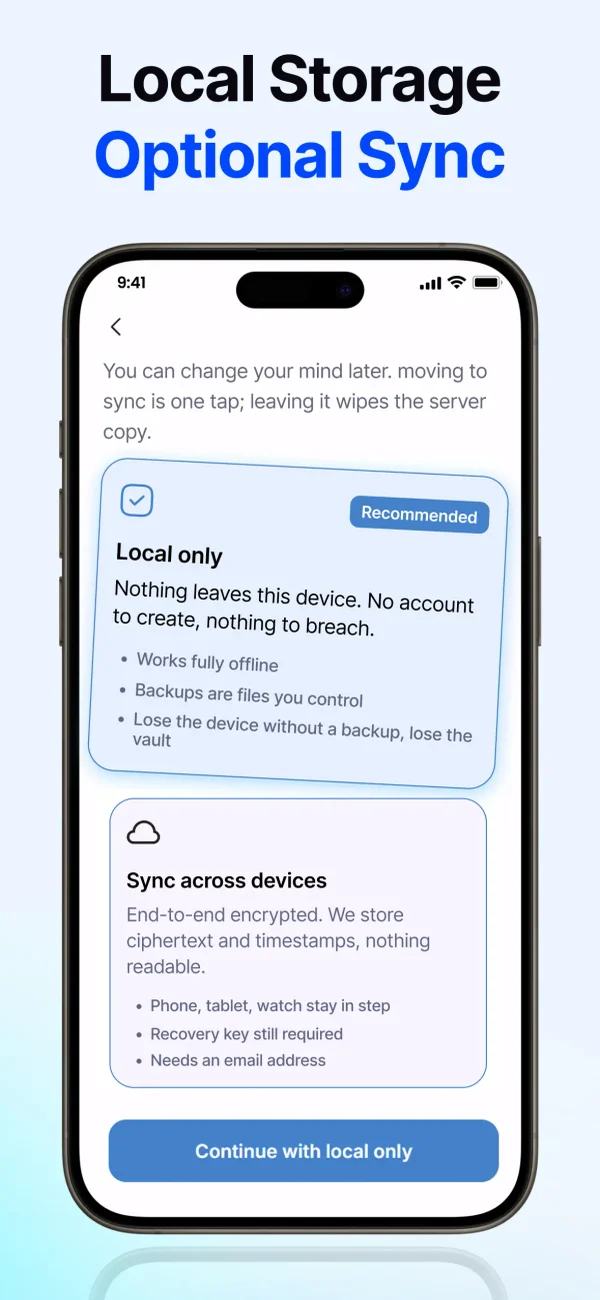
Keep your vault on your device or enable sync between supported devices. Select folders to sync, review connected devices and resolve conflicting changes.
BACKUP AND RESTORE
Create backups, set a backup schedule and restore from a compatible archive. Import and export supported formats when moving your data.
BUILT-IN BROWSER
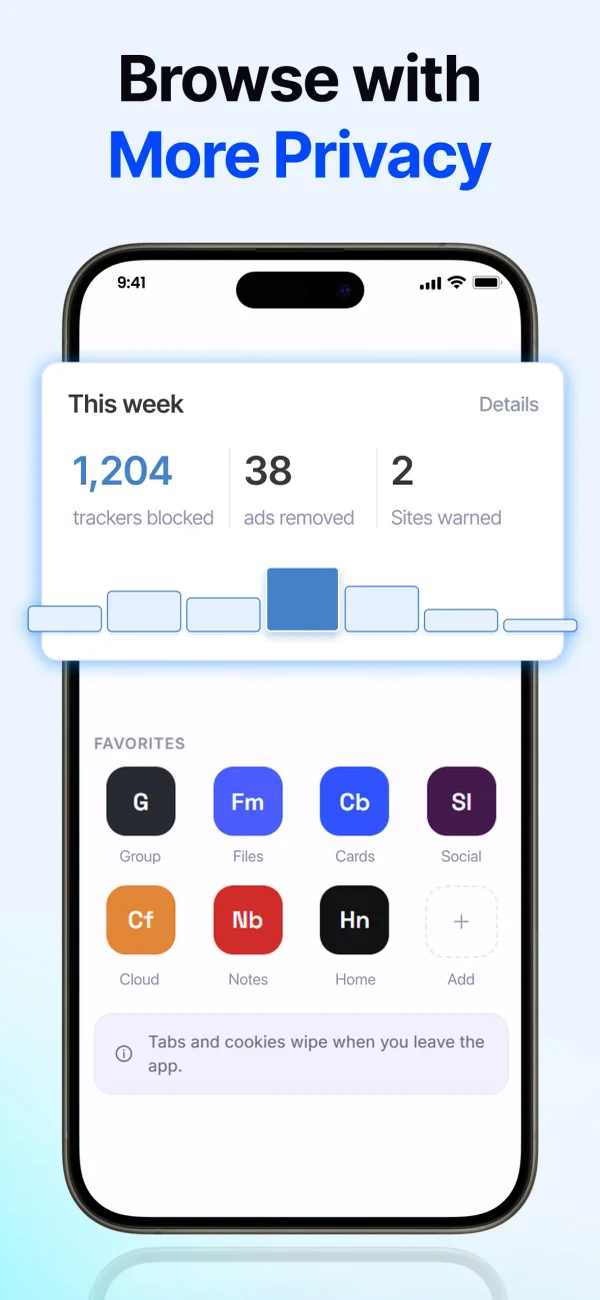
Browse with private tabs, tracker blocking and ad-blocking controls inside Authenticator App ². Access saved logins while browsing and view warnings for suspected phishing pages. Browser protections apply within the built-in browser and cannot detect every threat.
CONTROL ACCESS TO YOUR VAULT
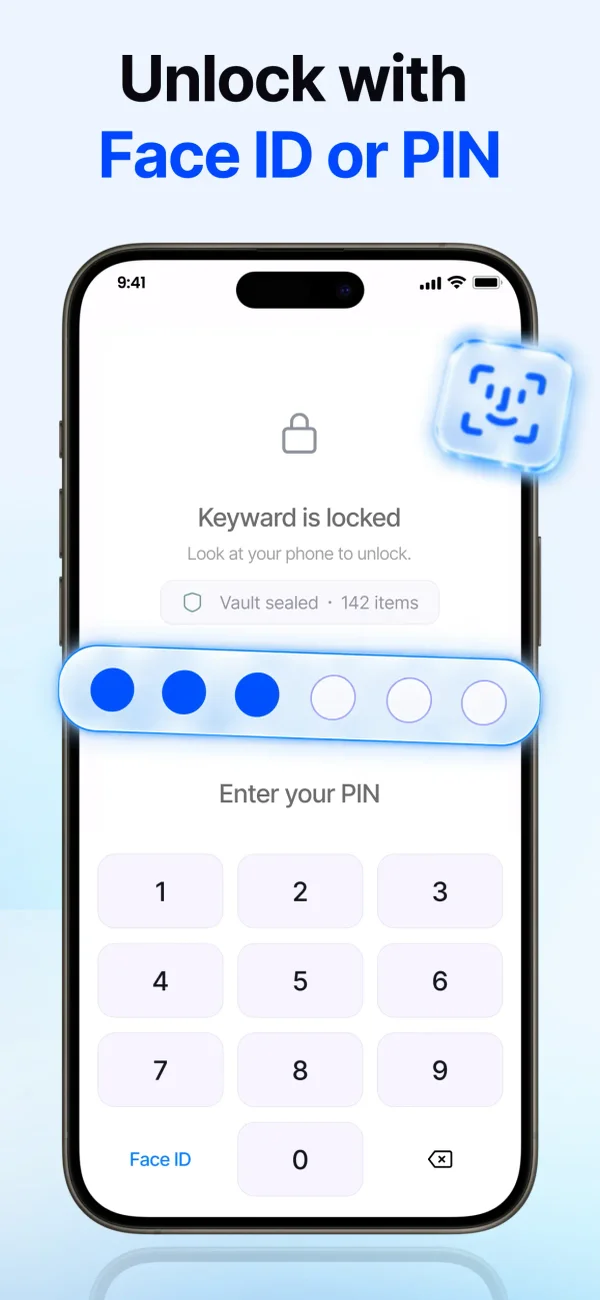
Use a master password, app PIN or supported biometric unlock. Configure automatic locking and clipboard clearing to suit your routine.
AVAILABILITY
Autofill and biometric features depend on your device and the app or website involved. Sync, online breach checks and browsing require an internet connection. Import and restore support depend on the source and file format.
Some features require a paid subscription. Available plans and included features are shown in the app before purchase.
Enable authenticator-based two-factor authentication with each service before using its codes. Authenticator App ² does not receive SMS verification codes or replace service-specific push approvals.
Keep your recovery information somewhere you can access without your phone.
SUBSCRIPTION & PURCHASE INFORMATION
- Unlock premium features with subscription: weekly, monthly and yearly.
- Payment will be charged to your iTunes Account at confirmation of purchase.
- Subscription automatically renews unless auto-renew is turned off at least 24 hours before the end of the current period.
- Account will be charged for renewal within 24 hours prior to the end of the current period.
- You can manage or turn off auto-renew in your Apple ID Account Settings any time after purchase.
Privacy Policy: https://xhao.app/privacy-policy
Terms of Service: https://xhao.app/terms-of-service
新機能
バージョン 0.0.3 · 2026/11/20
- Bug fixes and improvements.
アプリのプライバシー
このアプリのデータの取り扱いについて、THI MY HAO TRANがApp Storeで申告している内容です。
-
ユーザーのトラッキングに使用されるデータ
他社のアプリやウェブサイトを横断してユーザーをトラッキングする目的で使用される場合があります。
- ID
-
ユーザーに関連付けられたデータ
収集され、ユーザーの識別情報に関連付けられる場合があります。
- ID
-
ユーザーに関連付けられないデータ
収集される場合がありますが、ユーザーの識別情報には関連付けられません。
- 使用状況データ
- 診断
プライバシーの取り扱いは、ご利用の機能やお客様の年齢などに応じて異なる場合があります。
情報
- 販売元
- THI MY HAO TRAN
- カテゴリ
- ユーティリティ
- バージョン
- 0.0.3
- 更新日
- 2026/11/20
- リリース
- 2026/11/6
- サイズ
- 138.5 MB
- 必要条件
- iOS 15.5以降
- 対象年齢
- 4+
- 価格
- 無料
- アプリ内課金
- あり
- 言語
- 英語, アラビア語, フランス語, ドイツ語, ヒンディー語, インドネシア語, 韓国語, ポルトガル語, 簡体字中国語, スペイン語, タイ語, トルコ語 ほか1言語
- 著作権
- ©2026 XHAO.APP
こちらもおすすめ
-
 Beekeeper: Scam Defenseユーティリティ
-
 Go Fly 4: Drone Remote Controlユーティリティ
-
 SpaceCleaner-Clean My Phoneユーティリティ
-
 AI Photo Cleanup & Cache Clearユーティリティ
-
 利益計算 PROボタン操作でサクッと利益計算! 赤字を防いで賢く価格設定!
-
 Cleaner: Photo & Video CleamIACleamIA
-
 MeetiX: AI会議ノート録音、文字起こし、要約
-
 Declutter: Smart Photo Cleanerユーティリティ
-
 HiClean Photo Video Cleanerユーティリティ
-
 Authenticator App - OTP & 2FAユーティリティ