
Vaultmio: Authenticator
Password Vault & Autofill
iPhone, iPad, iPod touch için tasarlandı
Ücretsiz · Uygulama içi satın alma
- Yaş sınırı4+
- KategoriYardımcılar
- GeliştiriciTHI MY HAO TRAN
- Dillerİngilizce+ 12 dil daha
- Boyut138,5 MB
Resmi App Store sayfasına bağlanır
Download.org, Vaultmio: Authenticator için hiçbir dosya barındırmaz. Düğme, uygulamanın App Store üzerindeki sayfasını açar; uygulamayı orada THI MY HAO TRAN yayınlar. Sayfanın son kontrolü: 23.11.2026.
Ekran görüntüleri
Hakkında
Geliştirici bu metni dilinizde sunmamış.
Manage your passwords and 2FA codes in one place.
Authenticator App ² combines an authenticator, password vault and autofill to help you manage everyday sign-ins. Link a saved login with its verification code, review password health, and choose local storage or optional sync.
AUTHENTICATOR AND OFFLINE CODES
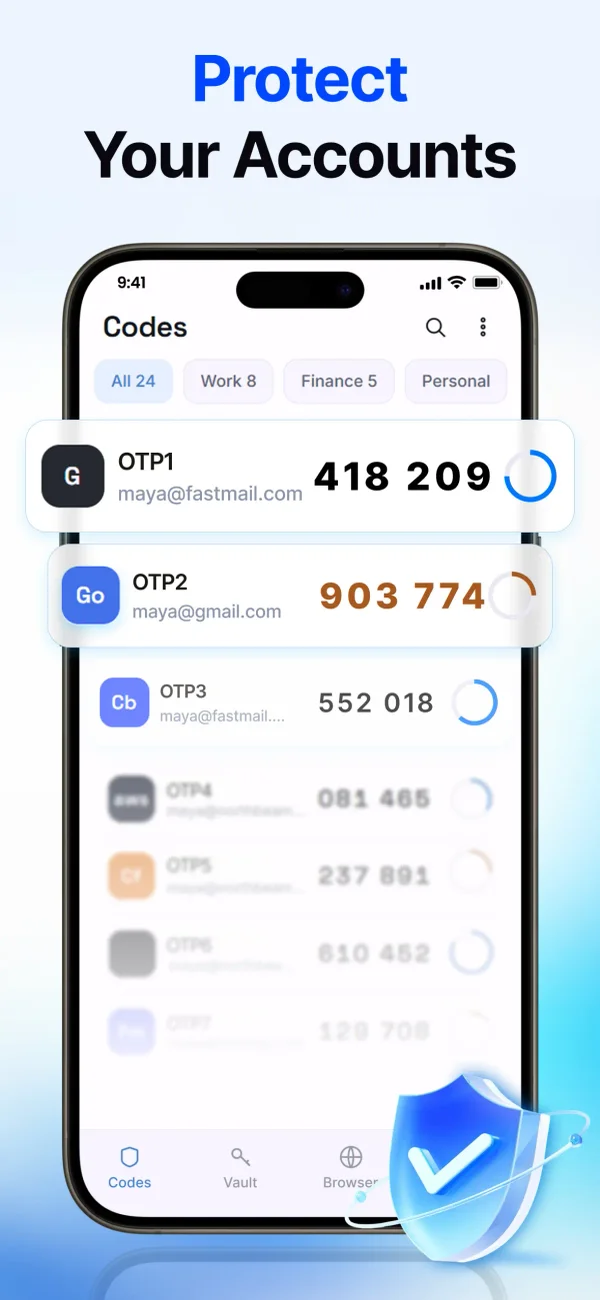
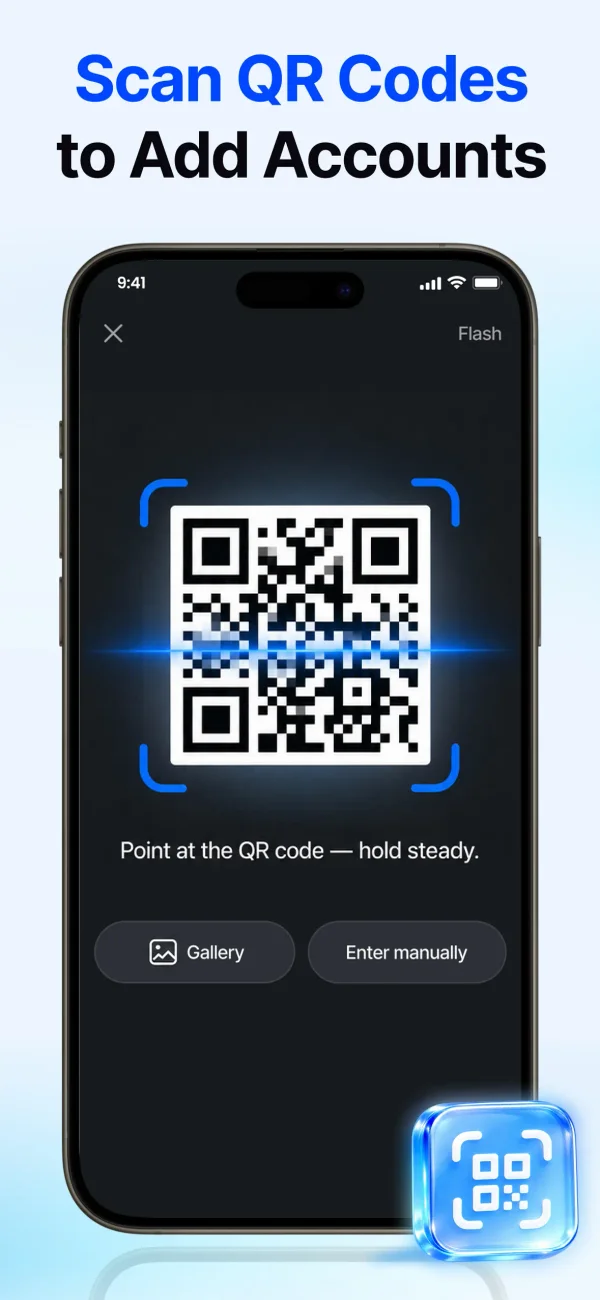
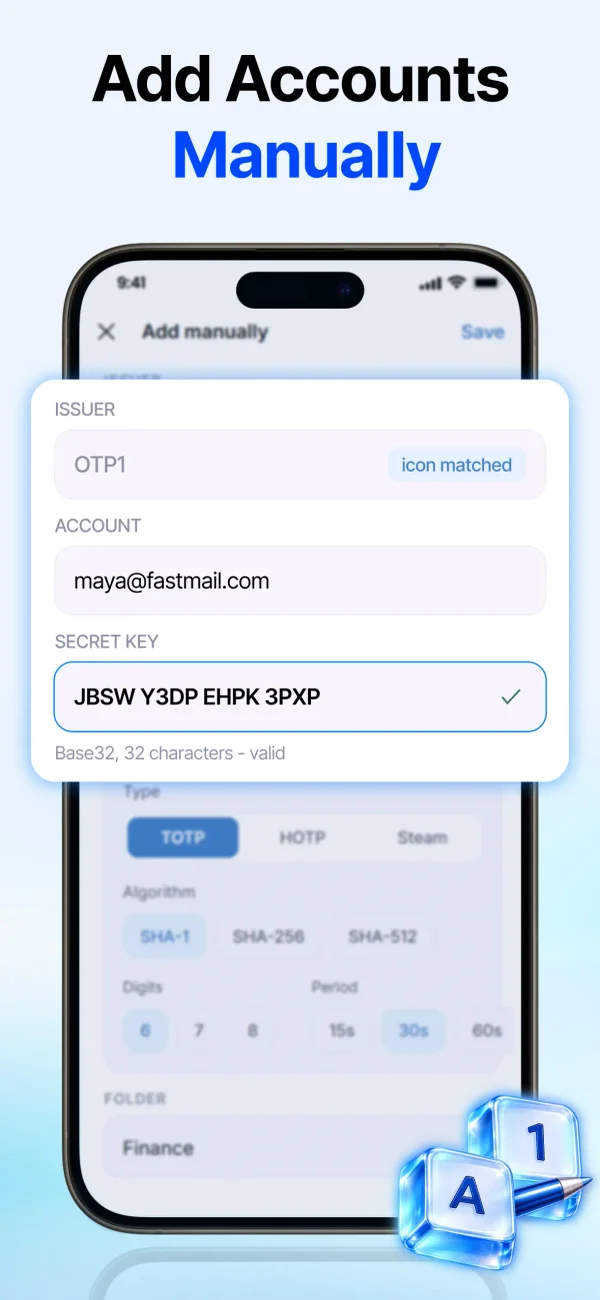
Generate TOTP and HOTP verification codes for compatible accounts. Add accounts by scanning a QR code, reading a supported QR image or entering a setup key manually.
Time-based codes are generated on your device and work offline after setup. Organize accounts with folders and favorites, find them with search, check the countdown and copy a code when you need it.
PASSWORDS AND 2FA TOGETHER
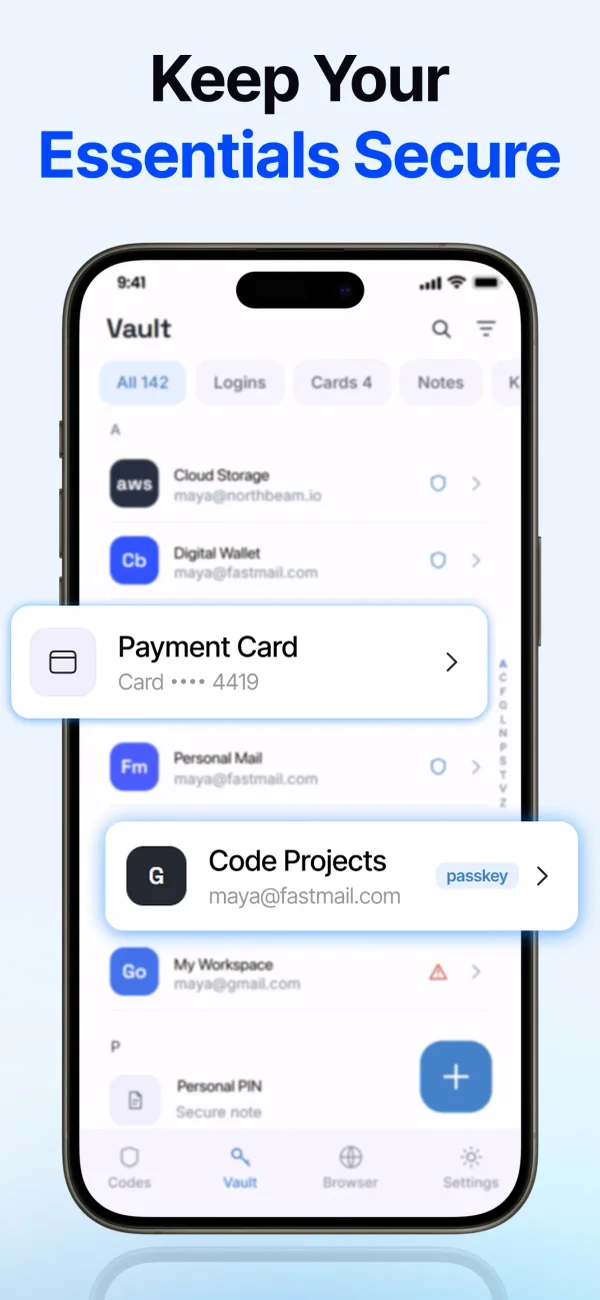
Store login details, payment card information and private notes. Link a verification code to its matching login so your username, password and code are easier to find. Add custom fields and review saved password history.
AUTOFILL WITH LESS TYPING
Enable autofill to use saved logins in supported apps and websites. Select the matching account and confirm access when prompted. Website matching helps you choose credentials for the address you are visiting.
PASSWORD GENERATOR AND HEALTH CHECKS
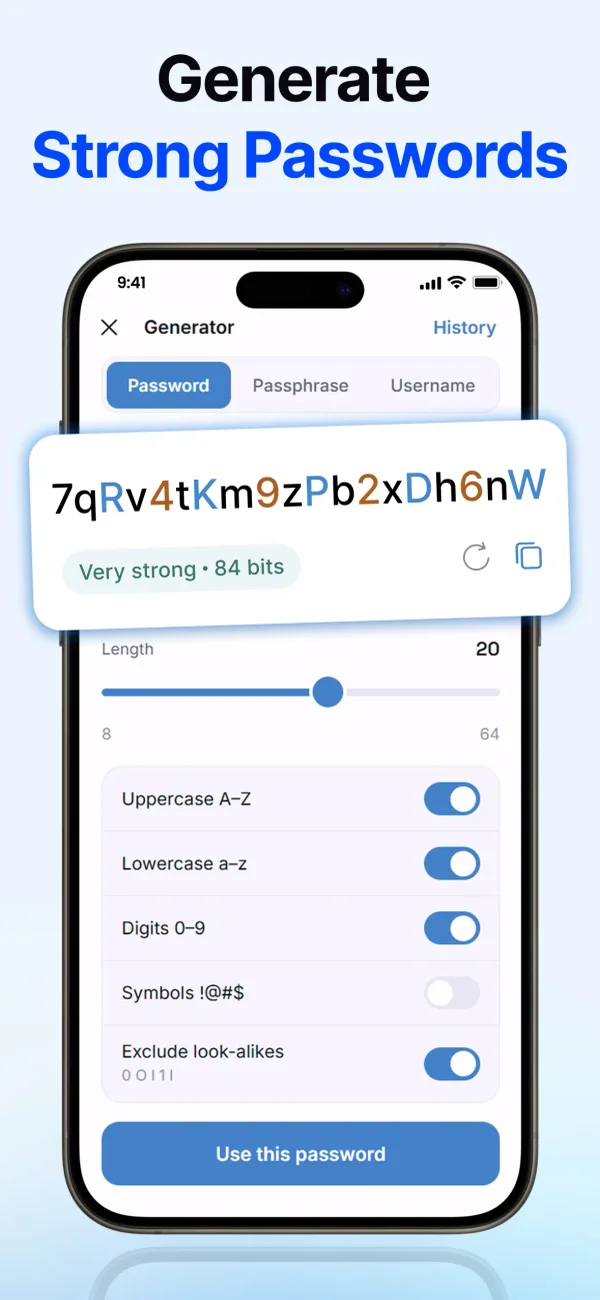
Create passwords and passphrases with adjustable settings. Choose password length and character types, or exclude characters that are easy to confuse.
Password Health helps identify weak or reused passwords and checks whether saved passwords appear in known breach data. Review affected entries and update your credentials with the relevant service.
LOCAL STORAGE OR OPTIONAL SYNC
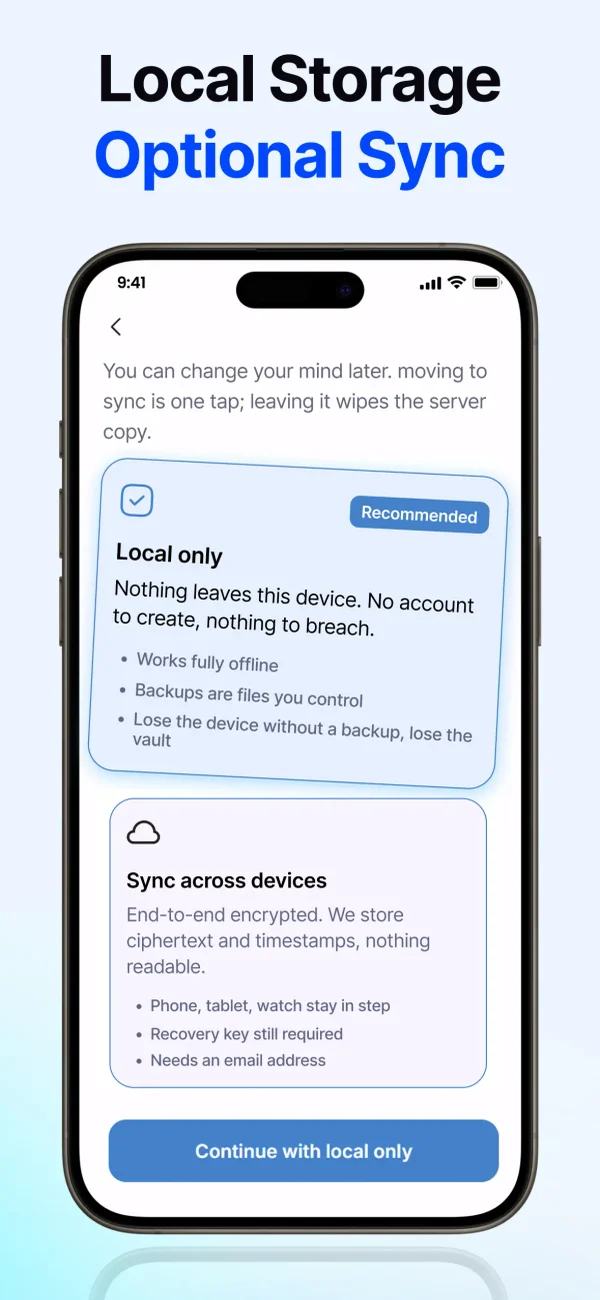
Keep your vault on your device or enable sync between supported devices. Select folders to sync, review connected devices and resolve conflicting changes.
BACKUP AND RESTORE
Create backups, set a backup schedule and restore from a compatible archive. Import and export supported formats when moving your data.
BUILT-IN BROWSER
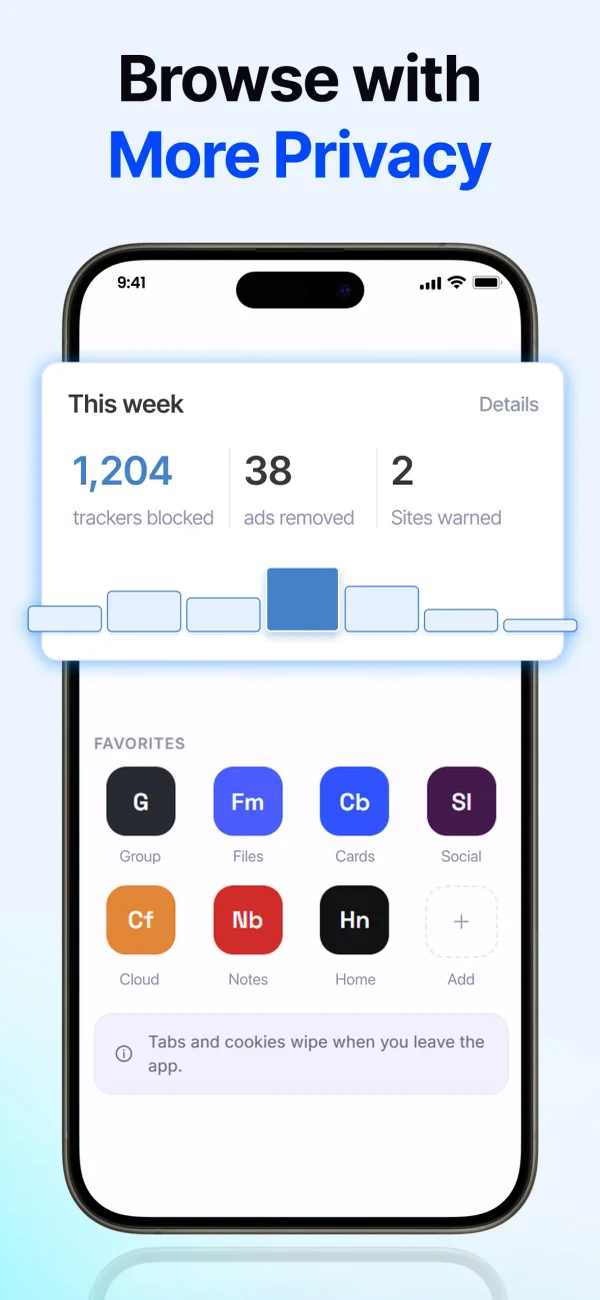
Browse with private tabs, tracker blocking and ad-blocking controls inside Authenticator App ². Access saved logins while browsing and view warnings for suspected phishing pages. Browser protections apply within the built-in browser and cannot detect every threat.
CONTROL ACCESS TO YOUR VAULT
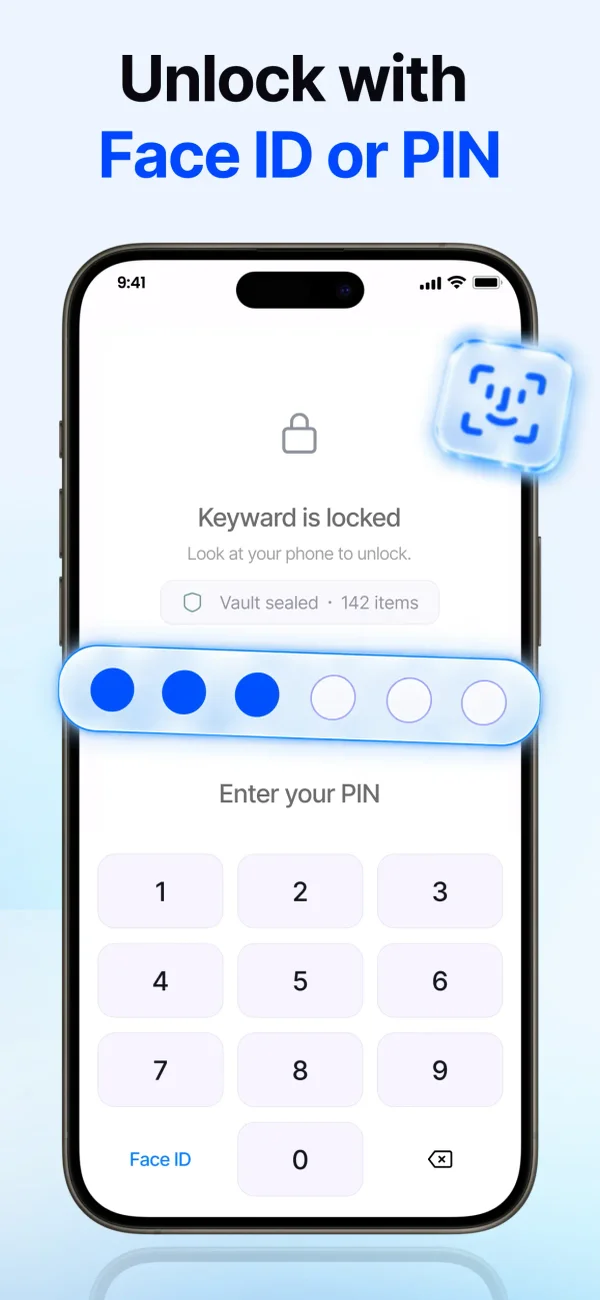
Use a master password, app PIN or supported biometric unlock. Configure automatic locking and clipboard clearing to suit your routine.
AVAILABILITY
Autofill and biometric features depend on your device and the app or website involved. Sync, online breach checks and browsing require an internet connection. Import and restore support depend on the source and file format.
Some features require a paid subscription. Available plans and included features are shown in the app before purchase.
Enable authenticator-based two-factor authentication with each service before using its codes. Authenticator App ² does not receive SMS verification codes or replace service-specific push approvals.
Keep your recovery information somewhere you can access without your phone.
SUBSCRIPTION & PURCHASE INFORMATION
- Unlock premium features with subscription: weekly, monthly and yearly.
- Payment will be charged to your iTunes Account at confirmation of purchase.
- Subscription automatically renews unless auto-renew is turned off at least 24 hours before the end of the current period.
- Account will be charged for renewal within 24 hours prior to the end of the current period.
- You can manage or turn off auto-renew in your Apple ID Account Settings any time after purchase.
Privacy Policy: https://xhao.app/privacy-policy
Terms of Service: https://xhao.app/terms-of-service
Yenilikler
Sürüm 0.0.3 · 20.11.2026
- Bug fixes and improvements.
Uygulama gizliliği
Bu uygulamanın verileri nasıl işlediği hakkında THI MY HAO TRAN tarafından App Store üzerinde yapılan beyan.
-
Sizi izlemek için kullanılan veriler
Başka şirketlere ait uygulamalarda ve web sitelerinde sizi izlemek için kullanılabilir.
- Tanımlayıcılar
-
Sizinle ilişkilendirilen veriler
Toplanabilir ve kimliğinizle ilişkilendirilebilir.
- Tanımlayıcılar
-
Sizinle ilişkilendirilmeyen veriler
Toplanabilir ancak kimliğinizle ilişkilendirilmez.
- Kullanım verileri
- Tanılama
Gizlilik uygulamaları, örneğin kullandığınız özelliklere veya yaşınıza göre değişiklik gösterebilir.
Bilgiler
- Satıcı
- THI MY HAO TRAN
- Kategori
- Yardımcılar
- Sürüm
- 0.0.3
- Güncellendi
- 20.11.2026
- Yayın tarihi
- 06.11.2026
- Boyut
- 138,5 MB
- Gereksinim
- iOS 15.5 veya sonrası
- Yaş sınırı
- 4+
- Fiyat
- Ücretsiz
- Uygulama içi satın alma
- Evet
- Diller
- İngilizce, Arapça, Fransızca, Almanca, Hindi, Endonezce, Korece, Portekizce, Basitleştirilmiş Çince, İspanyolca, Tayca, Türkçe + 1 dil daha
- Telif hakkı
- ©2026 XHAO.APP
Bunları da beğenebilirsiniz
-
 Beekeeper: Scam DefenseYardımcılar
-
 Go Fly 4: Drone Remote ControlYardımcılar
-
 SpaceCleaner-Clean My PhoneYardımcılar
-
 AI Photo Cleanup & Cache ClearYardımcılar
-
 利益計算 PROYardımcılar
-
 Cleaner: Photo & Video CleamIAYardımcılar
-
 MeetiX: AI Toplantı NotlarıKaydet, Yazıya Dönüştür
-
 Declutter: Smart Photo CleanerYardımcılar
-
 HiClean Foto Video TemizleyiciAlan aç, aynı fotoğrafları sil
-
 Authenticator App - OTP & 2FAYardımcılar