
Vaultmio: Authenticator
Password Vault & Autofill
Được thiết kế cho iPhone, iPad, iPod touch
Miễn phí · Mua hàng trong ứng dụng
- Độ tuổi4+
- Danh mụcTiện Ích
- Nhà phát triểnTHI MY HAO TRAN
- Ngôn ngữTiếng Anh+ 12 ngôn ngữ khác
- Kích thước138,5 MB
Liên kết đến trang App Store chính thức
Download.org không lưu trữ tệp nào của Vaultmio: Authenticator. Nút này mở trang ứng dụng trên App Store, nơi THI MY HAO TRAN phát hành ứng dụng. Trang được kiểm tra lần cuối: 23/11/2026.
Ảnh chụp màn hình
Giới thiệu
Nhà phát triển chưa cung cấp nội dung này bằng ngôn ngữ của bạn.
Manage your passwords and 2FA codes in one place.
Authenticator App ² combines an authenticator, password vault and autofill to help you manage everyday sign-ins. Link a saved login with its verification code, review password health, and choose local storage or optional sync.
AUTHENTICATOR AND OFFLINE CODES
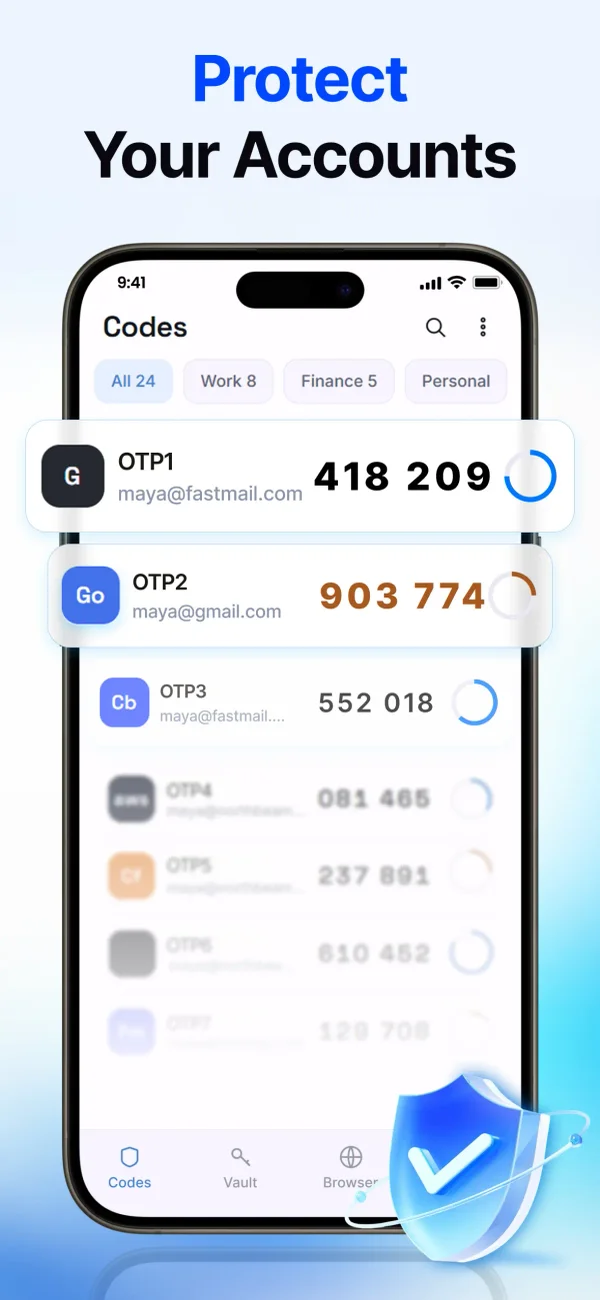
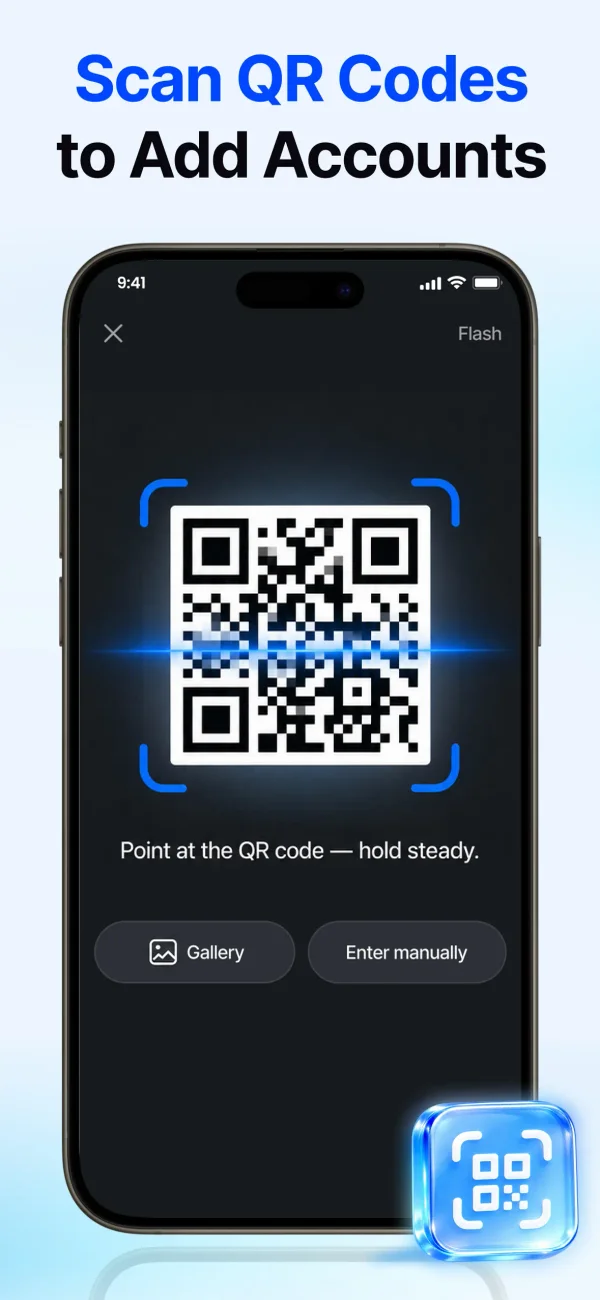
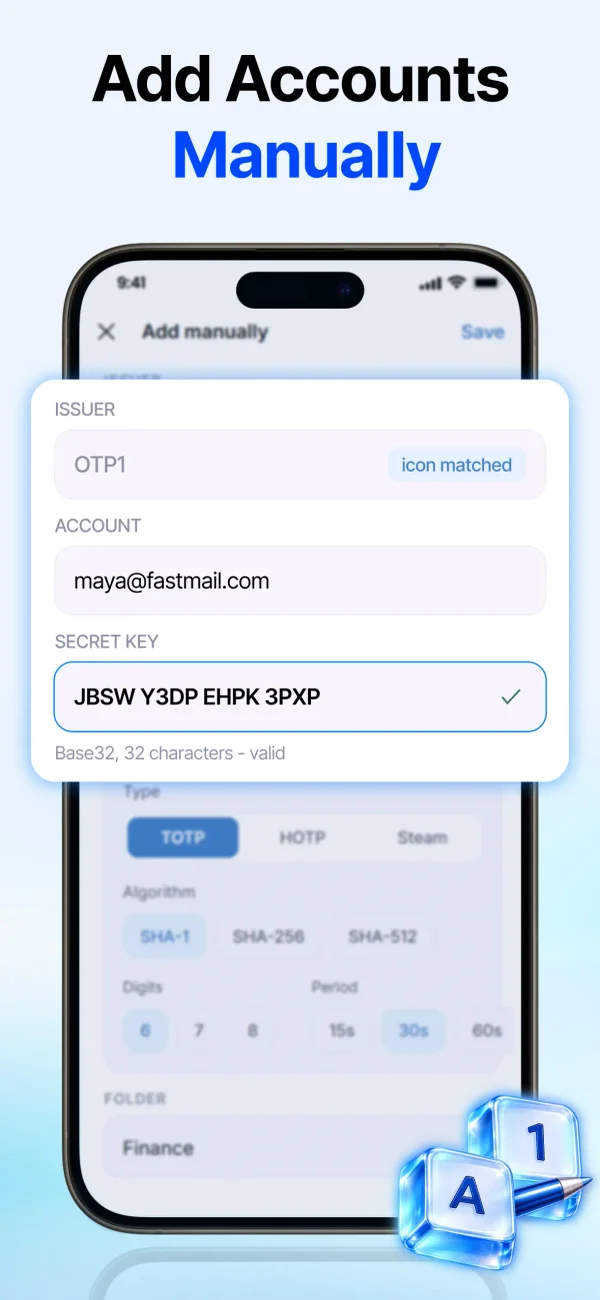
Generate TOTP and HOTP verification codes for compatible accounts. Add accounts by scanning a QR code, reading a supported QR image or entering a setup key manually.
Time-based codes are generated on your device and work offline after setup. Organize accounts with folders and favorites, find them with search, check the countdown and copy a code when you need it.
PASSWORDS AND 2FA TOGETHER
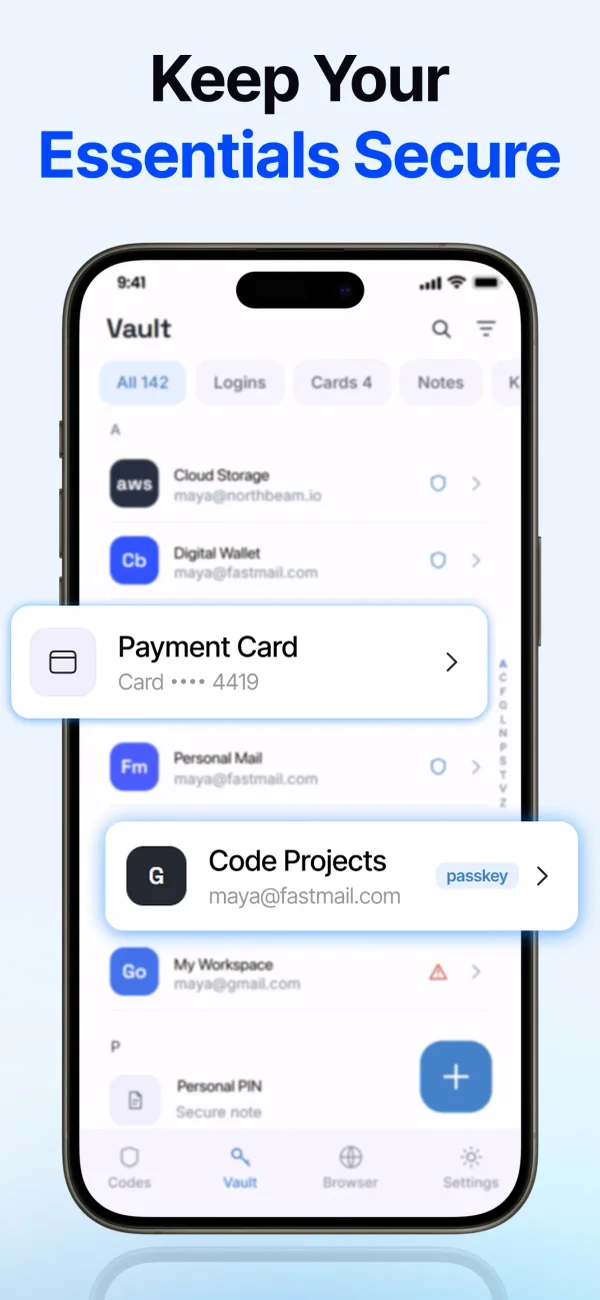
Store login details, payment card information and private notes. Link a verification code to its matching login so your username, password and code are easier to find. Add custom fields and review saved password history.
AUTOFILL WITH LESS TYPING
Enable autofill to use saved logins in supported apps and websites. Select the matching account and confirm access when prompted. Website matching helps you choose credentials for the address you are visiting.
PASSWORD GENERATOR AND HEALTH CHECKS
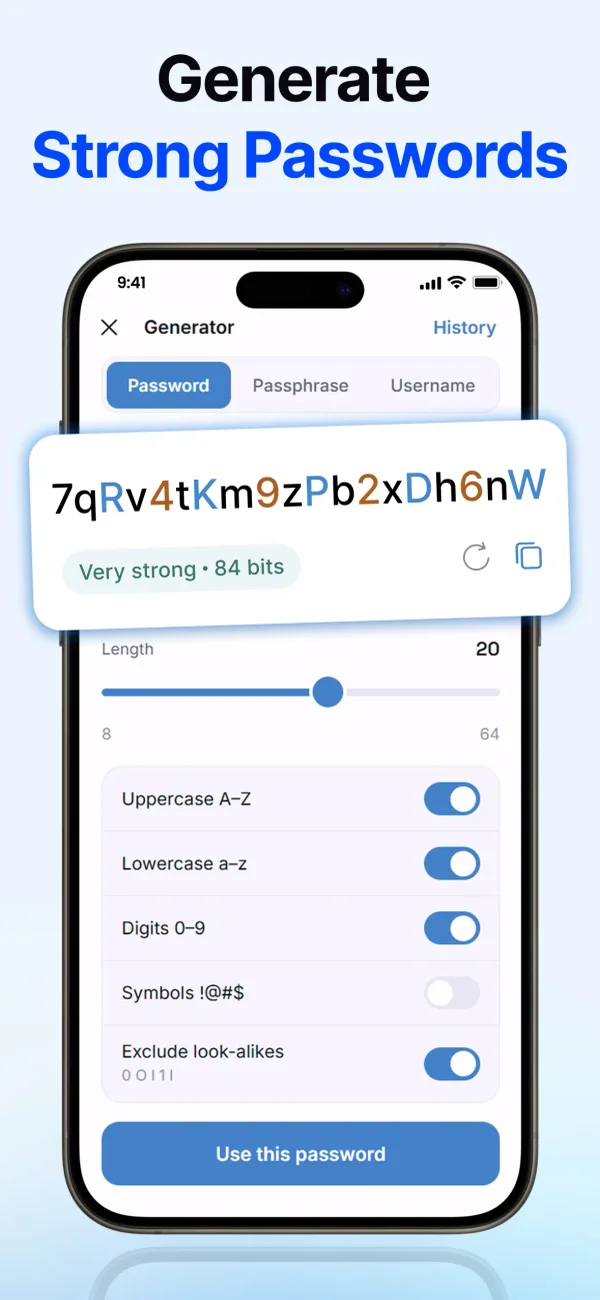
Create passwords and passphrases with adjustable settings. Choose password length and character types, or exclude characters that are easy to confuse.
Password Health helps identify weak or reused passwords and checks whether saved passwords appear in known breach data. Review affected entries and update your credentials with the relevant service.
LOCAL STORAGE OR OPTIONAL SYNC
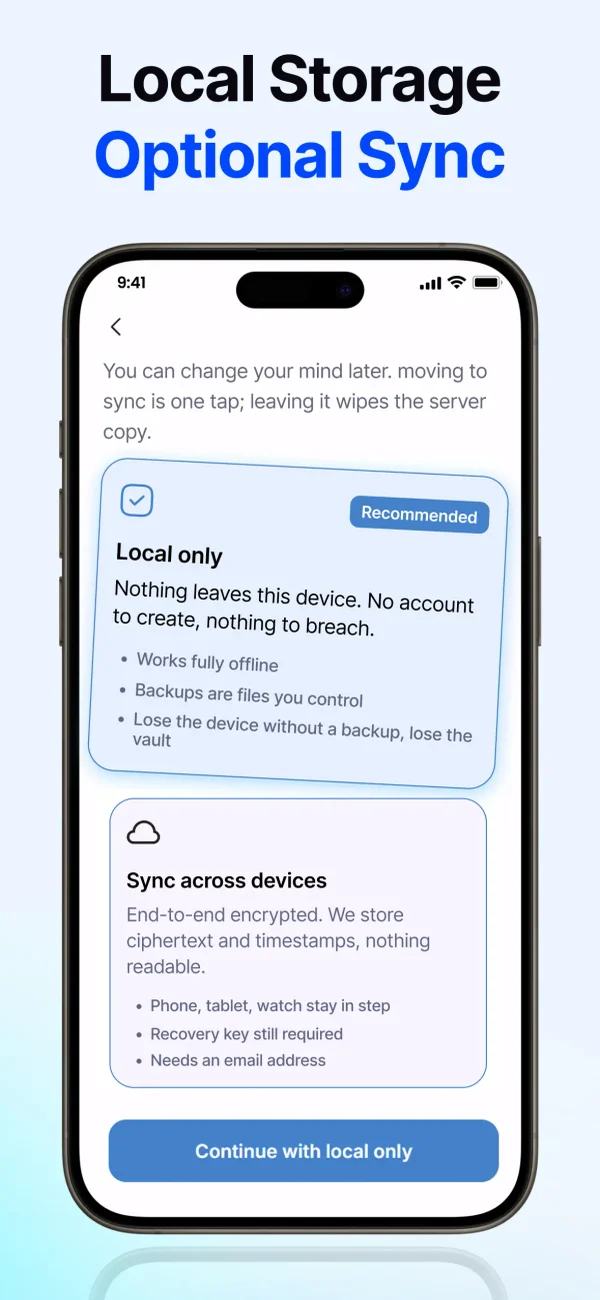
Keep your vault on your device or enable sync between supported devices. Select folders to sync, review connected devices and resolve conflicting changes.
BACKUP AND RESTORE
Create backups, set a backup schedule and restore from a compatible archive. Import and export supported formats when moving your data.
BUILT-IN BROWSER
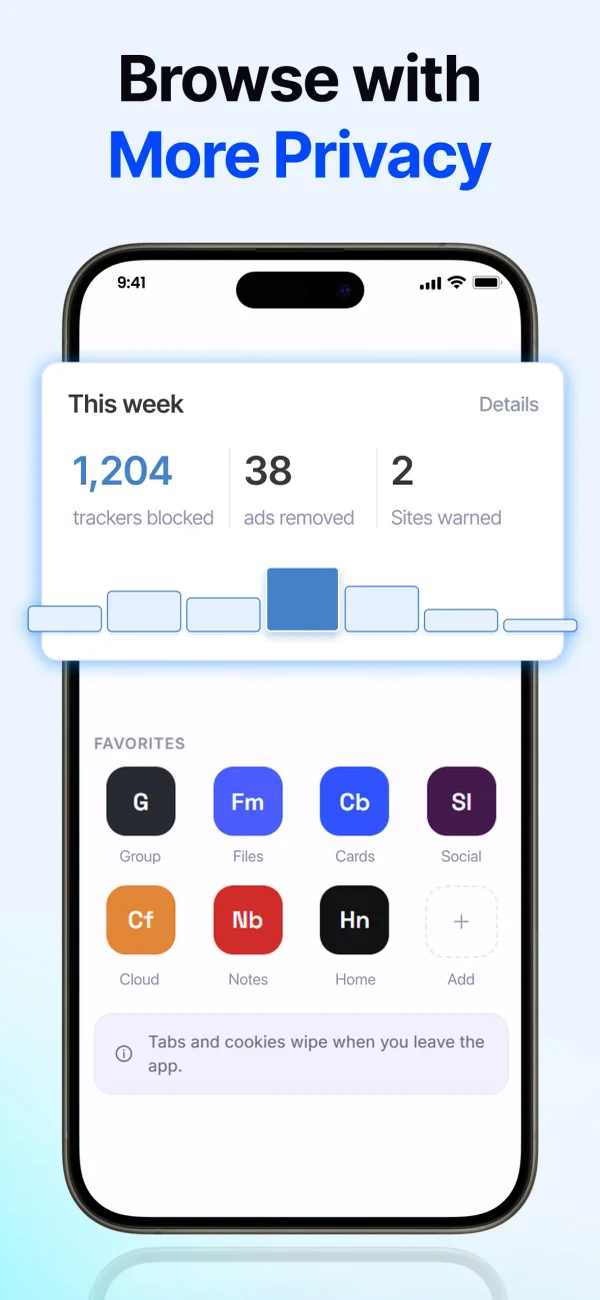
Browse with private tabs, tracker blocking and ad-blocking controls inside Authenticator App ². Access saved logins while browsing and view warnings for suspected phishing pages. Browser protections apply within the built-in browser and cannot detect every threat.
CONTROL ACCESS TO YOUR VAULT
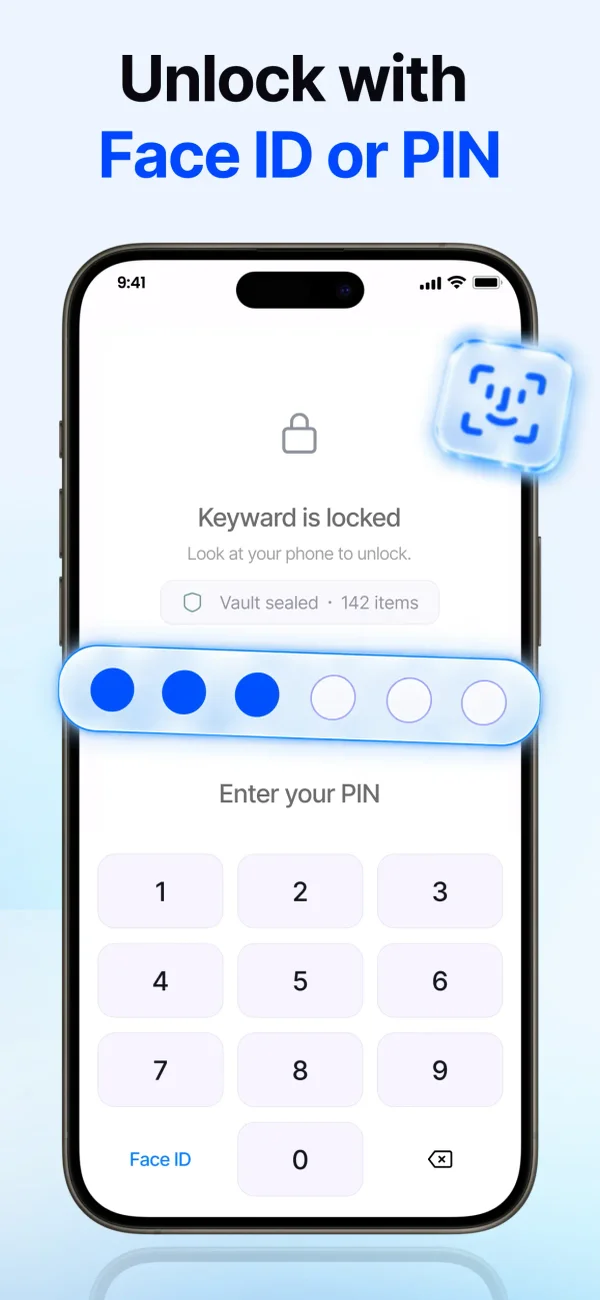
Use a master password, app PIN or supported biometric unlock. Configure automatic locking and clipboard clearing to suit your routine.
AVAILABILITY
Autofill and biometric features depend on your device and the app or website involved. Sync, online breach checks and browsing require an internet connection. Import and restore support depend on the source and file format.
Some features require a paid subscription. Available plans and included features are shown in the app before purchase.
Enable authenticator-based two-factor authentication with each service before using its codes. Authenticator App ² does not receive SMS verification codes or replace service-specific push approvals.
Keep your recovery information somewhere you can access without your phone.
SUBSCRIPTION & PURCHASE INFORMATION
- Unlock premium features with subscription: weekly, monthly and yearly.
- Payment will be charged to your iTunes Account at confirmation of purchase.
- Subscription automatically renews unless auto-renew is turned off at least 24 hours before the end of the current period.
- Account will be charged for renewal within 24 hours prior to the end of the current period.
- You can manage or turn off auto-renew in your Apple ID Account Settings any time after purchase.
Privacy Policy: https://xhao.app/privacy-policy
Terms of Service: https://xhao.app/terms-of-service
Có gì mới
Phiên bản 0.0.3 · 20/11/2026
- Bug fixes and improvements.
Quyền riêng tư của ứng dụng
Những gì THI MY HAO TRAN khai báo trên App Store về cách ứng dụng này xử lý dữ liệu.
-
Dữ liệu được sử dụng để theo dõi bạn
Có thể được sử dụng để theo dõi bạn trên các ứng dụng và trang web do công ty khác sở hữu.
- Mã định danh
-
Dữ liệu liên kết với bạn
Có thể được thu thập và liên kết với danh tính của bạn.
- Mã định danh
-
Dữ liệu không liên kết với bạn
Có thể được thu thập nhưng không liên kết với danh tính của bạn.
- Dữ liệu sử dụng
- Chẩn đoán
Phương thức đảm bảo quyền riêng tư có thể khác nhau, chẳng hạn như tuỳ theo các tính năng bạn sử dụng hoặc độ tuổi của bạn.
Thông tin
- Người bán
- THI MY HAO TRAN
- Danh mục
- Tiện Ích
- Phiên bản
- 0.0.3
- Cập nhật
- 20/11/2026
- Phát hành
- 06/11/2026
- Kích thước
- 138,5 MB
- Yêu cầu
- iOS 15.5 trở lên
- Độ tuổi
- 4+
- Giá
- Miễn phí
- Mua hàng trong ứng dụng
- Có
- Ngôn ngữ
- Tiếng Anh, Tiếng Ả Rập, Tiếng Pháp, Tiếng Đức, Hindi, Tiếng Indonesia, Tiếng Hàn, Tiếng Bồ Đào Nha, Tiếng Trung Giản thể, Tiếng Tây Ban Nha, Tiếng Thái, Tiếng Thổ Nhĩ Kỳ + 1 ngôn ngữ khác
- Bản quyền
- ©2026 XHAO.APP
Có thể bạn cũng thích
-
 Beekeeper: Scam DefenseTiện Ích
-
 Go Fly 4: Drone Remote ControlTiện Ích
-
 SpaceCleaner-Clean My PhoneTiện Ích
-
 AI Photo Cleanup & Cache ClearTiện Ích
-
 利益計算 PROTiện Ích
-
 Cleaner: Photo & Video CleamIATiện Ích
-
 MeetiX: Ghi chú họp AIGhi âm, chuyển đổi & tóm tắt
-
 Declutter: Smart Photo CleanerTiện Ích
-
 HiClean Photo Video CleanerTiện Ích
-
 Authenticator App - OTP & 2FATiện Ích