
- 対象年齢4+
- カテゴリユーティリティ
- 開発元Technesium Solutions Pvt Ltd
- 言語英語
- サイズ5.1 MB
App Storeの公式ページにリンクしています
Download.orgはWhereFiのファイルを一切ホストしていません。ボタンを押すと、Technesium Solutions Pvt Ltdが公開しているApp Storeのアプリページが開きます。ページの最終確認:2026/11/21。
スクリーンショット

概要
開発元はこのテキストをお使いの言語で提供していません。
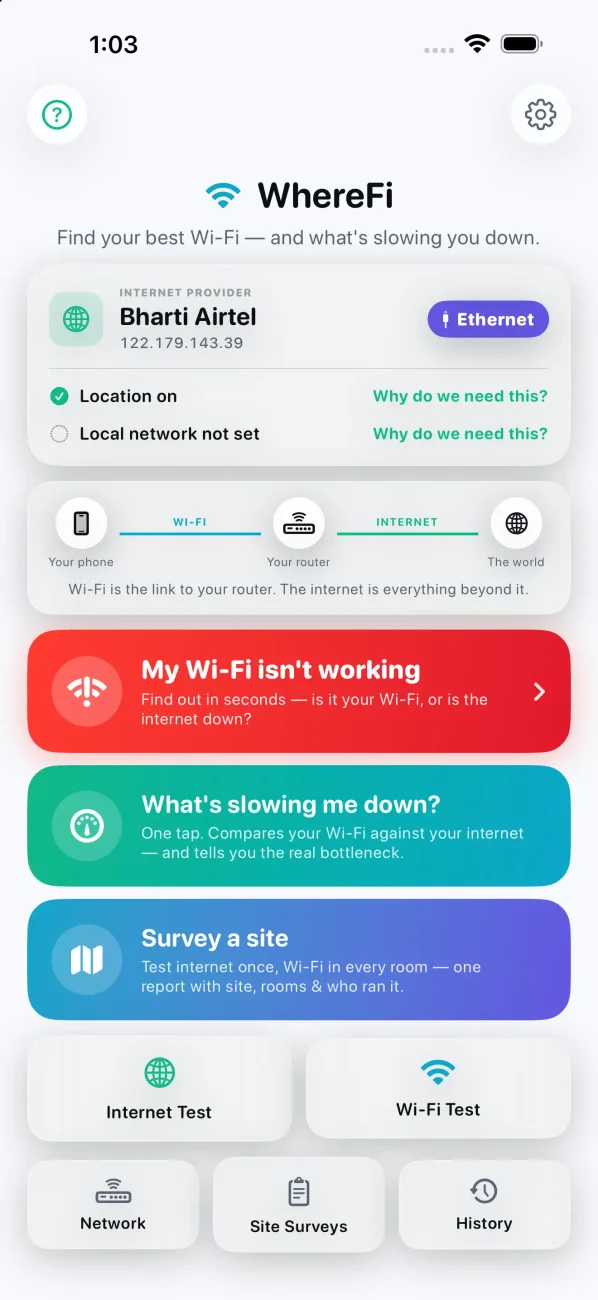
Your Wi-Fi is not your internet. WhereFi tells you which one is actually the problem — in about ten seconds.
WHEN SOMETHING ISN'T WORKING
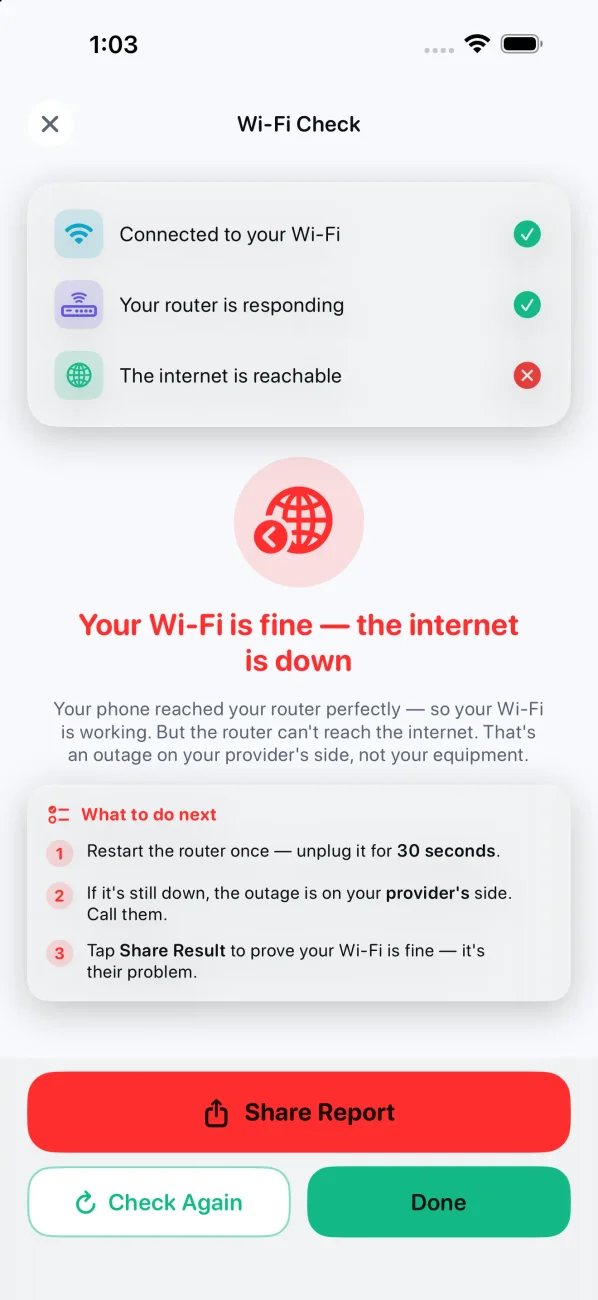
Tap "My Wi-Fi isn't working". WhereFi checks three things in order — are you on Wi-Fi, is your router answering, is the internet reachable — and gives you a plain-English verdict with numbered steps for what to do next. It will tell you honestly when your Wi-Fi is fine and the outage is your provider's, so you call the right people.
WHEN SOMETHING IS SLOW
Tap "What's slowing me down?". WhereFi measures your Wi-Fi link and your internet side by side, compares both against the plan you actually pay for, and names the real bottleneck: your Wi-Fi, your internet, or your plan.
THE TWO TESTS, ON THEIR OWN
- Internet Speed - real download and upload against Cloudflare's global network.
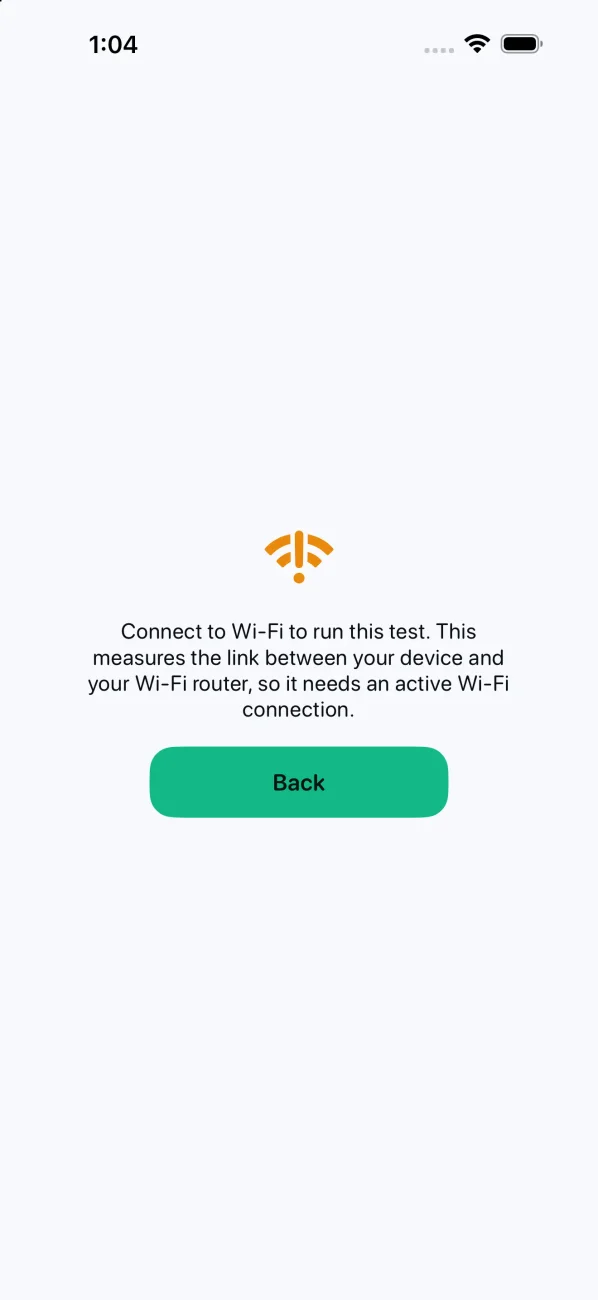
- Wi-Fi Speed - the link between your device and your router, measured offline with latency, jitter and packet loss, rated Excellent to Poor. No internet needed.
SURVEY A WHOLE BUILDING
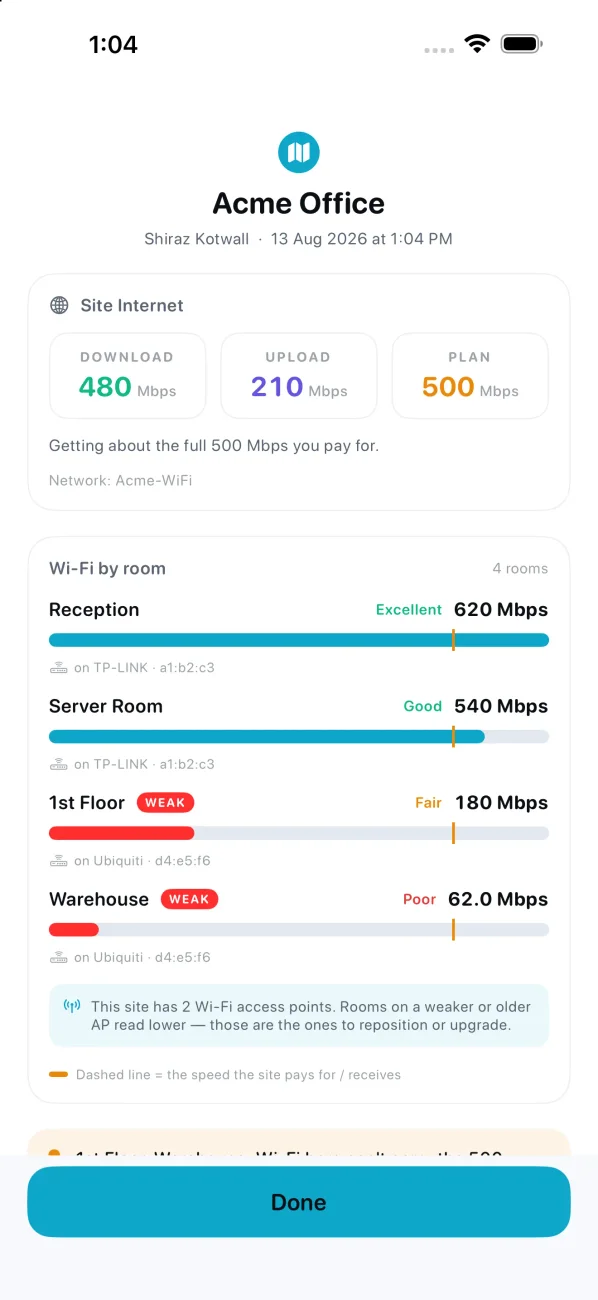
Test the internet once, then walk room to room testing Wi-Fi. WhereFi builds one report showing every room, which access point served it, and where the weak spots are — ideal if you have mesh points or extenders and need to know which one is underperforming.
EVERY TEST IS SAVED
Every check you run is recorded automatically — no save buttons. Open History and re-read any report, or share it as a clean image.
KNOW YOUR NETWORK
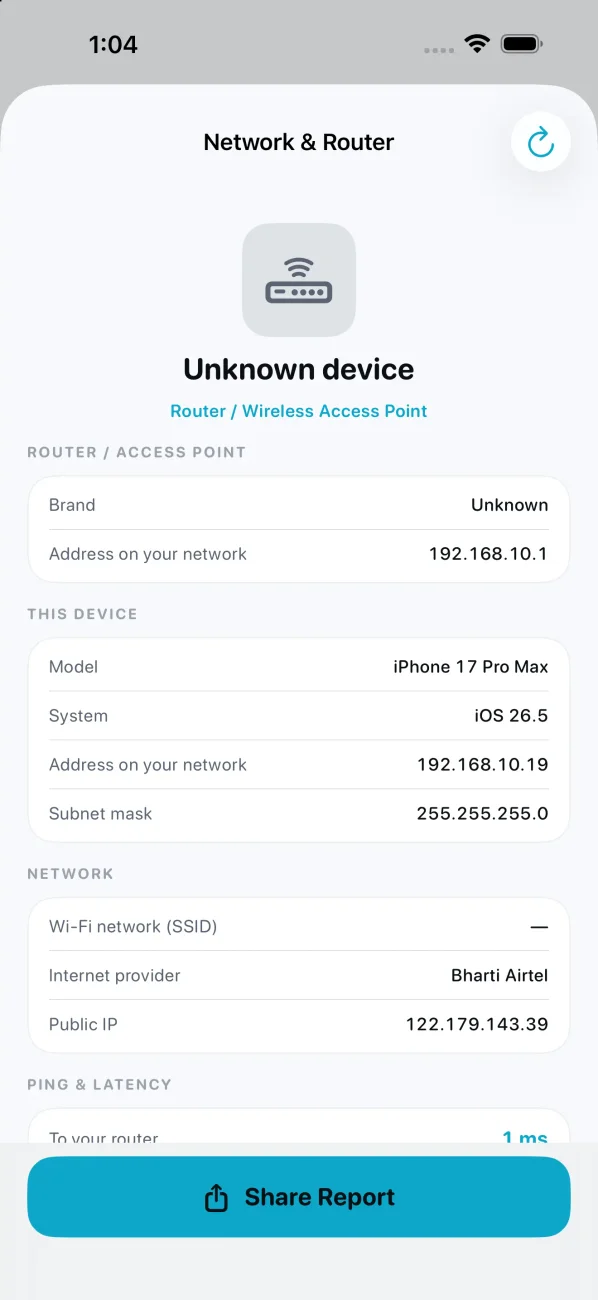
Your provider, your router's brand, its MAC/BSSID and address, your device details, and live ping to both your router and the internet.
PRIVATE BY DESIGN
No ads. No account. No analytics. Nothing is uploaded. Location is used only to read your Wi-Fi network name — your position is never recorded or stored. Local Network access is used only to talk to your own router. Everything stays on your device unless you tap Share.
HONEST BY DESIGN
iOS doesn't let apps read raw signal strength (dBm), Wi-Fi band, or channel — so we don't pretend to. We measure what can genuinely be measured: real throughput and real link quality.
Works on iPhone, iPad and Mac, with an Apple Watch app for internet speed tests from your wrist.
Note: the Wi-Fi Speed test measures your local wireless link, not your internet plan — it can legitimately read faster than your broadband. That's your Wi-Fi doing its job.
新機能
バージョン 1.0.2 · 2026/9/16
WhereFi Pro is here.
• Unlimited site surveys and rooms, and your whole test history — a one-time purchase, no subscription.
• Your public IP on the home screen.
• Working out what's wrong stays free: both speed tests, "What's slowing me down?", the Wi-Fi check and Network & Router details.
• Turned on Pro in an earlier version? You keep it.
アプリのプライバシー
このアプリのデータの取り扱いについて、Technesium Solutions Pvt LtdがApp Storeで申告している内容です。
-
データの収集なし
開発元はこのアプリからデータを収集しません。
プライバシーの取り扱いは、ご利用の機能やお客様の年齢などに応じて異なる場合があります。
情報
- 販売元
- TECHNESIUM SOLUTIONS PRIVATE LIMITED
- カテゴリ
- ユーティリティ
- バージョン
- 1.0.2
- 更新日
- 2026/9/16
- リリース
- 2026/9/9
- サイズ
- 5.1 MB
- 必要条件
- iOS 17.0以降
- 対象年齢
- 4+
- 価格
- 無料
- アプリ内課金
- あり
- 言語
- 英語
- 著作権
- © 2026 Technesium Solutions Pvt Ltd