- 対象年齢12+
- カテゴリユーティリティ
- 開発元深圳市云伽未来智能技术有限公司
- 言語英語ほか3言語
- サイズ3.3 MB
App Storeの公式ページにリンクしています
Download.orgはXTOOL TPMSのファイルを一切ホストしていません。ボタンを押すと、深圳市云伽未来智能技术有限公司が公開しているApp Storeのアプリページが開きます。ページの最終確認:2026/11/16。
スクリーンショット

概要
開発元はこのテキストをお使いの言語で提供していません。
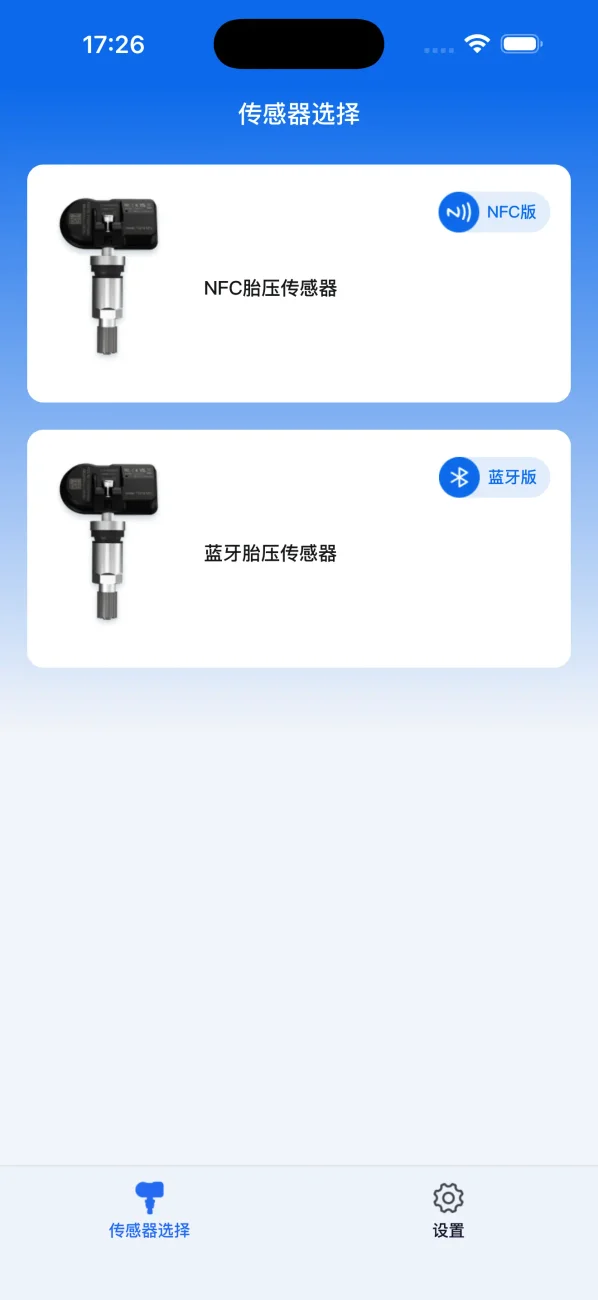
Our application focuses on optimizing user experience and offers extremely convenient operations. Even users with limited knowledge of the Tire Pressure Monitoring System (TPMS) can easily complete various operations.
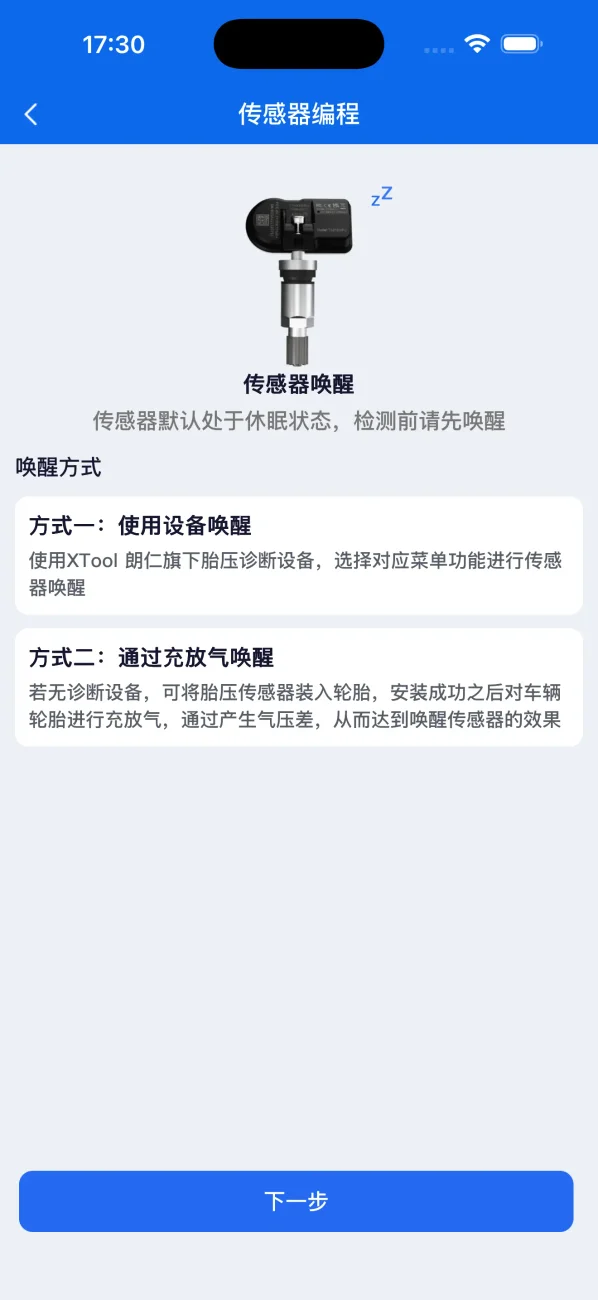
Sensor Programming
Before using the programming function, you need to select the corresponding vehicle model. The first step is that you must choose China, America, Europe, Japan, or Australia to access the vehicle database corresponding to your region. After selecting the region, you select the required vehicle brand, model, and year. After the selection is completed, you enter the corresponding relearn type (Automatic Relearn , Stationary Relearn, OBD Relearn, Clone Relearn,Indirect). After understanding the operation steps, the next step is to select the programming method. You can choose automatic Programming or Manual Programming. After the selection is completed and the application obtains the sensor ID, you enter the next step. There is an animation on the page showing the correct schematic diagram of the sensor sensing the mobile phone NFC. You click "Start Programming", and the application will program the sensor. After the programming is completed, the page will inform you whether the programming is successful or failed. If the programming is successful, you click Next to enter the learning guide page. If the programming fails, you can choose to retry.
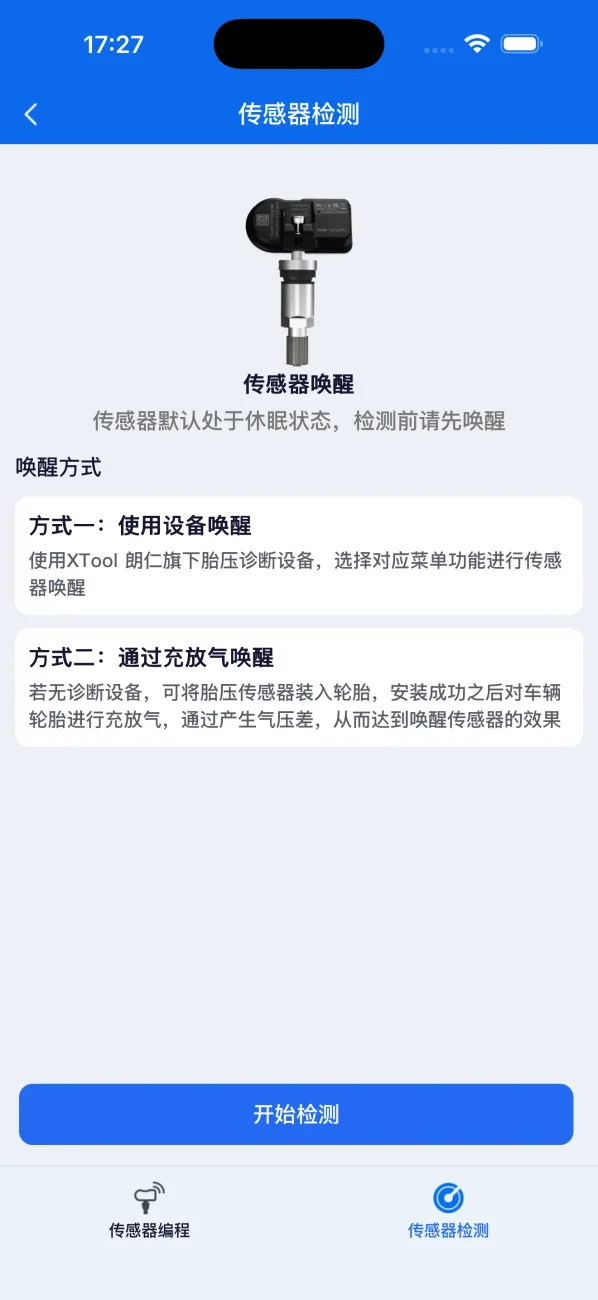
Sensor Detection
Our sensor detection only supports detecting XTOOL sensors. The detection content includes sensor ID, part number, printed No. , voltage, temperature,Boot version, programming date, and programming device model.
Settings
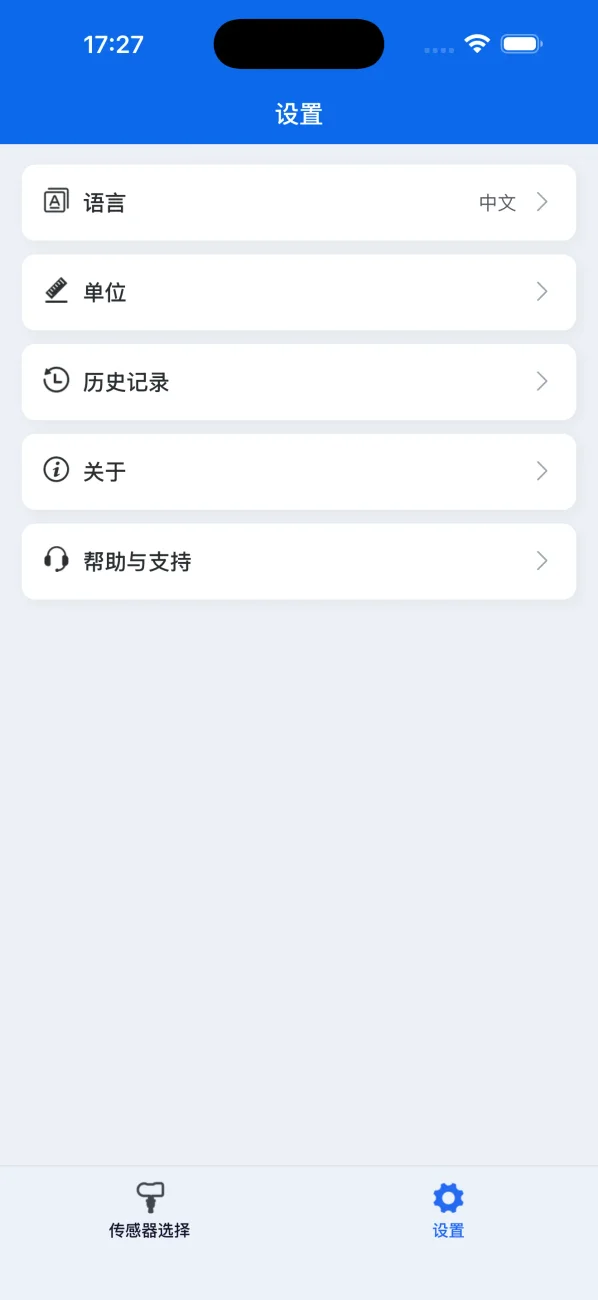
You can configure language, unit, and market region in the Settings. Additionally, you can view the historical records of using "Sensor Programming", as well as the app's version number and privacy policy. Moreover, if you encounter any issues while using the app, you can seek effective solutions in the "Help and Support" section.
新機能
バージョン 1.0.2 · 2026/8/21
Optimize performance and enhance the experience
アプリのプライバシー
このアプリのデータの取り扱いについて、深圳市云伽未来智能技术有限公司がApp Storeで申告している内容です。
-
データの収集なし
開発元はこのアプリからデータを収集しません。
プライバシーの取り扱いは、ご利用の機能やお客様の年齢などに応じて異なる場合があります。
情報
- 販売元
- Shenzhen Yunjia Future Intelligent Technology Co., Ltd.
- カテゴリ
- ユーティリティ
- バージョン
- 1.0.2
- 更新日
- 2026/8/21
- リリース
- 2025/1/21
- サイズ
- 3.3 MB
- 必要条件
- iOS 13.0以降
- 対象年齢
- 12+
- 価格
- 無料
- 言語
- 英語, 簡体字中国語, スペイン語, 繁体字中国語
- 著作権
- © 2024 YunJia Inc.