XTOOL TPMS
Tire Pressure Sensor、NFC
Được thiết kế cho iPhone, iPod touch
Miễn phí
- Độ tuổi12+
- Danh mụcTiện Ích
- Nhà phát triển深圳市云伽未来智能技术有限公司
- Ngôn ngữTiếng Anh+ 3 ngôn ngữ khác
- Kích thước3,3 MB
Liên kết đến trang App Store chính thức
Download.org không lưu trữ tệp nào của XTOOL TPMS. Nút này mở trang ứng dụng trên App Store, nơi 深圳市云伽未来智能技术有限公司 phát hành ứng dụng. Trang được kiểm tra lần cuối: 16/11/2026.
Ảnh chụp màn hình
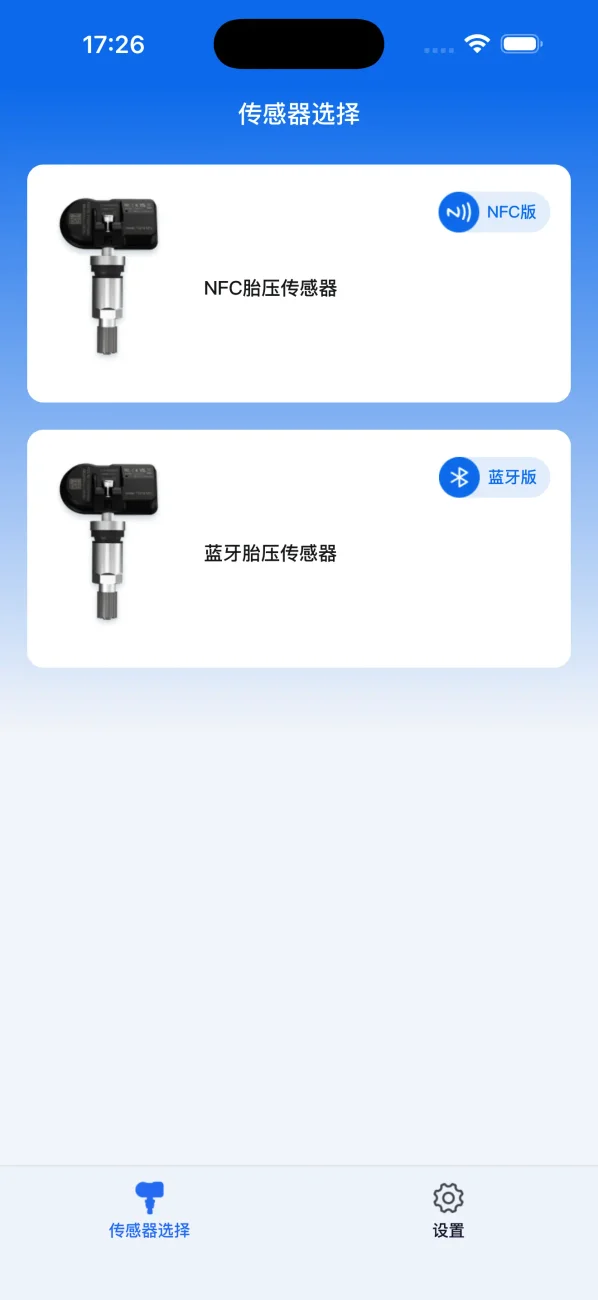
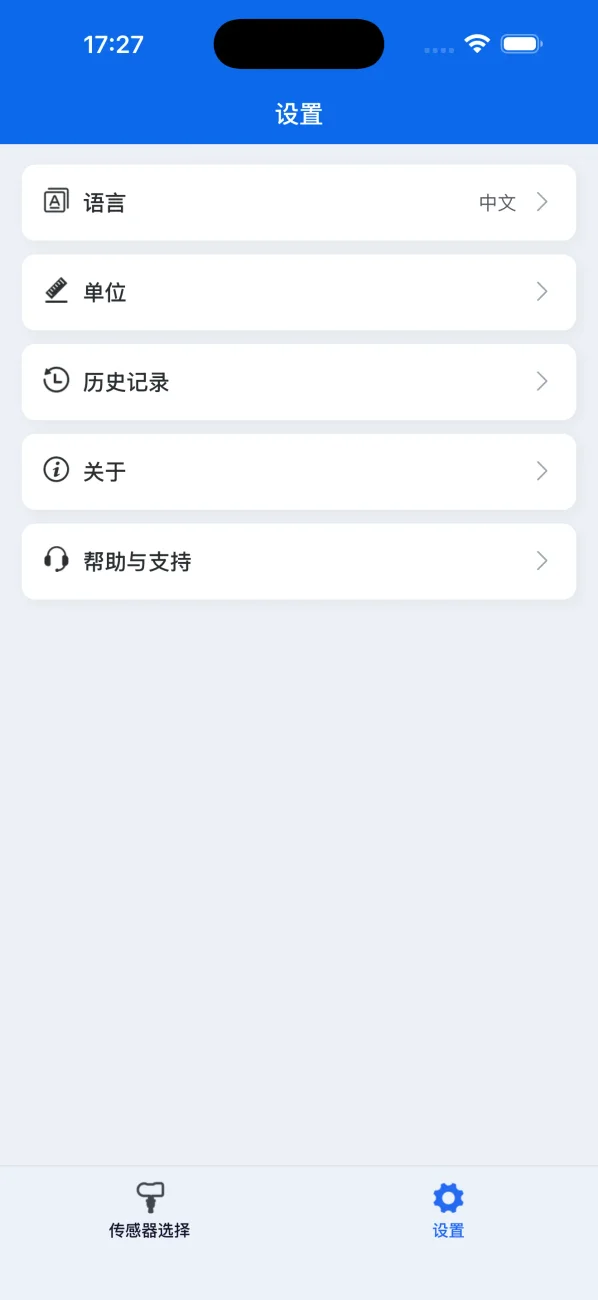
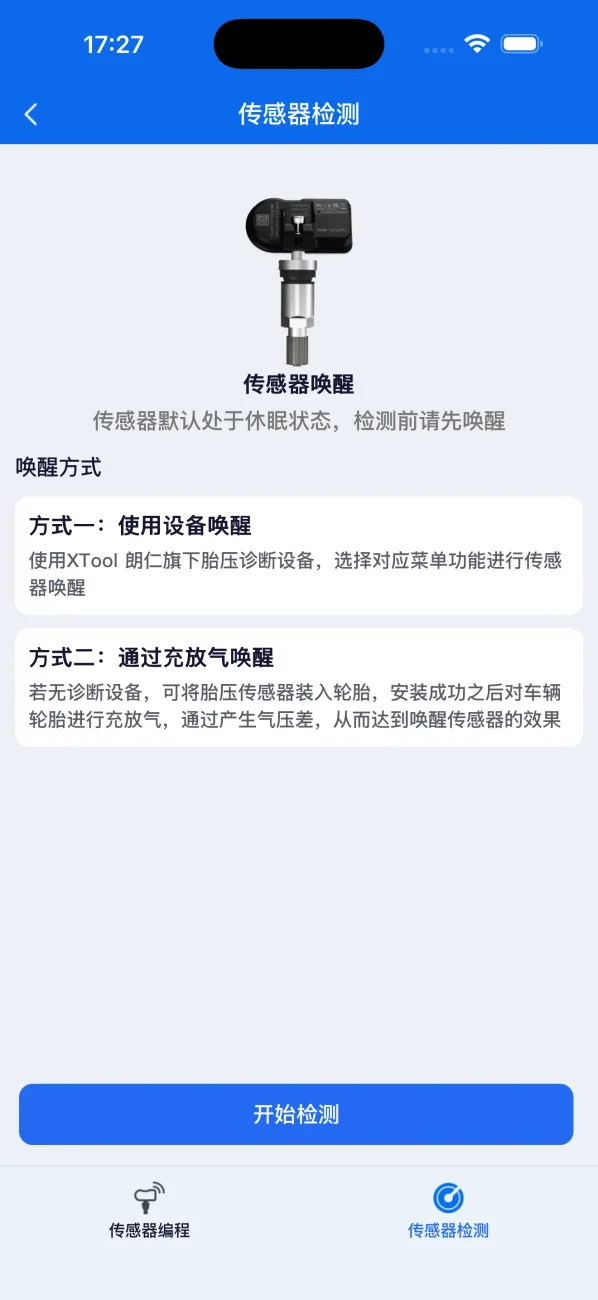

Giới thiệu
Nhà phát triển chưa cung cấp nội dung này bằng ngôn ngữ của bạn.
Our application focuses on optimizing user experience and offers extremely convenient operations. Even users with limited knowledge of the Tire Pressure Monitoring System (TPMS) can easily complete various operations.
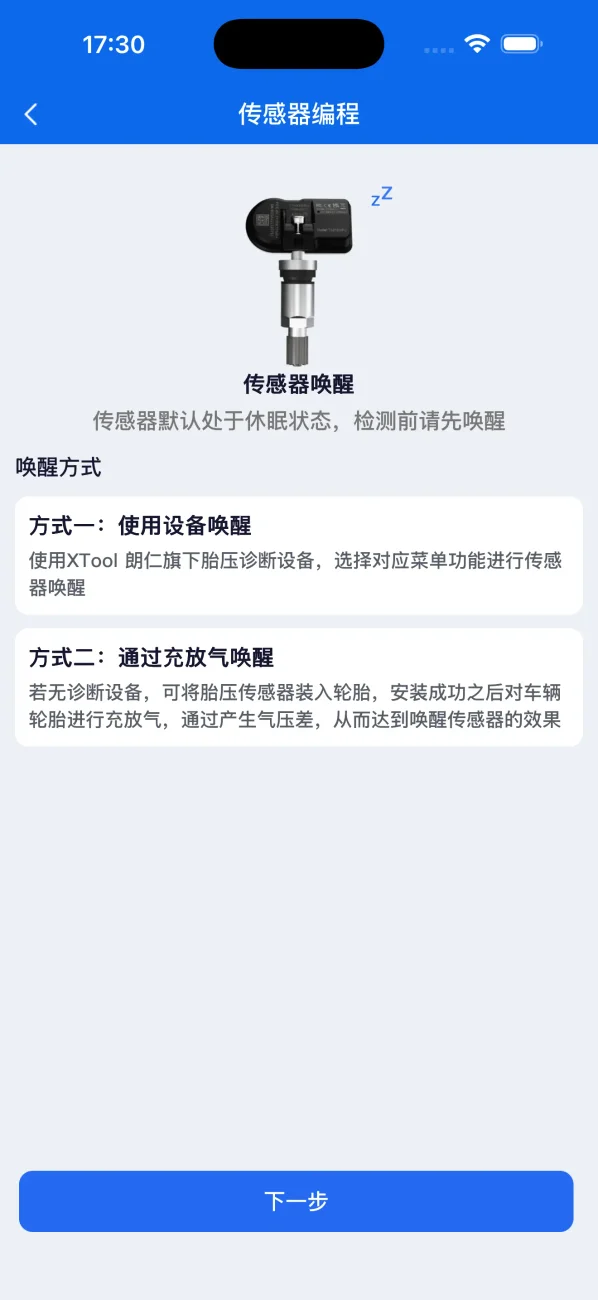
Sensor Programming
Before using the programming function, you need to select the corresponding vehicle model. The first step is that you must choose China, America, Europe, Japan, or Australia to access the vehicle database corresponding to your region. After selecting the region, you select the required vehicle brand, model, and year. After the selection is completed, you enter the corresponding relearn type (Automatic Relearn , Stationary Relearn, OBD Relearn, Clone Relearn,Indirect). After understanding the operation steps, the next step is to select the programming method. You can choose automatic Programming or Manual Programming. After the selection is completed and the application obtains the sensor ID, you enter the next step. There is an animation on the page showing the correct schematic diagram of the sensor sensing the mobile phone NFC. You click "Start Programming", and the application will program the sensor. After the programming is completed, the page will inform you whether the programming is successful or failed. If the programming is successful, you click Next to enter the learning guide page. If the programming fails, you can choose to retry.
Sensor Detection
Our sensor detection only supports detecting XTOOL sensors. The detection content includes sensor ID, part number, printed No. , voltage, temperature,Boot version, programming date, and programming device model.
Settings
You can configure language, unit, and market region in the Settings. Additionally, you can view the historical records of using "Sensor Programming", as well as the app's version number and privacy policy. Moreover, if you encounter any issues while using the app, you can seek effective solutions in the "Help and Support" section.
Có gì mới
Phiên bản 1.0.2 · 21/08/2026
Optimize performance and enhance the experience
Quyền riêng tư của ứng dụng
Những gì 深圳市云伽未来智能技术有限公司 khai báo trên App Store về cách ứng dụng này xử lý dữ liệu.
-
Dữ liệu không được thu thập
Nhà phát triển không thu thập bất kỳ dữ liệu nào từ ứng dụng này.
Phương thức đảm bảo quyền riêng tư có thể khác nhau, chẳng hạn như tuỳ theo các tính năng bạn sử dụng hoặc độ tuổi của bạn.
Thông tin
- Người bán
- Shenzhen Yunjia Future Intelligent Technology Co., Ltd.
- Danh mục
- Tiện Ích
- Phiên bản
- 1.0.2
- Cập nhật
- 21/08/2026
- Phát hành
- 21/01/2025
- Kích thước
- 3,3 MB
- Yêu cầu
- iOS 13.0 trở lên
- Độ tuổi
- 12+
- Giá
- Miễn phí
- Ngôn ngữ
- Tiếng Anh, Tiếng Trung Giản thể, Tiếng Tây Ban Nha, Tiếng Trung Phồn thể
- Bản quyền
- © 2024 YunJia Inc.