AltTab11.10.2 for macOS
Alt-Tab window switching on a Mac, with previews and custom styles
Free · GPL 3.0
You are on Windows — this is the macOS version. See the Windows version
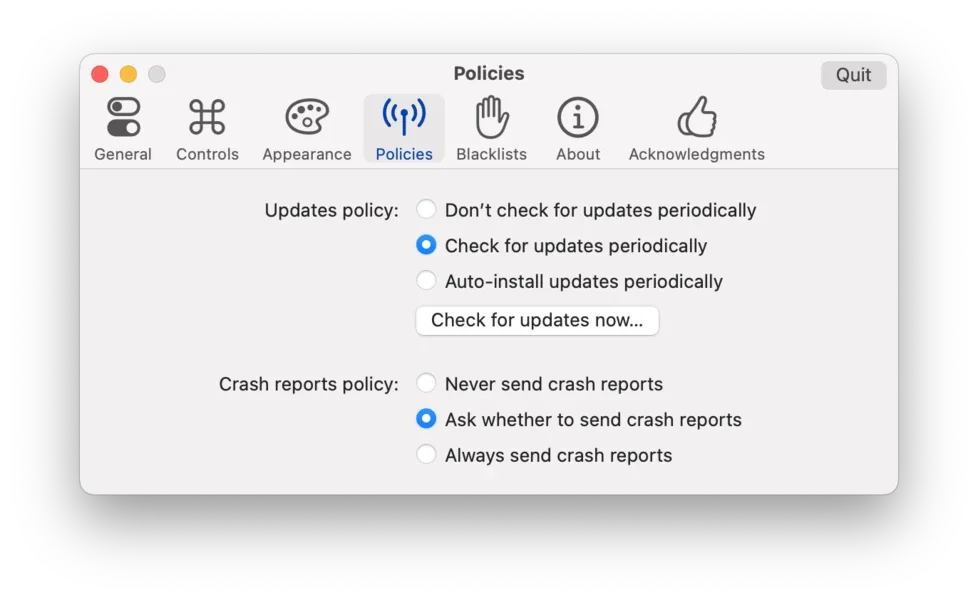
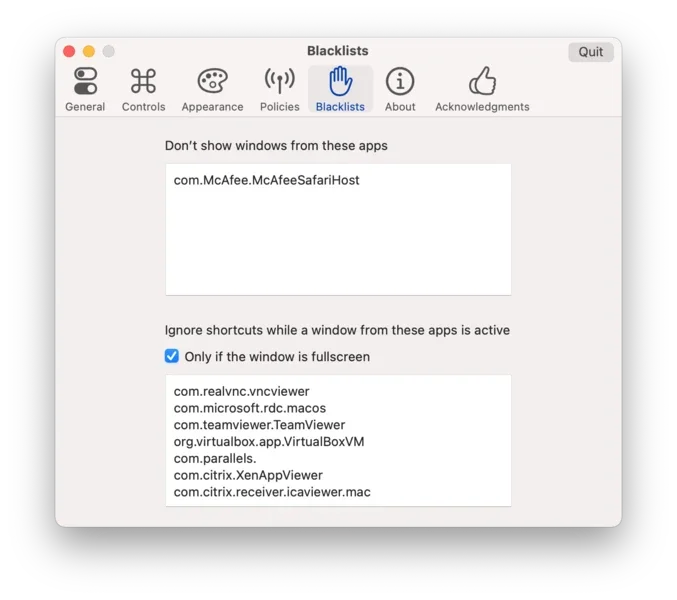
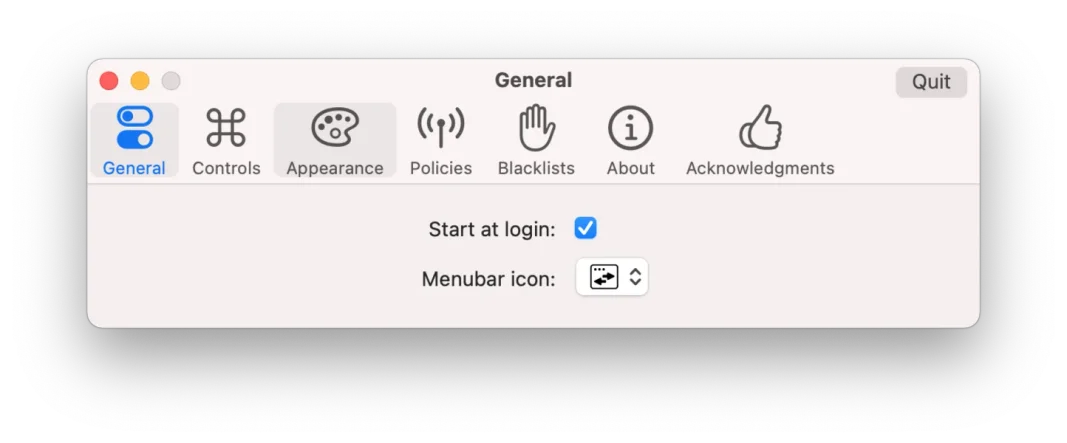
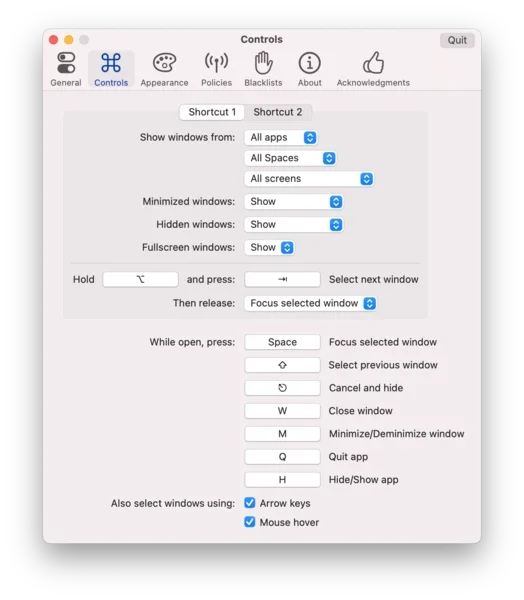
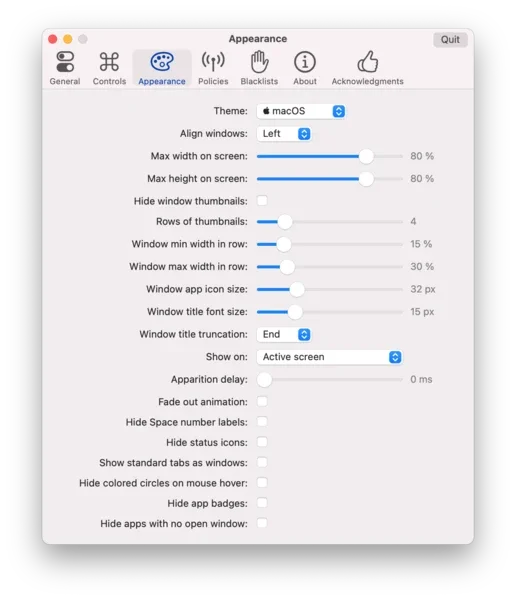
AltTab brings the Windows Alt-Tab window switcher to macOS. Press the key combination and a carousel of open windows appears, each with a preview. The trigger keys are yours to set. It has three styles, and each one can be customized further.
Screen recording permission has to be granted before the previews will show. That requirement may give privacy-minded users pause, but it is needed for full functionality. A blacklist hides chosen apps from the carousel, which helps if some windows should not appear there. Items can be dragged and dropped into it to create groups. Accessibility options include VoiceOver, sticky keys, and window transparency adjustment.
It is free, made for the Mac by indie developer lwouis.
[Release notes coming soon]
Verify the file
Compare the SHA-256 of the file you downloaded with the value below. Files exactly as the publisher released them.
-
alttab-11-10-2.zip
11.10.2 · ZIP · 4.7 MB
SHA-256
5a2a821a83be1092df0f63d2403359ef2f7d52ad39cec36d930e4c7554cc045bCheck on VirusTotal Get
Files exactly as the publisher released them.
Information
- Seller
- lwouis
- Size
- 4.7 MB
- Category
- Desktop Tools
- Compatibility
macOS
- Languages
Afrikaans and 47 more
- Afrikaans, Amharic, Arabic, Armenian, Belarusian, Bulgarian, Catalan, Chinese, Croatian, Czech, Danish, Dutch, English, Estonian, Farsi, Finnish, French, German, Greek, Hebrew, Hindi, Hungarian, Icelandic, Indonesian, Italian, Japanese, Kazakh, Korean, Latvian, Lithuanian, Malay, Norwegian, Polish, Portuguese, Romanian, Russian, Serbian, Slovak, Slovenian, Spanish, Swahili, Swedish, Tagalog, Thai, Turkish, Ukrainian, Vietnamese, Zulu
- Age rating
- All ages
- License
- GPL 3.0
- Price
- Free
- Platform
- Also available on Windows