Charles5.2.3 for macOS
Records and inspects a Mac's web traffic as it happens
Free · Proprietary
You are on Windows — this is the macOS version. See the Windows version
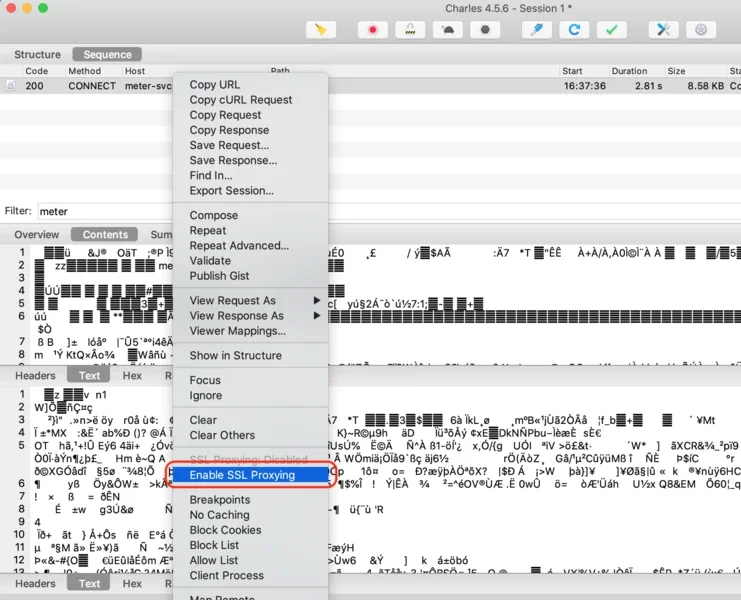
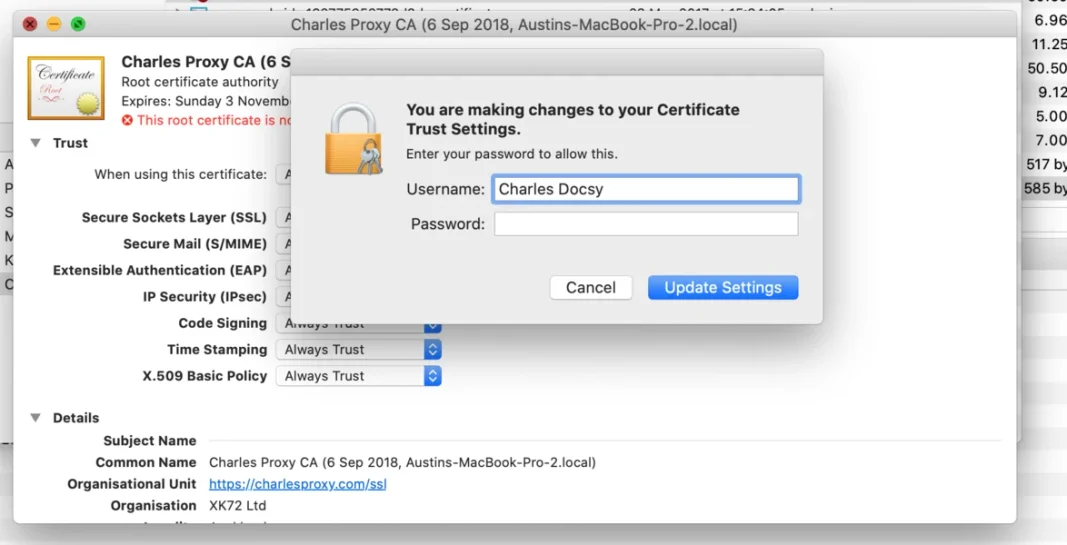
Charles sits between your browser or any network-using app and the Internet server, recording what passes through. Open it and it starts capturing all network traffic straight away. On first run it asks permission to change the Mac's network settings, then auto-configures a few seconds after installation. No manual system parameter changes are needed, and there is no complicated technical configuration to get through.
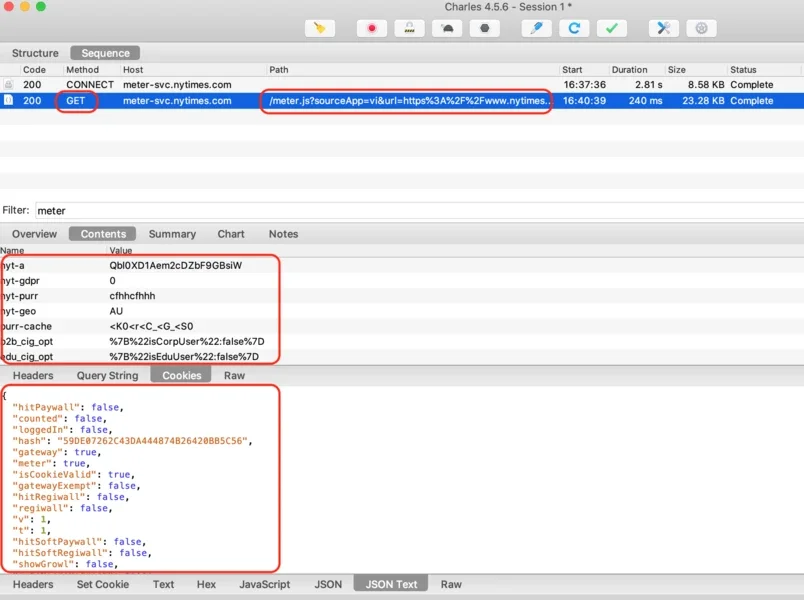
Each event can be inspected in detail, requests and responses alike. Headers and message bodies can be analyzed as JSON or XML to diagnose communication errors, and traffic is organized into a data tree you can open for each host visited. Breakpoints let you intercept a request, edit it and repeat it. SSL Proxying shows secure traffic in plain text.
Slow connections can be simulated for performance testing. Backend changes can be validated and different data inputs tested without constantly reloading the page in the browser. Firefox users have a specific add-on that helps with integration.
[Release notes coming soon]
Verify the file
Compare the SHA-256 of the file you downloaded with the value below. Files exactly as the publisher released them.
-
charles-5-2-3.dmg
5.2.3 · DMG · 79.4 MB
SHA-256
c6f08d40d39fc865b0d4e4989f89c428f43ba25b0e5404c7943bd981317ff0d2Check on VirusTotal Get
Files exactly as the publisher released them.
Information
- Seller
- Karl von Randow
- Size
- 79.4 MB
- Category
- FTP & Network
- Compatibility
macOS
- Languages
English
- Age rating
- All ages
- License
- Proprietary
- Price
- Free
- Platform
- Also available on Windows