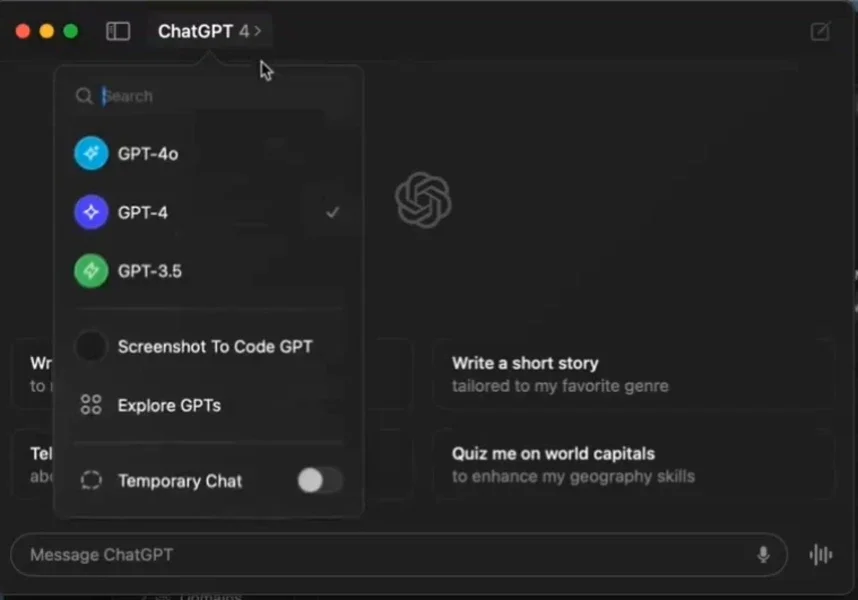
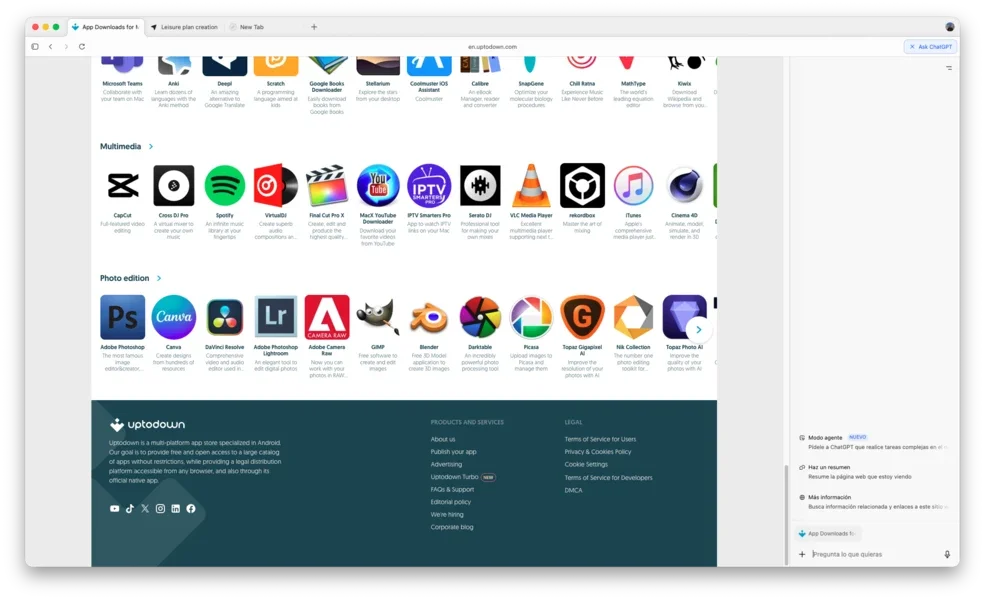
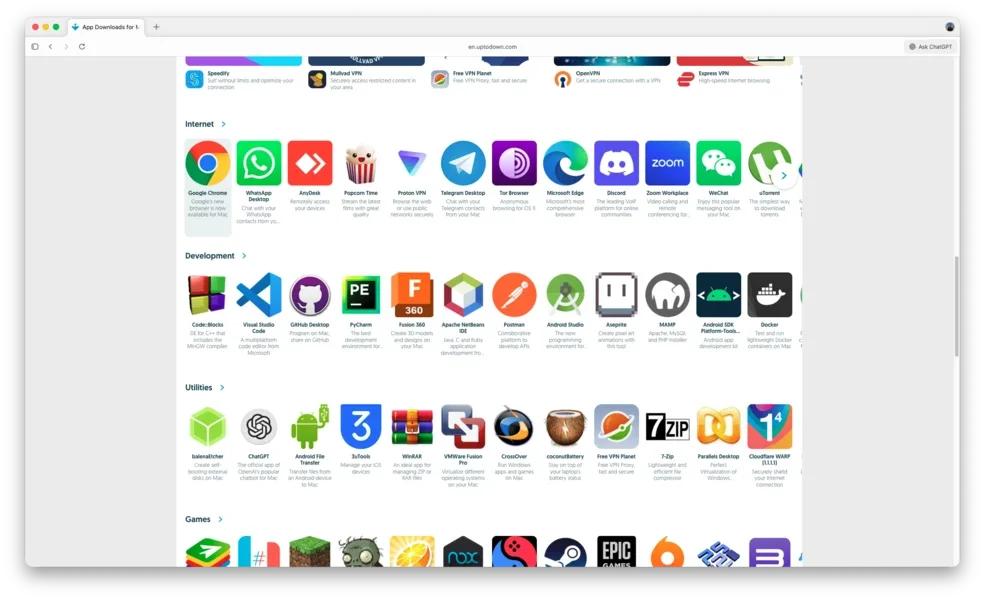
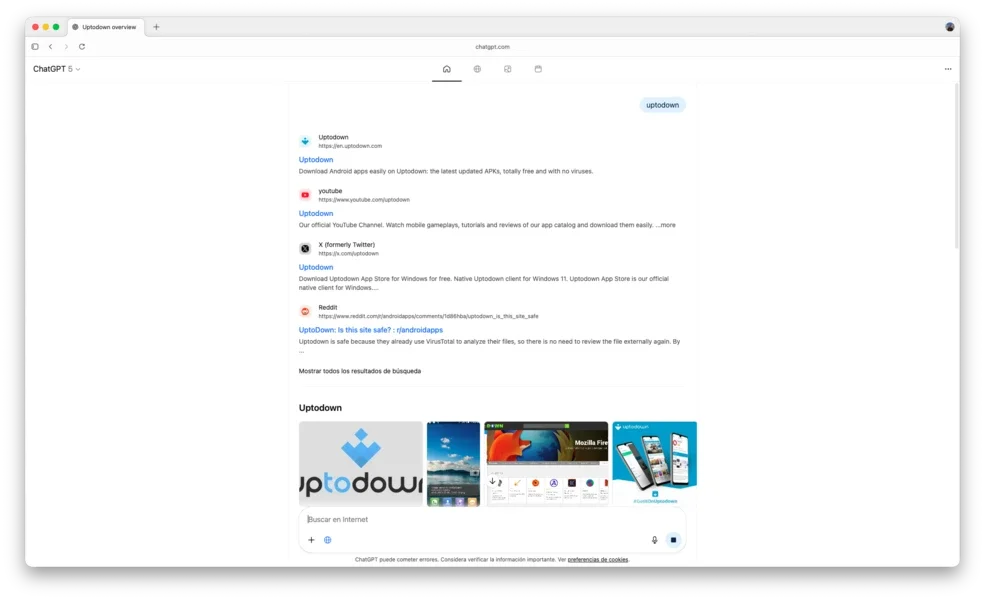
ChatGPT Atlas is OpenAI's official web browser. It comes from OpenAI and runs on macOS, tying the assistant into ordinary browsing rather than keeping it in a separate window.
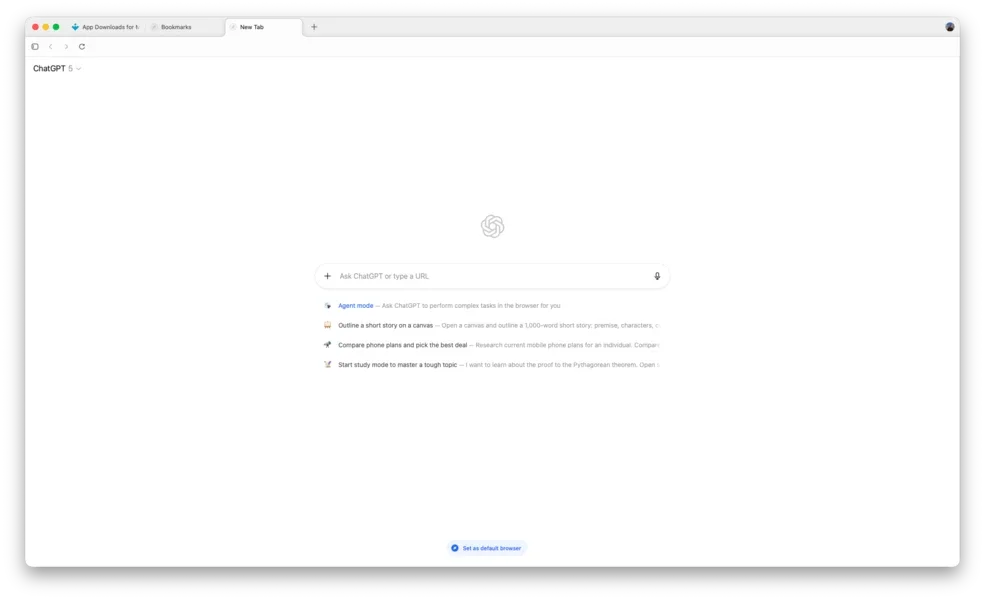
- New tabs open from the top of the window, or through the address bar or a regular search engine.
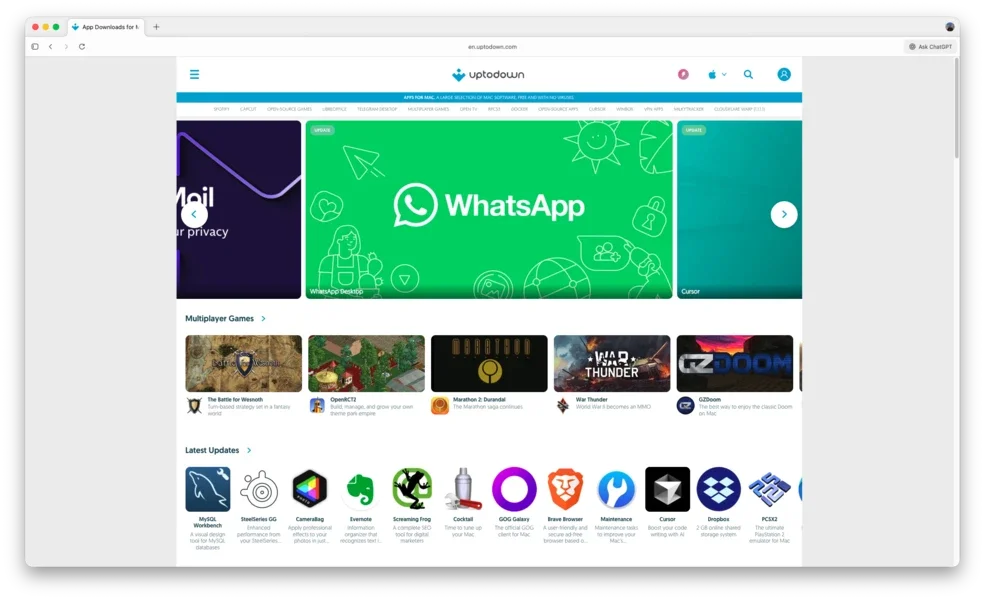
- The home page puts shortcuts to links, images, videos and news on their own tabs, and suggests items based on how you use it.
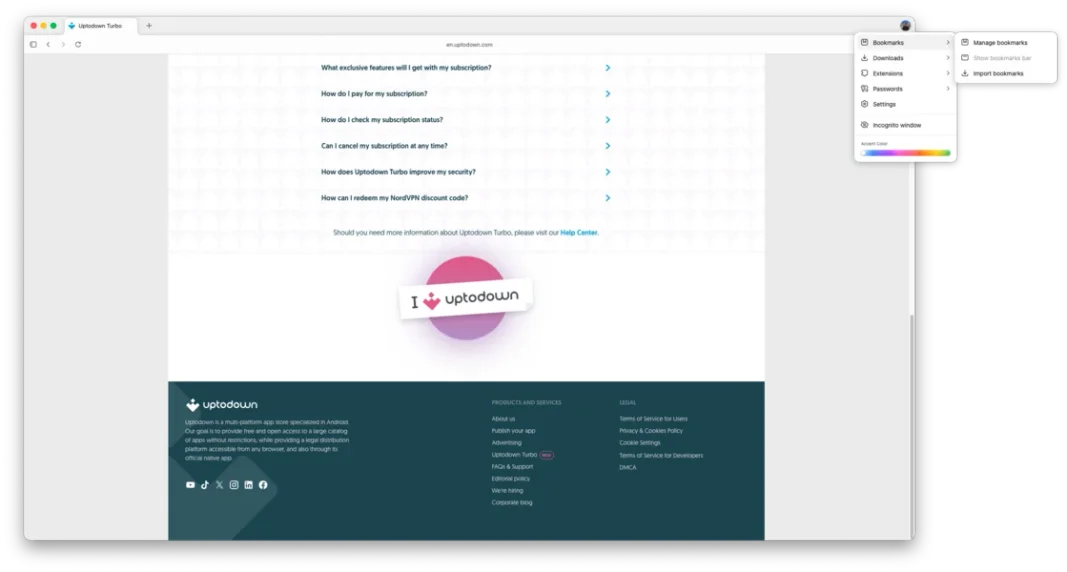
- Bookmarks, history and several tabs are all there, alongside search that talks to the chatbot.
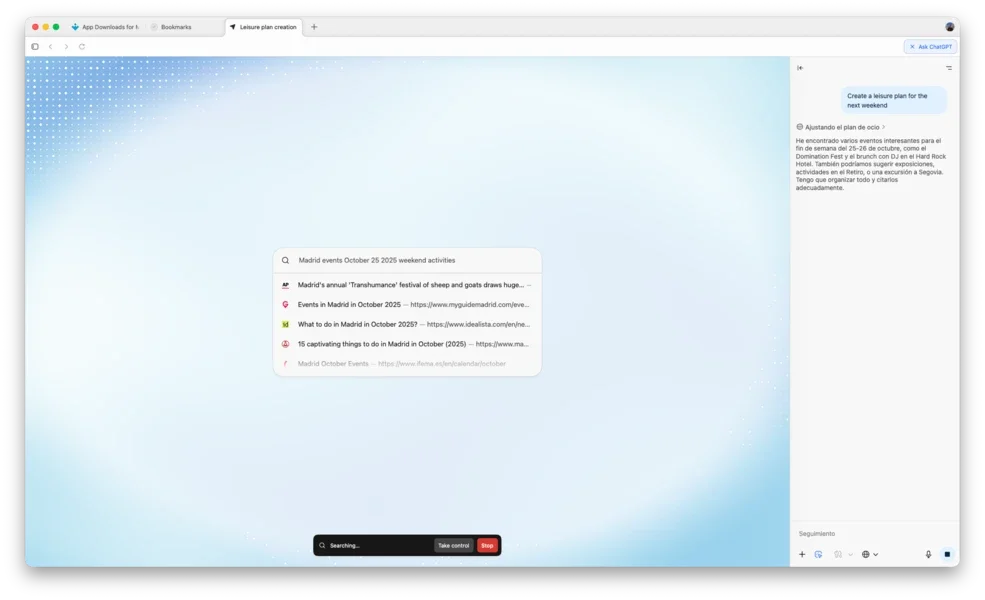
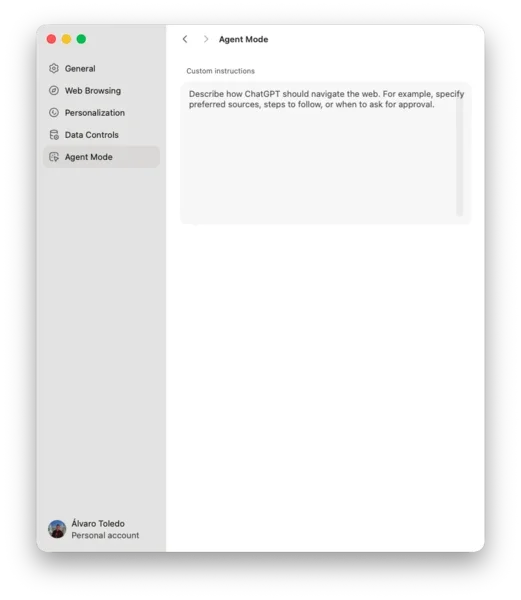
- Agent Mode lets the assistant open tabs, look things up, book appointments and fill in complex forms on its own.
- An Incognito Mode is included.
Launching the browser brings up a chat for asking questions and getting answers straight away. The assistant reads the content of the tab you have open, and it can pull specific items from your browsing history when you ask.
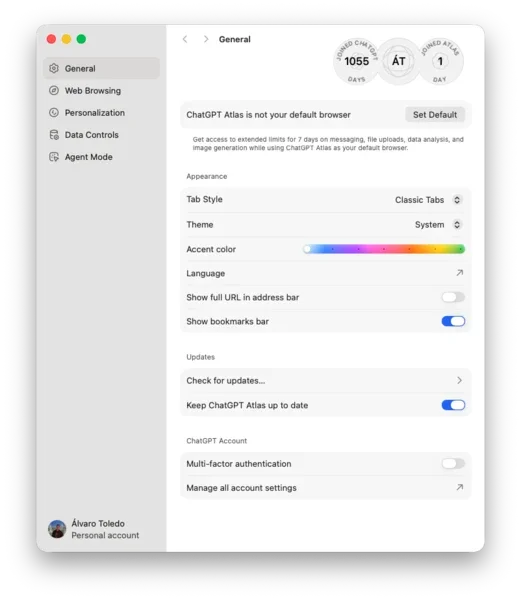
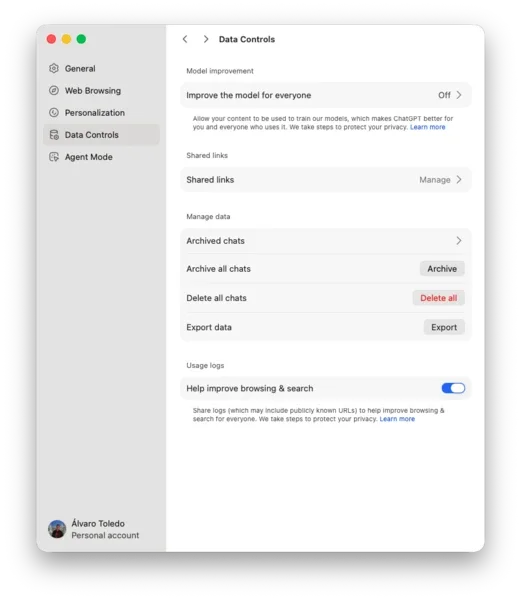
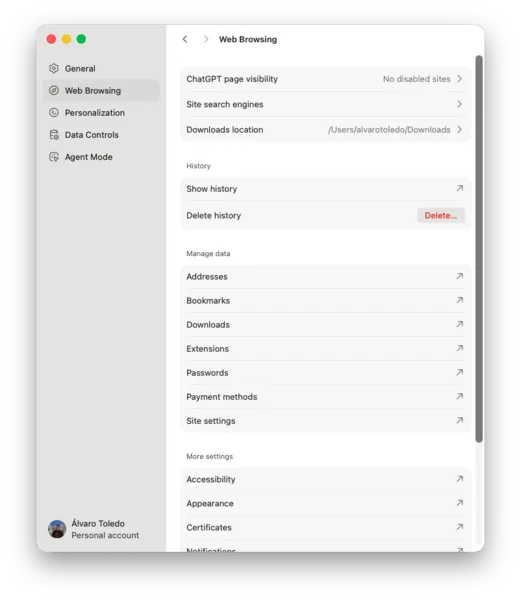
You decide which pages ChatGPT may look at and what the browser stores, with permissions set per website. The contextual memory feature is optional; when on, it shapes responses and suggestions from pages you have visited and earlier interactions. ChatGPT's access to history can be switched off at any time, and history can be cleared.
[Release notes coming soon]
Verify the file
Compare the SHA-256 of the file you downloaded with the value below. Files exactly as the publisher released them.
-
chatgpt-atlas-1-2026-189-1.dmg
1.2026.189.1 · DMG · 257.5 MB
SHA-256
894b60a1276c65dd220984db647963e6245e06e2211fb3c61b944f6e1a013435Check on VirusTotal Get
Files exactly as the publisher released them.
Information
- Seller
- OpenAI
- Size
- 257.5 MB
- Category
- Artificial Intelligence
- Compatibility
macOS
- Languages
English
- Age rating
- 12+
- License
- Proprietary
- Price
- Free