Skip to content

Cursor3.31.15 for macOS

AI-assisted code editor for macOS

Anysphere

Free · Proprietary

Download 3.31.15 · 299.3 MB
  • Age rating
    3+
  • Category
    Artificial Intelligence
  • Developer
    Anysphere
  • Languages
    1
    English
  • Size
    299.3
    MB

Mac

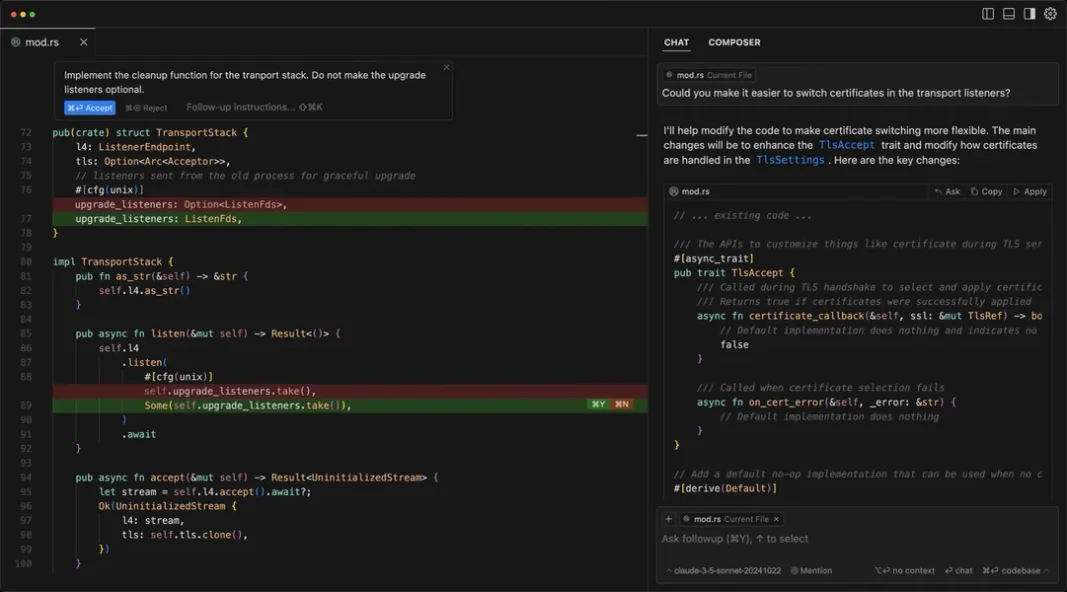
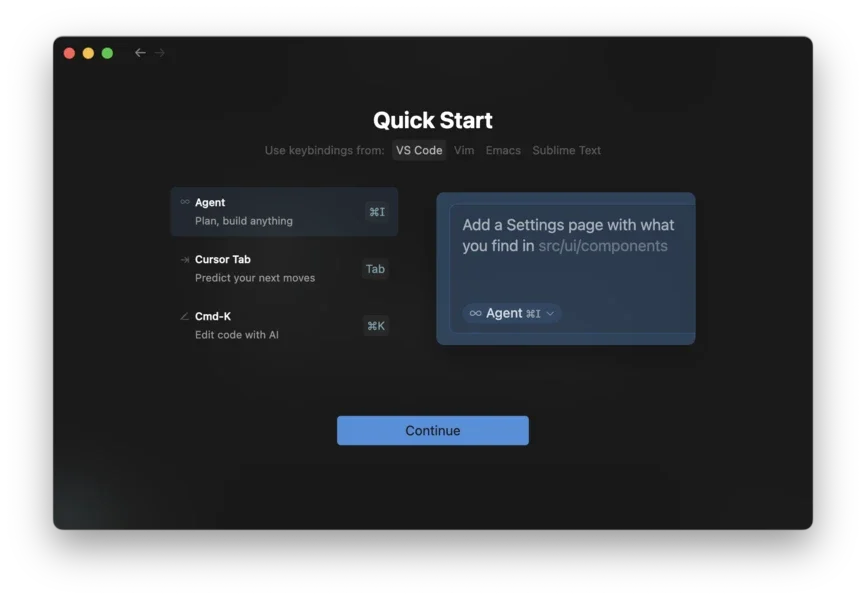
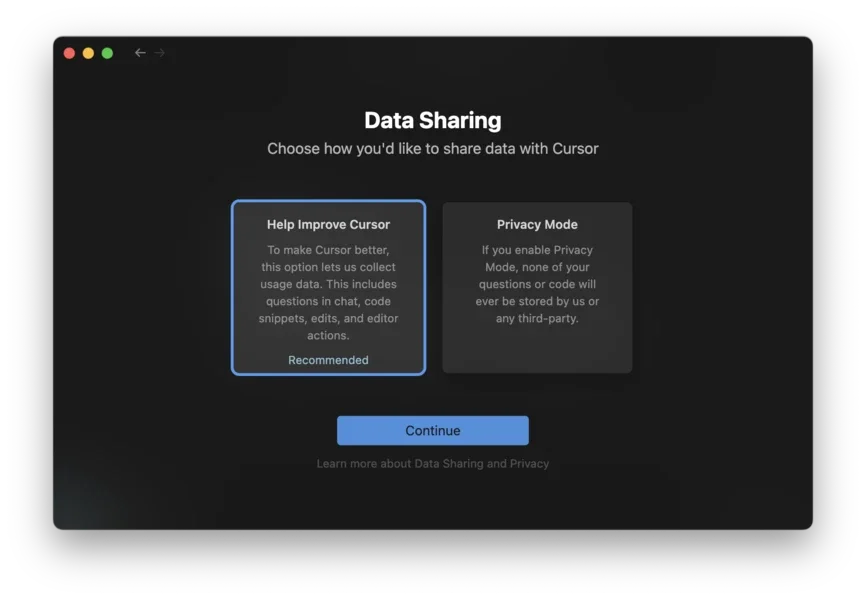
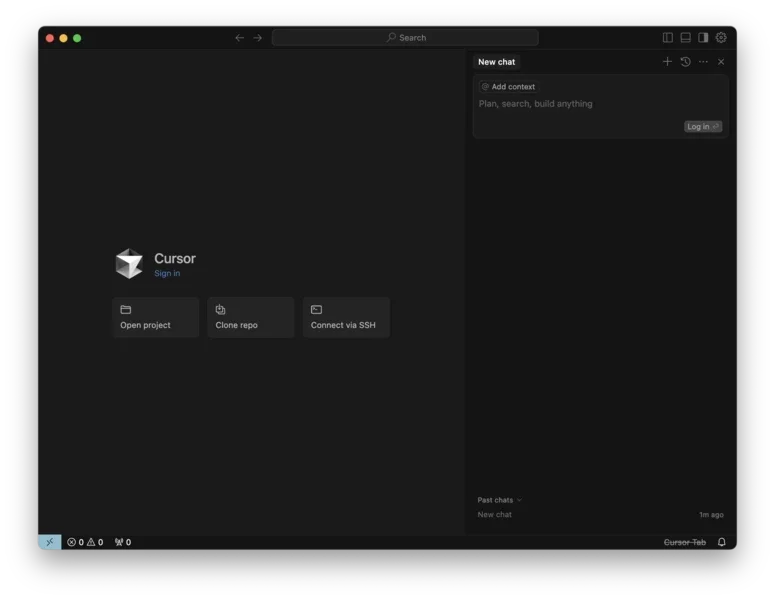
Cursor is a development environment for macOS that puts AI to work while you write code. It reads your code in the background, looking for bugs, redundancies and performance issues. Suggestions arrive as you type, including completions of fragments and whole structures. The AI follows the intent behind your logic and proposes solutions that fit it, which can also help you learn as you go.

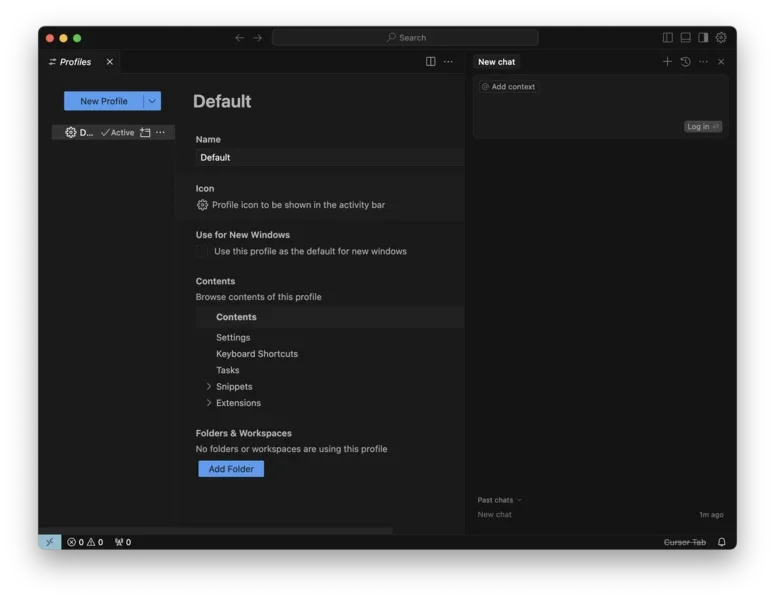
The editor tunes itself to each language's style and syntax; support covers Python, JavaScript, C++, Rust and less common languages. You can work on several projects and switch between them in one interface. Assistive features include AI-written comments, snippets you can share and live editing with other people. It connects to a range of IDEs, terminals and services; GitHub is one of them. The whole interface is designed around macOS.

It is free to use.

[Release notes coming soon]

Version 3.31.15

Verify the file

Compare the SHA-256 of the file you downloaded with the value below. Files exactly as the publisher released them.

  • cursor-3-31-15.zip

    3.31.15 · ZIP · 299.3 MB

    SHA-256

    0a25a373ca8f4fbc365ec4661da68acd8c29a4123195cb4660b17bbf065ac54f Check on VirusTotal Get

Files exactly as the publisher released them.

Information

Seller
Anysphere
Size
299.3 MB
Compatibility
macOS 12.0 Monterrey or later
Languages
English
Age rating
3+
License
Proprietary
Price
Free

Version history

  • [Release notes coming soon]

    3.31.15
  • [Release notes coming soon]

    3.31.11
  • [Release notes coming soon]

    3.31.10
  • [Release notes coming soon]

    3.30.14
  • [Release notes coming soon]

    3.30.8
  • [Release notes coming soon]

    3.29.15
  • [Release notes coming soon]

    3.29.9
  • [Release notes coming soon]

    3.28.7
  • [Release notes coming soon]

    3.27.22
  • [Release notes coming soon]

    3.27.14
  • [Release notes coming soon]

    3.27.12
  • [Release notes coming soon]

    3.27.6
  • [Release notes coming soon]

    3.26.16
  • [Release notes coming soon]

    3.26.13
  • [Release notes coming soon]

    3.25.9
  • [Release notes coming soon]

    3.25.6
  • [Release notes coming soon]

    3.24.18
  • [Release notes coming soon]

    3.24.12
  • [Release notes coming soon]

    3.24.9
  • [Release notes coming soon]

    3.23.23
  • [Release notes coming soon]

    3.23.12
  • [Release notes coming soon]

    3.22.7
  • [Release notes coming soon]

    3.22.12
  • [Release notes coming soon]

    3.22.7
  • [Release notes coming soon]

    3.21.18
  • [Release notes coming soon]

    3.21.16
  • [Release notes coming soon]

    3.19.13
  • [Release notes coming soon]

    3.17.21
  • [Release notes coming soon]

    3.16.17
  • [Release notes coming soon]

    3.15.6
  • [Release notes coming soon]

    3.9.16
  • [Release notes coming soon]

    3.12.30
  • [Release notes coming soon]

    3.12.17
  • [Release notes coming soon]

    3.11.19
  • [Release notes coming soon]

    3.7.27
  • [Release notes coming soon]

    3.7.21
  • [Release notes coming soon]

    3.5.38
  • [Release notes coming soon]

    3.1.10
  • [Release notes coming soon]

    3.0.16
  • [Release notes coming soon]

    2.6.19
  • [Release notes coming soon]

    2.5.26
  • [Release notes coming soon]

    2.4.32
  • [Release notes coming soon]

    2.2.43
  • [Release notes coming soon]

    2.2.20
  • [Release notes coming soon]

    2.1.42
  • [Release notes coming soon]

    2.1.26
  • [Release notes coming soon]

    2.1.20
  • [Release notes coming soon]

    2.1.19
  • [Release notes coming soon]

    2.0.77
  • [Release notes coming soon]

    2.0.75

All versions ›