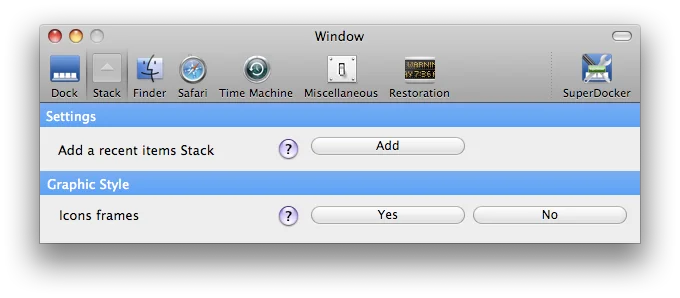
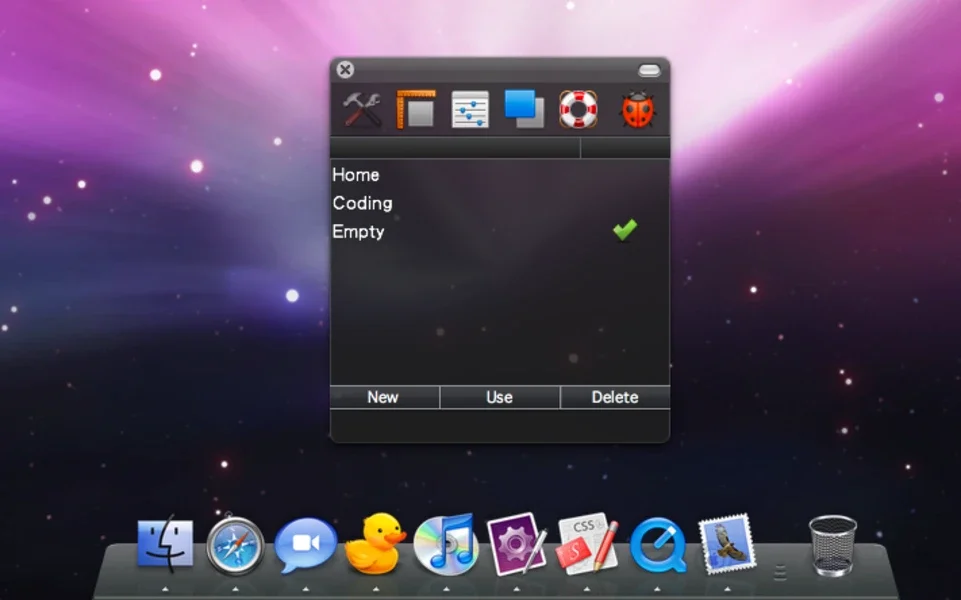
Dock Spaces lets you set up to 10 custom docks on a Mac and switch between them from the program's menu bar icon or with Cmd plus the dock number. Docks can have their own user-chosen icons. A dock can be assigned to a specific desktop in the program preferences, though this works for up to four spaces.
It can change a dock's position, style, and alignment, in 2D or 3D, and can automatically show or hide the entire dock. Icons can be stopped from bouncing, and a dock's content can be locked. Dock behavior is customized in system preferences.
It is a tool for Mac OS X Leopard.
[Release notes coming soon]
Verify the file
Compare the SHA-256 of the file you downloaded with the value below. Files exactly as the publisher released them.
-
dock-spaces-4.06.bin
4.06 · BIN · 5.8 MB
SHA-256
20c1e00179174940ee461c98217d3d8ba36964edfe34182de7664c70131925fdCheck on VirusTotal Get
Files exactly as the publisher released them.
Information
- Seller
- NSCoding
- Size
- 5.8 MB
- Category
- Desktop Tools
- Compatibility
macOS Mac OS X 10.6 or later
- Languages
English
- Age rating
- All ages
- License
- Proprietary
- Price
- Free