Mac
Karabiner-Elements remaps keys on a Mac and changes how the keyboard behaves. It runs on macOS, and the source is open.
- Any key can be remapped on its own, or held to act as a different key: one press gives Escape, holding it gives Control.
- Caps Lock can become a second Control key or a Hyper Key, which is Shift+Control+Option+Command together.
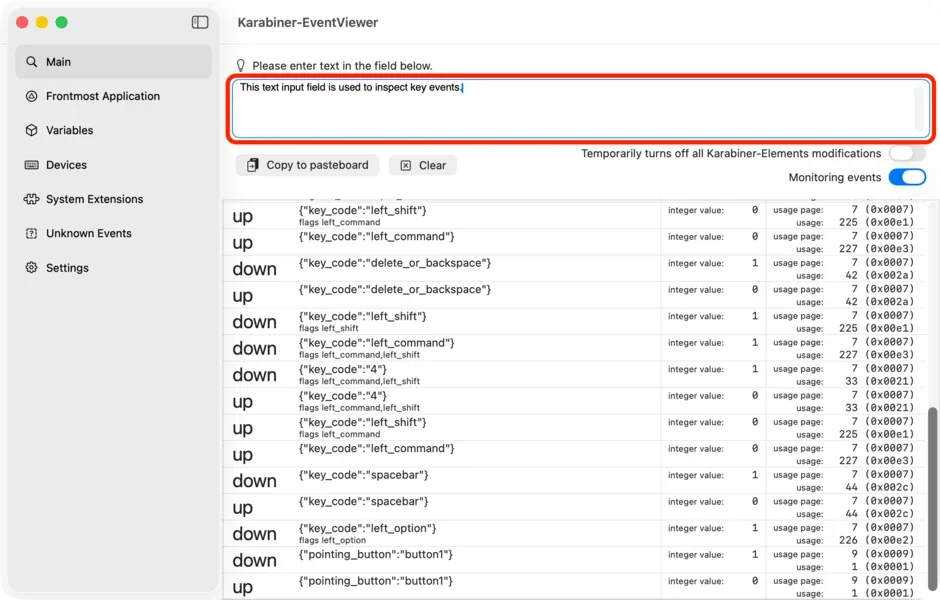
- Actions can depend on how long a key is pressed, run only inside particular apps, and chain into complex macros.
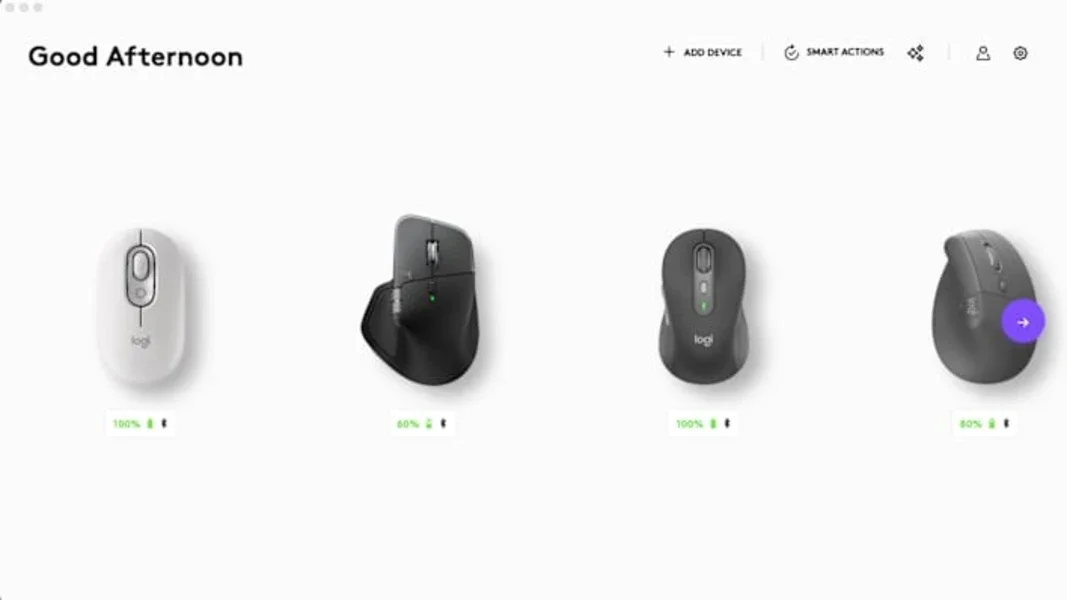
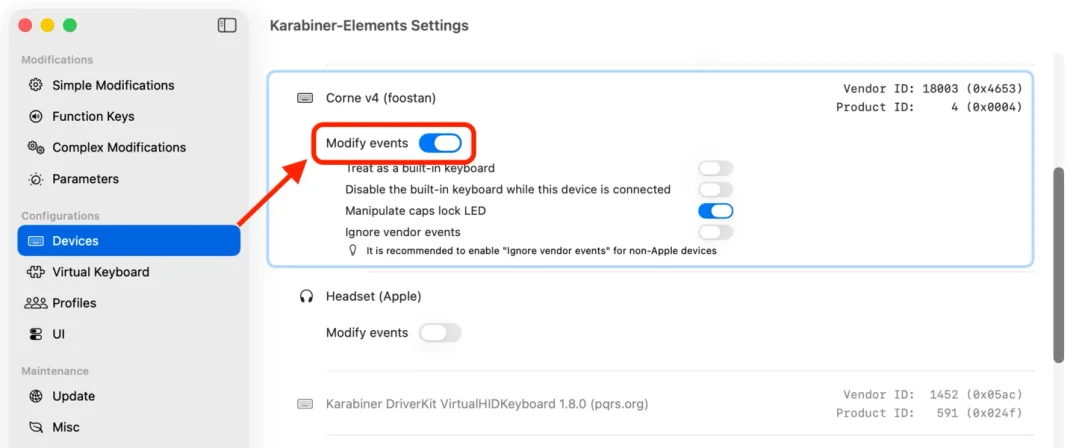
- Connected devices are told apart, so an external mechanical keyboard has its own configuration, separate from the MacBook's built-in keyboard and from a multi-button mouse.
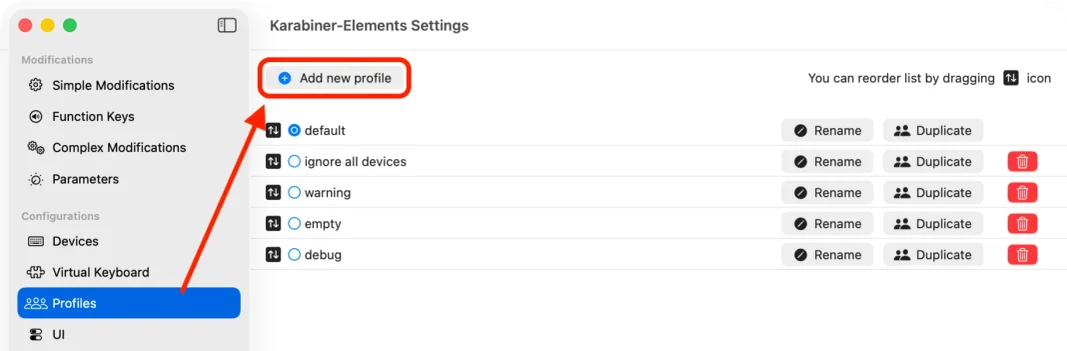
- Profiles can be set per device, and the Command/Alt positions on an external keyboard can be corrected.
- The keyboard alone can emulate mouse behavior.
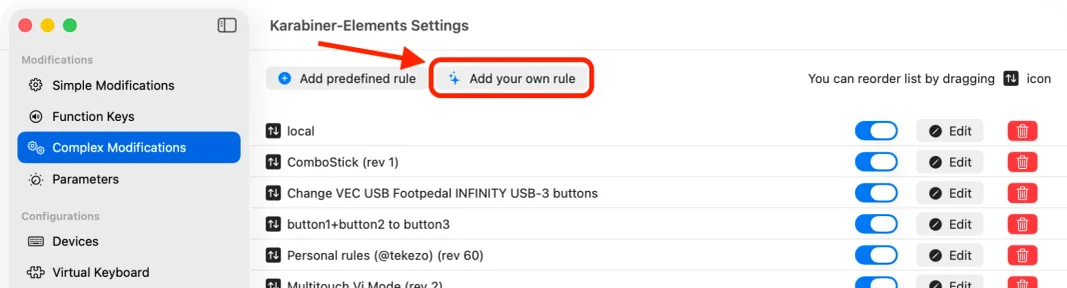
Rules reach the program two ways: Complex Modifications from a community library, or your own configuration files. Both need some familiarity with JSON, which can put people off at first. An automatic recovery engine update keeps the software reliable.
[Release notes coming soon]
Version 16.3.0
Verify the file
Compare the SHA-256 of the file you downloaded with the value below. Files exactly as the publisher released them.
-
karabiner-elements-16-3-0.dmg
16.3.0 · DMG · 40.4 MB
SHA-256
19cce7bed3d48a722242ca683bd1bae406b6a87fed520728d1c91dee175b75e4Check on VirusTotal Get
Files exactly as the publisher released them.