Little Snitch6.5 for macOS
Monitors and controls outgoing network connections on a Mac
Objective Development Software
Trial · Proprietary
You are on Windows — this is the macOS version.
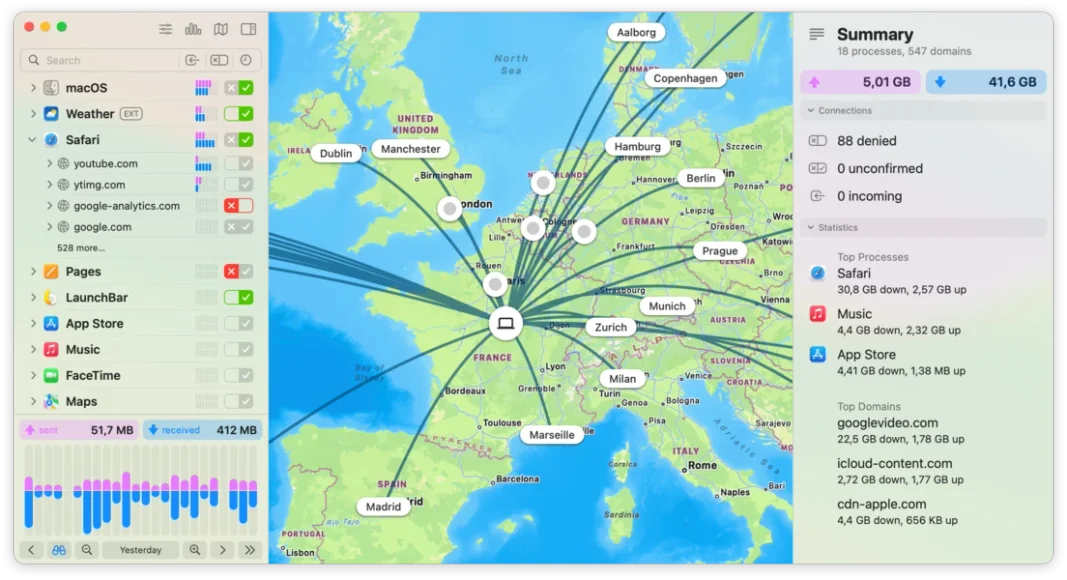
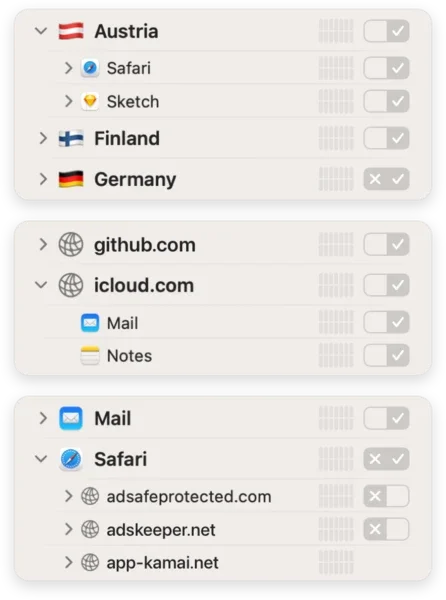
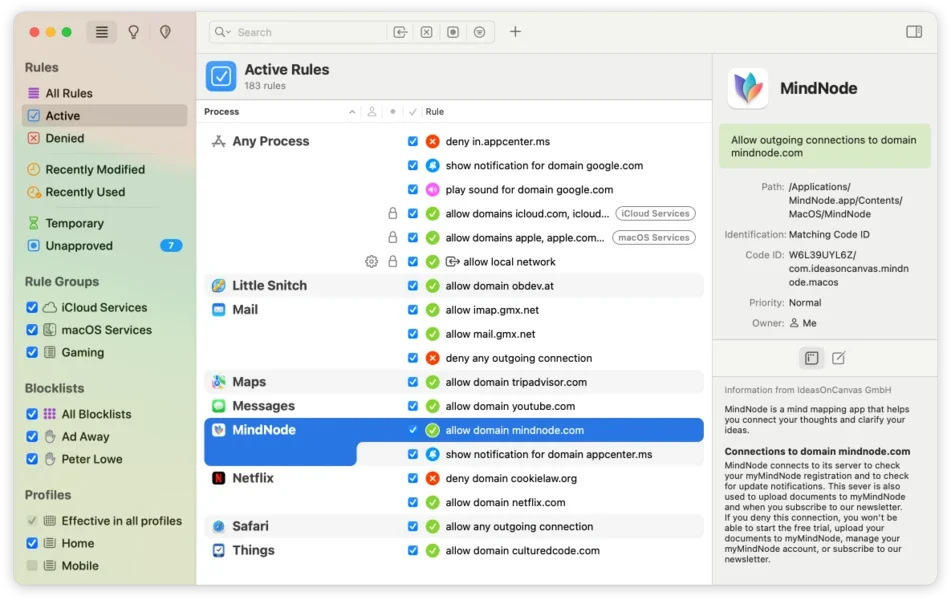
Little Snitch watches what your Mac sends out and asks before it goes. When an application tries to transmit information over the Internet, a confirmation dialog appears and you decide whether to allow it. The program works like a firewall, except it handles outgoing connections and data rather than incoming traffic.
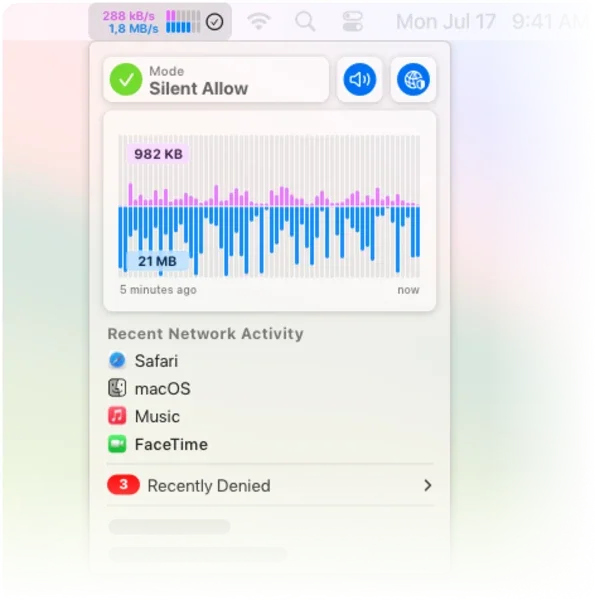
Each decision you make is saved as a rule, so the same program does not ask again. You can change your mind later: rules are created, modified, and deleted through the program's interface. A small widget shows the traffic generated by every application with Internet access, which gives you a running picture of what is talking to the network.
Some programs use the Internet continuously, and for those Little Snitch keeps showing confirmation messages rather than going quiet after the first approval. If you want to run such a program alongside Little Snitch, you have to authorize its connection from all ports.
[Release notes coming soon]
Verify the file
Compare the SHA-256 of the file you downloaded with the value below. Files exactly as the publisher released them.
-
little-snitch-6-5.dmg
6.5 · DMG · 36.6 MB
SHA-256
a83763bbf416676231bcd9c414b16a36c31cc85c14aa0de43cabaf1ef97fa8baCheck on VirusTotal Get
Files exactly as the publisher released them.
Information
- Size
- 36.6 MB
- Category
- FTP & Network
- Compatibility
macOS
- Age rating
- All ages
- License
- Proprietary
- Price
- Trial