PDF Blank Page Remover1.0 for macOS
Finds and deletes blank pages in PDFs on a Mac
Trial · Proprietary
You are on Windows — this is the macOS version.
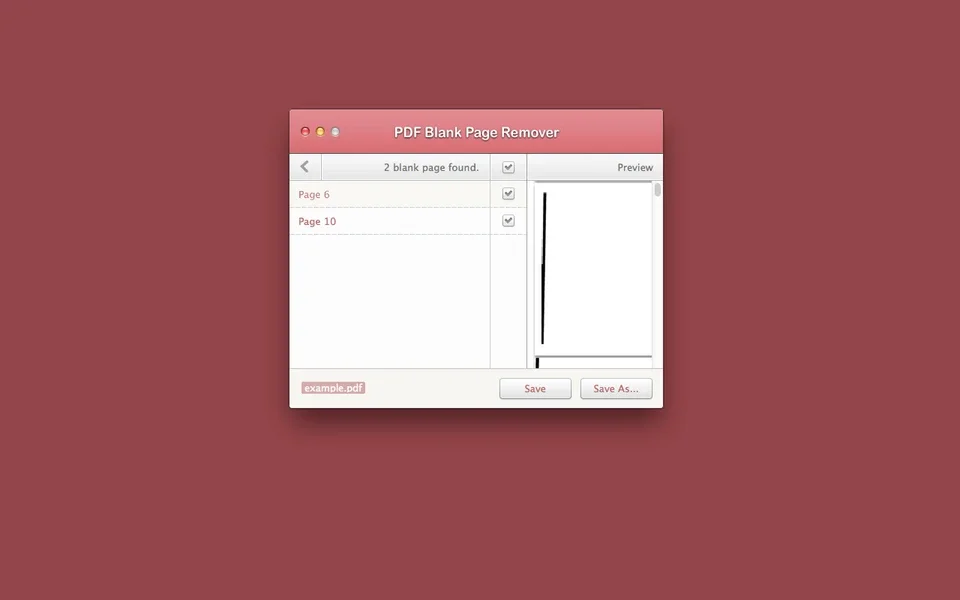
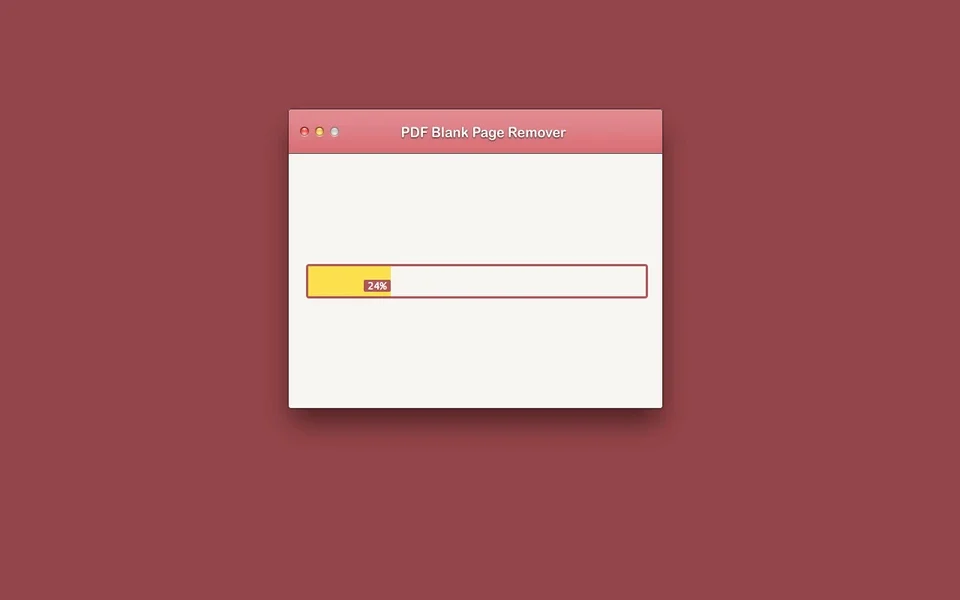
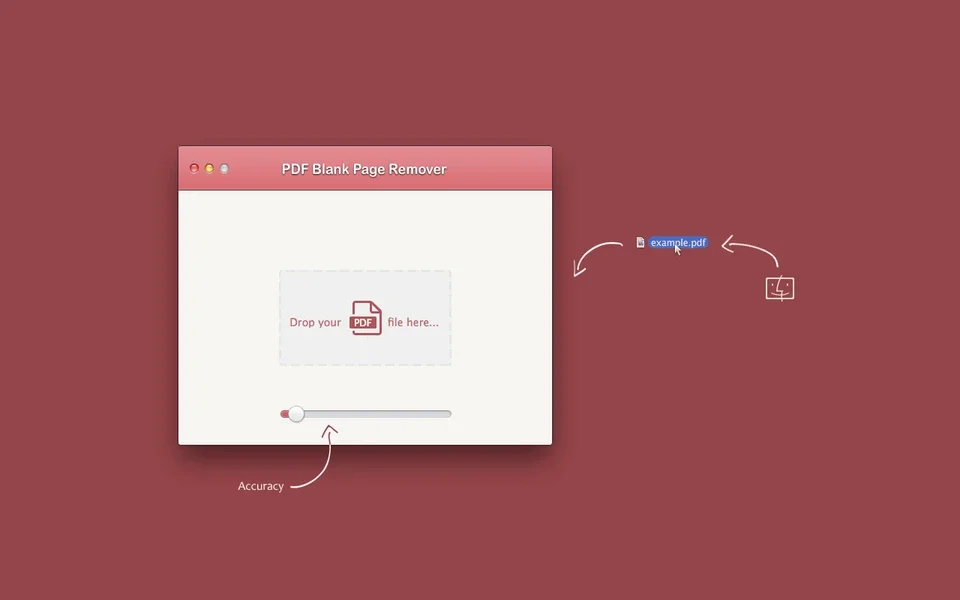
PDF Blank Page Remover has one job: get rid of blank pages in a PDF. You run it on a document and it searches the contents, then finds the pages that have nothing on them. The application is easy to use and carries out the task quickly.
People who scan page after page tend to collect blanks along the way. A speck of dust on the glass or some other small thing can leave a page with no content, and those pages pile up in the file. PDF Blank Page Remover fixes that in a little over two minutes. Once the blank pages are detected, one click erases them.
It runs on macOS. The license is proprietary, and there is a trial.
[Release notes coming soon]
Verify the file
Compare the SHA-256 of the file you downloaded with the value below. Files exactly as the publisher released them.
-
1.0
1.0 · ZIP · 456.9 KB
SHA-256
5533900c4e01d25323bb0d4748290b7abc7c081332e7597b12a2aa2390e1c7ddCheck on VirusTotal Get
Files exactly as the publisher released them.
Information
- Seller
- whawhawhat
- Size
- 456.9 KB
- Category
- Desktop Tools
- Compatibility
macOS
- Languages
English
- Age rating
- All ages
- License
- Proprietary
- Price
- Trial