Photo Drop2.0 Beta for macOS
Crops, resizes and retouches photos from the Mac Dashboard
Kenichi Yoshida y Tomonaga Tok
Free · Proprietary
You are on Windows — this is the macOS version.
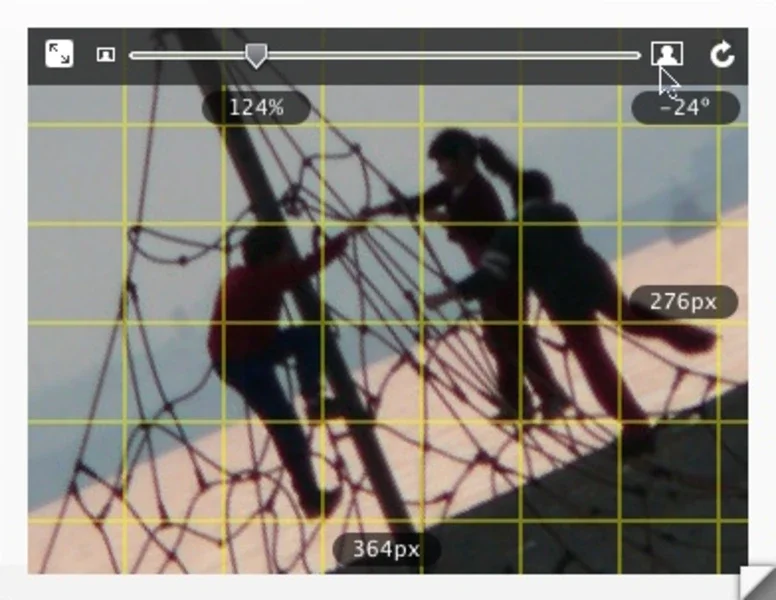
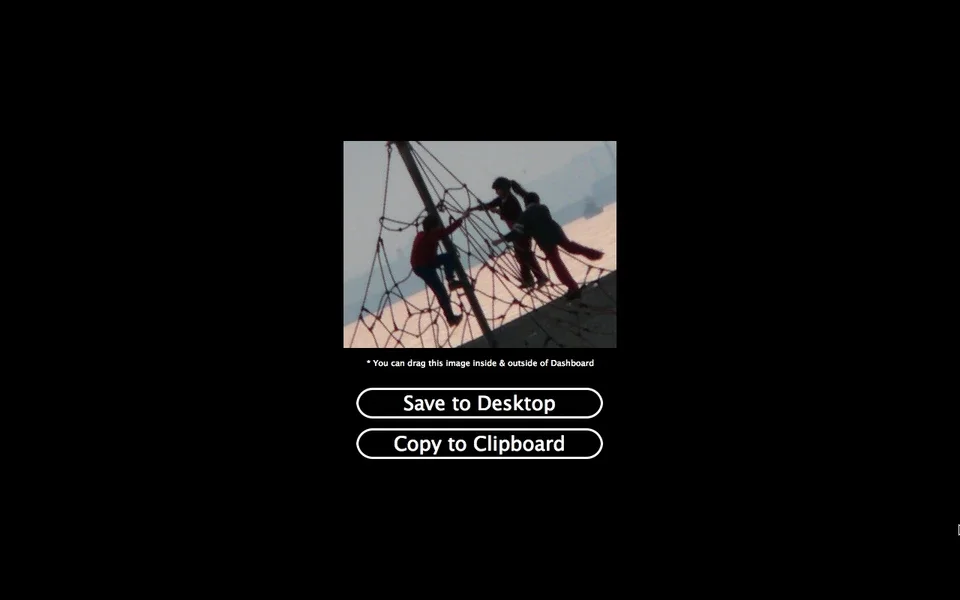
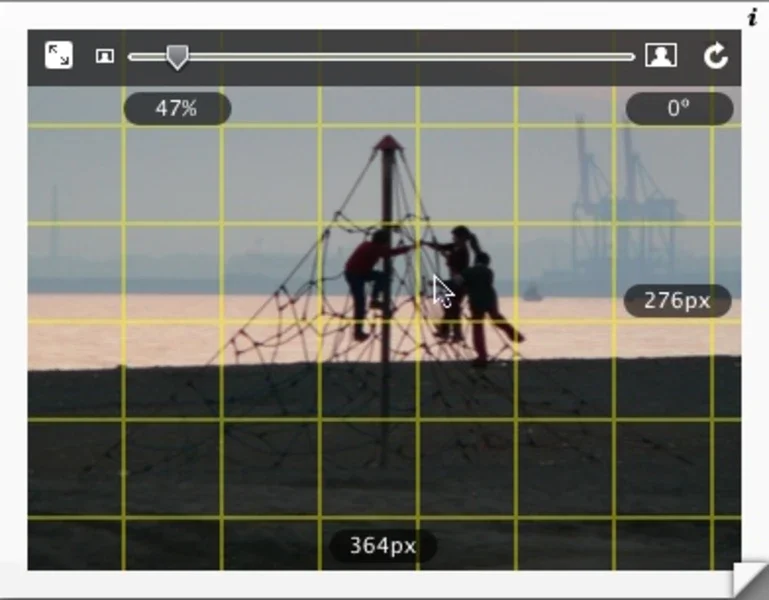
Photo Drop crops, resizes and retouches photographs without opening another application. It is a dashboard widget on the Mac. Select a photo with the mouse, call up the Dashboard with F12, then drag the file onto the widget.
Colour can be adjusted, and corners can be rounded off, lens flare added, shading applied or a strip of plastic tape put across the image. A watermark carrying the computer owner's name can go on as well. The finished picture exports as PNG, JPEG or TIFF.
It is free, and version 2.0 is in beta.
[Release notes coming soon]
Verify the file
Compare the SHA-256 of the file you downloaded with the value below. Files exactly as the publisher released them.
-
2.0 Beta
2.0 Beta · ZIP · 1.2 MB
SHA-256
e68b11b4e10f0cb0ecdc53429962034b329e4b98cc26e6410ab10169179aaf6aCheck on VirusTotal Get
Files exactly as the publisher released them.
Information
- Size
- 1.2 MB
- Category
- Desktop Tools
- Compatibility
macOS
- Languages
English
- Age rating
- All ages
- License
- Proprietary
- Price
- Free