Remote Mouse3.508 for macOS
Control your Mac from a phone or tablet over WiFi
Free · Proprietary
You are on Windows — this is the macOS version. See the Windows version
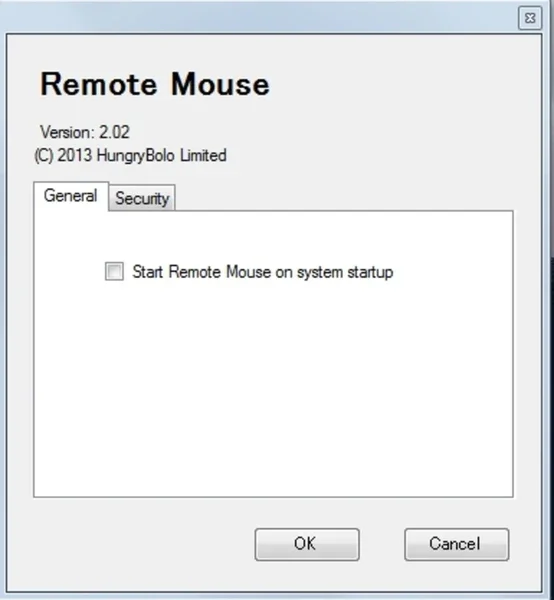
Remote Mouse turns a phone or tablet into the mouse and keyboard for a Mac. You install the app on the Mac and the companion app on an Android or iOS device, put both on the same WiFi network, and the phone takes over pointing and typing. Pairing takes a minute or two, done with a QR code or by entering the IP address.
No dedicated hardware is involved. The phone or tablet handles the cursor and the keys, and the Mac's apps and functions respond as they would to a physical mouse and keyboard. The companion app is the half that runs in your hand; the Mac side does the listening.
The case it fits is the one where the peripheral stayed home. A forgotten mouse is a problem until the phone in your pocket stands in for it. Both devices need to be on the same WiFi network for the connection to work.
[Release notes coming soon]
Verify the file
Compare the SHA-256 of the file you downloaded with the value below. Files exactly as the publisher released them.
-
remote-mouse-3-508.dmg
3.508 · DMG · 6.2 MB
SHA-256
996419c760e20df5374b77c1a72e0e71fe362cc0579c6d34fa6e3687a602d1d4Check on VirusTotal Get
Files exactly as the publisher released them.
Information
- Seller
- Remote Mouse
- Size
- 6.2 MB
- Category
- Desktop Tools
- Compatibility
macOS
- Languages
English
- Age rating
- All ages
- License
- Proprietary
- Price
- Free
- Platform
- Also available on Windows