RustDesk1.5.3 for macOS
Open-source remote desktop for macOS, Windows and Linux
Free · AGPL 3.0
You are on Windows — this is the macOS version. See the Windows version
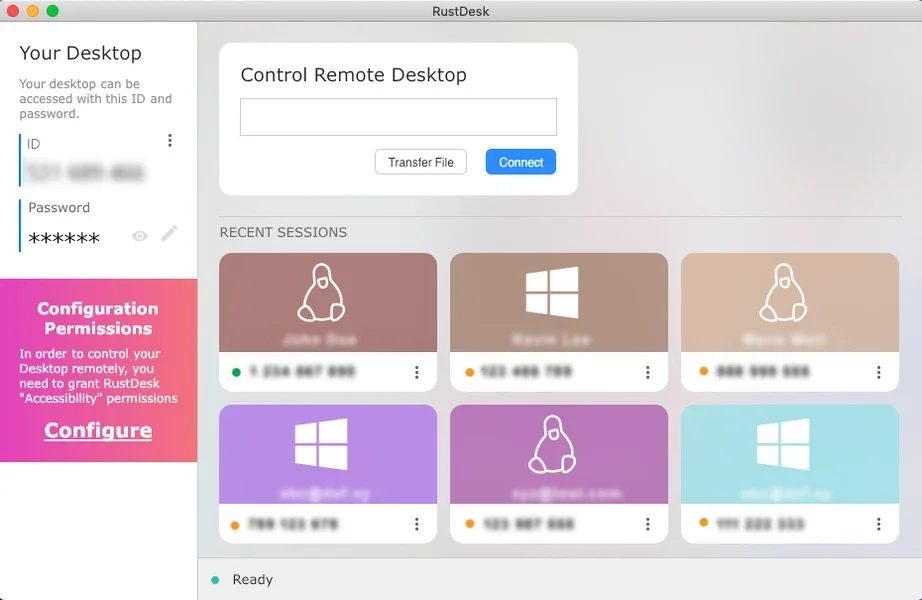
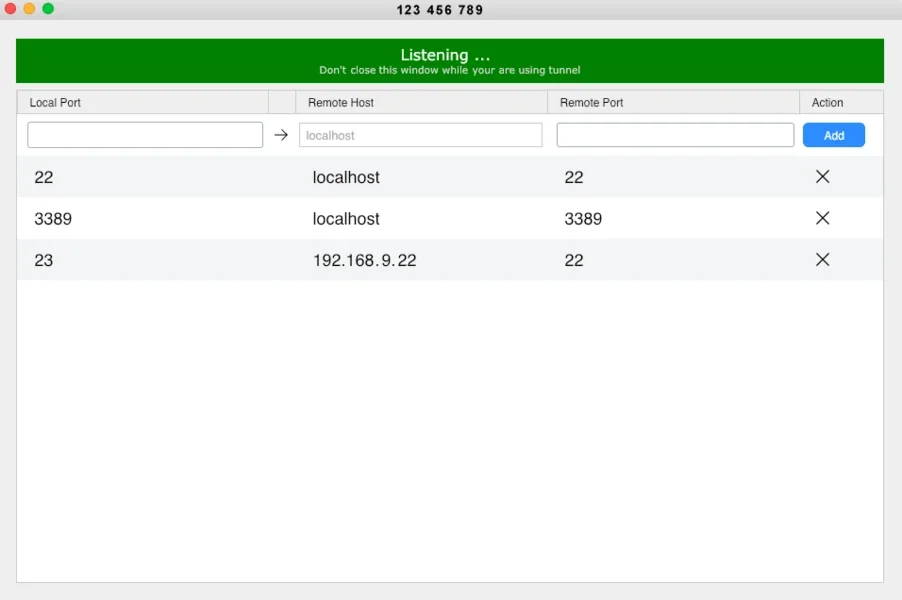
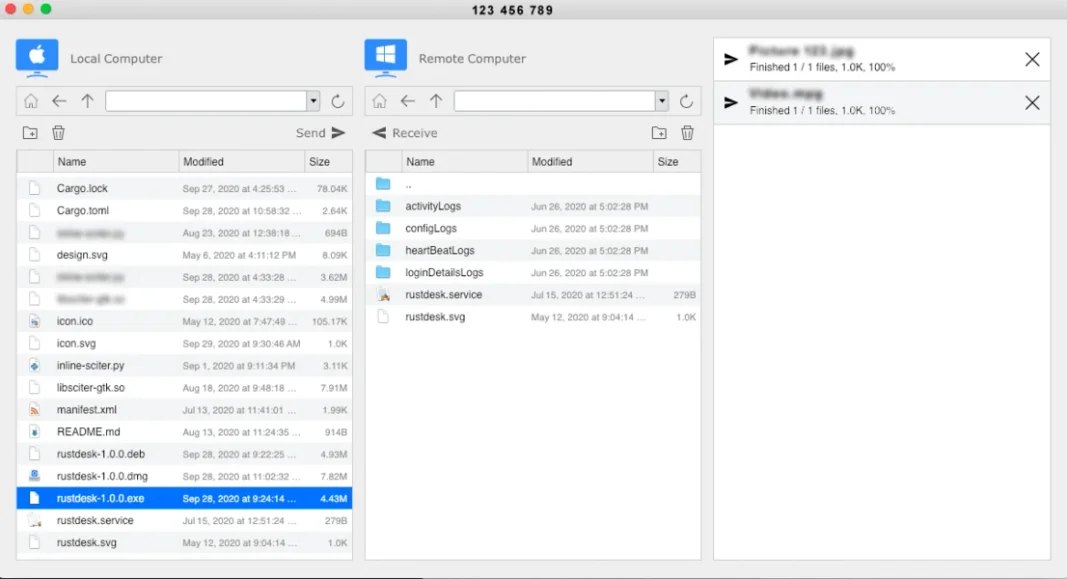
RustDesk is open-source remote desktop software. You install it on macOS and can set up remote connections and start using it right away. The install itself is quick and comes with clear instructions.
- Connects to and controls remote computers
- Handles remote support tasks like troubleshooting, installing software and managing systems
- Uses encryption protocols to protect data during sessions
- Aims for low latency and responsive sessions
Connections can be made between different types of devices. The software supports Windows and Linux as well as macOS, and the macOS version is customizable to your needs. Because it is open-source, you can contribute to development, suggest features and report issues. It can be extended by integrating other tools and services. It is free under the AGPL 3.0 license, and version 1.5.0 is the latest release.
[Release notes coming soon]
Verify the file
Compare the SHA-256 of the file you downloaded with the value below. Files exactly as the publisher released them.
-
rustdesk-1-5-3.dmg
1.5.3 · DMG · 30.0 MB
SHA-256
e6d30fa1633d772c48935907c208ca4e555a856fb2038af3aaa87a327c29360bCheck on VirusTotal Get
Files exactly as the publisher released them.
Information
- Seller
- Purslane Ltd
- Size
- 30.0 MB
- Category
- Desktop Tools
- Compatibility
macOS 10.4 Tiger or later
- Languages
Afrikaans and 47 more
- Afrikaans, Amharic, Arabic, Armenian, Belarusian, Bulgarian, Catalan, Chinese, Croatian, Czech, Danish, Dutch, English, Estonian, Farsi, Finnish, French, German, Greek, Hebrew, Hindi, Hungarian, Icelandic, Indonesian, Italian, Japanese, Kazakh, Korean, Latvian, Lithuanian, Malay, Norwegian, Polish, Portuguese, Romanian, Russian, Serbian, Slovak, Slovenian, Spanish, Swahili, Swedish, Tagalog, Thai, Turkish, Ukrainian, Vietnamese, Zulu
- Age rating
- All ages
- License
- AGPL 3.0
- Price
- Free
- Platform
- Also available on Windows