TunnelBear5.10.0 for macOS
A map-based VPN client for Mac
Free · Proprietary
You are on Windows — this is the macOS version. See the Windows version
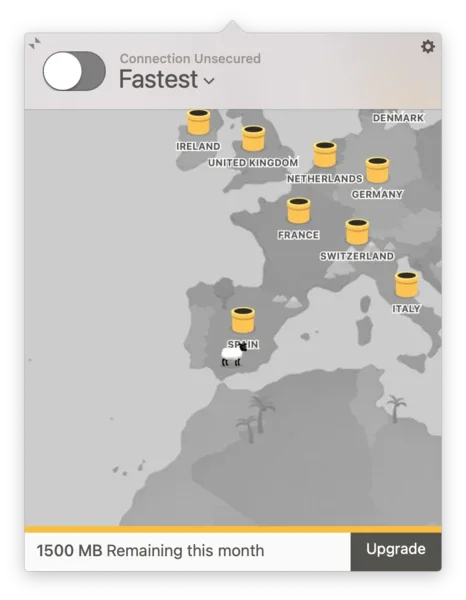
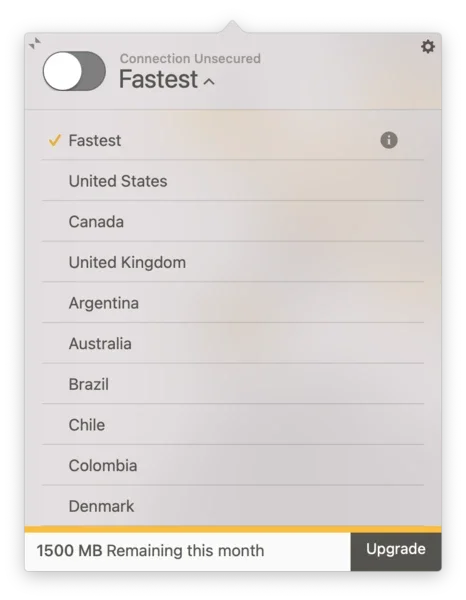
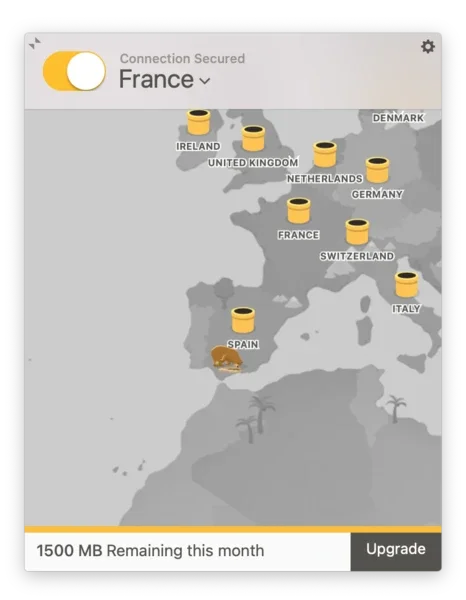
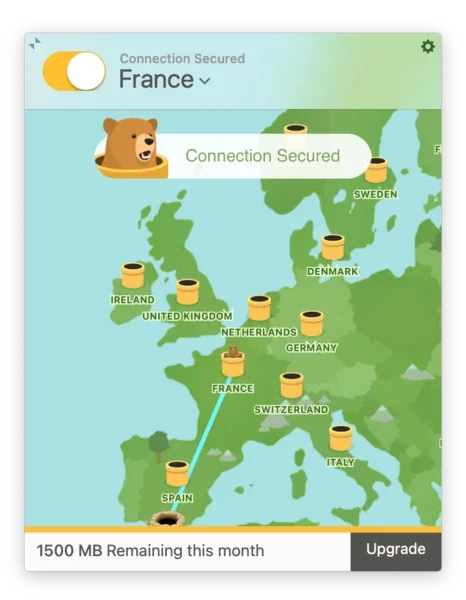
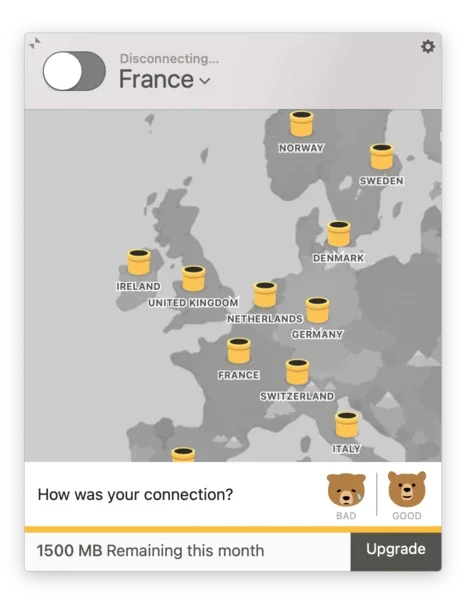
TunnelBear is a Mac VPN client built around a world map. You pick a server by clicking a location on the map, then flip the protection button to connect. There is no location search box, and no server list showing load or ping times. The map is the interface.
The connection uses OpenVPN with 256-bit AES encryption, and the client is leak-free. An automatic kill switch cuts traffic if the tunnel drops, and Vigilant mode stops data from slipping through the internet connection when the device disconnects. There is a strict no-logging policy. Settings can be configured to connect or disconnect to a chosen server automatically. Trusted Networks is a whitelist of Wi-Fi networks you trust. GhostBear disguises VPN traffic as normal HTTPS traffic to avoid VPN blocking, but it reduces performance, so use it sparingly.
It runs 22 server locations. The free version gives you 500 MB per month. Unlimited data and multiple simultaneous connections need a paid monthly or annual subscription. It does not work on devices with an older operating system.
[Release notes coming soon]
Verify the file
Compare the SHA-256 of the file you downloaded with the value below. Files exactly as the publisher released them.
-
tunnelbear-5-10-0.zip
5.10.0 · ZIP · 58.4 MB
SHA-256
f1a4ff16be2945bd766d3c796a6da8fb55319a086437a53fc5bb3e0d3dd66044Check on VirusTotal Get
Files exactly as the publisher released them.
Information
- Seller
- TunnelBear
- Size
- 58.4 MB
- Category
- FTP & Network
- Compatibility
macOS
- Languages
English
- Age rating
- All ages
- License
- Proprietary
- Price
- Free
- Platform
- Also available on Windows