Willow Voice2.6.17 for macOS
Voice dictation for Mac that turns speech into structured text
Free · Proprietary
You are on Windows — this is the macOS version. See the Windows version
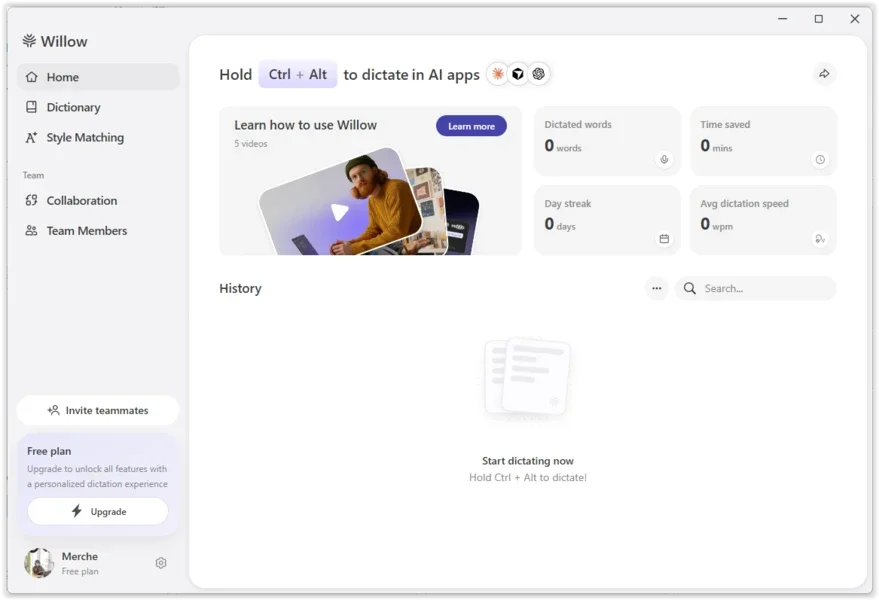
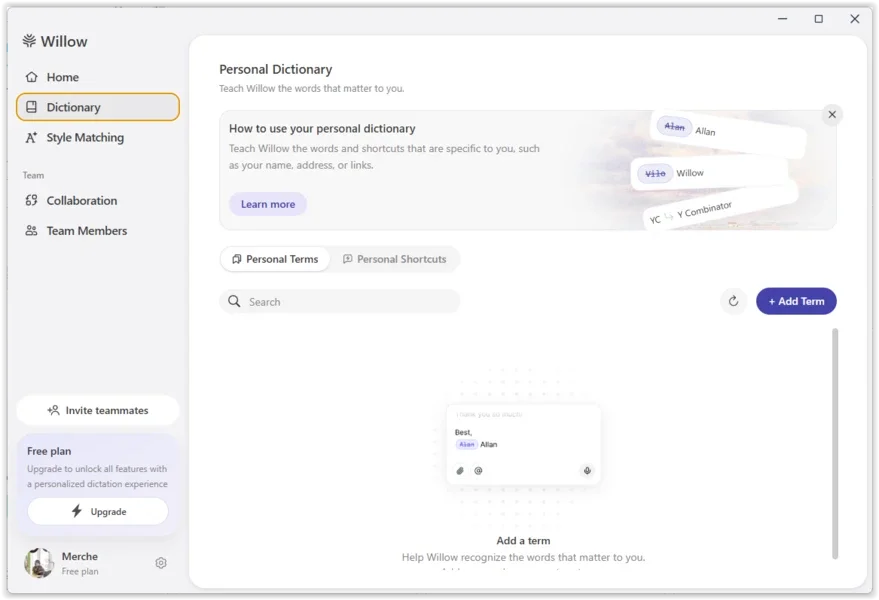
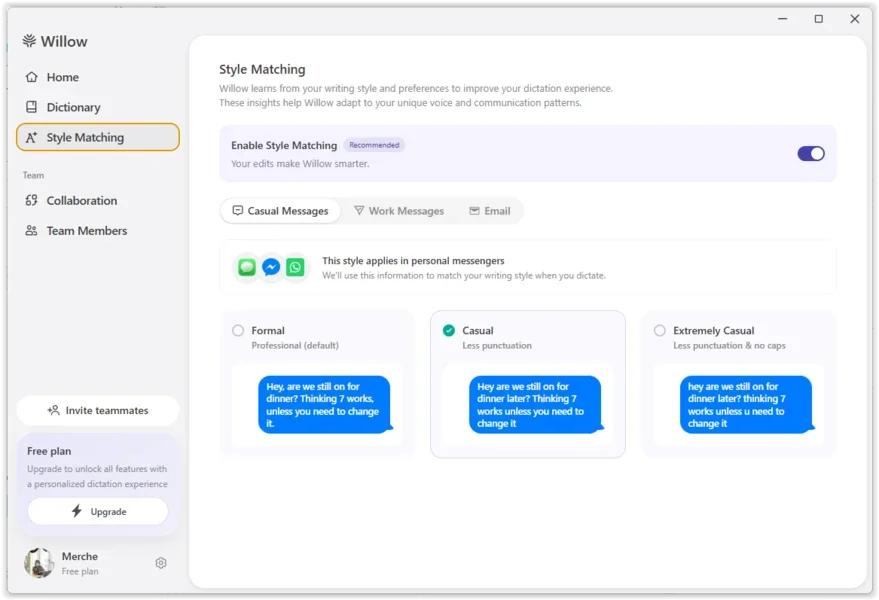
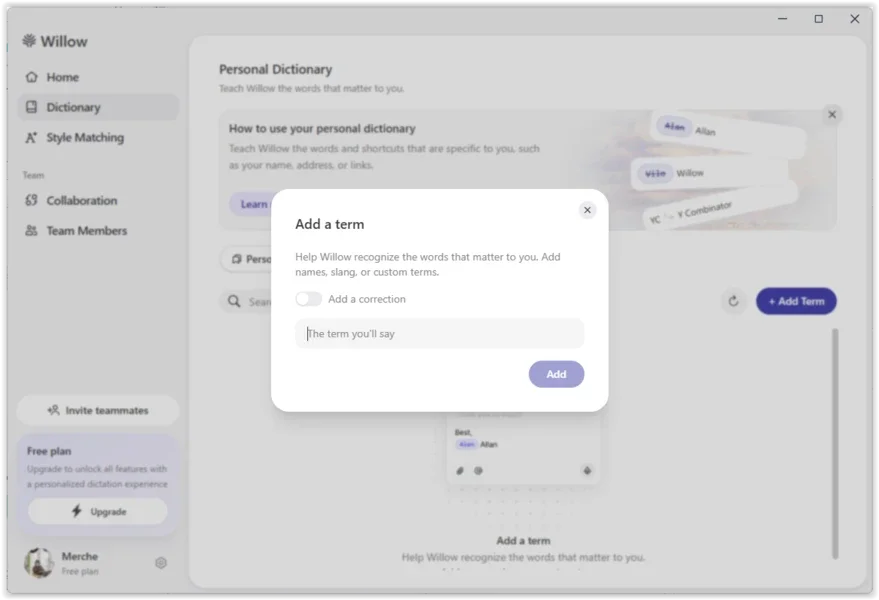
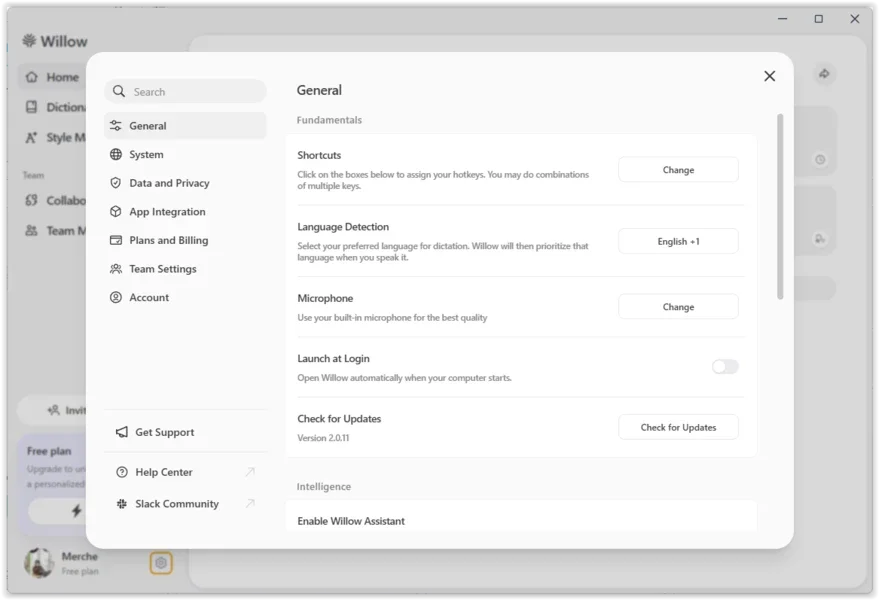
Willow Voice sits in the background on a Mac and turns speech into text. You talk, the audio goes to cloud AI models, and structured text comes back with punctuation and formatting. Speech is the input for replies, messages, and notes. The point is to get emails, messages, and documents written without typing them out.
It works almost anywhere on macOS where you can type. That covers mail clients, chat apps, and professional tools. So you can dictate a reply in Gmail or send a message in Slack without switching apps or copying content over. Notes work the same way. Because it runs in the background, you can keep doing other things while dictating. Part of the processing happens off the device, which is worth knowing if the audio is sensitive. Some privacy options stop content from being stored on servers, and it complies with SOC 2 and HIPAA standards. In noisy environments the results are less impressive.
Advanced features need a subscription. The app itself is free.
[Release notes coming soon]
Verify the file
Compare the SHA-256 of the file you downloaded with the value below. Files exactly as the publisher released them.
-
willow-voice-2-6-17.dmg
2.6.17 · DMG · 61.5 MB
SHA-256
c33141f4466c6f7e8fb8b34d1597907e644680af2f28d6f8362def5ddcd3afb1Check on VirusTotal Get
Files exactly as the publisher released them.
Information
- Seller
- Willow Care, Inc.
- Size
- 61.5 MB
- Category
- Artificial Intelligence
- Compatibility
macOS
- Languages
English
- Age rating
- All ages
- License
- Proprietary
- Price
- Free
- Platform
- Also available on Windows