
Outliner by codediary
Your ideas, organized
Projetado para iPhone, iPad, Mac
Grátis
- Classificação etária4+
- CategoriaProdutividade
- Desenvolvedorjeong kyu lee
- IdiomasInglês
- Tamanho11,5 MB
Leva à página oficial na App Store
O Download.org não hospeda nenhum arquivo de Outliner by codediary. O botão abre a página do app na App Store, onde jeong kyu lee o publica. Página verificada pela última vez em 14/11/2026.
Capturas de tela
Sobre
O desenvolvedor não forneceu este texto no seu idioma.
Think in outlines. Get things done.
Outliner by codediary is a fast, flexible outliner for capturing ideas, planning projects, and tracking tasks — all in clean, collapsible hierarchies that sync instantly across your iPhone, iPad and Mac
Whether you're writing a plan, building a checklist, or managing a project, it keeps everything structured, searchable, and in sync.
OUTLINE ANYTHING
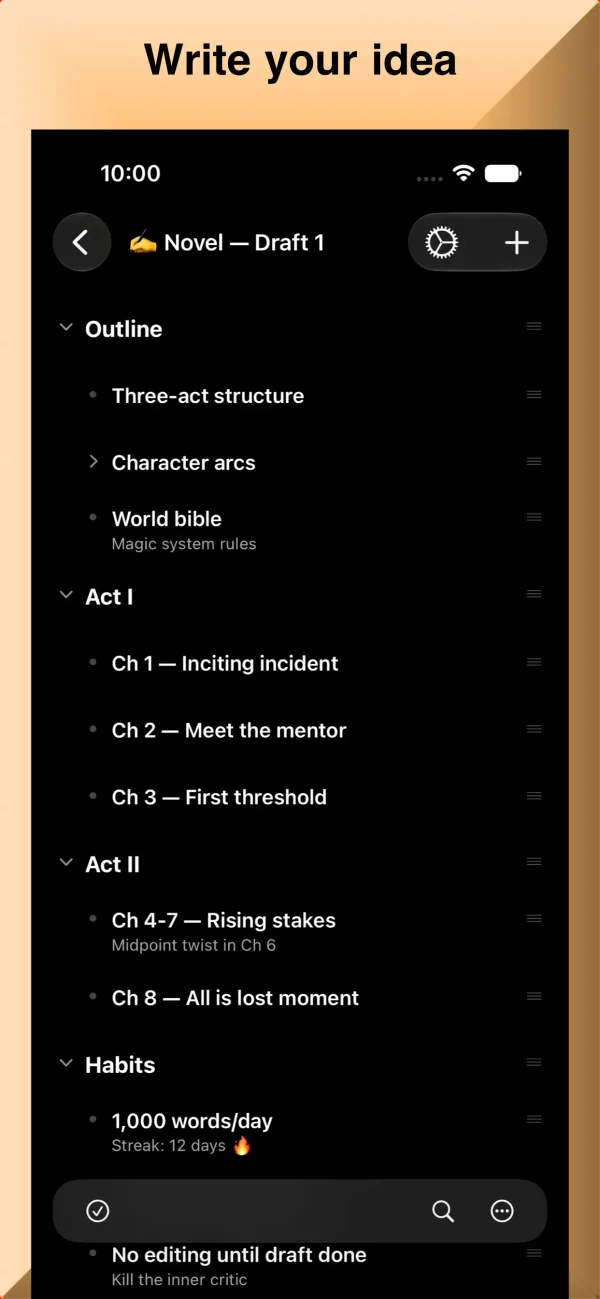
• Build unlimited nested outlines with drag-and-drop reordering
• Indent, outdent, expand, and collapse branches with a tap or keyboard shortcut
• Automatic heading styles (H1–H5) give every level clear visual hierarchy
• Multi-select to copy, cut, and paste items and entire subtrees
• Handwriting - draw and annotate right inside your outlines
TRACK TASKS WITH SMART CHECKLISTS
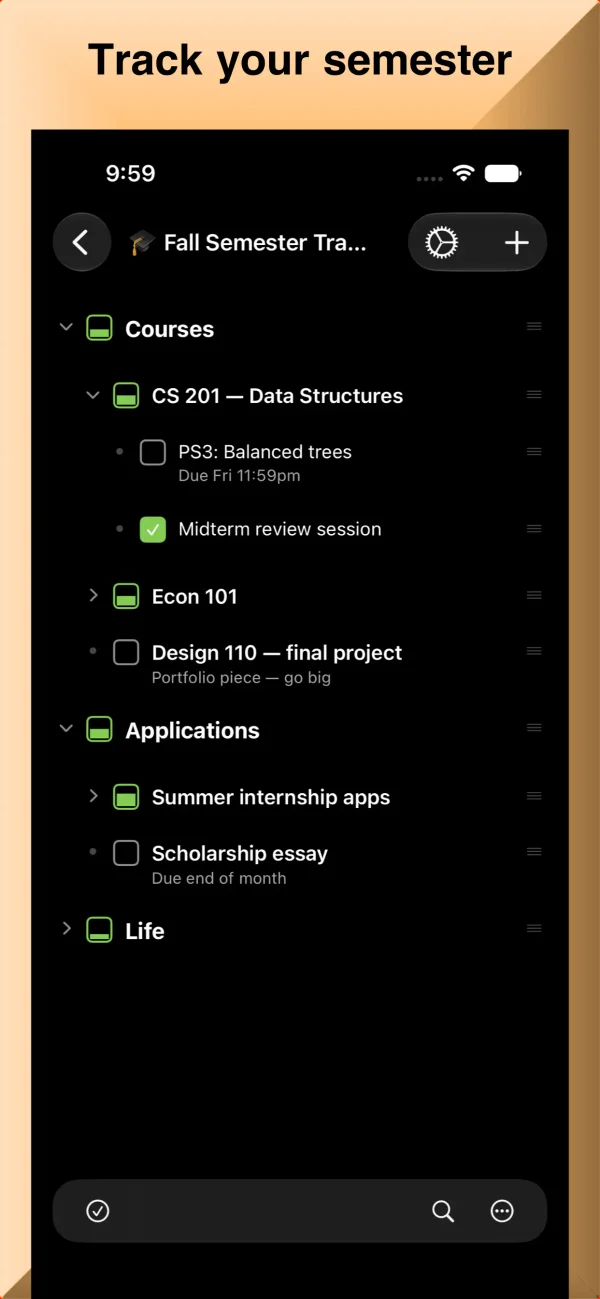
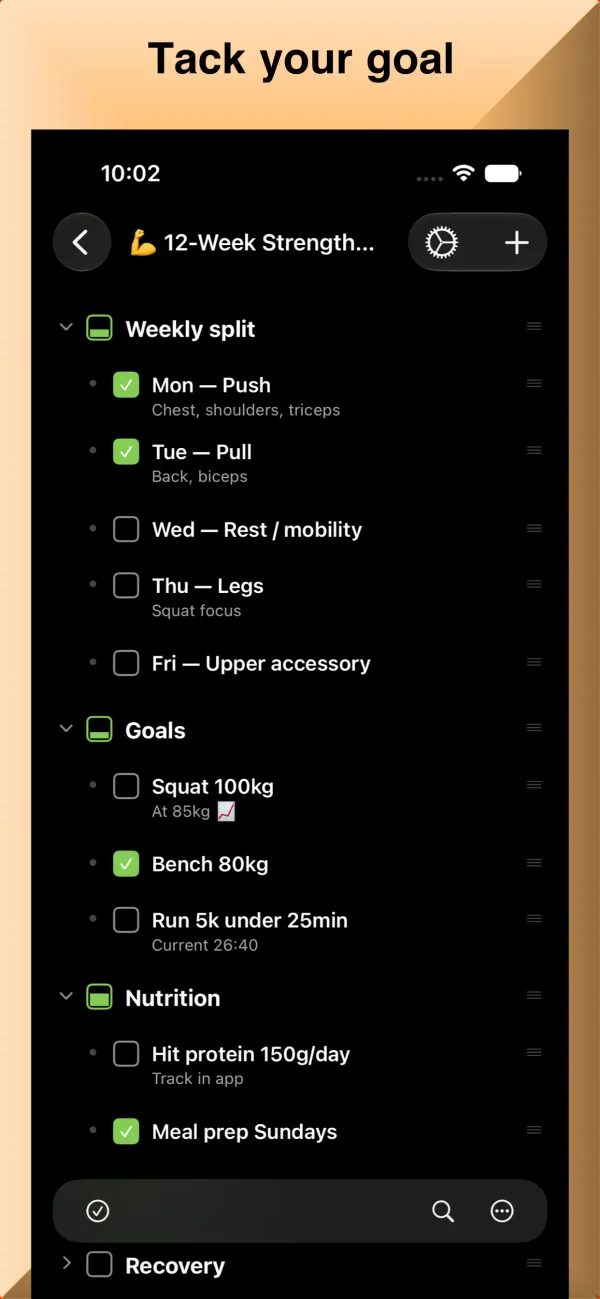
• Tri-state checkboxes: done, not done, or partially complete
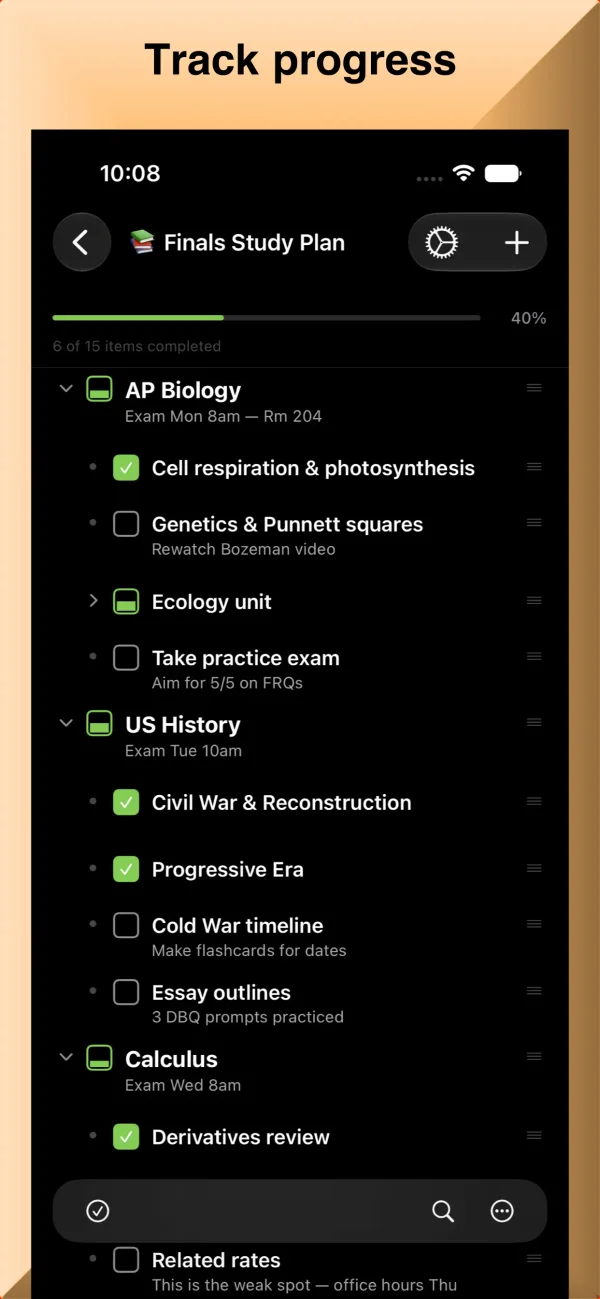
• Parent items roll up automatically as you complete their children
• Check or clear an entire subtree with a long press
• Hide completed items to focus on what's left
ADD CONTEXT
• Attach notes to any item
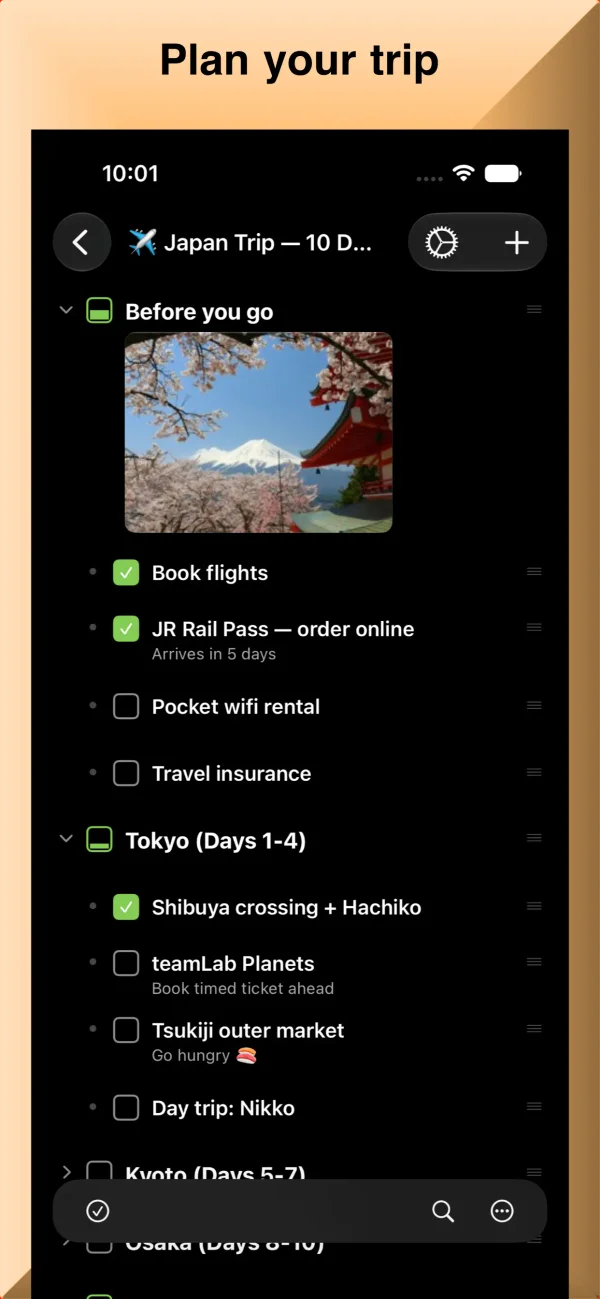
• Add images from your photo library, or camera
• Zoom, swipe through, and organize inline image attachments
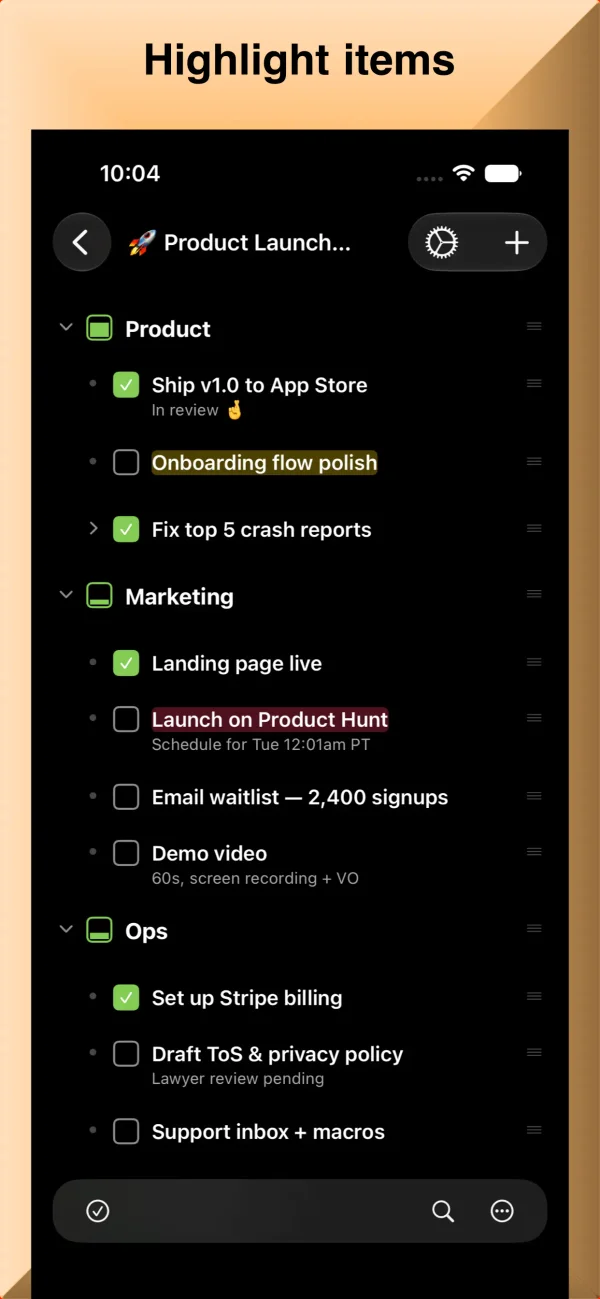
• Highlight items with colors and custom styles
FIND IT FAST
• Live in-outline search with highlighting and match navigation
• Global search across every outline at once
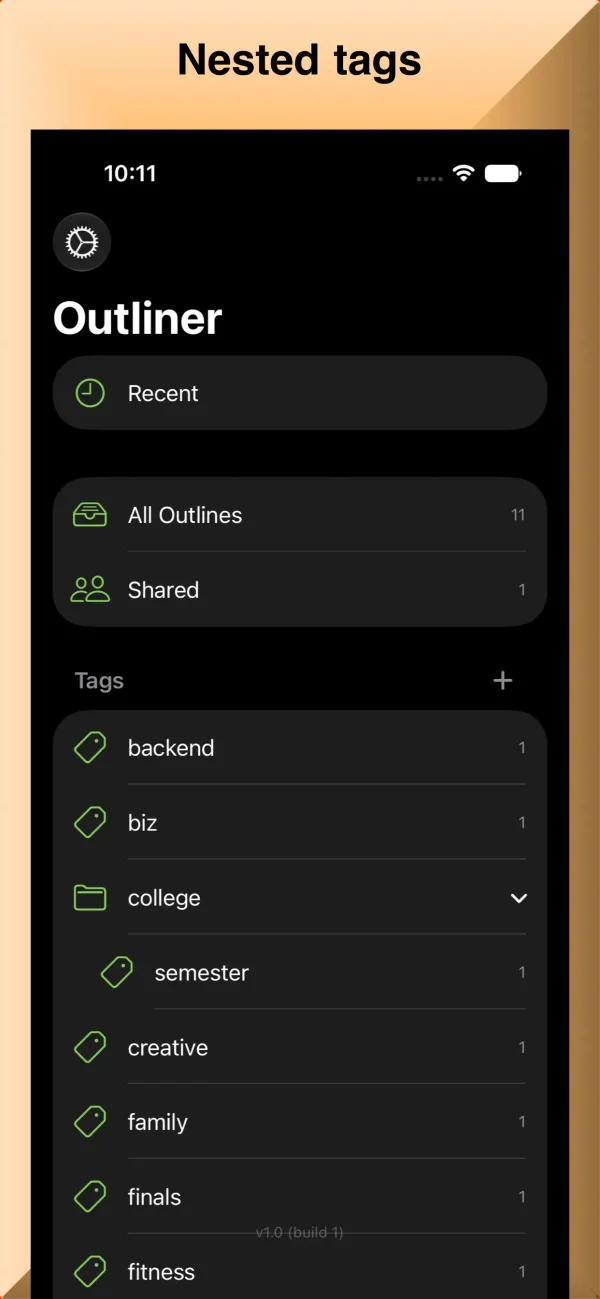
• Organize outlines with tags, including nested categories
SYNC & SHARE
• Automatic iCloud sync — no manual saving, always up to date
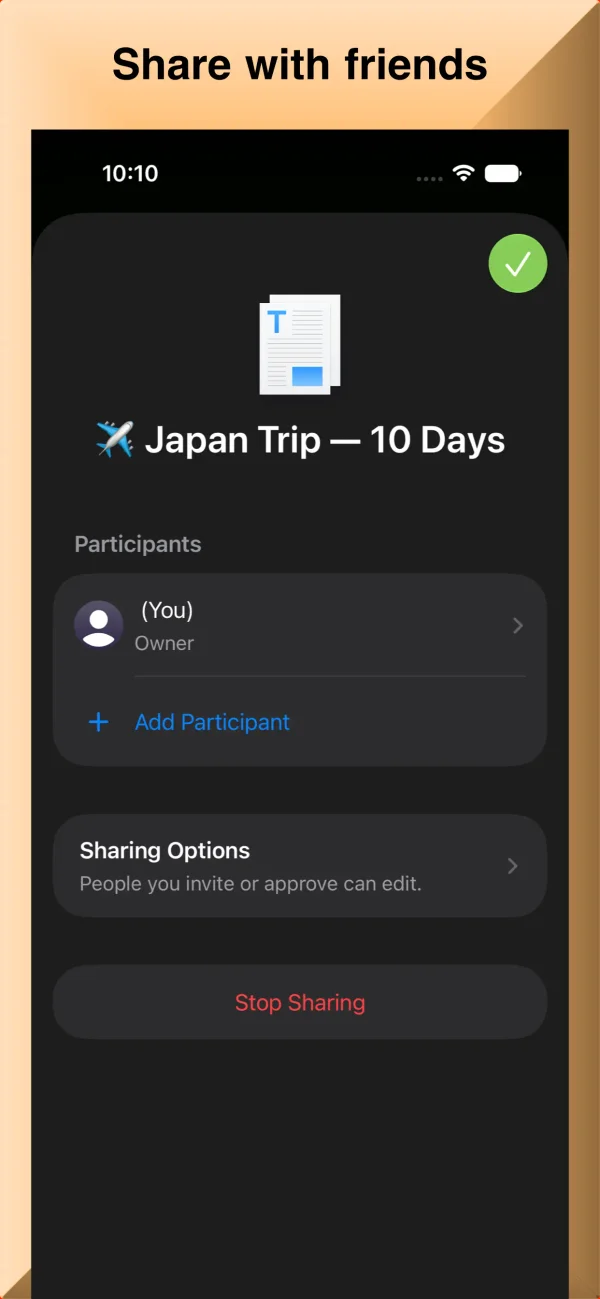
• Share outlines with others to view or edit together in real time
• Shared outlines and their images stay in sync for everyone
BACKUP & PRINT
• Export a full backup of everything, or a single outline, to a file
• Restore with smart deduplication — no duplicates
• Print or save as PDF with your indentation, checkboxes, notes, and colors intact
BUILT FOR APPLE PLATFORMS
• Native on iPhone, iPad, and Mac
• Full keyboard support: Return, Tab/Shift-Tab, undo/redo, and more
• Mac menu commands for font size, undo, search, and printing
• Shake to undo on iPhone
BOOST YOUR PRODUCTIVITY
• Focus Mode — zoom into a single outline and hide the rest.
• Better note editing on iOS — full-screen editor for distraction-free writing
MORE THAN ONE WAY TO SEE YOUR WORK
• Progress bar showing overall completion
Start with a single line. Grow it into anything.
Novidades
Versão 1.3.2 · 13/11/2026
What's New in 1.3.2
New
- PDF import: Turn a PDF into a structured outline. Headings, lists and paragraphs are detected automatically, and the original PDF stays attached so you can open it from the paperclip button.
- OPML import: Bring in outlines from other apps with Import OPML…, by opening a .opml file, or from the Share sheet. You choose which outline it goes into.
- Share a single item: Use the new "Share Item…" option to share just one item and everything under it, instead of the whole outline.
- Web links: "Copy Web Link" makes a link to any outline or item that opens straight in the app.
- Nested tags: Create a tag inside another tag with the sidebar "+" button or the new "Add…" option on a tag.
- The top bar, tabs and bottom bar hide as you scroll down for more room to read, and come back when you scroll up.
Fixes
- New items now appear right away when you add them while focused on part of an outline.
- An outline can't be shared while one of its items is already shared, and shared items are clearly marked.
- Going back from Reminders in the sidebar no longer reopens the last outline.
- The text field's right-click/long-press menu now opens properly.
Privacidade do app
O que jeong kyu lee declara na App Store sobre como este app lida com os dados.
-
Dados não coletados
O desenvolvedor não coleta nenhum dado deste app.
As práticas de privacidade podem variar, por exemplo, com base nos recursos que você usa ou na sua idade.
Informações
- Vendedor
- jeong kyu lee
- Categoria
- Produtividade
- Versão
- 1.3.2
- Atualizado
- 13/11/2026
- Lançamento
- 26/08/2026
- Tamanho
- 11,5 MB
- Requer
- iOS 18.6 ou posterior
- Classificação etária
- 4+
- Preço
- Grátis
- Idiomas
- Inglês
- Copyright
- © 2026 Jeong kyu Lee
Você também pode gostar
-
 ADHD Task Outliner: FinishTraxProdutividade
-
 Bulletlist: OutlinerProdutividade
-
 Outline ManagerProdutividade
-
 Aravel: Idea Notes & OrganizerProdutividade
-
 DeepToDoProdutividade
-
 Clipber ClipboardProdutividade
-
 Structured OutlinerProdutividade
-
 TimeLogV3Produtividade
-
 Mindz Orbit: Mind MapProdutividade
-
 Jot: Quick Notes & InboxProdutividade